Why Teams Are Looking Beyond Scribe
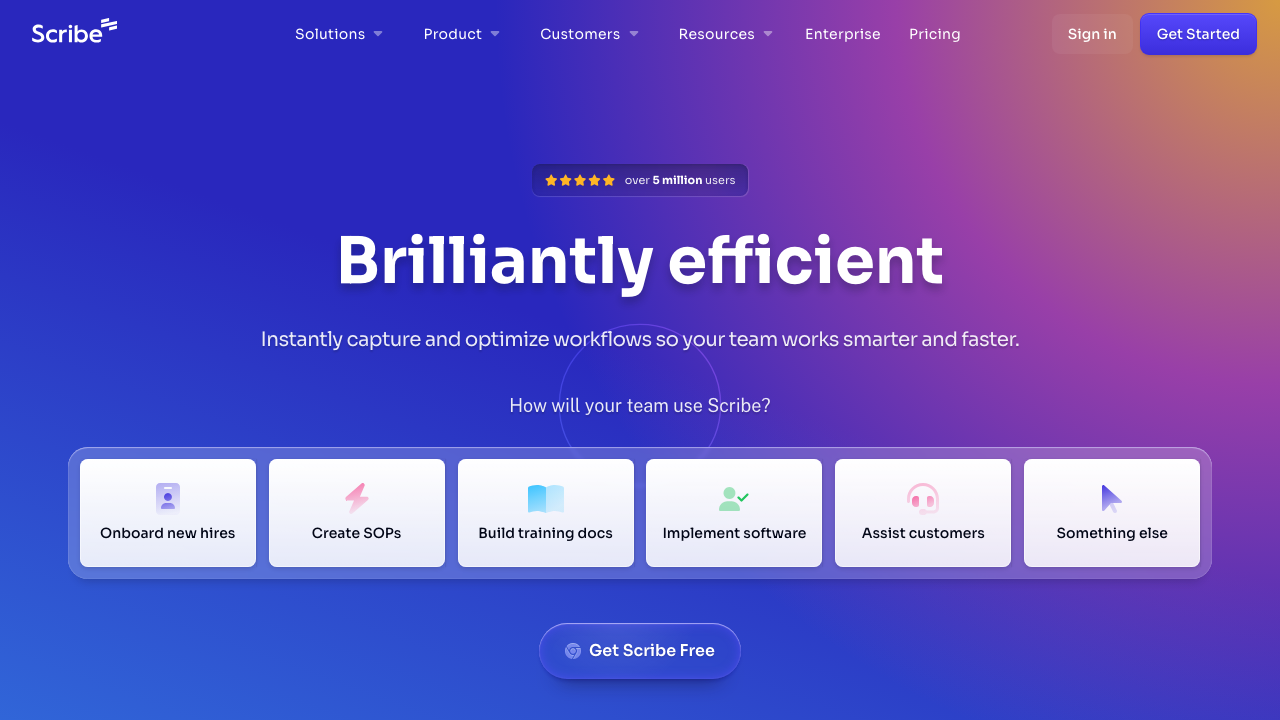
Scribe has become one of the most popular tools for process documentation. It earned its reputation for a simple reason: it works. Turn on the Chrome extension or desktop app, walk through a workflow, and Scribe automatically captures each step as an annotated screenshot with written instructions. For internal documentation, onboarding guides, and standard operating procedures, it is genuinely useful. Teams that need those same walkthroughs as narrated training videos often turn to Demosmith for education and training instead.
The company hit unicorn status in November 2025, closing at a $1.3 billion valuation on $135 million in total funding. Over five million users across 78,000 paying organisations rely on it, and nearly half of the Fortune 500 have adopted it. Those numbers are earned.
But Scribe was built for a specific job: internal process documentation. Screenshots plus text instructions. That is the output. If your need has evolved beyond documentation and into marketing, sales, or product-led growth, you are looking at a fundamentally different job. You need video. Not annotated screenshots. Not step-by-step guides. Polished, narrated demo videos that you can post on YouTube, embed in a sales deck, attach to an outreach email, or share on LinkedIn.
Scribe does not produce video. It never has. It is not on the roadmap. That is not a criticism. It is a category distinction. Screenshots are documentation. Video demos are marketing and sales assets. Different jobs, different tools.
If you are on this page, you have likely outgrown what screenshots can do. You need to show your product in motion, with a voiceover explaining what is happening and professional editing that keeps viewers engaged. This guide covers the best AI demo video generators that fill that gap, starting with the tools that have made autonomous video creation their primary focus.
What Scribe Does Well
Scribe deserves credit for what it has built. A 4.8 out of 5 rating on G2 across 743 reviews, with 86% of them being five stars and zero below four stars, does not happen by accident. Here is what makes it strong.
Automatic Step-by-Step Capture
Scribe's core feature is effortless. Install the Chrome extension or desktop app. Click record. Walk through any workflow. When you stop, Scribe has already generated a step-by-step guide with screenshots and text instructions for every action you performed. There is no manual annotation. No arranging slides. No writing descriptions from scratch. The AI watches what you do and documents it.
This is genuinely impressive for internal documentation. A new hire can follow a Scribe guide to complete a task they have never done before, because every click and field entry is captured in order with a visual reference.
Scribe Optimize: Passive Workflow Mining
In 2026, Scribe added Optimize, a feature that goes beyond single-session capture. It passively observes how teams perform workflows over time, identifies variations and inefficiencies, and suggests standardised processes. This is not just documentation; it is operational intelligence. For large organisations with inconsistent internal processes, it surfaces patterns that would take weeks of manual analysis to find.
Enterprise-Grade Scale
Scribe works at scale in a way that few documentation tools can match. With 45% of the Fortune 500 using it, the platform is built for enterprise requirements: SSO, permissions, approval workflows, content governance. The 2026 additions of approval workflows and a Search API make it even more suited for organisations that need to manage thousands of process documents across departments.
Guide Translation in 10 Languages
Scribe now supports translating guides into 10 languages. For global organisations that need consistent internal documentation across regional offices, this reduces the burden of maintaining parallel guides in different languages. The translations apply to the text instructions alongside the original screenshots.
Free Tier That Actually Works
Scribe's free tier is not a limited trial. It is a genuine free product for web-based capture. You can create unlimited guides from your browser without paying anything. The limitations are reasonable: no desktop app capture, no branding, no team features. But for individual users documenting browser-based workflows, the free tier is fully functional. That accessibility is a big reason Scribe has five million users.
Excellent User Experience
Scribe is fast to learn and fast to use. The extension capture process takes seconds to initiate. The generated guides are clean, readable, and immediately shareable. The editing interface lets you add, remove, or reorder steps, annotate screenshots, and redact sensitive information. For the specific job of process documentation, the UX is about as close to frictionless as it gets.
Aggressive SEO and Content Presence
Scribe has built a significant content operation. Their blog and comparison pages target virtually every adjacent tool in the documentation and training space. If you have searched for anything related to process documentation, step-by-step guides, or workflow capture, you have probably landed on a Scribe page. This content engine, combined with the free tier, creates a powerful acquisition funnel.
Where Scribe Falls Short for Video Demos
If your need has shifted from internal documentation to external-facing product demos, Scribe has fundamental limitations that no amount of screenshot quality can overcome.
The Output Is Static: Text and Screenshots Only
This is the core issue. Scribe produces text instructions accompanied by annotated screenshots. That is the output. There is no video. No animation. No motion. No voiceover. The guides are static documents, excellent for reference material but entirely unsuitable for the kind of content that sells a product.
You cannot upload a Scribe guide to YouTube. You cannot embed it as a video on your homepage. You cannot post it as a native video on LinkedIn or Twitter. You cannot attach it to a sales email as a video thumbnail. You cannot play it on a screen at a conference booth. Every channel where video is the expected or required format is a channel where Scribe output simply does not work.
Internal Documentation Focus, Not External Marketing
Scribe is designed for teams documenting their own processes for their own people. The typical use case is an operations manager creating a guide for how to process a refund in the CRM, or an IT admin documenting how to configure a VPN. The audience is internal: employees, contractors, new hires.
Product demo videos serve a completely different audience: prospects, leads, customers evaluating features, partners, investors. The content requirements are different. External-facing content needs professional production quality, brand consistency, compelling narration, and a narrative arc that conveys product value. Scribe was not built for any of that.
English-Only Output
While Scribe recently added guide translation in 10 languages, the core output, the auto-generated text and annotations, is still English-only. For global SaaS companies that need demo content in multiple languages, this is a significant constraint. The translation feature helps with internal documentation, but it does not produce the kind of localised marketing content that drives international growth.
Desktop App Reliability Issues
A recurring complaint in Scribe reviews is the desktop app producing blank guides. The capture runs, but the resulting screenshots are empty or missing. This appears to be a persistent issue that Scribe has not fully resolved. For web-based workflows captured via the Chrome extension, Scribe is reliable. But for desktop application workflows, the experience can be frustrating.
No Video Output at All
This bears repeating because it is the reason most teams looking for Scribe alternatives for demo purposes are looking in the first place. Scribe has no video export. No video recording. No video editing. No voiceover. No motion graphics. Zero video capabilities. If video is what you need, Scribe is not the right tool, and no workaround can change that. It is a category limitation, not a feature gap.
No Autonomous Product Navigation
Scribe requires you to manually perform every action it captures. You click through each step. You type in each field. You navigate each page. The tool watches and documents, but it does not do anything on its own. For teams that need to produce demos at scale, this manual capture requirement means someone needs to physically walk through every workflow every time a demo is needed.
What to Look For in a Scribe Alternative for Video Demos
If your needs have outgrown static documentation and you are looking for a tool that produces polished video demos, here are the criteria that matter most.
Video as the Primary Output
The tool should produce video as its core output: MP4 files, shareable video links, embeddable players. Video should not be an afterthought bolted onto a documentation tool. When video is the primary output, the entire product is optimised for video quality: capture, editing, voiceover, transitions, and export settings are all designed around producing the best possible video.
AI Voiceover with Multi-Language Support
A video demo without narration is just a silent screen recording. Professional demo videos need a voiceover that explains what is happening on screen, guides the viewer through the product flow, and conveys the value of each feature. The best tools in 2026 generate AI voiceover that sounds natural and supports multiple languages. If your company sells internationally, multi-language voiceover is essential.
Autonomous or Minimal-Effort Capture
Scribe already proved that automatic capture is better than manual documentation. The next step is obvious: automatic navigation, not just automatic documentation of your manual navigation. The best modern demo tools navigate your product autonomously. You provide a URL and a description. The AI does the rest. No clicking through workflows. No Chrome extension. No manual effort at all.
Professional Auto-Editing
Raw screen footage is not a finished demo. Professional demo videos include transitions between scenes, zoom effects that highlight important UI elements, dynamic captions for accessibility, and consistent pacing that keeps the viewer engaged. The right tool handles this editing automatically. You should not need to take raw output into Premiere Pro or Final Cut to make it presentable.
Brand Consistency
Every video your company produces should look like it belongs to your company. Colours, fonts, logo placement, intro and outro sequences should be configurable once and applied automatically to every video. For teams producing demos at volume, manual branding per video is not practical.
Multi-Channel Distribution
The reason you need video instead of screenshots is distribution flexibility. Your demo content needs to work on YouTube, LinkedIn, Twitter, in sales emails, in slide decks, on your website, and at events. The tool should make it easy to share and embed video across all of these channels.
Best Scribe Alternatives for Product Demo Videos
1. Demosmith -- Best Overall Scribe Alternative for Video Demos
Demosmith is the clearest answer to the question "What if I need video demos instead of screenshot documentation?" It is an AI Demo Agent: a fundamentally different kind of tool than Scribe. Where Scribe captures static screenshots of your clicks, Demosmith autonomously navigates your product and produces polished video demos with AI voiceover, professional editing, and brand customisation.
The workflow is striking in its simplicity. You paste your product URL into Demosmith. You describe the flow you want to demonstrate in plain English: "Show how a new user signs up, creates their first project, and invites a team member." Then the AI agent takes over. It opens your product in a cloud browser, navigates through the flow you described, captures the screens, and auto-edits the footage with smooth transitions, dynamic zoom effects, synchronised captions, and AI voiceover narration.
The output is a polished MP4 video plus a shareable link. Average turnaround is under 10 minutes. No screen recording. No Chrome extension. No manual click-through. No video editing.
Where Demosmith beats Scribe for video demo use cases:
- Video output, not screenshots. Every demo Demosmith generates is a narrated, purpose-built MP4 designed for external audiences. And the same demo exports as documentation: Markdown, HTML, plain text, or PDF via Docusmith.
- AI voiceover in 29 languages. Scribe produces English text. Demosmith generates natural-sounding narration in 29 languages, including Arabic, Chinese, French, German, Hindi, Japanese, Korean, Portuguese, Spanish, and 20 more. Each voiceover is synced to the visual flow of the demo.
- Fully autonomous navigation. Scribe documents your clicks. Demosmith does the clicking. No Chrome extension, no walking through workflows, no manual capture. The AI agent handles the entire process from URL to finished video.
- Professional auto-editing. Demosmith applies transitions, zoom effects, dynamic captions, and pacing adjustments automatically. The output looks like it was produced by a video editor, not captured by a screen recorder.
- Brand kit auto-applied. Configure your colours, logo, fonts, and intro/outro once. Every video matches your brand identity automatically.
- Multi-channel distribution. The video output works everywhere: YouTube, LinkedIn, Twitter, sales emails, website embeds, slide decks, conference displays, onboarding sequences. Scribe guides work in knowledge bases and wikis. Different distribution universe entirely.
Pricing: Free trial available, no credit card required. Starter at $40/mo, Pro at $99/mo, Business at $250/mo, Enterprise custom.
Limitations:
- Updated: Demosmith is no longer video-only. Docusmith (all paid plans) exports any finished demo as step-by-step documentation in Markdown, HTML, plain text, or PDF. Scribe is still the better fit for capturing arbitrary internal workflows with annotated screenshots on the fly; Demosmith documents the flows its AI agent records.
- Complex flows involving third-party authentication or multi-service integrations may require a second generation pass.
- Frame-by-frame editing control is more limited than a dedicated video editor, though for most demo use cases the auto-editing is more than sufficient.
Best for: Product marketing teams, growth teams, sales teams, and founders who need polished demo videos for external audiences. Particularly strong for teams that distribute demos across multiple channels where static documentation does not work.
The product demo video generator page covers the video-first alternative.
Scribe starts when you click. Demosmith starts when you type a URL. That difference in starting point creates a fundamentally different output: annotated screenshots versus polished video demos with voiceover.
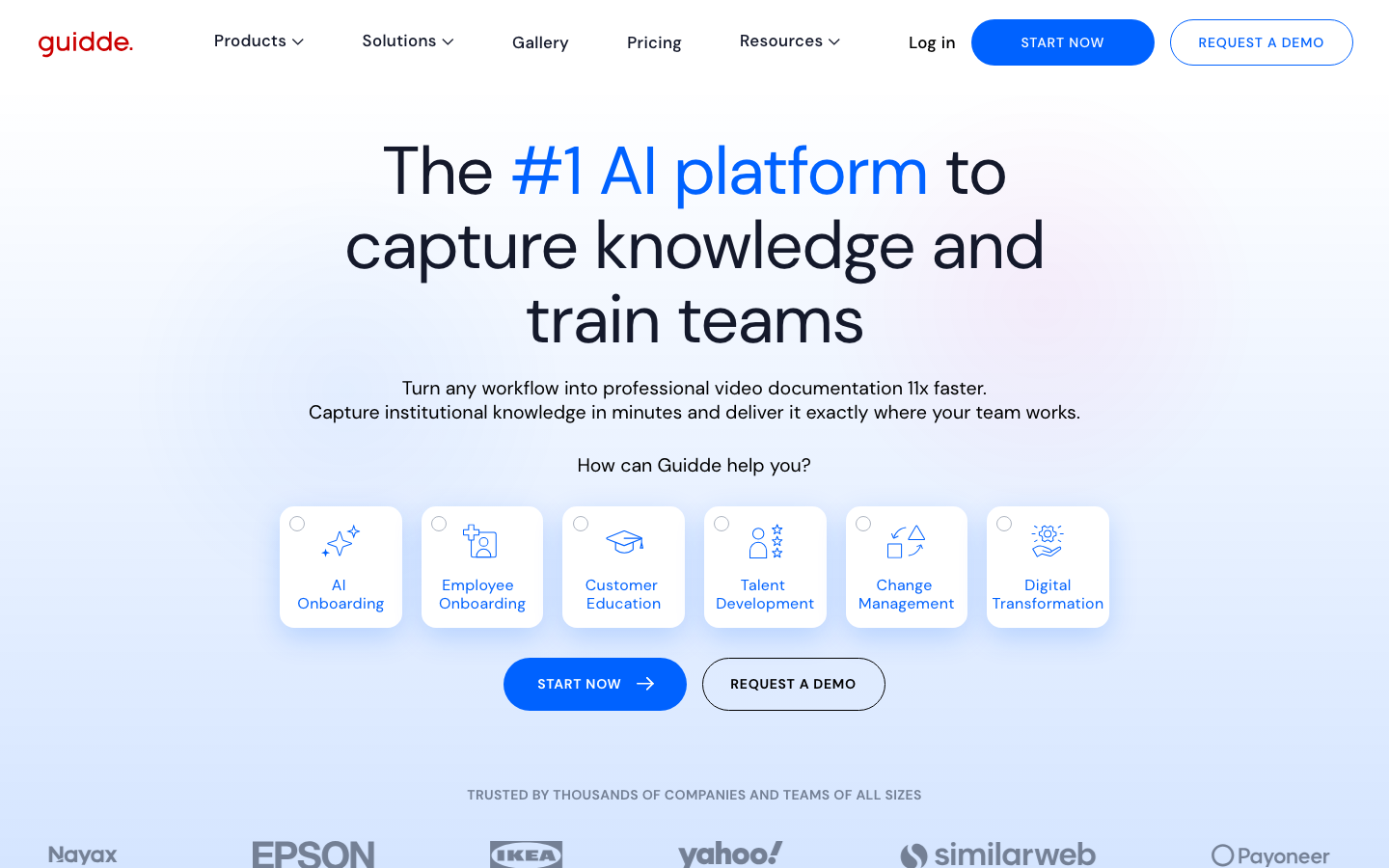
2. Guidde -- Screen Recording with AI Voiceover
Guidde sits between Scribe and Demosmith on the automation spectrum. Like Scribe, it uses a browser extension to capture your workflow. But unlike Scribe, the output is video, not screenshots. You record your screen while clicking through your product, and Guidde adds AI-generated voiceover, step annotations, and basic editing to produce a video walkthrough.
The AI voiceover is Guidde's standout feature. After you finish recording, Guidde generates a script based on what it observed in the capture and narrates it using text-to-speech. You can choose from multiple voices and languages. The result is a narrated video guide that is more engaging than a silent screen recording or a static Scribe document.
Guidde also supports multi-format output. From one recording, you can generate a video, a step-by-step guide (similar to Scribe's output), and a knowledge base article. This flexibility makes it useful for teams that need content across multiple formats.
Pricing: Free plan available. Pro at $16/user/mo. Enterprise custom.
Where Guidde improves on Scribe:
- Video output with AI voiceover, not just screenshots.
- Multi-format output from a single recording session.
- More engaging content for end-user-facing documentation.
- Affordable per-user pricing.
Limitations:
- Still requires manual recording. You must click through every workflow yourself while the extension captures. Not autonomous.
- Video quality is functional but not polished. The output feels like an enhanced screen recording, not a studio-quality demo.
- Per-user pricing means costs scale with team size.
- Better suited for internal training videos than external marketing demos.
Best for: Teams that want video output from their workflow captures but do not need fully autonomous generation or studio-quality production.
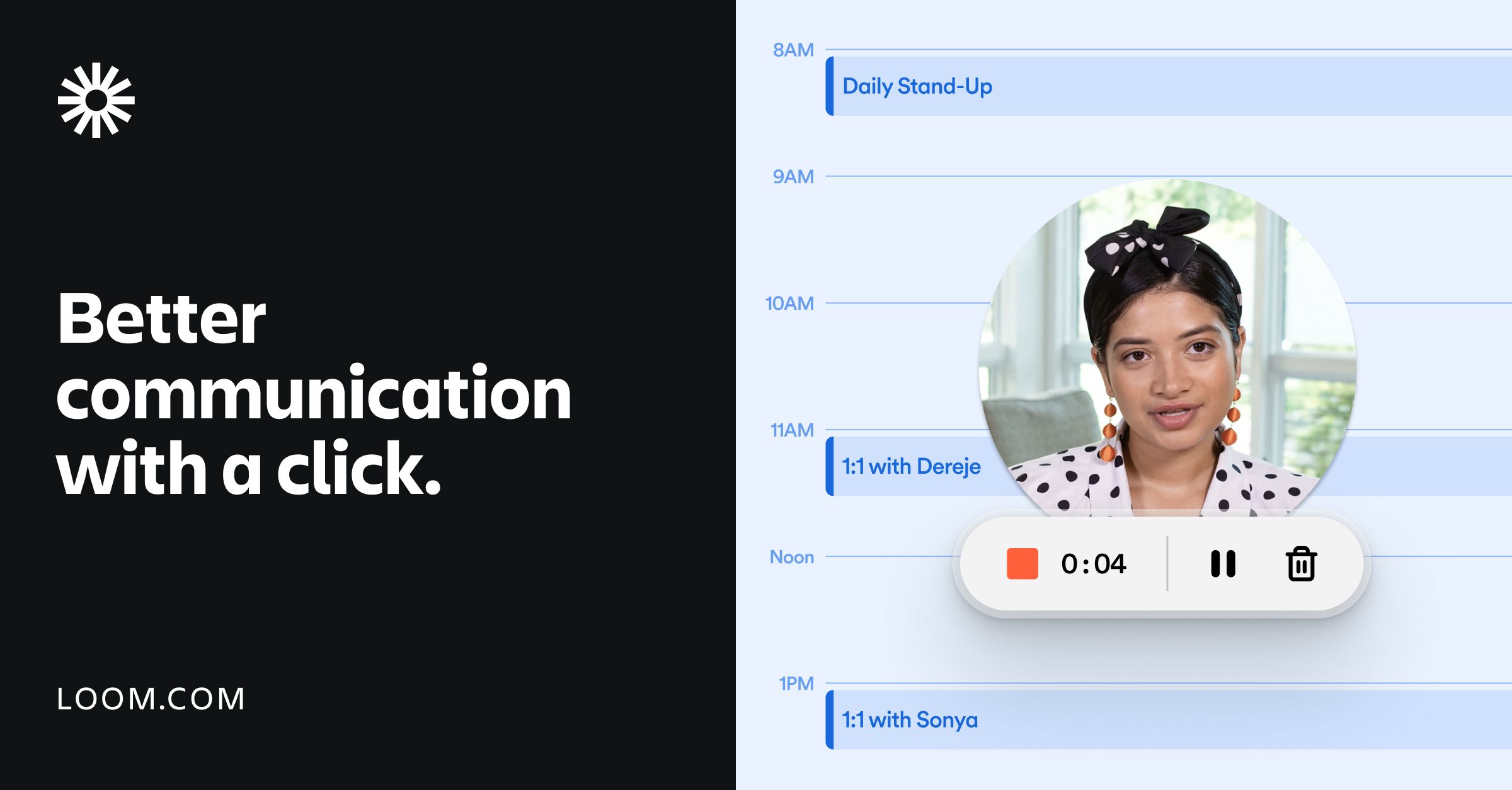
3. Loom -- Screen Recording for Async Communication
Loom is the most widely used screen recording tool in SaaS. It does one thing well: quick, informal video messages. Record your screen, talk through what you are showing, share the link. For internal communication, quick product updates, bug reports, and async stand-ups, Loom is hard to beat.
But Loom is a screen recorder, not a demo creation tool. The output is raw footage of your screen with your voice narration recorded in real time. There is no AI editing, no automatic zoom effects, no dynamic captions synced to a generated script. What you record is what you get. For casual internal use, that is fine. For customer-facing demo videos, the quality gap is noticeable.
Loom has added AI features in 2025 and 2026, including auto-generated titles, summaries, and chapters. These improve the consumption experience but do not change the fundamental nature of the output: it is still a raw screen recording that you narrated live.
Pricing: Free plan available. Business at $12.50/user/mo. Enterprise custom.
Where Loom improves on Scribe:
- Video output instead of screenshots.
- Voice narration captured during recording.
- Extremely low barrier to entry; most teams already use it.
- Strong sharing and embedding features.
Limitations:
- Raw screen recording quality. No professional editing, transitions, or zoom effects.
- Live narration means mistakes, filler words, and uneven pacing unless you are a practiced presenter.
- Every UI change means re-recording the entire video from scratch.
- No autonomous capture. Every demo requires a human to perform and narrate the entire workflow.
- Per-user pricing scales with team size.
Best for: Quick, informal video messages for internal teams. Not suited for polished, external-facing product demo videos.
4. Floik -- Multi-Format Demo Creation
Floik takes a multi-format approach to demo content. From a single Chrome extension recording, you can generate interactive demos, video walkthroughs, and step-by-step guides. The idea is that one capture session produces content for multiple channels and formats.
Floik offers AI voiceover in 20+ languages, which is a genuine differentiator. The ability to record a workflow once and generate a narrated video demo, an interactive product tour, and a static guide from the same source material is appealing for teams that need content across multiple formats without creating each one separately.
One important consideration: Floik was acquired by Kovai.co (the company behind Document360) in October 2024. The team has been absorbed, and the long-term future of the product is uncertain. The tool still works, and existing features are maintained, but teams evaluating Floik should factor in the acquisition risk.
Pricing: Starter (Free, 5 recordings). Pro at $29/mo. Pro+ at $54/mo. Enterprise custom.
Where Floik improves on Scribe:
- Video output with AI voiceover in 20+ languages.
- Multi-format output from a single recording.
- Interactive demo creation alongside video.
- Ability to blur sensitive information automatically.
Limitations:
- Still requires manual recording via Chrome extension. Not autonomous.
- Acquired by Document360. Future product direction uncertain.
- Small user base (approximately 8,000 users) compared to established competitors.
- Multi-format approach means no single format gets best-in-class treatment. Jack of all trades.
- Mediocre review scores (4.4 on Capterra from only 19 reviews) suggest the product is still maturing.
Best for: Small teams that need multi-format demo content from a single tool and are comfortable with the acquisition uncertainty.
Screenshots vs Interactive Demos vs Video Demos: Three Different Jobs
One of the most common mistakes teams make when evaluating demo and documentation tools is treating screenshots, interactive demos, and video demos as interchangeable. They are not. Each format serves a different audience, a different channel, and a different stage of the buyer or employee journey.
When Screenshots Win (Scribe's Territory)
Static step-by-step guides are best for reference documentation. When someone needs to know how to perform a specific task in a specific tool, they want a quick, scannable guide with screenshots showing exactly where to click. Think of internal SOPs, knowledge base articles, help centre content, and onboarding checklists.
Scribe excels here. The format is ideal for documentation that people search for, reference briefly, and then close. Nobody watches a three-minute video to learn where the export button is. They want a screenshot with an arrow pointing at it.
When Interactive Demos Win
Interactive product tours work best on your website, where prospects have the intent and attention to click through your product at their own pace. They are effective on pricing pages, feature pages, and landing pages where visitors want to explore before committing to a trial or a sales call.
Tools like Storylane, Navattic, and Arcade serve this use case well. The click-through format mirrors the actual product experience, and analytics let you track which features generate the most interest.
When Video Demos Win
Video demos are essential for every context where the viewer is passive. Consider the channels where modern SaaS companies distribute content:
- YouTube and video SEO. You cannot upload a Scribe guide or an interactive demo to YouTube. You need video.
- Social media. Native video posts on LinkedIn and Twitter get dramatically higher engagement than links to external documents or interactive widgets.
- Sales emails and outreach. A video thumbnail in an email gets significantly more clicks than a text link to a documentation page.
- Sales decks. When an AE presents to a buying committee, they need a polished demo video that plays within their presentation. A Scribe guide in a sales deck looks like internal documentation, not a professional product showcase.
- Conference booths. Screens at trade shows play video on loop. Nobody stands at a booth clicking through a step-by-step guide.
- Paid advertising. Video ads on YouTube, LinkedIn, and Meta all require video content.
In all of these contexts, static screenshots do not work at all. Video is the only format that fits.
The Practical Stack
The most effective approach is to use each format where it performs best. Scribe for internal documentation. An interactive demo tool for your website. Demosmith for video demos across every other channel. The cost of this combined approach is reasonable: Scribe's free tier for documentation plus Demosmith's Starter plan at $40/mo for video gives you each capability without breaking the budget.
Scribe vs Alternatives: Side-by-Side Comparison
Here is how Scribe stacks up against the best alternatives across the dimensions that matter most for video demo creation:
| Feature | Scribe | Demosmith | Guidde | Loom | Floik |
|---|---|---|---|---|---|
| Primary Output | Text + annotated screenshots | MP4 video + shareable link | Video + step-by-step guide | Screen recording | Interactive + video + guide |
| Video Export | No | Yes, primary output | Yes, with AI voiceover | Yes, raw recording | Yes, with AI voiceover |
| AI Voiceover | No | Yes, 29 languages | Yes, multiple languages | No, live narration only | Yes, 20+ languages |
| Autonomous Capture | No, manual click-through | Yes, AI agent navigates | No, manual recording | No, manual recording | No, manual recording |
| Multi-Language | 10 languages (text only) | 29 languages with voiceover | Multiple languages | No | 20+ languages |
| Professional Editing | No, static format | Auto transitions, zooms, captions | Basic annotations | No, raw footage | Basic editing |
| Starting Price | Free (web) | $25/user/mo (Pro) | $40/mo (Starter) | Free | $16/user/mo (Pro) | Free | $12.50/user/mo | Free | $29/mo (Pro) |
| Best For | Internal process docs | Video demos for all channels | Training videos with narration | Quick async messages | Multi-format demo content |
Conclusion: Screenshots Document. Video Demos Sell.
Scribe is an excellent product. Its 4.8-star G2 rating, $1.3 billion valuation, and adoption by nearly half the Fortune 500 all point to a tool that solves its core problem exceptionally well. If you need internal process documentation with automatic screenshot capture, Scribe is the category leader and deserves its position.
But process documentation and product demo videos are different categories with different audiences, different distribution channels, and different production requirements. Scribe produces static text and screenshots for internal teams. Demo video tools produce polished, narrated video for external audiences.
If you need video demos, you need a tool built for video from the ground up. Demosmith fills that gap. Its AI Demo Agent approach eliminates the two biggest bottlenecks in demo video creation: the recording step (replaced by autonomous AI navigation) and the editing step (handled by automated professional post-production). The result is a finished demo video in under 10 minutes, with AI voiceover in 29 languages and your brand kit applied automatically.
Guidde and Floik offer middle-ground approaches, adding video and voiceover to the familiar browser extension capture workflow. Loom provides raw screen recording. Each has its place, but none match Demosmith's fully autonomous, video-first approach.
For many teams, the smartest approach is complementary: keep Scribe for internal process documentation where static guides are the right format, and add Demosmith for every channel where video is required. They serve different jobs and work well together.
Scribe is the best tool for documenting how your product works internally. Demosmith is the best tool for showing how your product works to the outside world. Different audiences, different formats, different tools.
Key Takeaways
- Scribe excels at automatic process documentation with text and annotated screenshots. It has no video output, no voiceover, and no motion graphics. If you need video demos, Scribe is the wrong category.
- Screenshots are documentation. Video demos are marketing and sales assets. They serve different audiences on different channels and should not be treated as interchangeable.
- Demosmith is the strongest Scribe alternative for teams whose primary need is video. Its autonomous AI agent eliminates recording and editing, producing polished demos with voiceover in under 10 minutes.
- Guidde and Floik bridge the gap between documentation and video, offering AI voiceover on top of manual browser extension capture. They improve on Scribe for video but still require manual recording.
- Loom produces raw screen recordings, which are useful for internal communication but fall short of the production quality needed for customer-facing demos.
- The best approach for most teams is to use Scribe for internal documentation and a video-first tool like Demosmith for external-facing product demos.