Demosmith vs ngram: A Demo Agent Meets a General Video Editor
ngram and Demosmith each use AI to produce video. That is where the overlap ends. One is a general-purpose video editor powered by AI. The other is a purpose-built demo agent that generates finished product videos from a URL. They are not competitors in the traditional sense. They solve different problems for different people, and understanding that distinction early saves a lot of evaluation time.
ngram is an AI video creation platform that transforms text, documents, and URLs into videos. It gives you a script editor, a storyboard preview, a Brand Kit, and multi-format export. The platform handles a range of video types: marketing clips, explainer videos, social content, training material. It does not specialise in product demos. In fact, several features most relevant to demo creation, including Screen Recording Magic Edit, Smart Zoom, and Cursor Emphasis, are listed on their site as Coming Soon. The platform uses a credit-based pricing model where the Plus plan at $59 per month gives you roughly six minutes of generated video.
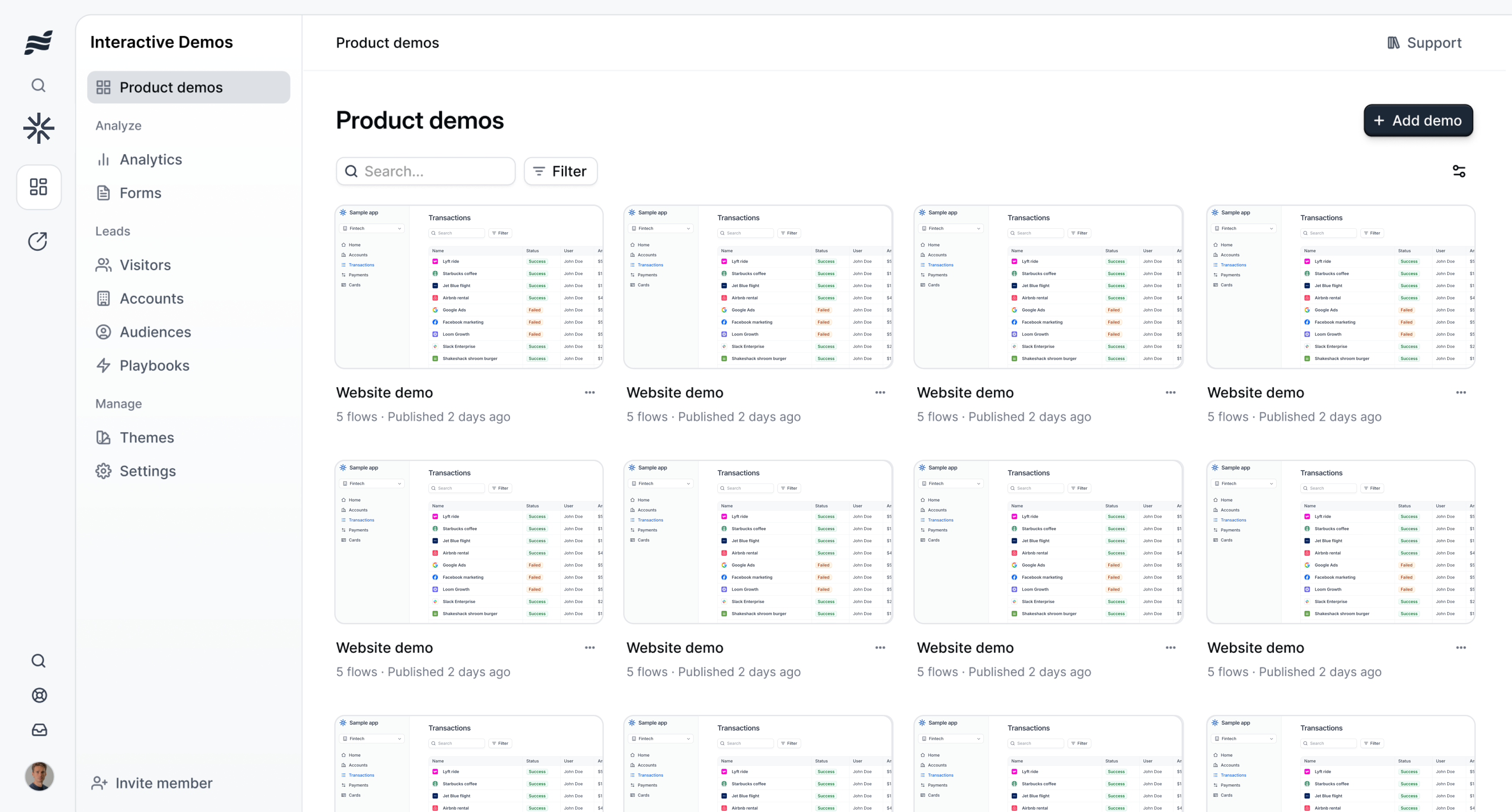
Demosmith is an AI Demo Agent. You paste a product URL, describe the flow you want in plain English, and an autonomous AI agent navigates your actual product in a cloud browser: clicking buttons, filling forms, scrolling pages, and capturing every screen. Ten minutes later you have a polished MP4 with voiceover in any of 29 languages, captions, transitions, zoom effects, and your brand identity baked in. No storyboard. No script editor. No manual editing. Pricing starts at $40 per month with a free trial.
This comparison lays out what each tool does, where the gaps are, and which one fits your use case. If you are evaluating AI demo video generators, this should help you decide fast.
At a Glance: Demosmith vs ngram
| Feature | ngram | Demosmith |
|---|---|---|
| Primary Use Case | General AI video creation from text, docs, URLs | Product demo video generation from a URL |
| Output Format | Video (multiple formats) | MP4 video + shareable link |
| How It Works | Script editor + storyboard + manual assembly | AI agent navigates your product autonomously |
| Live Product Interaction | No | Yes, cloud browser navigation |
| AI Voiceover | Yes | Yes, 29 languages |
| Screen Recording / Capture | Coming Soon (Magic Edit) | Autonomous capture |
| Smart Zoom / Cursor | Coming Soon | Built in |
| Multi-Language Voiceover | Yes | 29 languages (voiceover + captions) |
| Free Trial | Free plan (limited credits) | Yes, no credit card required |
| Starting Price | $59/mo (Plus) | Credit-based | $40/mo | Monthly billing |
| Time to Finished Video | Minutes to hours (depends on editing) | ~10 minutes from URL |
| Best For | General video marketing beyond demos | Product demo videos, sales enablement, PLG |
What ngram Does
ngram positions itself as an AI video creation platform for marketing teams. It takes inputs in multiple formats: text, documents, presentations, and URLs, and transforms them into video content. The platform has assembled a credible feature set and counts Salesforce, HubSpot, and PayPal among its customers. Here is what it offers.
Multi-Format Input
ngram accepts a range of starting materials. You can paste a blog post, upload a PDF, connect a URL, or type a script directly. The AI processes the input and generates a video structure. This flexibility is one of ngram's strengths. If your team produces various types of video content and wants one tool to handle the lot, the multi-format input approach is convenient.
Script and Storyboard Editor
After ngram generates an initial video structure, you work inside a script editor and storyboard preview to refine it. You adjust the script, rearrange scenes, swap visuals, and iterate until the video matches what you have in mind. This editor-first approach gives you control over the narrative and pacing. It also means you are doing editorial work. The AI handles the first draft, but the final product requires your time and judgment in the storyboard.
Brand Kit and Multi-Format Export
ngram includes a Brand Kit where you configure colours, fonts, and logos that apply across your videos. Export options cover multiple formats and aspect ratios, which is useful if you are producing content for YouTube, LinkedIn, Instagram, and internal presentations from the same source material. For teams that need consistent branding across a high volume of varied video content, these are practical capabilities.
Credit-Based Pricing
ngram uses a credit system rather than a flat subscription for video generation. The Plus plan costs $59 per month and provides enough credits for roughly six minutes of generated video. Higher tiers give more credits. If you produce a small number of videos each month, the credit model works fine. If you need to generate demo videos at scale, say ten or twenty product demos after a release, credits run out fast and the cost scales quickly.
59 Comparison Pages and Enterprise Trust Signals
ngram has invested heavily in SEO, publishing 59 comparison pages (ngram vs every major video tool) and displaying trusted-by logos from Salesforce, HubSpot, and PayPal on its homepage. This is a smart marketing play. It signals credibility and captures comparison search traffic. The comparison pages themselves are well-structured. For buyers doing broad evaluations, ngram has made itself easy to find.
Features Listed as Coming Soon
Several features most relevant to product demo creation are not yet available. Screen Recording Magic Edit, Smart Zoom, and Cursor Emphasis are all listed on ngram's site as Coming Soon. These are exactly the capabilities that distinguish a demo video from a generic marketing video: the ability to enhance a screen recording with automated zoom on the active element, smooth cursor movement, and post-production polish on captured footage. Without them, ngram can assemble a video from a script and stock visuals, but it cannot interact with a live product or produce the kind of screen-captured demo that shows a real user experience.
What Demosmith Does
Demosmith takes a different approach to video creation. Instead of giving you a script editor and storyboard to assemble manually, it takes a URL and handles the entire process autonomously. The input is a product URL and a plain-English description. The output is a finished, branded MP4 video.
Autonomous Product Navigation
Demosmith's AI agent opens your product in a cloud browser and navigates it on its own. It clicks buttons, fills forms with realistic test data, scrolls through pages, and moves through multi-step workflows. There is no Chrome extension, no manual screen capture, and no step-by-step instructions for each interaction. The agent injects realistic data into forms: real-looking names, email addresses, and content that make the demo look like a genuine user session rather than a tutorial filled with "test@test.com" placeholders.
AI Voiceover in 29 Languages
Demosmith generates natural-sounding voiceover narration that synchronises with the visual flow. The script is written to match what is happening on screen, and the voice tracks with the pacing of the demo. Twenty-nine languages are supported, covering English, Spanish, French, German, Japanese, Korean, Portuguese, Chinese, Arabic, and twenty more. For teams selling internationally, one prompt produces the demo in your primary language. Regenerating in another language takes minutes. No translator, no recording session, no separate localisation project.
Auto-Editing and Brand Kit
The raw screen capture goes through automated post-production. Demosmith adds smooth transitions between scenes, dynamic zoom effects that highlight the relevant part of the interface, synchronised captions for accessibility and silent viewing, and pacing that matches the voiceover. You configure your brand colours, logo, fonts, and intro/outro sequences once, and every video matches your brand identity automatically. The output does not need a trip through Premiere Pro or Final Cut. The video arrives ready to publish.
MP4 Plus Shareable Link
Every Demosmith demo produces a downloadable MP4 file and a hosted shareable link. The MP4 works anywhere video works: YouTube, LinkedIn, sales decks, email attachments, website embeds, conference displays, and learning management systems. The shareable link provides a hosted viewing experience with analytics. Video is the most portable format in B2B marketing. It goes where interactive demos and storyboard-dependent exports cannot.
10-Minute Turnaround
From URL to finished video, the typical turnaround is under 10 minutes. There is no setup period, no onboarding call, and no multi-day configuration. You can sign up, paste a URL, and have a polished demo video before your next meeting. For teams comparing tools in the ngram alternative landscape, this speed is the most visible difference in day-to-day use.
Key Differences Between Demosmith and ngram
Specialisation: General Video vs Purpose-Built Demos
ngram is a general-purpose video tool. It handles explainer videos, marketing clips, social content, training material, and presentations. Product demos are one of many use cases it supports. Demosmith does exactly one thing: product demo videos. Every feature, from the AI agent's navigation logic to the auto-editing pipeline to the 29-language voiceover system, is built for that specific job. A general tool that handles ten video types competently will never match a specialist tool that handles one type with full depth.
Autonomy: Storyboard Assembly vs Full Automation
ngram generates a first draft and hands you a script editor and storyboard to refine it. You rearrange scenes, adjust the script, swap visuals, and iterate. This is a co-pilot model: the AI assists, but you drive. Demosmith is an autonomous agent. You describe the demo you want, and the AI handles capture, editing, voiceover, and branding without further input. The co-pilot model works well when you want creative control over each scene. The autonomous model works well when you want a finished video without the editing process.
Live Product Interaction: None vs Cloud Browser
ngram cannot interact with a live product. It processes text, documents, and URLs as content inputs, not as running applications. It does not open your app, click through it, or capture the real interface. The video it produces is assembled from the input material, AI-generated visuals, and whatever you build in the storyboard. Demosmith's AI agent navigates your actual product in a cloud browser. The video shows your real interface, with real workflows and realistic data. This is the difference between a video about your product and a video of your product.
Pricing Model: Credits vs Flat Subscription
ngram charges by the credit. The Plus plan at $59 per month covers roughly six minutes of generated video. If you need to produce a library of ten demo videos after a product release, you may burn through a month's credits in a single session. Demosmith charges a flat monthly fee. The Starter plan is $40 per month. You generate demos without counting minutes or rationing credits. For teams that produce demos at any kind of volume, flat pricing is predictable in a way that credit systems are not.
Shipped Features vs Coming Soon
ngram lists Screen Recording Magic Edit, Smart Zoom, and Cursor Emphasis as Coming Soon. These are the features that would make ngram competitive for demo-specific video work: automated zoom on the active UI element, smooth cursor tracking, and post-production enhancement of captured screens. Until they ship, ngram produces scripted videos from source material. Demosmith ships all of these capabilities today. The AI agent captures real screen interactions, applies dynamic zoom to highlight active elements, generates smooth cursor movement, and delivers the finished video with full auto-editing. For teams evaluating tools right now, shipped features beat roadmap promises.
When ngram Is the Better Choice
ngram is the right tool when your video needs extend beyond product demos. If your team produces a mix of explainer videos, marketing clips, social content, and training material, and you want one platform to handle all of it, ngram's multi-format input and storyboard editor give you the flexibility to produce varied video types from a single tool. A team that needs a YouTube explainer on Monday, a LinkedIn product teaser on Wednesday, and an internal training video on Friday will get more from ngram's general-purpose approach.
Teams that want direct editorial control over the storyboard and script will prefer ngram's workflow. If you have strong opinions about pacing, scene order, and visual composition, and you want to refine each element before rendering, the script editor and storyboard preview give you that level of hands-on control. Demosmith's autonomous approach trades granular control for speed. Some teams prefer the steering wheel.
ngram also makes sense if you already have high-quality assets, screenshots, screen recordings, product footage, and you need an AI-assisted editing environment to assemble them into polished videos. The platform is built for that assembly workflow. If your raw material is ready and you need an editor, not an agent, ngram fits. Teams evaluating the broader landscape of video vs interactive demo approaches may also find ngram useful for non-demo video content alongside a specialised demo tool.
When Demosmith Is the Better Choice
Demosmith is the right tool when you need purpose-built product demo videos and you want them without the manual editing process. Product marketing teams creating website hero videos, YouTube demos, and sales enablement libraries get more from a tool designed specifically for that job than from a general video editor adapted for demos.
Teams that want autonomous creation from a URL benefit most. You paste the URL, describe the flow, and receive a finished video. No storyboard assembly. No script refinement. No manual editing. This matters for teams that ship product updates regularly and need their demo library to stay current. Regenerating an updated demo takes the same ten minutes as the original. You keep your demo content in sync with your product without budgeting hours for re-recording.
International teams benefit from 29-language voiceover and caption support. One prompt produces a demo in English. Regenerating in Spanish, French, German, Japanese, or any of twenty-five other languages takes minutes. For SaaS companies selling across multiple markets, this collapses a multi-week localisation project into an afternoon.
Teams that want video output without the editing process are Demosmith's core audience. If you do not have a video editor on staff, do not want to hire one, and do not want to spend time in a storyboard, the autonomous approach delivers a finished asset from a text prompt. The Starter plan at $40 per month is less than ngram's Plus plan at $59, and there are no credits to track or ration.
The Bottom Line
ngram and Demosmith use AI to produce video, but they operate in different categories. ngram is a video editor with AI assistance. Demosmith is a video agent with full autonomy. The choice between them depends on what kind of video you need and how much of the process you want to handle yourself.
If you need general-purpose video content across multiple formats and want hands-on control over scripts and storyboards, ngram gives you a flexible editing environment. Its multi-format input, Brand Kit, and export options make it a competent tool for teams producing varied video marketing content. Just know that the demo-specific features are still on the roadmap.
If you need product demo videos specifically and want them generated autonomously from a URL, Demosmith does that job end to end. Live product interaction, 29-language voiceover, auto-editing, and a ten-minute turnaround at $40 per month. No storyboard, no credits, no features listed as Coming Soon.
ngram gives you a video editor and asks you to build the video. Demosmith takes a URL and builds it for you. One is a tool. The other is an agent.
Key Takeaways
- ngram is a general-purpose AI video editor with storyboard control and multi-format input. Demosmith is a purpose-built demo agent that generates finished MP4 videos from a URL. They serve different jobs.
- ngram lists Screen Recording Magic Edit, Smart Zoom, and Cursor Emphasis as Coming Soon. Demosmith ships live product capture, dynamic zoom, and cursor tracking today.
- ngram cannot interact with a live product. Demosmith's AI agent navigates your actual product in a cloud browser, capturing the real interface with realistic data.
- ngram charges $59 per month on a credit system that covers roughly six minutes of video. Demosmith charges $40 per month flat with no credit limits on demo generation.
- ngram fits teams producing varied video content who want editorial control over each scene. Demosmith fits teams that want polished product demo videos without the editing process, especially across international markets.