Demosmith vs Walnut: Two Different Approaches to Product Demos
Walnut and Demosmith each help teams demonstrate their product. The similarity stops there. They produce different outputs, target different buyers, operate at different price points, and solve different problems. If you are evaluating the two side by side, you are likely asking a more fundamental question: do I need an interactive demo environment or a video demo?
Walnut is an enterprise sales demo platform. It creates HTML clones of your product that sales reps can walk prospects through in live calls. The clone looks and behaves like your real application, but runs in a sandboxed environment where data can be personalised per prospect using CRM integrations. It is built for structured sales motions at large organisations, and priced accordingly: the minimum annual contract starts at roughly $9,000 per year.
Demosmith is an AI Demo Agent. You paste a product URL, describe the flow you want in plain English, and an autonomous AI agent navigates your product, captures the screens, and delivers a polished MP4 video with voiceover, transitions, captions, and branding in about 10 minutes. No cloning. No recording. No editing. Pricing starts at $40 per month with a free trial.
This comparison covers what each tool does, where each one fits best, and how to decide which approach matches the job you need done.
At a Glance: Demosmith vs Walnut
| Feature | Walnut | Demosmith |
|---|---|---|
| Primary Use Case | Interactive sales demo environments | Product demo video generation |
| Output Format | Interactive HTML clone | MP4 video + shareable link |
| How It Works | Clones your product UI into a sandbox | AI agent navigates your product from a URL |
| AI Voiceover | No | Yes, 29 languages |
| CRM Personalisation | Yes, dynamic from Salesforce/HubSpot | No |
| Free Trial | No trial, no free tier | Yes, no credit card required |
| Multi-Language | TranslationAI (text only) | 29 languages (voiceover + captions) |
| Starting Price | ~$9,000/yr (3-5 seats) | Annual contract | $40/mo | Monthly billing |
| Setup Time | Days to weeks | Minutes |
| Best For | Enterprise sales teams running live demos | Video-first demos for marketing, sales, and PLG |
What Walnut Does
Walnut is built for enterprise sales organisations that need controlled, interactive demo environments for live prospect calls. It has carved out a position serving large sales teams at companies like Adobe and Cisco. Here is what it offers and where it has been investing.
HTML Demo Cloning
Walnut's core capability is capturing your product's front-end and recreating it as an interactive HTML clone. The clone looks like your real product but runs independently. Sales reps can click through it, show features, and demonstrate workflows without touching production data or worrying about bugs, slow loading, or incomplete test environments.
For enterprise sales teams that run dozens of live demos per week, this solves a real problem. A cloned environment eliminates the risk of the product crashing mid-demo, test data looking wrong, or a new deployment breaking the flow right before an important call. The demo always behaves the same way, every time.
AI Demo Engine
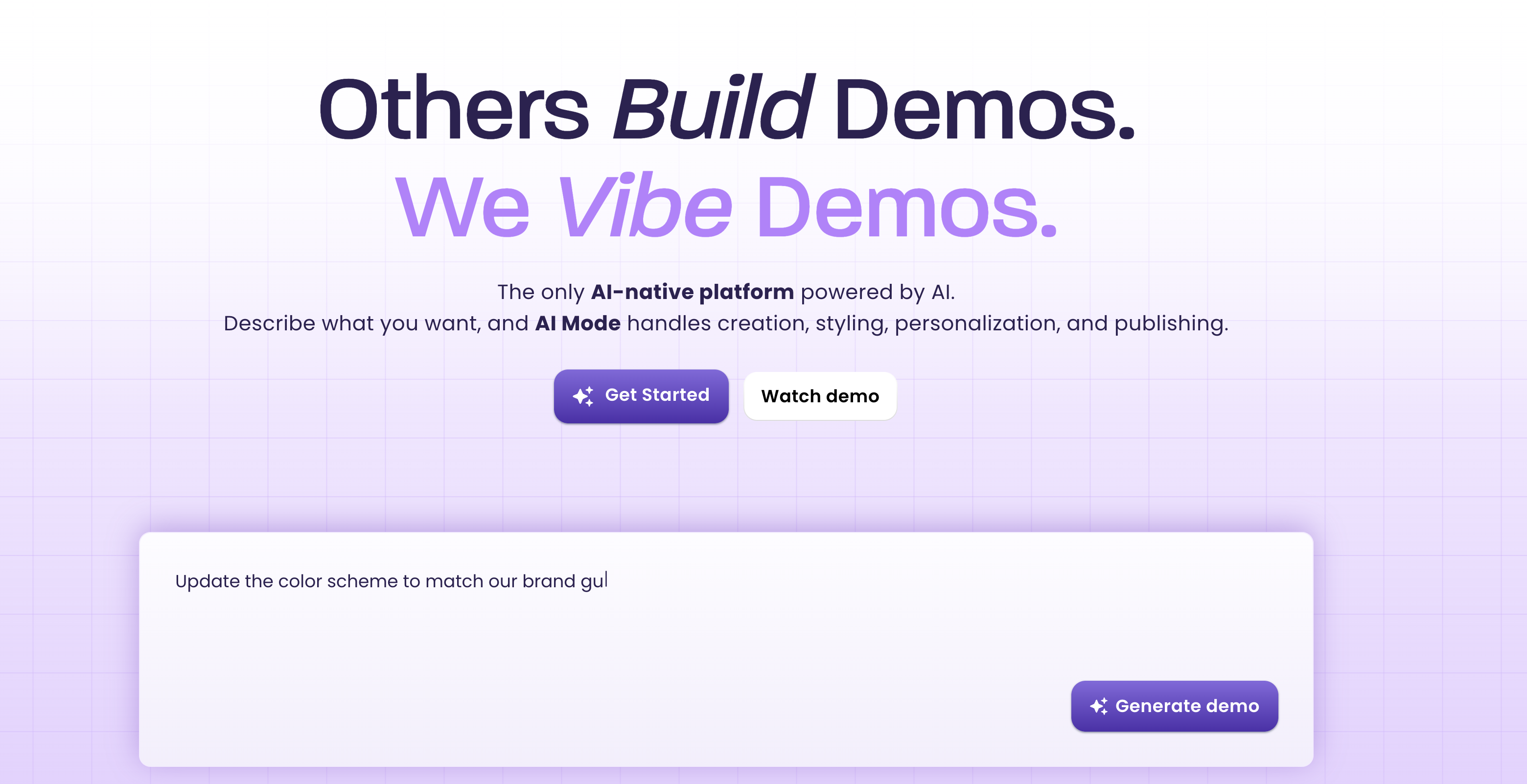
In 2025 and 2026, Walnut rolled out its AI Demo Engine suite. AI Mode lets users create demos from text prompts by describing the flow they want. StoryCaptureAI assists with capturing product screens. EditsAI helps modify demo content. GuidesCreationAI builds guided walkthroughs. These features reduce the manual effort of assembling demos, though the output remains an interactive HTML environment rather than video.
Walnut reports that demos built with these tools see 67% average completion rates and 32% higher conversion compared to static content. For sales teams measuring demo engagement closely, those numbers are relevant.
CRM-Driven Personalisation
Walnut integrates with Salesforce and HubSpot to auto-personalise demos with prospect data. Company name, logo, industry-specific content, and user details can be pulled from CRM records and injected into the demo environment before a sales call. This means a rep can open a personalised demo for each prospect without manually editing anything.
This is where Walnut genuinely excels. If your sales motion depends on showing a prospect their own data, their own branding, and their own use case inside a live product walkthrough, CRM-driven personalisation is a capability that video-based tools do not replicate.
Analytics and Insights
Walnut tracks how prospects interact with demos: which screens they view, where they spend time, where they drop off. InsightsAI layers analysis on top of this data. For sales teams that use demo engagement signals to qualify leads or prioritise follow-ups, this provides visibility into prospect behaviour that a video view count cannot match.
Enterprise Positioning
Walnut targets enterprise buyers exclusively. There is no self-serve signup, no free tier, and no trial. The sales process requires a call with their team. Annual contracts are mandatory. Pricing starts around $9,000 per year for 3 to 5 users on the Lite plan, scales to roughly $18,600 to $20,000 for Professional, and reaches $41,000 to $87,000 for Enterprise tiers. This pricing model reflects Walnut's focus on large organisations with established sales teams and procurement budgets.
What Demosmith Does
Demosmith approaches product demos from the opposite direction. Instead of cloning your product into a sandbox, it generates a finished video from your product URL. The entire workflow is autonomous and produces a distributable asset in minutes.
Autonomous Product Navigation
You provide a URL and a plain-English description of the demo flow. Demosmith's AI agent opens your product in a cloud browser and navigates autonomously: clicking buttons, filling forms, scrolling pages, and moving through multi-step workflows. No Chrome extension. No manual screen capture. No step-by-step instructions for each click.
The agent injects realistic test data into forms. Instead of "test@test.com" and "John Doe," it generates contextually appropriate names, emails, and content that make the demo feel like a genuine user session. This is a small detail that has a measurable impact on how professional the output looks.
AI Voiceover in 29 Languages
Demosmith generates natural-sounding voiceover narration synchronised to the visual flow. The script is written by AI to match what is happening on screen, and the voice tracks with the pacing of the demo rather than sitting as a disconnected audio layer. Twenty-nine languages are supported, covering English, Spanish, French, German, Japanese, Korean, Portuguese, Chinese, Arabic, and twenty more.
For teams selling internationally, one prompt produces the demo in your primary language. Regenerating in another language takes minutes. No translator. No native speaker recording session. No separate localisation project.
Auto-Editing and Brand Kit
The raw capture goes through automated post-production. Demosmith adds smooth transitions between scenes, dynamic zoom effects that highlight the relevant part of the interface, synchronised captions for accessibility and silent viewing, and pacing that matches the voiceover. You configure your brand colours, logo, fonts, and intro/outro sequences once, and every video matches your brand identity automatically.
The output does not require a trip through Premiere Pro or Final Cut. The video arrives ready to publish. Teams that need granular adjustments can make them, but most users find the auto-editing sufficient for marketing and sales content.
MP4 + Shareable Link
Every Demosmith demo produces a downloadable MP4 file and a hosted shareable link. The MP4 works anywhere video works: YouTube, LinkedIn, sales decks, email attachments, website embeds, conference displays, learning management systems. The shareable link provides a hosted viewing experience with analytics. Video is the most portable format in B2B marketing. And since September 2026, any finished demo can also be compiled into an interactive, clickable walkthrough for self-serve exploration on your site.
10-Minute Turnaround
From URL to finished video, the typical turnaround is under 10 minutes. There is no setup period, no onboarding call, and no multi-day configuration. You can sign up, paste a URL, and have a polished demo video before your next meeting. For teams exploring AI demo video generators, this speed difference against manual tools is one of the most frequently cited advantages.
Key Differences Between Demosmith and Walnut
Output Format: HTML Clone vs MP4 Video
This is still the most consequential difference, though it narrowed in September 2026. Walnut produces an interactive HTML environment where a rep can drive a live conversation with the prospect's own data. Demosmith produces a video file, plus an interactive demo compiled from the same recording. What Demosmith's interactive demos are not is live: they are guided walkthroughs of a recorded flow, so Walnut keeps a real edge when the demo needs to react in real time on a call.
An HTML clone works well when a sales rep is guiding a prospect through the product on a live call. The prospect can see their own data, ask questions, and the rep can navigate to specific sections on the fly. It does not work on YouTube, in a LinkedIn post, in an email attachment, on a conference booth screen, or in a paid video ad. Interactive demos require a browser and, in most cases, a human guide.
A video works everywhere. It plays on any device, in any channel, at any time. It does not require someone to operate it. It is passive: viewers watch a predetermined flow rather than exploring on their own, though Demosmith's compiled interactive demos now cover the self-serve exploration case. For teams that need assets across video-first channels, video is the more versatile format. For live sales conversations with a prospect's own data on screen, Walnut still wins.
Pricing Model: $9K+/yr vs $40/mo
Walnut's minimum commitment is roughly $9,000 per year on an annual contract for 3 to 5 seats. Professional plans run $18,600 to $20,000. Enterprise plans reach $41,000 to $87,000. There is no monthly billing, no free tier, and no self-serve trial. You speak with sales before you see the product.
Demosmith starts at $40 per month with monthly billing. Pro is $99 per month. Business is $250 per month. Enterprise is custom. A free trial is available with no credit card required. You can sign up and generate your first demo video in minutes. For teams that have explored Walnut alternatives, the pricing gap is typically the first thing they notice.
The annual cost of Demosmith's Pro plan ($1,188 per year) is roughly 13% of Walnut's minimum commitment. For startups, SMBs, and teams without enterprise procurement budgets, this is not a marginal difference.
Setup and Learning Curve: Weeks vs Minutes
Walnut requires meaningful onboarding time. Cloning your product's UI, configuring the demo environment, connecting CRM integrations, training reps on the editor, and building out your first set of demos takes days to weeks. Users consistently report a steep learning curve, particularly for complex products with multi-step workflows. The AI Demo Engine features reduce some of this friction, but the initial setup remains substantial.
Demosmith's setup is a URL and a text prompt. There is no product to clone, no environment to configure, and no editor to learn. The learning curve is measured in minutes, not weeks. You describe the demo you want, and the AI agent handles the rest.
Capture Method: HTML Cloning vs Autonomous AI
Walnut clones your product's front-end HTML and CSS to create a replica. This works well for the initial capture but creates a maintenance challenge: every time your product UI changes, the clone needs updating. For products that ship weekly or bi-weekly, the cloned environment can fall behind quickly. Teams report that maintaining demos for complex products is time-consuming.
Demosmith's AI agent navigates the live product directly. There is nothing to clone or maintain. When your UI changes, you re-run the same prompt against the updated product and get a new video. The agent adapts to the current state of your interface automatically. This is the same advantage that makes autonomous tools different from capture-based tools across the category.
Target Customer: Enterprise Sales vs All Teams
Walnut is designed for enterprise sales organisations. Its pricing, sales process, feature set, and go-to-market strategy all point at large companies with dedicated sales teams, CRM infrastructure, and procurement budgets. If you are a 10-person startup or a product-led growth company, Walnut is not built for you, and its pricing reflects that.
Demosmith serves a broader range of teams. Product marketers creating website content. Sales teams building demo libraries. Customer success teams producing onboarding walkthroughs. Growth teams running PLG motions. International teams localising demos across markets. The flat pricing model and self-serve signup make it accessible to teams of any size.
Maintenance: Rebuild vs Regenerate
When your product ships a UI update, every Walnut demo that shows the old interface needs attention. Depending on the scope of the change, this can mean re-cloning screens, rebuilding guided flows, and re-testing personalisation rules. For products with active development cycles, this creates ongoing maintenance work that scales with the number of demos in your library.
With Demosmith, you re-run the original prompt. The AI agent navigates the updated product and produces a new video. Twenty demos can be regenerated in parallel. The maintenance burden scales with the number of prompts you have saved, not the hours available on someone's calendar.
When Walnut Is the Better Choice
Walnut is the right tool for enterprise sales teams that run structured, live demo calls with high-value prospects and need CRM-driven personalisation. If your sales motion involves showing a prospect their own company data inside a live product walkthrough, Walnut's HTML cloning and CRM integrations are purpose-built for that workflow. No video tool replicates the experience of a prospect seeing their own logo and data inside an interactive product environment during a live call.
Large sales organisations with established demo programs, dedicated demo engineers or presales teams, and the budget to support enterprise tooling will get the most value. Companies like Adobe and Cisco use Walnut because the interactive, personalised demo environment aligns with how their sales teams operate. The analytics that track prospect engagement within the demo provide signals that help reps prioritise follow-ups and tailor their approach.
If your average deal size justifies the $9,000+ annual investment, your sales cycle involves multiple live demo calls per deal, and your team has the capacity to build and maintain interactive demo environments, Walnut is a strong fit for that specific use case. Teams evaluating enterprise demo platforms more broadly should also consider how Walnut compares to Demostack and Reprise in this segment.
When Demosmith Is the Better Choice
Demosmith is the right tool when you need polished demo videos that work across every distribution channel, not just live sales calls. Product marketing teams producing website hero videos, YouTube content, social media clips, and sales enablement libraries get more from a video output than an interactive clone. Video goes where HTML cannot: LinkedIn feeds, email attachments, conference screens, paid ads, and learning management systems.
Teams running product-led growth motions, where the demo needs to sell the product without a human guide, benefit from a self-contained video that communicates the full value proposition in two to three minutes. Teams selling internationally benefit from 29-language voiceover and caption support that collapses a multi-week localisation project into an afternoon. Teams without $9,000+ budgets benefit from pricing that starts at $40 per month with no annual commitment.
If you need to produce demo content at scale, keep it current as your product ships updates, distribute it across video-first channels, and do it without a dedicated demo engineering team, Demosmith handles the capture, editing, voiceover, and branding autonomously. The time investment is a text prompt. The output is a finished, branded MP4 ready for any channel.
The Bottom Line
Walnut and Demosmith serve different jobs. Walnut builds interactive, personalised demo environments for live enterprise sales conversations. Demosmith generates polished video demos autonomously from a URL. The choice between them is not about which is better in the abstract. It is about which output format and workflow matches the way your team actually uses demos.
If your primary use case is live, guided sales calls with enterprise prospects who expect to see their own data in an interactive product walkthrough, Walnut's HTML cloning and CRM personalisation are built for that. The price tag reflects the enterprise positioning, and for organisations where a single closed deal covers the annual cost many times over, the investment can make sense.
If your primary use case is producing demo videos for marketing, sales enablement, website content, social distribution, multilingual markets, or any channel where video is the native format, Demosmith produces that output in minutes at a fraction of the cost. The autonomous approach removes the recording step, the editing step, and the maintenance burden that makes demo libraries go stale.
Some teams will use the two together. An interactive platform for live sales calls and a video tool for everything else. The two formats are complementary rather than competitive, and a combined approach often costs less than Walnut alone.
Walnut clones your product for a sales call. Demosmith turns your product into a video anyone can watch. One requires a rep, a browser, and a $9K contract. The other requires a URL.
Key Takeaways
- Walnut creates interactive HTML clones of your product for live sales demos. Demosmith generates polished MP4 demo videos autonomously from a URL. They produce different outputs for different channels.
- Walnut starts at roughly $9,000 per year with mandatory annual contracts and no free trial. Demosmith starts at $40 per month with monthly billing and a free trial requiring no credit card.
- Walnut's CRM-driven personalisation is a genuine strength for enterprise sales teams that need prospect-specific data in live demo environments. No video tool replicates this.
- Demosmith supports AI voiceover in 29 languages and produces video that works on YouTube, LinkedIn, email, conference screens, and paid ads. Interactive HTML clones do not work in these channels.
- Walnut requires days to weeks of setup and ongoing maintenance as your product UI changes. Demosmith requires a URL and a text prompt, and regenerates updated demos in 10 minutes.
- For enterprise sales teams running live demos with high-value prospects, Walnut fits. For everything else, video demos produced by Demosmith reach more people in more places at a lower cost.