Demosmith vs Loom: Two Different Approaches to Product Demos
Loom and Demosmith both produce video. That is roughly where the similarities end. They approach the problem of "show someone your product" from opposite directions, and understanding the difference matters if you are deciding which belongs in your stack.
Loom is a screen recorder. You hit record, walk through your product while talking into your microphone, and Loom captures your screen, your webcam, and your audio. When you stop recording, you get a video. The tool has built a massive user base on that simple premise, and it does async video communication well. Millions of people use it every day for quick explainers, status updates, bug reports, and internal walkthroughs.
Demosmith is an AI Demo Agent. You paste your product URL, describe the flow you want in plain English, and an AI agent navigates your product autonomously, captures the screens, and produces a polished video with voiceover, transitions, zoom effects, and captions. No recording. No microphone. No editing. The finished MP4 arrives in about 10 minutes.
These are fundamentally different workflows for fundamentally different use cases. This comparison breaks down what each tool does, where each excels, and which one fits the job you actually need done.
At a Glance: Demosmith vs Loom
| Feature | Loom | Demosmith |
|---|---|---|
| Primary Use Case | Async video messaging | Product demo video generation |
| How It Works | You record your screen manually | AI agent navigates your product from a URL |
| Video Output | Yes, screen recording | Yes, auto-edited MP4 + shareable link |
| AI Voiceover | Text-to-speech editing only | Yes, 29 languages |
| Autonomous Capture | No, manual recording required | Yes, fully autonomous |
| Multi-Language | No native localisation | 29 languages (voiceover + captions) |
| Editing | Trim, stitch, filler removal | Auto-edited: transitions, zoom, captions, brand kit |
| Starting Price | Free (5-min, 100 videos) | Business $12.50/user/mo | Starter $40/mo | Pro $99/mo |
| Best For | Quick async messages, internal comms | Polished product demos for marketing and sales |
What Loom Does
Loom is the market leader in async video messaging. It has been around since 2015 and was acquired by Atlassian in 2023. The core proposition remains the same: hit a button, record your screen, share the link. Let us look at what it does and where it has been heading since the Atlassian acquisition.
Async Video Messaging
Loom's primary job is replacing meetings and long text messages with short videos. You record a two-minute walkthrough instead of writing a five-paragraph email. You show a bug on screen instead of describing it in a Jira ticket. You explain a design decision by talking over the mockup instead of scheduling a 30-minute call.
This use case is where Loom genuinely shines. The friction to create a video is almost zero. Click the browser extension, record, stop, share. Loom handles the hosting, creates a shareable link, and even generates a transcript. For internal communication, it is hard to beat.
Screen + Webcam Recording
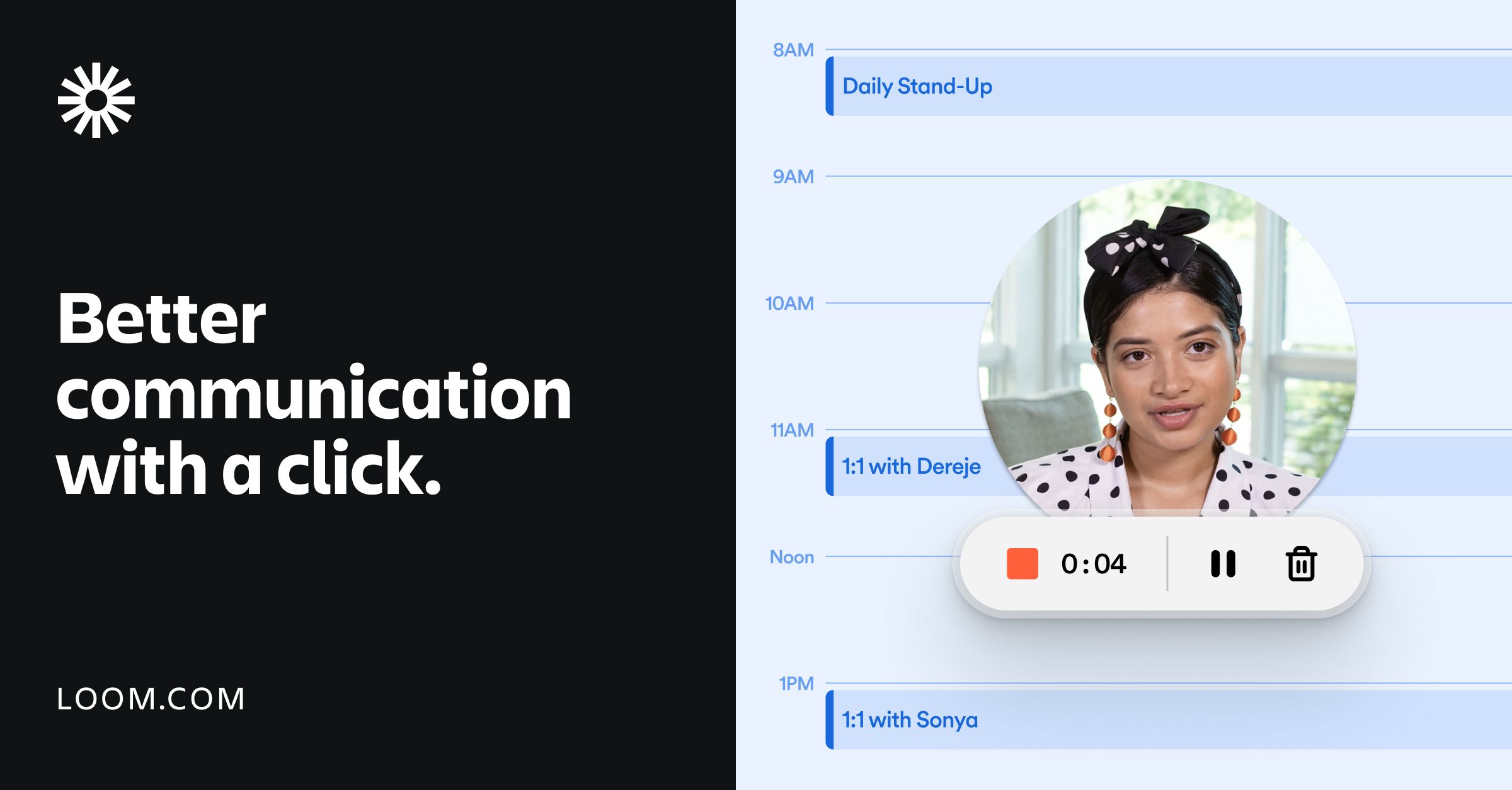
Loom captures your screen, your camera, or both simultaneously. The camera bubble (usually a small circle in the corner) adds a personal touch to recordings. For sales outreach, customer success check-ins, or any video where the human element matters, the webcam overlay is a useful feature.
You choose your recording area (full screen, specific window, or custom region), pick your audio source, and go. The desktop app and browser extension both work, though some users have reported reliability differences between the two since the Atlassian migration.
Atlassian Integration
Since the acquisition, Loom has been woven into the Atlassian ecosystem. Loom recordings embed natively in Jira tickets and Confluence pages. The Rovo AI engine powers cross-product features. If your team lives in Atlassian products, having video natively inside your project management and documentation tools is a genuine advantage.
Loom's AI Workflows can turn a video into a Jira ticket automatically, extracting action items and context from the recording. For engineering and product teams, this closes the loop between "I showed the problem" and "we tracked the fix."
AI Features
Loom has added several AI capabilities over the past two years. Auto-generated summaries and chapters make longer videos navigable. Filler word removal cleans up "um" and "uh" from recordings. Auto-meeting recaps summarise meetings without requiring you to watch the full recording.
The text-to-speech editing feature lets you correct mistakes in your narration by retyping a sentence and having AI generate the replacement audio in your voice. This is useful but limited: it fixes errors in existing recordings rather than generating narration from scratch.
Video Variables for Personalisation
Loom's Video Variables allow you to personalise parts of a video for different recipients without re-recording the entire thing. You can swap out text overlays, names, or specific sections. For sales teams sending personalised outreach at scale, this reduces the effort of creating one-to-one videos.
It is a smart feature for Loom's core async messaging use case, though it still requires you to record the base video manually first.
What Demosmith Does
Demosmith takes a different approach entirely. Instead of recording your screen, it generates demo videos from your product URL using an autonomous AI agent. The workflow removes the human from the recording and editing process.
Autonomous Product Navigation
You give Demosmith a URL and a plain-English description of the flow you want demonstrated. The AI agent opens your product in a cloud browser, navigates the interface autonomously (clicking, typing, scrolling), and captures the entire flow. No Chrome extension. No manual clicking. No test account setup instructions.
The agent handles realistic data entry too. Instead of typing "test@test.com" into form fields, it generates contextually appropriate test data that makes the demo look like a real user session. This matters more than most people expect. A demo full of placeholder data feels like a demo. A demo with realistic data feels like the actual product.
AI Voiceover in 29 Languages
Demosmith generates natural-sounding voiceover narration in 29 languages, synchronised to the visual flow of the demo. The voiceover explains what is happening on screen as it happens, not as a disconnected audio track layered on top. English, Spanish, French, German, Japanese, Korean, Portuguese, Chinese, and 21 other languages are available in one workflow.
For teams selling internationally, this means one prompt produces a demo in your primary language, and regenerating it in another language takes minutes, not a new recording session with a native speaker.
Auto-Editing
The raw capture from the AI agent goes through automated post-production. Demosmith adds smooth transitions between scenes, dynamic zoom effects that draw the viewer's eye to the relevant part of the UI, synchronised captions for accessibility and silent viewing, and professional pacing that matches the voiceover narration.
You do not need to take the output into Premiere Pro or Final Cut. The video that arrives is ready to use. For teams that need more control, there are adjustment options, but most users find the auto-editing sufficient for marketing and sales use cases.
Brand Kit Applied Automatically
You configure your brand colours, logo, fonts, and intro/outro sequences once. Every video Demosmith generates matches your brand identity automatically. For teams producing demos across multiple products, features, or personas, this consistency saves significant time compared to manually branding each video.
MP4 + Shareable Link Output
Every Demosmith demo produces two outputs: a downloadable MP4 file and a shareable link. The MP4 works anywhere video works: YouTube, LinkedIn, sales decks, email attachments, conference displays, learning management systems. The shareable link provides a hosted viewing experience with analytics.
Key Differences Between Demosmith and Loom
Recording vs Autonomous Capture
This is the foundational difference. Loom requires a human to record. Someone opens the product, clicks through the flow, talks into a microphone, and hopes they get it right in one take. If they stumble, they re-record. If the flow changes next sprint, they re-record again.
Demosmith requires a URL and a text prompt. The AI agent handles everything from navigation to capture to editing. The human effort involved is writing a few sentences describing what the demo should show. When the UI changes, you run the same prompt again and get an updated video.
Async Messaging vs Product Demos
Loom was built for quick, informal communication. The videos it produces look and feel like someone talking to you from their desk. That is the point. The webcam bubble, the casual narration, the raw screen capture: these are features, not bugs. They make async communication feel personal and approachable.
Demosmith was built for polished product demos. The videos it produces look and feel like professional marketing content. Smooth transitions, deliberate pacing, generated voiceover, branded visuals. These are the qualities that matter when the video represents your product to prospects, on your website, on YouTube, or in a sales deck.
Could you use Loom to record a product demo? Yes. Many teams do. But the output will look like a screen recording, because that is what it is. Could you use Demosmith for a quick async message to a colleague? No. That is not what it does. Different tools, different jobs.
Editing Workflow
Loom's editing capabilities include trimming, stitching clips together, removing filler words, and adding CTAs or links. These are post-recording refinements. You still need to produce a clean recording first, then clean it up in the editor. For longer or more polished videos, many Loom users export to a dedicated video editor anyway.
Demosmith's editing is automatic and happens during generation. Transitions, zoom effects, captions, and brand elements are applied as part of the output process. There is no separate editing step because the AI handles production decisions during generation. The trade-off is less granular control: you cannot adjust individual frames the way you would in Premiere Pro.
Localisation
Loom has no native localisation workflow. If you need a product demo in Spanish, you record a new video in Spanish (or hire someone who speaks Spanish to record it). There is no built-in translation, no multi-language voiceover, no caption generation in other languages.
Demosmith generates voiceover and captions in 29 languages from the same prompt. You produce the English version, then regenerate in French, German, Japanese, or any other supported language. The AI agent re-navigates the product and generates localised narration. For SaaS companies selling globally, this collapses what would be a multi-week localisation project into an afternoon, and teams looking to create SaaS demo videos without recording find this particularly valuable.
Maintenance and Updates
When your product UI changes, every Loom recording that shows the old UI becomes outdated. You need someone to re-record the affected demos. If you have 20 product demo videos and a major UI refresh ships, that is 20 re-recording sessions, each requiring the same manual effort as the original.
With Demosmith, you re-run the original prompts. The AI agent navigates the updated UI and produces new videos automatically. Twenty demos can be regenerated in parallel. The maintenance burden scales with the number of prompts you save, not the number of hours a human has available.
Pricing Model
Loom's free plan allows videos up to 5 minutes with a limit of 100 videos. The Business plan costs $12.50 to $15 per user per month. The Business + AI plan, which includes the more advanced AI features like filler word removal and text-to-speech editing, runs $20 to $24 per user per month. Enterprise pricing is custom. All paid plans are per-seat, so a team of 10 on Business + AI pays $200 to $240 per month.
Demosmith uses flat pricing, not per-seat. Starter is $40 per month, Pro is $99 per month, Business is $250 per month, and Enterprise is custom. A free trial is available with no credit card required. For teams larger than three or four people, Demosmith's flat pricing often works out cheaper than Loom's per-user model, especially at the AI-enabled tier.
When Loom Is the Better Choice
Loom is the right tool when you need fast, informal video communication. Here is where it wins clearly.
Quick async messages to teammates. You need to explain a decision, walk through a code review, or show the status of a project. Loom gets you from thought to shared video in under a minute. No AI agent can match that speed for spontaneous communication.
Internal documentation and process walkthroughs. Showing a new team member how to use an internal tool, documenting a workflow, or recording a training session. The informal, personal format is an asset here, not a limitation.
Bug reports with screen context. "Here is the bug, here is how to reproduce it, here is what I expected to happen." A 30-second Loom recording communicates more than a paragraph of text in a Jira ticket.
Talking-head videos for sales outreach. When you want the prospect to see your face and hear your voice delivering a personalised message, Loom's webcam recording is purpose-built for this. Video Variables let you personalise at scale without re-recording.
Teams deep in the Atlassian ecosystem. If your team runs on Jira and Confluence, having video natively embedded in those tools reduces friction. The AI Workflows that turn recordings into tickets close the loop between communication and action.
When Demosmith Is the Better Choice
Demosmith is the right tool when you need polished, professional demo videos at scale. Here is where it wins.
Product demo videos for marketing. Website hero videos, YouTube product tours, social media clips, conference booth displays. These require professional production quality: clean transitions, consistent branding, narrated voiceover. Demosmith produces this output without a recording session or a video editor.
Sales enablement content. Product overviews for sales decks, feature-specific demos for different buyer personas, demo videos embedded in outreach sequences. Sales teams need a library of demos, not one generic recording, and teams exploring the best AI demo video generators consistently find that autonomous tools scale better than manual recording for this use case.
Multilingual demos for global markets. If you sell in multiple countries, producing demo videos in 29 languages from a single prompt is a capability that no manual recording workflow can match. One prompt, 29 languages, same day.
Scale production without scaling headcount. When you need 30 demo videos covering different features, personas, and use cases, Demosmith produces them from 30 prompts. With Loom, you need someone to record 30 separate sessions, edit 30 videos, and manage 30 sets of recordings.
Keeping demos current when the UI changes. Products ship updates constantly. Demosmith lets you regenerate any demo by re-running the prompt. The maintenance cost of a demo library drops from "re-record everything" to "re-run the prompts."
The Bottom Line
Loom and Demosmith are not competitors. They serve different jobs. Loom is for quick, personal, async video communication. Demosmith is for polished, professional, autonomous demo video production. Comparing them head-to-head only makes sense if you understand which job you are hiring the tool to do.
If you need to send a two-minute explanation to a colleague, record a bug report, or deliver a personalised sales message with your face on camera, Loom is the tool. It has earned its position as the default for async video, and the Atlassian integration makes it even more useful for teams already in that ecosystem.
If you need to produce product demo videos that look like professional marketing content, work across every distribution channel, support multiple languages, and stay current without re-recording every time your UI changes, Demosmith is the tool. Its autonomous approach removes the two biggest bottlenecks in demo creation: the recording step and the editing step.
Many teams will use the two side by side. Loom for internal communication and quick async messages. Demosmith for external-facing demo videos. They sit in different parts of your workflow and complement each other well.
Loom records what you show it. Demosmith shows your product for you. That is the difference between a screen recorder and an AI Demo Agent.
Key Takeaways
- Loom is a screen recorder built for async video messaging. Demosmith is an AI Demo Agent built for autonomous product demo video generation. They solve different problems.
- Loom requires you to record, narrate, and edit manually. Demosmith takes a URL and a text prompt, then produces a finished video with voiceover, transitions, and branding in about 10 minutes.
- For quick internal communication, bug reports, and personalised outreach with your face on camera, Loom is the better tool.
- For polished product demos across marketing, sales, and multilingual channels, Demosmith produces higher-quality output with less effort.
- Demosmith supports AI voiceover in 29 languages. Loom has no native localisation workflow.
- When your product UI changes, Demosmith regenerates demos from saved prompts. Loom requires a full re-recording session for each affected video.
