Every product team knows the drill. You need a demo video for the new feature launch, the updated landing page, or the sales deck that's due next week. So you open your screen recorder, take a deep breath, and start clicking through your product while trying to narrate naturally. Forty-five minutes later, you have a shaky recording with an accidental notification pop-up, background noise from the office, and a cursor that moved too fast through the most important part.
There is a better way. In 2026, AI-powered demo generation tools can create polished, studio-quality SaaS demo videos without ever touching a screen recorder. This guide walks you through exactly how to do it: from understanding why the old approach is broken, to a complete step-by-step guide to making product demo videos in under ten minutes.
The Traditional Process: Why It Takes 4+ Hours
If you have ever created a product demo video the traditional way, this workflow will look painfully familiar:
- Script writing (30-60 minutes): Outlining what to show, what to say, and in what order. Most teams iterate on this multiple times before they are satisfied.
- Environment preparation (15-30 minutes): Setting up a clean demo environment with realistic-looking data, closing browser tabs, hiding notifications, and making sure the product is in the right state.
- Screen recording (30-90 minutes): The actual recording, which almost always requires multiple takes. One wrong click, one hesitation, one stray notification, and you start over.
- Video editing (60-120 minutes): Cutting out mistakes, adding transitions, zooming into key areas, adjusting timing, and cleaning up the footage.
- Voiceover recording (30-60 minutes): Recording narration separately for better audio quality, which means syncing audio to video in post-production.
- Branding and polish (30-60 minutes): Adding intro/outro sequences, logos, brand colors, captions, and music.
- Export and review (15-30 minutes): Rendering the final video, reviewing it, catching issues, and potentially re-editing.
Total time: 4 to 8 hours for a single demo video. And that assumes you have video editing skills. If you are a product marketer, growth lead, or founder building demos solo without a production background, add another few hours for the learning curve.
The average SaaS company needs between 5 and 15 demo videos across their marketing funnel, help center, and sales process. At 4-8 hours per video, that is an entire sprint dedicated to demo production.
Why Screen Recording Falls Short in 2026
Screen recording was the best option we had for years. Tools like Loom, OBS, and QuickTime made it accessible for anyone to capture their screen. But the approach has fundamental limitations that become more painful as your product and team scale — which is why many teams are now exploring alternatives to screen recording altogether.
The Maintenance Problem
Every time your UI changes (a new button color, a redesigned settings page, an updated dashboard) your existing demo videos become outdated. For fast-shipping SaaS teams pushing updates weekly, this means demo videos have a shelf life measured in weeks, not months. You either accept stale demos or commit to a perpetual re-recording cycle.
The Consistency Problem
When multiple team members create demos, the results look different every time. Different cursor speeds, different narration styles, different zoom levels, different audio quality. Your demo library ends up feeling like a patchwork quilt instead of a cohesive brand experience.
The Scalability Problem
Screen recording is a linear process. One video takes X hours. Ten videos take 10X hours. There is no way to batch-produce or templatize the output. And if you need those same demos in French, German, and Japanese? Triple the effort, per language.
The Quality Gap
Unless you have professional video production skills, screen recordings tend to look amateur. Shaky mouse movements, inconsistent pacing, background noise, and poor framing are the norm, not the exception. This matters because your demo video is often the first impression a prospect has of your product. Tools like Vidyard help sales teams send personal video messages, but they still require someone to record, which is exactly why teams look for Vidyard alternatives purpose-built for product demos.
The New Approach: AI-Powered Demo Generation
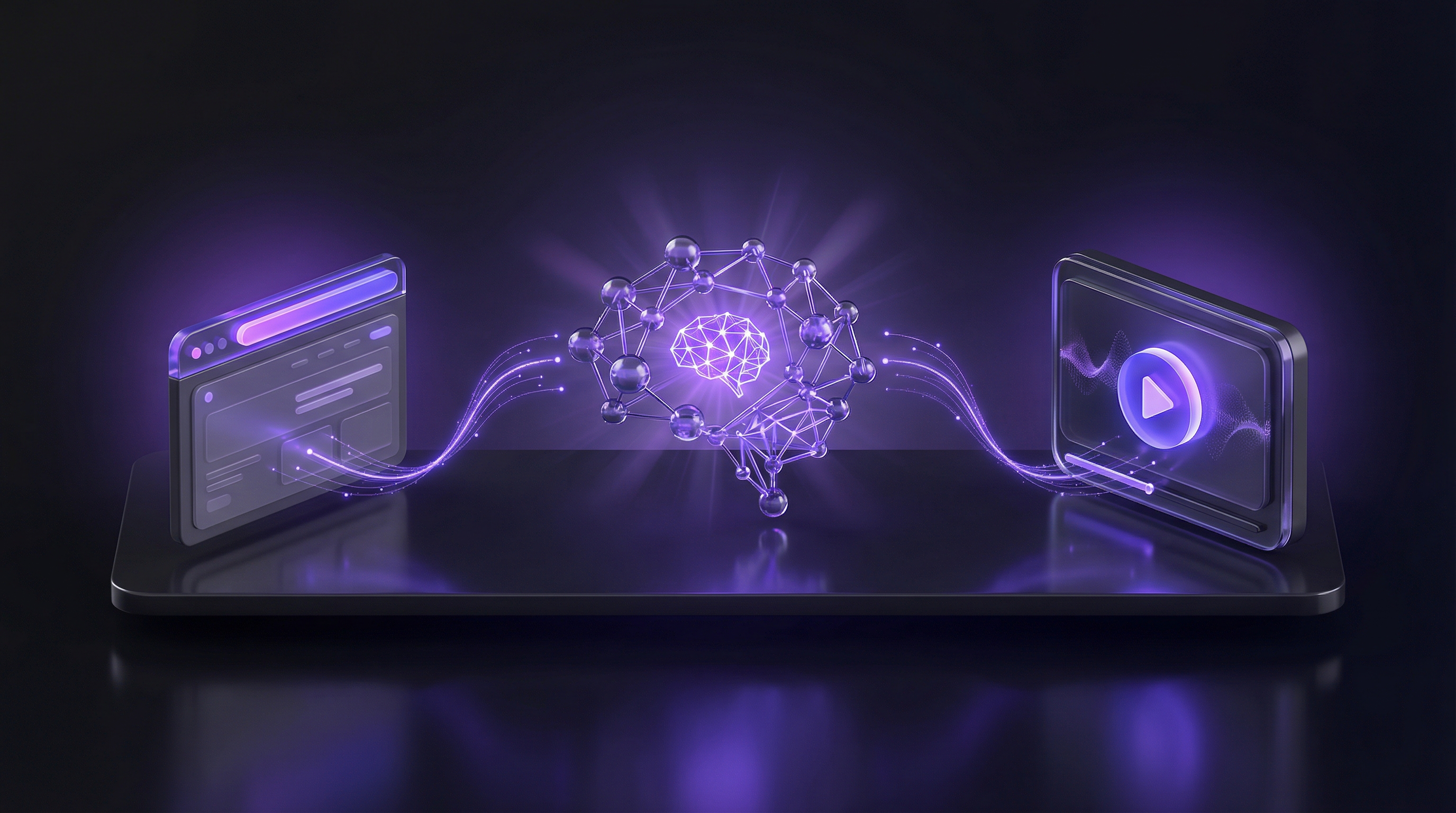
AI demo generation flips the traditional process on its head. Instead of recording what happens on your screen, you describe what you want to show, and an AI demo agent navigates your product autonomously to capture the footage. The process starts from nothing more than a product URL — for a deep dive on how that works, see our guide on whether AI can generate a demo video from just a URL.
Here is what the modern workflow looks like:
- Input: Your product URL and a description of the flow you want to demonstrate
- Capture: AI navigates your product, clicking through the exact workflow you specified
- Edit: Automatic smart editing: trimming dead space, adding zoom effects, smooth transitions
- Narrate: AI-generated voiceover that explains each step naturally
- Brand: Your logo, colors, and fonts applied automatically from your brand kit
- Output: MP4 file and shareable link, ready to distribute
The full capability set, including pricing and the languages it covers, is on the SaaS demo video generator page.
Total time: under 10 minutes. That is not a typo. What used to take half a day now takes less time than your morning standup.
Step-by-Step Guide: Creating Your First AI-Generated Demo
Let us walk through the complete process of creating a SaaS demo video without recording your screen. We will use Demosmith for this walkthrough, though the general principles apply to any AI demo generation tool.
Step 1: Choose Your Tool
Not all AI demo tools work the same way. Some create interactive click-through demos (like Storylane or Navattic), while others generate actual video output. For a true demo video (the kind you can embed on a landing page, share in an email, or use in a sales call) you want a tool that outputs MP4 video with voiceover. Teams that prefer to start with a text-based planning approach often explore using ChatGPT to draft their demo script and storyboard before moving to an AI demo tool. If you want a detailed breakdown of options, see our roundup of the best AI demo video generators available today.
Key features to look for:
- Autonomous navigation: The AI should be able to navigate your product on its own, not just screenshot static pages
- Smart editing: Automatic trimming, transitions, and zoom effects
- AI voiceover: Natural-sounding narration, not robotic text-to-speech
- Brand customization: Ability to apply your logo, colors, and visual identity
- Video output: MP4 export and shareable links for easy distribution
Step 2: Define the Flow You Want to Showcase
Before you start generating, get clear on what your demo should show. This is the most important step and where most people rush. A well-defined flow is the difference between a compelling demo and a confusing one.
Ask yourself these questions:
- Who is watching this? A prospect evaluating your product? A new user during onboarding? A specific persona like a marketing manager or developer?
- What problem does it solve? Lead with the pain point, not the feature.
- What is the "aha moment"? Identify the single moment where the viewer should think "I need this."
- What action should they take next? Sign up for a trial? Book a call? Explore a specific feature?
Write your flow as a simple sequence of steps. For example:
Flow: "New user creates their first project"
1. Land on the dashboard
2. Click "New Project"
3. Fill in the project name and description
4. Select a template from the gallery
5. Customize the template with brand colors
6. Preview the result
7. Click "Publish"
Step 3: Let AI Capture and Navigate
With your flow defined, paste your product URL into your AI demo tool and provide the flow description. With Demosmith, this is as simple as entering the URL and typing a natural-language description of what you want to show.
The AI agent will then:
- Load your product in a clean browser environment
- Navigate through the specified workflow autonomously
- Capture high-resolution footage of each step
- Handle page loads, animations, and transitions smoothly
This is where the magic happens. No cursor jitter. No accidental clicks. No notifications popping up. The AI executes the flow with the precision of a professional demo specialist.
Step 4: Review and Fine-Tune
Once the AI generates the initial demo, review the output. Most AI demo tools let you make adjustments at this stage:
- Reorder sections if the flow works better in a different sequence
- Adjust timing to spend more time on important screens
- Edit narration to change specific phrases or emphasis
- Add or remove steps if the demo is too long or too short
The goal is a video between 60 seconds and 3 minutes. Research consistently shows that demos under 3 minutes have significantly higher completion rates. If your flow requires more time, consider splitting it into multiple focused videos.
Step 5: Add Branding
A demo video without your branding is a missed opportunity. Your brand kit should include:
- Logo: Displayed in the intro, outro, or as a persistent watermark
- Brand colors: Applied to captions, highlights, and UI accents
- Fonts: Consistent with your marketing materials
- Intro/outro cards: Bookending the demo with your brand identity
With Demosmith, you set up your brand kit once and it applies automatically to every demo you generate. This ensures consistency across your entire demo library without manual work on each video.
Step 6: Export and Distribute
Export your finished demo as an MP4 file and grab the shareable link. Now it is time to put your demo to work, which brings us to distribution strategy.
Tips for Writing Effective Prompts for AI Demo Tools
The quality of your AI-generated demo depends heavily on how well you describe the flow. Think of it like briefing a colleague. The clearer your instructions, the better the result. For Demosmith specifically, we have a dedicated prompt guide with five ready-to-copy examples that covers the anatomy of a strong prompt in detail.
Be Specific About Actions
Instead of vague instructions, describe exactly what should happen at each step.
- Weak: "Show the reporting feature"
- Strong: "Navigate to the Reports tab, select the Monthly Revenue report, filter by Q4 2025, and export as PDF"
Include Context for Narration
If you want the voiceover to emphasize specific benefits, mention them in your prompt.
- Weak: "Create a new dashboard"
- Strong: "Create a new dashboard using the drag-and-drop builder. Emphasize how easy it is compared to writing SQL queries"
Specify the Audience
Different audiences need different levels of detail and different value propositions.
- For executives: Focus on outcomes and ROI. Skip technical details.
- For end users: Focus on daily workflow improvements. Be practical.
- For technical buyers: Show integrations, API access, and configuration options.
Set the Tone
Indicate whether the demo should feel formal, conversational, or energetic. This affects both pacing and voiceover style.
Where to Use Your Demo Videos: Distribution Strategies
Creating the demo is only half the battle. Strategic distribution determines whether your demo actually drives results. Here are the highest-impact placements for SaaS demo videos:
Landing Pages and Website
Your homepage or product page is the single highest-leverage placement for a demo video. Visitors who watch a product demo on a landing page are 1.81x more likely to convert than those who do not. Place your demo above the fold or immediately after your hero section headline.
Best practices for landing page demos:
- Keep it under 90 seconds for homepage placement
- Autoplay on mute with captions enabled
- Include a clear CTA immediately after the video
- Use a compelling thumbnail if autoplay is not an option
If you use Demosmith, you can embed your demo directly on any website with a single iframe tag. The embed is responsive and loads from a CDN.
Email Campaigns
Demo videos in email sequences, particularly onboarding and nurture campaigns, can boost click-through rates by 200-300%. For sales teams, demo videos for cold email outreach are especially effective at booking meetings without a live call. Since most email clients do not support embedded video, use an animated thumbnail that links to the hosted demo.
High-performing email placements:
- Welcome email: A 60-second overview demo immediately after signup
- Nurture sequence: Feature-specific demos that match the prospect's interests
- Re-engagement: "See what's new" demos for churned or inactive users
- Sales follow-up: Personalized demos after a discovery call
Social Media
Short demo clips perform exceptionally well on LinkedIn, Twitter/X, and even TikTok. The key is to extract the most compelling 15-30 seconds of your full demo and format it for each platform.
- LinkedIn: Square or vertical format, captions always on, focus on business outcomes
- Twitter/X: Under 60 seconds, start with the most visually interesting moment
- YouTube: Full-length demos with SEO-optimized titles and descriptions
Help Center and Support Documentation
Demo videos embedded in your help center reduce support ticket volume by giving users visual answers to common questions. These task-focused demos should be short (30-90 seconds) and answer a single question: "How do I do X?" For a full breakdown of how customer success teams use video to cut tickets and boost adoption, see our CS demo video guide.
Sales Enablement
Equip your sales team with a library of demo videos organized by use case, persona, and objection. Instead of requiring every sales rep to deliver a perfect live demo, give them pre-built videos they can share before, during, or after a call.
Teams using pre-built demo videos in their sales process report 35% shorter sales cycles. Prospects come to calls better informed and more ready to buy.
Making the Switch: From Recording to Generating
If you are still recording your screen for every demo video, you are spending hours on a task that AI can handle in minutes. The shift from recording to generating is not just about saving time; it is about fundamentally changing what is possible.
When creating a demo takes 10 minutes instead of 4 hours, you can:
- Create demos for every feature, not just the flagship ones
- Personalize demos for specific verticals or customer segments
- Update demos instantly when your product changes
- Test different approaches: try a benefits-led version and a feature-led version and see which converts better
- Scale to multiple languages without re-recording anything
The result is not just more demos. It is better demos, delivered faster, to more of your audience. And that translates directly into more trials, more conversions, and more revenue.
Getting Started Today
Ready to create your first demo video without touching a screen recorder? Here is how to start:
- Pick one high-value flow: Choose the product workflow that would have the biggest impact as a demo video. Usually this is your core "aha moment," the thing that makes prospects say "I need this."
- Write a clear description: Using the prompting tips above, describe the flow in 3-7 specific steps.
- Generate with Demosmith: Paste your URL, enter your flow description, and let the AI do the rest. Your first demo will be ready in under 10 minutes.
- Distribute strategically: Place your demo where it will have the most impact, whether that is your landing page, a sales email, or your help center.
- Iterate and expand: Once you have seen how fast the process is, build out your full demo library or stop rewriting product walkthroughs by hand and generate them automatically from your demos instead.
The era of spending half a day on a single demo video is over. Your product deserves demos that are as polished and up-to-date as the product itself, and now you can create them in the time it takes to drink a cup of coffee. If you have been relying on agencies for explainer videos, our guide on creating explainer videos without an agency shows how to cut that dependency entirely. For founders who built their product with AI tools or vibe-coded it, our guide on demoing a vibe-coded app covers the same workflow applied to the vibe coding context specifically.
Frequently Asked Questions
Can you make a demo video without screen recording?
Yes. AI demo agents like Demosmith skip the recording step entirely. You give the tool your product URL and describe what you want to show. The AI opens your product in a cloud browser, clicks through the flow on its own, records the screen, adds voiceover and captions, and hands you a finished MP4. No microphone, no screen recorder, no editing timeline. The whole process takes about 10 minutes.
What tools create demo videos automatically?
Demosmith is the only tool that navigates your real product autonomously and produces a finished video. Synthesia and HeyGen generate AI avatar videos (a digital presenter reading a script) but do not interact with your product. Guidde and Clueso layer AI on top of screen recordings to speed up editing, though you still record manually. Our AI demo video generator comparison breaks down the full landscape.
How long does it take to create a demo video with AI?
About 10 minutes with Demosmith, from pasting the URL to downloading the finished video. Compare that to 4 to 8 hours for traditional screen recording (including prep, multiple takes, and editing). AI avatar tools like Synthesia land somewhere in between at 15 to 30 minutes, though they produce presenter videos rather than product walkthroughs.
Is AI-generated demo video quality good enough for a website?
For product demos, yes. Demosmith outputs up to 4K with professional voiceover, smooth transitions, and branded captions. The quality holds up on homepages, landing pages, and in sales emails. Where it falls short is frame-by-frame creative control. If you need Premiere Pro-level editing precision, you will want to touch up the output. For the vast majority of product demo use cases, the AI output is ready to publish as-is.