Walnut in 2026: What You Need to Know
Walnut launched in 2020 with a bold pitch: clone your product's front end into a controllable demo environment so sales reps never have to use a live instance during calls. No sandbox crashes. No missing test data. No "let me just refresh this" moments in front of a prospect. For enterprise sales teams burned by broken live demos, this was a compelling promise.
In 2026, Walnut doubled down on AI with its Demo Engine suite. AI Mode creates demos from text prompts. StoryCaptureAI records and converts live demo flows. EditsAI suggests layout and content changes. The ambition is clear: make demo creation faster and less dependent on technical resources. Enterprise logos like Adobe and Cisco endorse the approach publicly.
But there is a cost barrier that stops most teams from ever finding out whether Walnut works for them. The Starter plan begins around $9,000 per year with no free tier and no trial. The Professional plan runs $18,600 to $20,000 per year. Enterprise contracts can reach $87,700 per year. You cannot test the product before you sign an annual commitment.
This review covers what Walnut does, who it serves, where the product genuinely excels, and where the experience falls short of the price tag. We also look at alternatives for teams that want demo capabilities without the enterprise commitment.
What Is Walnut?
Walnut is a sales demo platform that creates interactive, editable replicas of your product. The core technology captures your product's front end (HTML, CSS, visual elements) and renders it as a standalone demo environment that reps can customise, personalise, and present without touching your live application.
Think of it as a controlled simulation. The demo looks and feels like your real product, but nothing is connected to your actual backend. Reps can change names, data, and UI elements to match the prospect's context. If the demo crashes, the live product is unaffected. If the live product changes, the demo stays frozen until someone updates it.
Walnut sits in the sales demo platform category alongside Consensus, Demostack, Reprise, and Navattic. It competes for the same budget as sales enablement tools and is typically evaluated by sales engineering or revenue operations teams. The company has raised significant venture funding and lists major enterprise customers. Its G2 ranking, though, has declined to 17th in the demo automation category, and some independent analyses report satisfaction scores between 22 and 32 out of 100. The gap between enterprise endorsements and broader user sentiment is worth understanding before you commit.
Walnut Features Worth Knowing
HTML Cloning for Demo Environments
Walnut's core capability is capturing your product's front-end code and turning it into an editable demo environment. The Walnut Chrome extension scans your product pages, captures the DOM structure, and recreates the interface as a standalone demo. Reps can then modify text, images, data fields, and navigation flows without any engineering involvement.
This approach works well for products with relatively simple, page-based UIs. For complex single-page applications, heavily dynamic interfaces, or products that rely on real-time backend data, the cloning process can produce incomplete or visually broken replicas. Multiple reviewers note that getting the initial capture right requires patience and often multiple attempts.
AI Demo Engine Suite
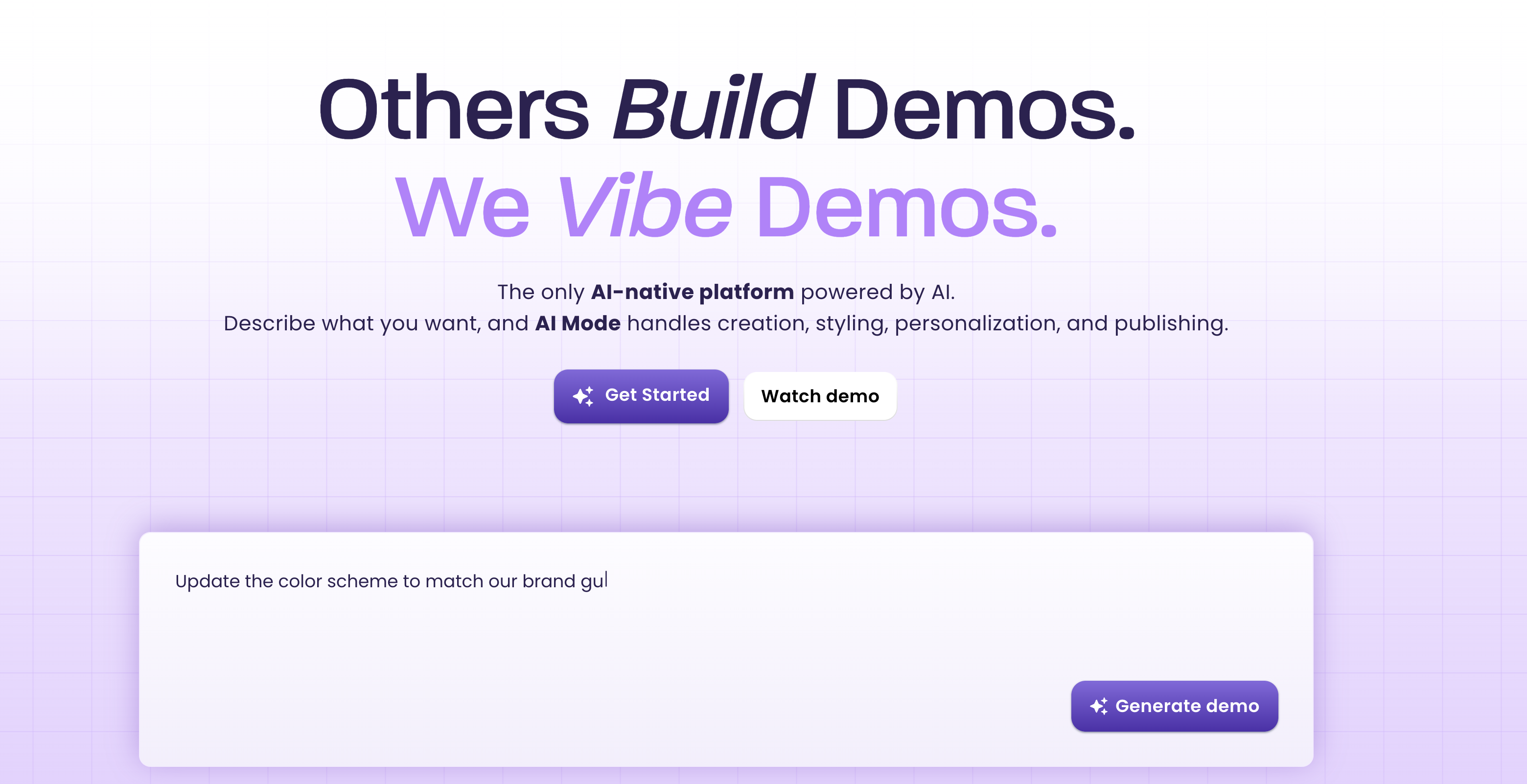
The AI Demo Engine is Walnut's 2026 centrepiece. It includes several components. AI Mode lets users describe a demo flow in plain text and generates a draft demo from that description. StoryCaptureAI records a live demo walkthrough and converts it into an editable Walnut demo. EditsAI suggests content and layout improvements to existing demos. InsightsAI analyses demo engagement data and recommends optimisations. GuidesCreationAI generates guided walkthroughs from existing demos. TranslationAI localises demo content into multiple languages.
On paper, this is an impressive suite. In practice, adoption depends on how well the AI handles your specific product. AI Mode works best for straightforward demo flows and struggles with complex multi-step scenarios. StoryCaptureAI is useful for teams transitioning from live demos to Walnut, but the output often requires significant manual cleanup. The AI features reduce the effort of demo creation, but they do not eliminate it.
CRM-Driven Personalisation
Walnut can pull prospect data from your CRM and automatically personalise demo environments. A prospect's company name, logo, industry-specific terminology, and relevant data points get swapped into the demo before a sales call. This saves reps the manual effort of customising each demo and ensures consistency across the team.
The personalisation layer is one of Walnut's strongest features for enterprise sales teams. When a rep walks into a call and the demo already shows the prospect's branding and relevant use case, the conversation starts at a higher level. Walnut reports 67% average demo completion rates and 32% higher conversion compared to static demos when personalisation is active.
Interactive Demo Sharing
Walnut demos can be shared as interactive links that prospects navigate on their own. This serves the "leave-behind" use case: after a sales call, the rep sends the prospect a link to explore the product demo independently. The prospect clicks through the demo at their own pace, and Walnut tracks their engagement.
Interactive sharing also supports top-of-funnel use cases. Some teams embed Walnut demos on their website to let visitors experience the product before requesting a live demo. The analytics on these interactions provide intent signals for sales follow-up.
Demo Analytics
Walnut tracks how prospects interact with shared demos: which screens they viewed, how long they spent on each step, where they dropped off, and whether they completed the full flow. This data feeds into your CRM and helps reps prioritise follow-up based on engagement levels.
The analytics are useful but not deep. Several reviewers note that the data available is limited compared to dedicated analytics tools. You get engagement metrics, but the granularity and visualisation options lag behind what teams familiar with product analytics tools expect.
Team Collaboration and Templates
Walnut supports demo templates that sales teams can reuse and customise. A solutions engineer creates a master demo flow, saves it as a template, and reps across the team personalise their copies for individual prospects. This workflow ensures consistency while allowing individual customisation.
For large sales teams, the template system reduces reliance on solutions engineers for every prospect demo. Reps can self-serve from a library of approved demos rather than requesting custom builds for each opportunity.
Walnut Pricing in 2026
Walnut's pricing is its most polarising characteristic. There is no free tier. There is no free trial. Annual contracts are required. Here is the breakdown.
| Plan | Annual Cost | What You Get |
|---|---|---|
| Starter | ~$9,000/yr (3-5 users) | Core demo creation, basic personalisation, demo sharing, limited analytics |
| Professional | ~$18,600-20,000/yr | AI Demo Engine, CRM personalisation, advanced analytics, team templates |
| Enterprise | $41,400-87,700/yr | Full AI suite, SSO, advanced security, dedicated support, custom integrations |
The absence of a free trial is a significant barrier. You are committing to at least $9,000 per year based on sales demos and marketing materials alone. For a product that requires meaningful setup time (many users report weeks to build their first usable demo), this is a considerable financial risk. If the product does not fit your workflow after month two, you still owe the remaining ten months on the contract.
The per-seat component within each tier also adds cost as teams grow. Additional users beyond the included seats on each plan come at extra cost. For a 15-person sales team that wants full access, Enterprise pricing is often the only option.
Compared to tools with lower entry points, Walnut's pricing limits its addressable market to mid-market and enterprise companies with established sales demo budgets. Startups, SMBs, and teams evaluating demo tools for the first time rarely have $9,000 in annual budget to test a hypothesis.
What Users Like About Walnut
- Realistic demo environments. When the HTML cloning works well, Walnut demos look and feel like the actual product. Prospects interact with something that behaves like real software rather than a slideshow or a screen recording. For enterprise sales where credibility matters, this realism is a genuine advantage.
- CRM personalisation. Automatic data injection from CRM records saves reps significant prep time. Walking into a call with a demo that already reflects the prospect's context elevates the conversation and demonstrates preparation. Users consistently cite this as one of Walnut's strongest features.
- Controlled environment. No more live demo failures. The product crashing mid-demo, test data looking wrong, or new features breaking the flow: these problems disappear when you present from a cloned environment. For sales engineers who have been burned by live demo disasters, this peace of mind is worth a lot.
- Enterprise customer validation. Adobe, Cisco, and other major enterprises use Walnut publicly. For teams making purchasing decisions, this social proof reduces the perceived risk of adopting the platform. If it works for Cisco's sales team, the reasoning goes, it should work for ours.
- AI Demo Engine ambition. The AI features, while still maturing, signal that Walnut is investing in reducing the manual effort of demo creation. AI Mode and StoryCaptureAI lower the barrier for non-technical users to create demos without deep product knowledge.
What Users Complain About
- Steep learning curve. Multiple G2 reviewers describe spending weeks getting their first demo production-ready. The HTML cloning process requires troubleshooting, the editor has a non-intuitive interface, and building complex multi-step demos takes significant time investment upfront. This is not a tool you can evaluate in a lunch break.
- Buggy and clunky UI. The demo editor is a frequent pain point. Reviewers report elements snapping to incorrect positions, undo actions not working as expected, and the interface feeling sluggish when editing complex demos. For a tool in this price range, the editor polish does not match the premium positioning.
- No free trial means blind commitment. Signing a $9,000 annual contract without testing the product against your specific use case is a hard ask. Several reviewers mention regretting the purchase after discovering that the cloning process did not work well with their product's UI complexity.
- Time-consuming for complex products. Products with dynamic content, complex state management, or heavy JavaScript interactions do not clone cleanly. Teams with these products spend disproportionate time fixing demo environments rather than creating new ones. The promise of "quick demo creation" does not hold for every product type.
- Limited analytics. While Walnut tracks basic engagement metrics, the analytics depth disappoints teams accustomed to product analytics tools. The data available is useful for basic follow-up but lacks the granularity needed for sophisticated sales operations.
- Contract disputes and lock-in. Annual contracts with auto-renewal clauses have generated complaints from teams that wanted to leave. Some reviewers report difficulty cancelling or renegotiating after their initial commitment. For a product with no trial period, the lock-in compounds the risk.
Who Should Use Walnut
Walnut is built for enterprise sales teams with dedicated solutions engineering resources, an established demo workflow, and the budget to support annual contracts starting at $9,000. If your sales process involves live product demos for high-value accounts, and your current approach (using live environments, sandboxes, or staging servers) regularly produces friction or failures, Walnut addresses that pain directly.
The ideal Walnut customer has a product with a relatively stable, page-based UI that clones well. Their sales team runs 50 or more demos per month. They have a solutions engineer who can invest the upfront time to build template demos. And they have CRM data clean enough to power the personalisation engine. When all of these conditions are met, Walnut delivers real value.
Walnut is not the right choice for early-stage companies that need product demo videos for marketing, for teams without dedicated sales engineering resources, for companies selling products with highly dynamic or complex UIs, or for anyone who wants to evaluate a tool before committing budget. The pricing and complexity ensure that Walnut serves a specific slice of the market well and excludes everyone else by design.
Walnut Alternatives to Consider
Walnut's pricing and approach are not for everyone. Depending on what you actually need, one of these alternatives may be a better fit.
Demosmith
If you need product demo videos rather than interactive demo environments, Demosmith takes a completely different approach. It is an AI product demo video generator: you provide your product URL and a text prompt, and it autonomously navigates your product, captures the flow, and produces a finished MP4 with AI voiceover, transitions, zoom effects, and captions. No cloning. No manual editing. Output arrives in under 10 minutes.
Demosmith supports voiceover in 29 languages, uses flat pricing (Starter $40/mo, Pro $99/mo, Business $250/mo), and offers a free trial with no credit card required. The annual cost of Demosmith's Pro plan ($1,188) is less than two months of Walnut's Starter plan. For teams that want demo content for websites, outbound sequences, or multilingual markets, it solves a different problem at a fraction of the cost, and you can browse real SaaS demo video examples to see the output first. See our full Demosmith vs Walnut comparison for details.
The two tools solve different problems. Walnut hands a rep an interactive environment to drive live on a call. Demosmith produces a finished video you can send in an email, embed on a page, or localise for another market. Here is how they line up.
| Capability | Walnut | Demosmith |
|---|---|---|
| Primary output | Interactive HTML demo clone | Narrated MP4 demo video |
| How the demo is built | Capture your UI, then edit the clone | AI agent navigates your product from a URL and prompt |
| AI voiceover and captions | Not the focus | Built in, 29 languages |
| Autonomous capture | Manual capture and setup | Fully autonomous |
| Free trial | No trial, annual contract | Free, no card required |
| Starting price | ~$9,000/yr | $40/mo |
| Best for | Enterprise live sales demos | Demo videos for sales, onboarding, launches |
Navattic
Navattic offers interactive product demos at a lower price point than Walnut. It uses a similar HTML capture approach but targets the product-led growth use case: embedding interactive demos on your website for self-serve evaluation. The setup is simpler, the pricing is more accessible, and the focus on marketing and top-of-funnel demos differs from Walnut's sales call orientation.
Demostack
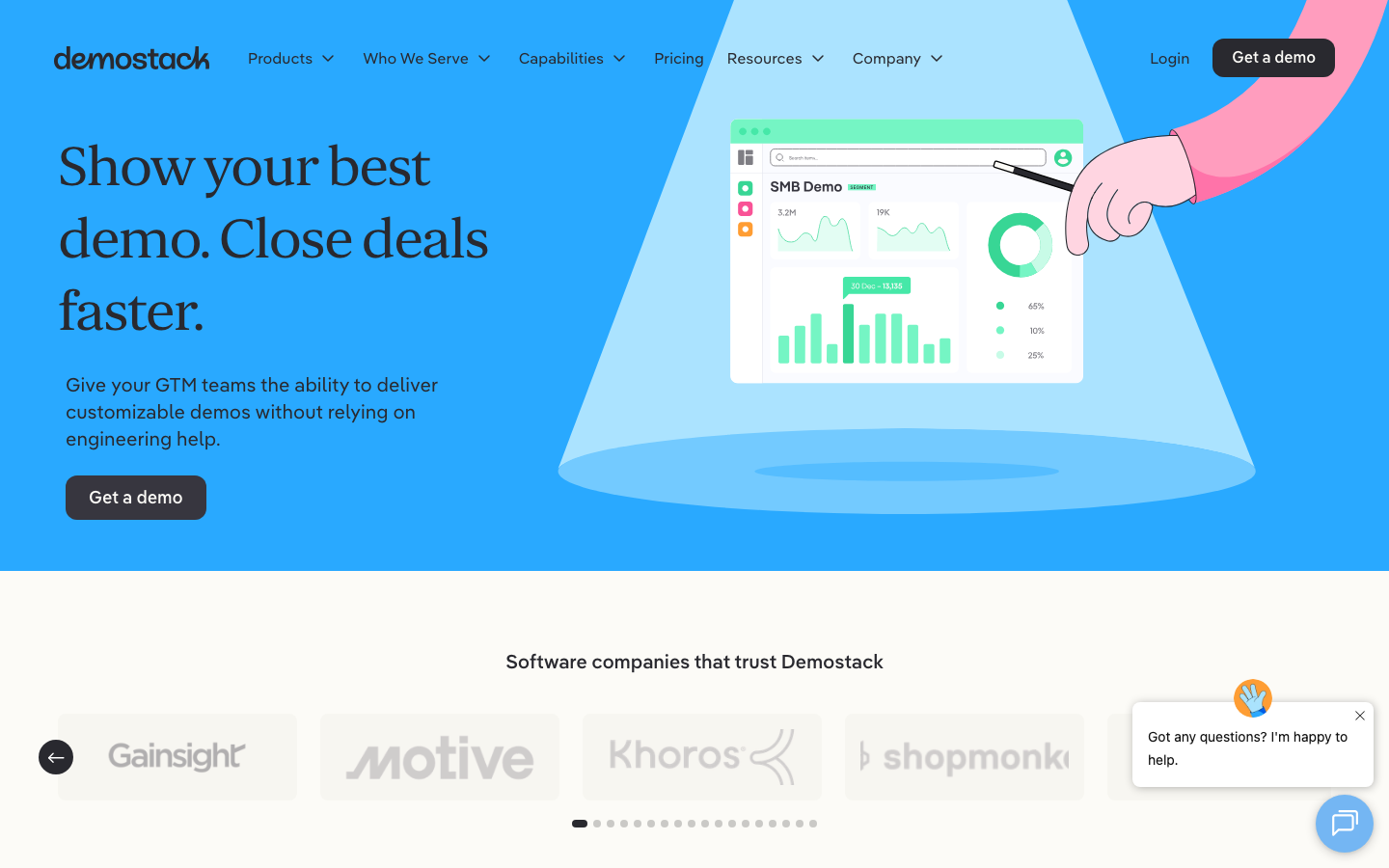
Demostack competes directly with Walnut in the enterprise demo platform category. It uses a full-stack cloning approach that captures more of your product's behaviour than HTML-only capture. The trade-off is higher pricing and an even more complex setup process. For teams evaluating Walnut's Enterprise tier, Demostack is the primary alternative in the same category.
Storylane
Storylane offers interactive demos with a more accessible entry point: a free plan, lower pricing, and faster setup. It captures screenshots and HTML to create guided product tours. The output is less realistic than Walnut's cloned environments but is significantly easier to create and maintain. For teams that need "good enough" interactive demos without the enterprise overhead, Storylane covers the basics.
Our Verdict
Walnut solves a real problem for enterprise sales teams that need controlled, personalised demo environments. The HTML cloning creates realistic product replicas. CRM-driven personalisation saves meaningful prep time. The AI Demo Engine shows genuine ambition. When the product fits your use case and your UI clones cleanly, the experience is noticeably better than fumbling through a live demo that breaks at the worst possible moment.
The difficulty is everything else. The $9,000 annual starting price with no trial period makes Walnut a high-risk purchase. The learning curve means weeks before you see value. The editor needs polish that does not match the price tag. And the declining G2 satisfaction scores suggest that the gap between Walnut's marketing and the day-to-day user experience is wider than it should be for a product at this price point.
Walnut works for the specific team it was built for: enterprise sales with dedicated solutions engineers and a budget that can absorb the risk of an annual commitment sight unseen. For everyone else, there are more accessible paths to better demos.
Key Takeaways
- Walnut creates interactive, HTML-cloned replicas of your product for sales demos. When the cloning works well, the realism is a genuine advantage over static content or screen recordings.
- Pricing starts at approximately $9,000 per year with no free tier and no trial. Annual contracts are required. This limits Walnut to teams with established demo budgets.
- The AI Demo Engine suite (AI Mode, StoryCaptureAI, EditsAI, TranslationAI) is ambitious but still maturing. Expect manual cleanup on AI-generated demos, especially for complex products.
- CRM-driven personalisation is Walnut's strongest feature for enterprise sales teams. Automatic data injection from your CRM elevates sales conversations without manual prep.
- The learning curve is steep. Multiple users report weeks to produce their first usable demo. Complex or highly dynamic products may never clone cleanly.
- For teams that need demo videos rather than interactive environments, or that want to evaluate a product before committing $9,000, other approaches offer lower risk and faster time to value.
Disclosure: Demosmith is one of the alternatives mentioned in this review. We build an AI Demo Agent that generates product demo videos autonomously. We have done our best to provide an honest, balanced assessment of Walnut based on publicly available information, G2 reviews, and direct product evaluation. Where we reference Demosmith, we do so transparently as an alternative with a different approach to demo creation.