Product demos on websites lead to 86% higher conversion rates. Visitors who watch a demo are 1.81x more likely to purchase. Every SaaS team knows this. The question is no longer whether you need demo videos. It is how you produce them.
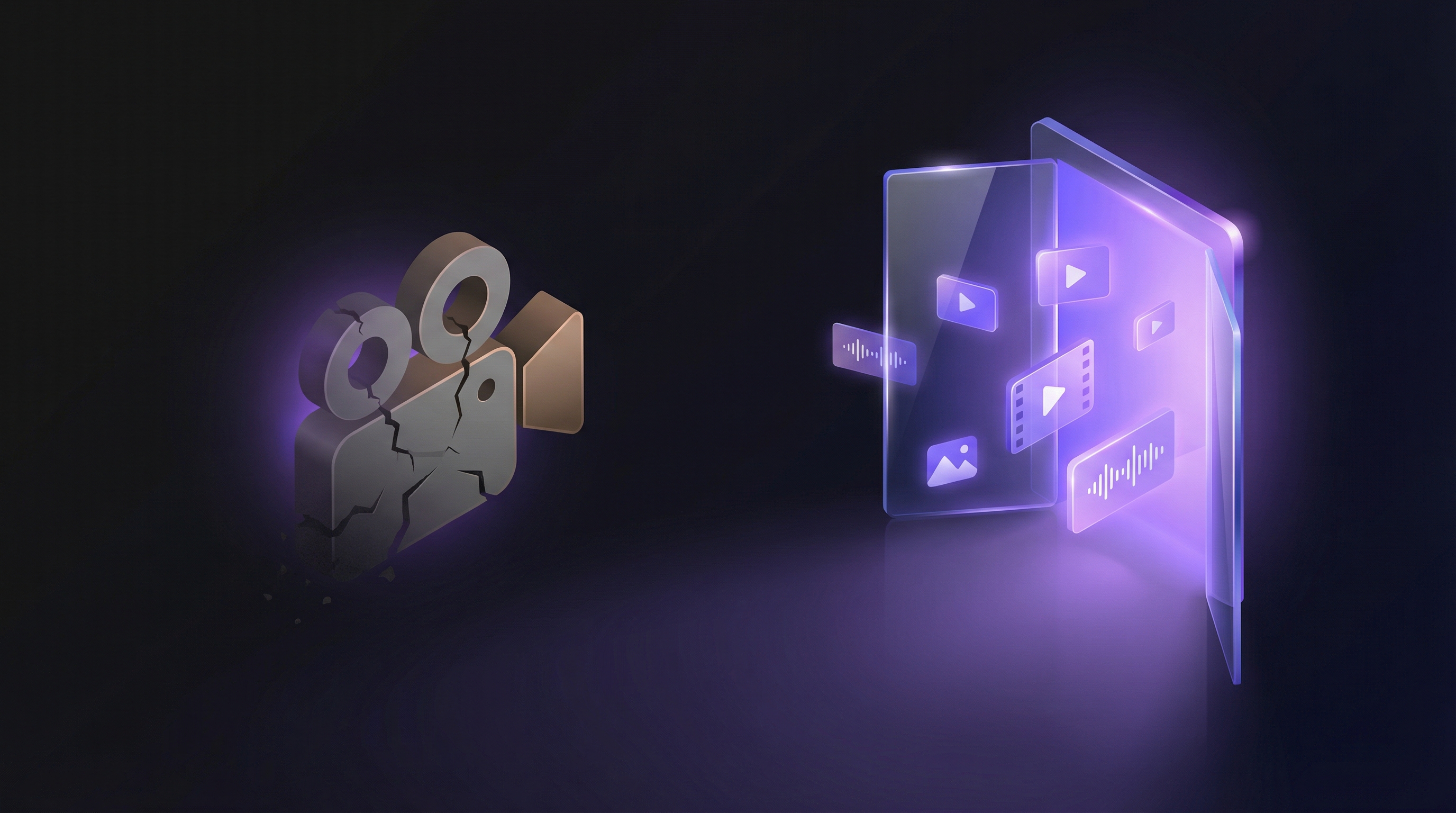
For over a decade, the answer was screen recording. Fire up Loom, OBS, or Camtasia, click through your product, narrate on the fly, and spend the next few hours editing out mistakes. That approach still works. But in 2026, AI video generators offer a fundamentally different path: paste a URL, describe the flow, and get a finished demo in minutes.
This guide compares the two approaches honestly. Screen recording is not dead, and AI generation is not perfect. The right choice depends on what you are making, who it is for, and how often it needs to change.
The Two Approaches to Product Demo Videos
Screen Recording
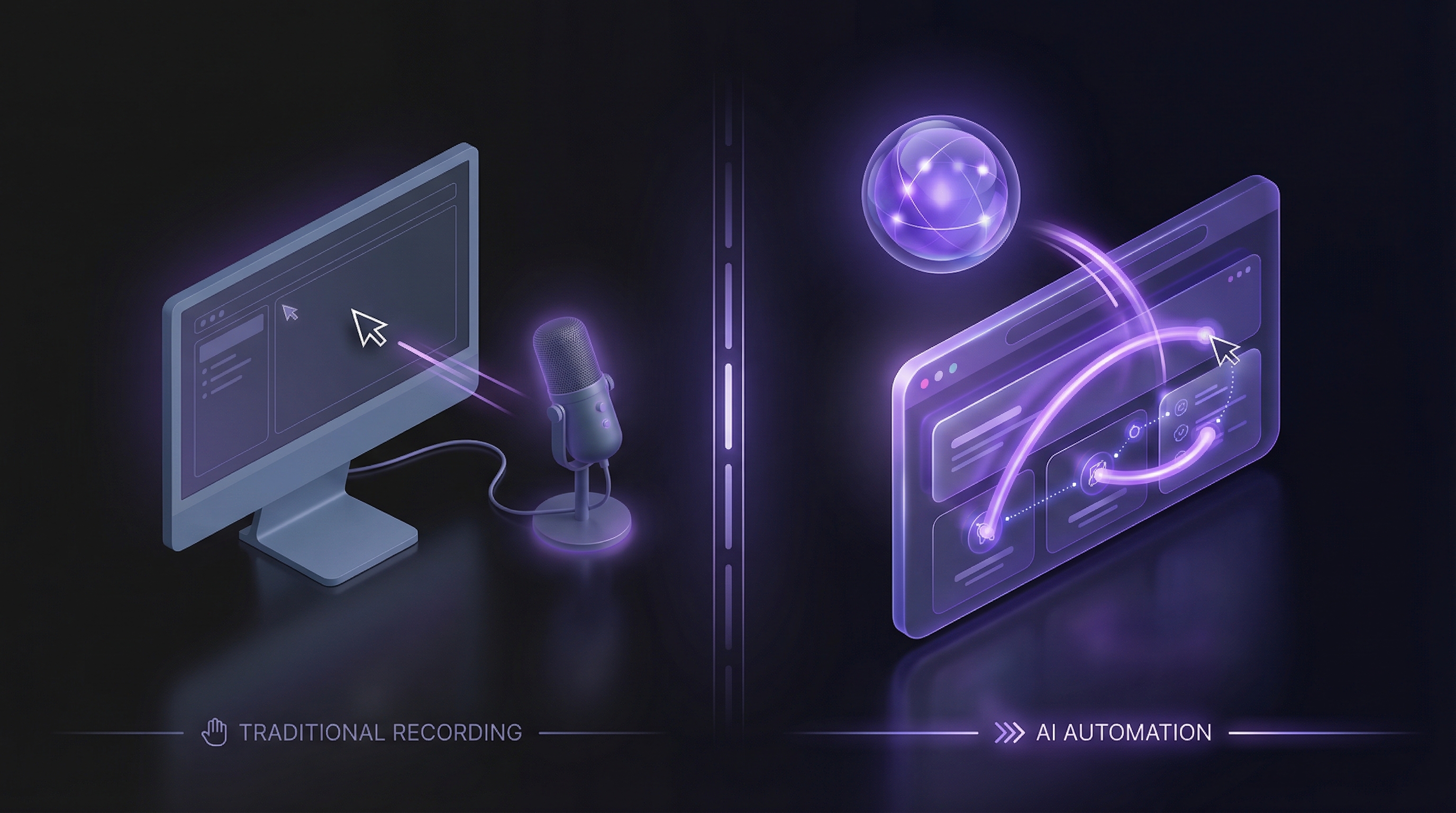
A human operates the product while capture software records their screen, cursor movements, and (optionally) their voice. The raw footage is then trimmed, edited, and polished in a separate tool.
Common tools include:
- Loom (free tier: 25 videos, 5-min max, 720p; Business: $15/user/mo)
- OBS Studio (free, open source, no built-in editor)
- Camtasia ($180 to $300/yr, includes editor with Smart Cut feature)
The workflow is manual from start to finish. You write the script, prepare the environment, record, edit, add voiceover, and export.
AI Video Generation
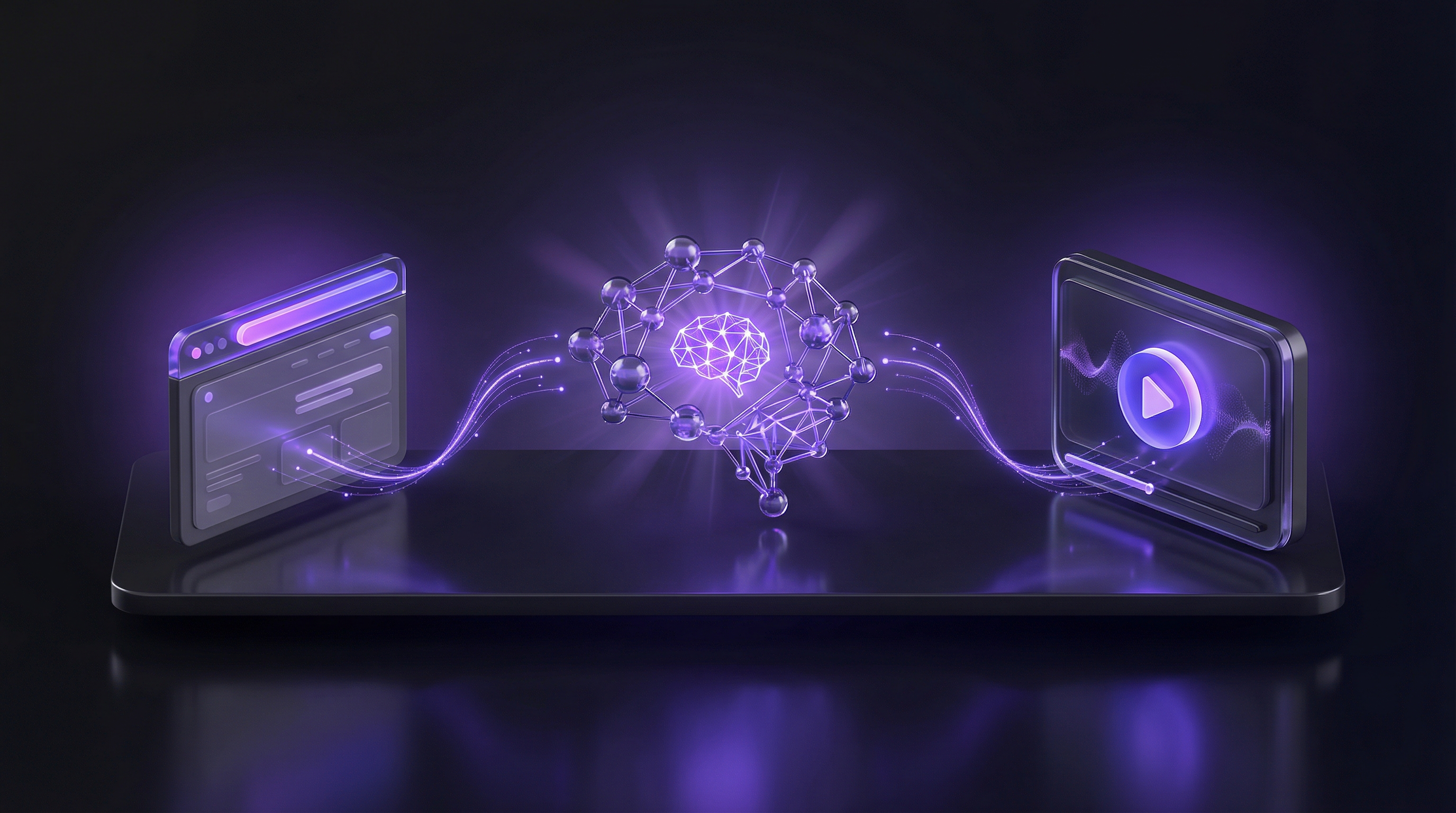
Software autonomously navigates, captures, edits, and narrates the product. The human provides a URL and a description of what to show. The AI handles everything else.
This category splits into two very different sub-types:
- AI avatar tools (Synthesia at $18/mo, HeyGen at $24/mo): Generate videos of synthetic talking heads presenting slides or text. They do not show your actual product UI.
- AI demo agents (like Demosmith, Starter at $40/mo): Autonomously navigate your live product in a cloud browser, record real UI footage, then auto-edit with voiceover and captions.
The distinction matters. An AI avatar reading a script about your product is not the same as an AI agent walking through your product. This article focuses on AI tools that produce actual product walkthroughs, though we will address avatar tools in the weaknesses section.
Screen Recording: What It Does Well
Authenticity and personal touch
Nothing beats a real human voice and real cursor movements for personal sales outreach. When a rep records a 90-second Loom walking through a specific prospect's use case, the recipient knows a human made it for them. That personal investment builds trust in ways that generated content cannot replicate.
Low barrier to entry
Every computer has a screen recorder built in. OBS is free. Loom's free tier covers basic needs. There is no learning curve beyond "click record." For a quick internal walkthrough or a one-off Slack message to a teammate, screen recording is the fastest path from idea to video.
Full creative control
Screen recording gives you frame-by-frame control over every moment. You decide exactly where the cursor goes, how long to pause on a screen, what to say at each point, and how the final edit comes together. Tools like Camtasia and Premiere Pro let you craft the video down to the millisecond.
Works for any software
Screen recording does not depend on browser access or URL-based navigation. Desktop apps, mobile emulators, internal tools behind firewalls, CLI workflows, or anything else that appears on screen can all be captured.
Screen Recording: Where It Falls Short
The editing burden
Sales reps spend 40% of their time editing raw screen recordings before they are shareable. That is nearly half the effort going into post-production, not creation. Even with Camtasia's Smart Cut feature (which saved roughly 45 minutes on a 20-minute tutorial in their case study), editing remains a significant time sink.
Traditional video production costs average $4,500 per finished minute. A polished 60-second marketing video takes an average of 13 days from brief to delivery. These numbers include professional production, but even DIY screen recording burns 4 to 8 hours per video when you account for retakes, editing, and polish.
Content rot
Demo videos become outdated in two weeks to two months. Every UI change, every button rename, every dashboard redesign makes existing recordings inaccurate. As one Head of CS at Mixpanel described it: "Within two months, the UI would change again."
For fast-shipping SaaS teams, this creates a constant re-recording cycle. Most teams stop trying to keep up, and their demo library quietly goes stale.
The Polishing Trap
Here is the hidden cost that rarely gets discussed. The more time you invest in editing a screen recording (smooth transitions, zooms, branded overlays, captions), the more painful it is to throw away when the product changes. A heavily produced video requires a full reshoot and full re-edit on every update. Teams that invest the most in quality end up with the highest maintenance burden.
Notification and environment issues
Slack pings, calendar reminders, email notifications, OS updates. The recording environment is hostile to clean capture. Setting up a distraction-free workspace (closing tabs, enabling Do Not Disturb, loading sample data) eats 15 to 30 minutes before you even hit record. And one missed notification during take five can send you back to take one.
Scalability ceiling
Screen recording is purely linear. One video takes X hours. Twenty videos take 20X hours. Need those demos in Spanish, French, and Japanese? That is 60X hours. There is no way to parallelise or batch the work. Every video requires a human at the controls.
AI Video Generation: What It Does Well
Speed
The numbers tell the story. A 60-second marketing video that takes 13 days with traditional production can be generated in 27 minutes with AI. With an AI demo agent like Demosmith, a product walkthrough goes from URL to finished video in under 10 minutes. That speed changes what is practical. You can create a demo for every feature, every persona, and every use case.
Cost efficiency
AI video production runs roughly $400 per finished minute compared to the traditional $4,500. That is a 91% cost reduction. For teams producing multiple demos per month, the savings compound quickly.
Consistency
Every AI-generated demo has the same pacing, the same visual quality, the same audio clarity. No shaky cursors, no background hum, no variation between team members. Your demo library looks cohesive whether you produced one video or fifty.
Multilingual at the push of a button
HeyGen supports 175+ languages. Demosmith supports 31 languages for voiceover and captions. Either way, creating a localised version of your demo does not require re-recording. The same product walkthrough can be narrated in German, Portuguese, or Japanese without a bilingual team member or a dubbing agency.
Easy updates
When your UI changes, you regenerate. No reshoot, no re-edit, no Polishing Trap. The ability to create demos without recording means updates cost the same as the original, which means teams actually keep their demos current.
No human bottleneck
Screen recording depends on one person's availability and skill. AI generation does not. Marketing can produce demos without waiting for a product expert to block time. Customer success can create onboarding videos without coordinating schedules. According to ATD's 2026 report, companies using AI video for training saw 23% faster onboarding and 31% higher knowledge retention.
AI Video Generation: Where It Falls Short
AI video generation still gets several things wrong.
AI avatar tools do not show your product
This is the biggest gap in the market, and it catches buyers off guard. Popular AI video tools like Synthesia ($18/mo) and HeyGen ($24/mo) generate videos of synthetic avatars presenting to camera. They are useful for training, announcements, and explainer content. But they do not navigate your product or capture real UI footage. The output is a talking head, not a product walkthrough.
Tools like Guidde ($18/creator/mo) do capture product screens, but require browser extensions and manual recording as the starting point. The "AI" part handles editing and narration, not navigation.
True autonomous AI demo agents that navigate your product end-to-end are still a small category. Our roundup of screen recording alternatives breaks down which tools fall into each camp.
AI slop fatigue
B2B buyers are developing a nose for AI-generated content. G2 reviews of AI avatar tools consistently mention lower engagement in cold outreach compared to genuine human video. When a prospect can tell the video was mass-produced, the personal connection evaporates. The volume grew 840% from January 2024 to January 2026, which means inboxes are filling with AI video faster than audiences can absorb it.
Less personal
An AI-generated demo, no matter how polished, does not carry the weight of a human who carved out time specifically for one recipient. For VIP prospects, executive relationships, and high-touch enterprise sales, the personal element of a recorded video still matters more than production polish.
Limited frame-by-frame control
AI demo agents optimise for speed and consistency, not granular creative control. If you need precise timing on every cut, custom motion graphics, or cinematic transitions, tools like Premiere Pro and Final Cut Pro still offer more flexibility. Demosmith's output is a polished walkthrough, not a Super Bowl ad.
Custom avatars and voices cost more
Enterprise plans for AI avatar tools with custom spokesperson clones, brand-trained voices, and API access can run significantly higher than their published starter prices. Budget accordingly if customisation is a priority.
Side-by-Side Comparison
| Dimension | Screen Recording | AI Generation |
|---|---|---|
| Time per video | 4 to 8 hours | 10 to 30 minutes |
| Cost per minute | $4,500 (professional) / free (DIY) | ~$400 (professional quality) |
| Visual quality | Varies by operator skill | Consistent, studio-grade |
| Scalability | Linear (1 video = 1 session) | Parallel (generate many at once) |
| Multilingual | Re-record per language | 29 to 175+ languages, same source |
| Update ease | Full reshoot required | Regenerate in minutes |
| Personal touch | High (real human, real voice) | Low to moderate |
| Creative control | Full (frame-by-frame editing) | Limited (AI decides pacing/cuts) |
| Best for | Personal outreach, 1:1 sales, async comms | Marketing, onboarding, docs, scale |
Enterprise spending on AI video grew 127% year over year in 2025. The AI video market reached $946.4 million in 2026 and is projected to hit $3.35 billion by 2034. The shift is not theoretical. But it does not mean screen recording disappears. It means the two approaches serve different jobs.
When to Use Which (Decision Framework)
Stop thinking about this as an either/or decision. The best teams use the two approaches for different purposes.
Use screen recording when:
- You are sending a personal video to a specific prospect. A 60-second Loom with the recipient's name, company, and specific pain point lands harder than any generated video.
- You are building a relationship with a VIP account. Enterprise buyers want to see the human behind the product. Record it yourself.
- You need quick async communication. Explaining a bug fix to a colleague, walking a customer through a workaround, or recording a sprint demo for your team. Screen recording is faster for one-off internal use.
- You are demoing desktop or native software. If the product does not run in a browser, AI demo agents cannot navigate it. Screen recording is your only option.
Use AI generation when:
- You produce 30+ videos per month. At that volume, the time savings compound from convenient to essential. 78% of marketing teams already use AI video in at least one campaign per quarter.
- Your UI changes frequently. If features ship weekly, screen-recorded demos rot within weeks. AI regeneration keeps your library current without the re-recording cycle.
- You need multilingual demos. Recording the same walkthrough in five languages requires five separate sessions. AI generates all five from a single source.
- You need consistency across a library. Marketing pages, help centres, onboarding flows, and sales collateral should all look like they came from the same team. AI ensures that.
- No one on the team has video editing skills. AI removes the editing bottleneck entirely. No Premiere Pro learning curve, no Camtasia templates, no post-production pipeline.
For teams weighing whether to use video walkthroughs or interactive click-through demos, the considerations are different. Our interactive demos vs video demos comparison covers that angle.
The question is not "which is better?" It is "what job does this video need to do?" Personal outreach is a screen recording job. Scalable marketing is an AI generation job. Most teams need a mix of the two.
Conclusion
Screen recording and AI video generation are not competing for the same job. They solve different problems at different price points and different time scales.
Screen recording gives you authenticity, personal connection, and full creative control. It is the right tool when the video is for one person or a small audience, and when the human element is the point.
AI generation gives you speed, scale, consistency, and easy maintenance. It is the right tool when you need dozens of demos across languages and use cases, and when keeping them current matters more than personal touch.
Here is what to take away:
- Screen recording costs 4 to 8 hours per video. AI demo agents deliver comparable quality in under 10 minutes. Choose based on volume, not habit.
- Demo videos go stale in two weeks to two months. If you cannot regenerate quickly, your library is always out of date. AI makes regeneration trivial.
- AI avatar tools do not replace screen recording for product demos. They generate talking heads, not product walkthroughs. Look for tools that navigate your actual product.
- Personal outreach still favours screen recording. A human-recorded Loom for a named prospect outperforms any AI-generated alternative. Use it where the personal element drives results.
- The market is moving fast. Enterprise AI video spending grew 127% YoY and 78% of marketing teams are already using AI video. This is not early-adopter territory anymore.
- Most teams should use a mix of the two. Screen recording for 1:1 sales and relationship building. AI generation for marketing, onboarding, documentation, and anything that needs to scale or stay current.
If you are still recording every demo by hand, you are spending hours on work that AI can handle in minutes. And if you are relying purely on AI without any personal video, you are leaving relationship equity on the table. The winning approach in 2026 is knowing which tool fits which job.