If you have ever recorded a product demo, you know the routine. You write a rough script, clear your desktop notifications, open your product, hit record, and start clicking through the workflow. Thirty seconds in, you stumble over a transition. You stop, restart, and try again. Four takes later, you have a decent recording. Then you spend an hour editing out the pauses, adding zoom effects, and overlaying captions. The next morning, your team ships a UI update and half the screens in your demo no longer match.
This is not a workflow problem you can discipline your way out of. It is a structural problem with screen recording as a demo creation method. The good news is that in 2026, you have more alternatives than ever, and they range from incremental improvements to a complete rethinking of how demos get made.
Why Manual Screen Recording Breaks Down
Screen recording became the default approach for product demos because it was accessible. Every computer has a screen recorder built in, and tools like Loom and QuickTime made it feel effortless. For a single demo of a simple workflow, it still works fine.
The problems emerge at scale:
- UI changes invalidate recordings. Every redesign, every feature update, every new menu item means some portion of your demo library is now inaccurate. For fast-shipping SaaS teams, this can mean monthly re-recordings.
- Consistency is nearly impossible. Different team members record at different resolutions, with different cursor speeds, different narration styles, and different levels of polish. Your demo library ends up looking like it was made by five different companies.
- Editing is the real time sink. Recording takes 5 minutes. Editing takes 45. Trimming dead space, adding zoom effects, syncing captions, adjusting audio levels, exporting at the right resolution. This is where the hours disappear.
- Localization multiplies the work. Need the same demo in Spanish, French, and German? That is three separate voice recordings, three separate caption tracks, and three separate editing passes.
- Collaboration is awkward. Screen recordings live on someone's hard drive until they are uploaded somewhere. Version control does not really exist. Feedback loops are slow.
The Hidden Costs Most Teams Overlook
When teams calculate the cost of screen recording, they usually count the recording and editing time. But the full cost includes several hidden factors:
Opportunity cost of expertise. Your product marketer or solutions engineer who records demos is not doing their primary job during that time. A two-hour demo production session is a two-hour gap in strategy, customer work, or deal support.
Staleness tax. An outdated demo does not just look unprofessional; it actively confuses prospects. When a viewer sees a UI that does not match what they experience in a trial, it erodes trust. Some teams estimate that 30-40% of their demo library is outdated at any given time.
Quality ceiling. Without professional video editing skills, screen recordings hit a quality ceiling quickly. They look like screen recordings. For companies selling to enterprise buyers or competing in crowded markets, this ceiling matters.
The real question is not "how do we record better demos?" It is "how do we remove recording from the equation entirely?"
Let us walk through the four tiers of alternatives, from least disruptive to most transformative.
Level 1: Better Screen Recorders
The first tier of alternatives does not eliminate screen recording; it makes it less painful. These tools add features on top of the recording workflow to save time and improve consistency.
Loom
Loom has been the go-to screen recording tool for SaaS teams since the early 2020s. Its strength is speed and simplicity: click record, talk through the workflow, click stop, and share a link immediately. Recent updates have added AI features including automatic summaries, chapters, and filler word removal.
What it improves: Sharing and distribution. The instant shareable link removes the upload-and-host step. AI summaries help viewers skim. The webcam overlay adds a human element.
What it does not solve: You still record manually. You still re-record when UI changes. Editing capabilities are minimal: you can trim the beginning and end, but detailed editing requires exporting to another tool. No auto-captions in the free tier. No branding controls beyond a basic logo.
Best for: Quick, informal recordings for internal communication, async updates, and low-stakes customer follow-ups. Not ideal for polished marketing demos.
Camtasia
Camtasia has been the desktop screen recording and editing application for two decades. It combines recording with a full timeline-based video editor, giving you much more control over the final output than Loom.
What it improves: Editing power. You can add annotations, callouts, transitions, zoom effects, and custom animations. The output can look professional with enough time and skill.
What it does not solve: Time. Camtasia demos take longer to produce, not less, because you are now spending time in a full video editor. The learning curve is significant. You still need clean source recordings. And you still re-record when your product changes.
Best for: Teams with dedicated video editors who need full creative control and are willing to invest the production time.
The verdict on Level 1
Better screen recorders are the right choice if your bottleneck is distribution (Loom) or editing capability (Camtasia). Teams that find Camtasia too heavy for their workflow often explore Camtasia alternatives purpose-built for SaaS demos. But Level 1 tools do not address the fundamental problem: someone still has to sit down, record a clean take, and produce the video manually. If your team is drowning in demo requests or your product ships faster than your demos can keep up, you need to look at higher tiers.
Level 2: AI-Enhanced Screen Recording
The second tier keeps the recording step but uses AI to automate the editing and post-production. You still click through your product, but the AI handles everything that happens after you stop recording.
Guidde
Guidde records your screen via a browser extension and automatically generates a step-by-step video guide. The AI detects each click and page transition, writes descriptions for each step, and adds voiceover narration. You end up with a structured how-to video without touching an editor.
What it improves: Post-production time drops to near zero. You record once and the AI handles descriptions, voiceover, and formatting. Great for producing high volumes of support and documentation content.
What it does not solve: Recording quality. If you click on the wrong thing, pause too long, or navigate incorrectly, the AI faithfully reproduces your mistakes. The output style is functional: think help center tutorial, not marketing-grade demo. Branding options are limited.
Clueso
Clueso takes raw screen recordings and transforms them with AI-powered editing. It adds automatic zoom effects that follow your cursor, smooth transitions between steps, and generated voiceover. The goal is to take a rough recording and make it look like it was professionally produced.
What it improves: Output polish. The auto-zoom and transition features genuinely make recordings look better. Cursor tracking is smart enough to highlight the relevant area of the screen without manual keyframing.
What it does not solve: You still need a source recording, and it needs to be reasonably clean. The AI can enhance good footage but cannot rescue a bad take. Voiceover, while helpful, can sound generic. If you need brand-specific narration or a particular tone, you may still need to record audio manually. For a detailed look at Clueso alternatives that eliminate recording entirely, we have a dedicated guide. Trupeer offers a similar approach to Clueso at a lower price point ($40/mo vs $120/mo) with AI avatars and 65+ language support; see our Trupeer alternatives comparison for details.
The verdict on Level 2
AI-enhanced recording is a meaningful upgrade from pure screen recording. It typically cuts production time by 50-70% by eliminating the editing step. The trade-off is that your output quality is capped by your input quality. A shaky, unfocused recording will produce a shaky, unfocused video, just with nicer transitions.
If you are comfortable recording and just want to eliminate the editing bottleneck, this tier is a strong fit. But if the act of recording itself is the problem (coordination, scheduling, re-recording after changes), you need to go further.
Level 3: Interactive Demo Platforms
The third tier sidesteps video entirely. Interactive demo platforms capture your product as a series of screenshots and click events, then package them into a guided walkthrough that viewers navigate at their own pace.
Storylane
Storylane captures your product by taking screenshots as you click through a workflow. It then creates an interactive replica that viewers can click through, complete with guided tooltips and highlighted elements. The experience feels like using the product itself, but in a controlled, guided environment.
What it improves: Engagement. Interactive demos have higher completion rates than passive video because the viewer is actively participating. Analytics tell you exactly which steps viewers engage with and where they drop off. No recording or editing workflow at all: just click through your product and annotate.
What it does not solve: You still need to manually capture the flow, and screenshots go stale when your UI changes. The output is not video, so you cannot use it for YouTube, social media, sales decks, or anywhere video is the expected format. The "interactive" format, while engaging, can feel slow for viewers who just want to see the product in action quickly.
Navattic
Navattic takes a similar approach but focuses more on the enterprise buyer journey. It captures your front-end code to create a more realistic interactive replica of your product. The demos can be embedded on your website, gated behind forms for lead capture, and personalized per account.
What it improves: Realism and lead generation. Because Navattic captures front-end code rather than just screenshots, the demos feel more like the actual product. CRM integrations and lead forms make it a marketing tool, not just a demo tool.
What it does not solve: Same core limitations as Storylane: no video output, manual capture required, and demos need updating when the product changes. Setup is more technical than screenshot-based tools. Pricing tends to be higher, targeting mid-market and enterprise teams.
The verdict on Level 3
Interactive demo platforms are excellent for specific use cases: website embeds, self-serve product tours, and gated lead-capture experiences. The engagement data they provide is genuinely valuable for product marketing teams.
But they solve a different problem than screen recording. If you need video content (for YouTube, social, email campaigns, sales decks, or investor pitches), interactive demos cannot help. They also still require manual capture and ongoing maintenance when your product evolves. For teams that need video demos specifically, the next tier offers the most transformative approach, and our comparison of the best AI demo video generators covers those tools in depth.
Level 4: Fully Autonomous AI Demo Generation
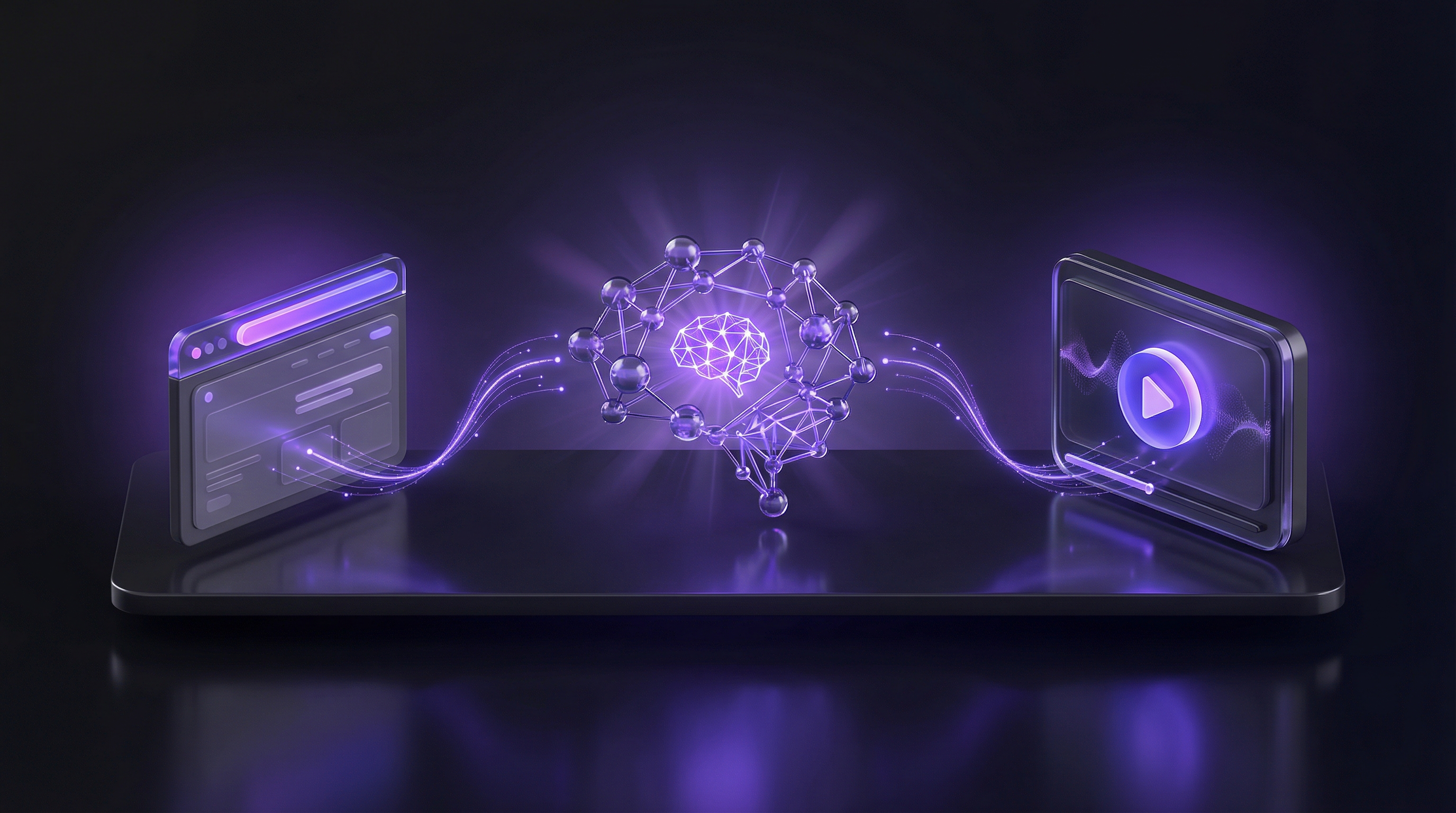
The fourth and most recent tier eliminates both recording and manual capture entirely. Autonomous AI agents take a product URL and a description of the workflow, then navigate the product themselves, capture the screens, edit the footage, add voiceover and captions, apply branding, and output a finished video.
This is the approach Demosmith pioneered. You paste your product URL, describe the flow you want to demonstrate in plain language, and the AI demo agent handles everything else. No browser extension. No screen recording. No editing. The output is an MP4 video with AI voiceover, dynamic captions, and your brand kit applied, typically delivered in under 10 minutes.
Why this approach changes the equation
The autonomous approach does not just save time on one step; it removes every step:
- No recording coordination. You do not need to block time, clear your screen, or get a clean take. The AI navigates the product on its own.
- No editing. Smart editing is built into the generation process. Transitions, zoom effects, pacing, and captions are all handled automatically.
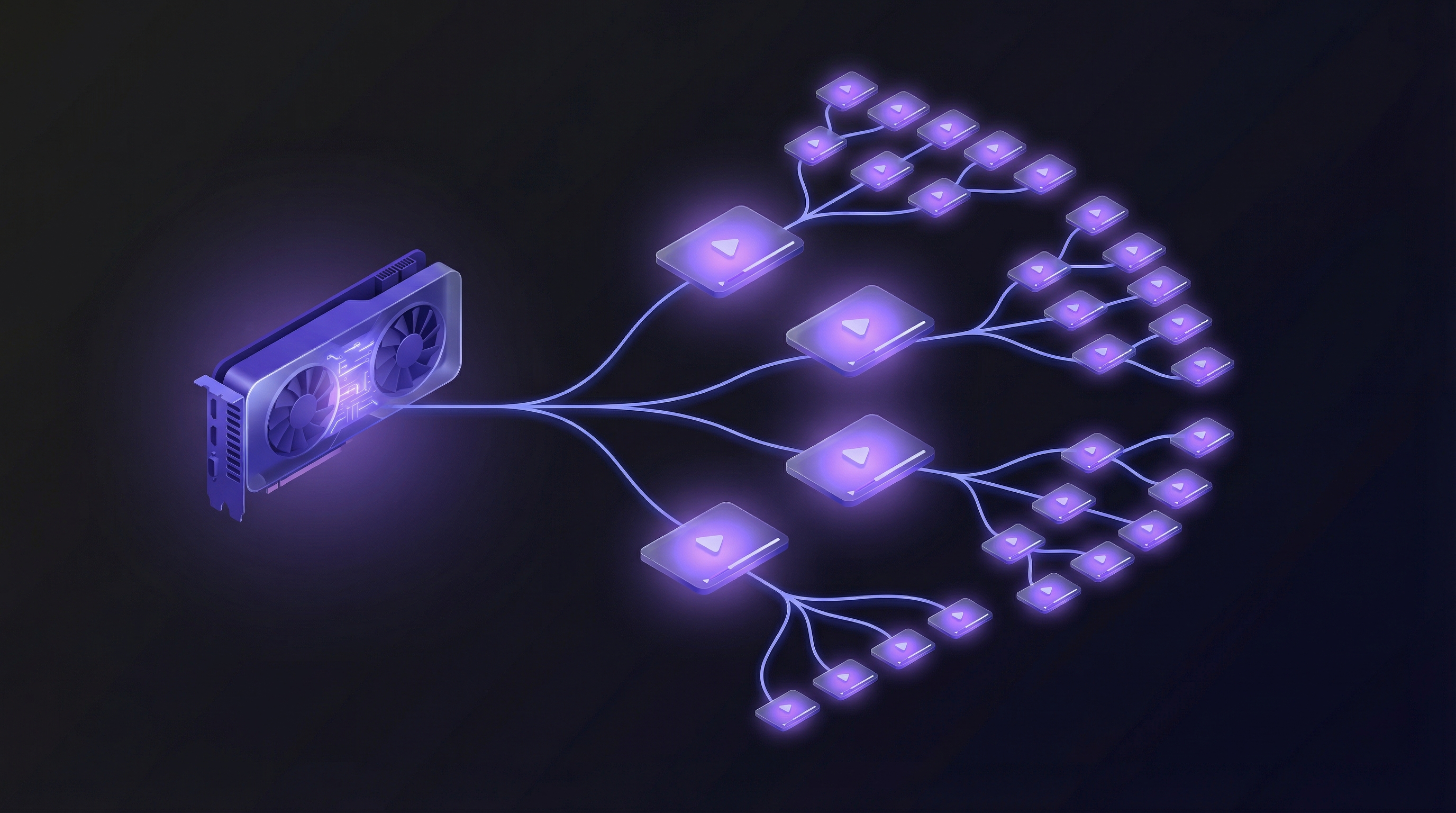
- No re-recording after UI changes. When your product updates, you regenerate the demo from the same URL with the same description. The AI captures the current state of your product every time.
- Built-in localization. AI voiceover in multiple languages means you can produce the same demo in 29 languages without recording a single word of narration.
- Consistent quality. Every demo comes out at the same level of polish, regardless of who initiated it or when it was created.
What you trade off
No approach is without trade-offs, and autonomous AI is no exception:
- Less manual control. You cannot control every frame the way you can in Camtasia or a traditional editor. The AI makes editorial decisions about pacing, zoom, and transitions. For most use cases this is a benefit (it is faster), but if you need pixel-perfect control over every moment, you may want a hybrid approach.
- Complex authentication flows. If your product requires multi-step authentication, SSO, or third-party integrations to reach the workflow you want to demo, the AI may need additional configuration. Simple login flows work well; complex enterprise auth setups may require support.
- New category, fewer integrations. As the newest approach, autonomous tools have fewer native integrations with CRMs, MAPs, and analytics platforms compared to established interactive demo tools. This is changing rapidly but worth noting.
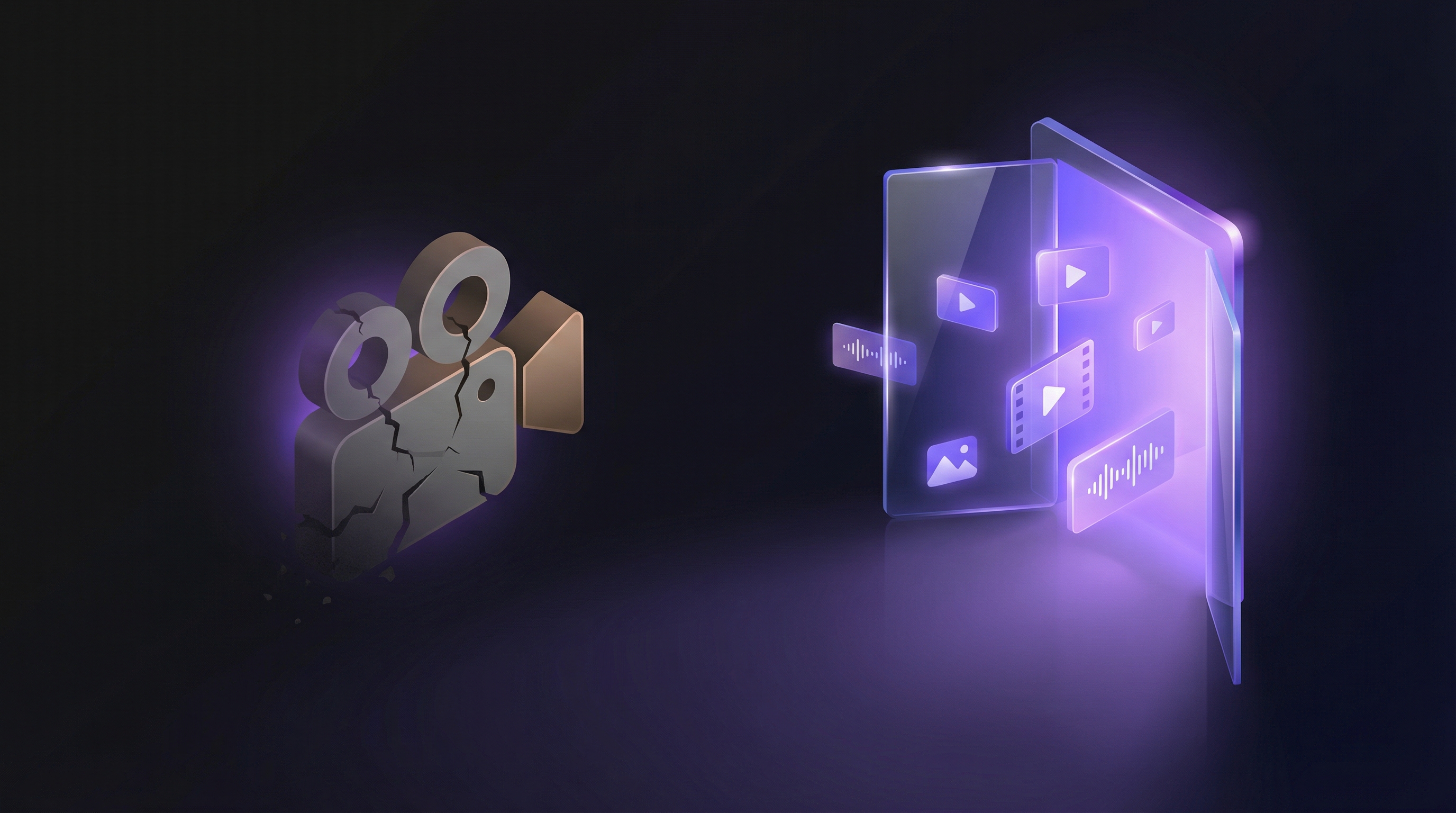
Autonomous AI demo generation is not an incremental improvement on screen recording. It is a different paradigm: instead of capturing what a human does in the product, the AI becomes the human.
The verdict on Level 4
If your primary need is video demos of your actual product and you want to produce them quickly, consistently, and at scale, autonomous AI generation is the most efficient approach available. It is particularly powerful for teams across sales, marketing, onboarding, and support that ship frequently, support multiple languages, or simply cannot afford to dedicate hours per demo to manual production.
Choosing the Right Level for Your Team
The right alternative depends on where your current workflow breaks down. Here is a decision framework:
Stay at Level 1 (better recorders) if:
- You produce fewer than 5 demos per quarter
- Your product UI is stable and does not change frequently
- You have a team member who enjoys recording and is good at it
- Your primary distribution channel is internal communication (Slack, email)
Move to Level 2 (AI-enhanced recording) if:
- Editing is your biggest bottleneck, not recording
- You produce support documentation and how-to content at volume
- You want better output quality without changing your recording habits
- Your budget is limited and you need an incremental improvement
Move to Level 3 (interactive demos) if:
- Your primary distribution channel is your website
- You want engagement analytics on demo viewership
- You need lead capture built into the demo experience
- Video format is not a hard requirement
Move to Level 4 (autonomous AI) if:
- You need video as the primary output (interactive tours can come from the same run)
- Your product ships frequently and demos go stale fast
- You do not have a dedicated video editor
- You need demos in multiple languages
- You want to produce 10+ demos per month without scaling headcount
- Consistency and brand compliance matter across your demo library
Making the Switch: Practical Advice
Whichever level you move to, the transition works best when you approach it methodically:
Start with your highest-traffic demo. Do not try to migrate your entire library at once. Pick the demo that gets the most views, usually your homepage or primary feature overview, and recreate it with the new tool. Compare the output quality and production time side by side.
Measure time-to-publish, not just time-to-record. The real metric is how long it takes from "we need a demo of this feature" to "the demo is live and shareable." Recording time is just one component. Factor in scripting, editing, review cycles, hosting, and distribution.
Plan for the maintenance cycle. Ask yourself: when your product next ships a significant UI change, how long will it take to update this demo? With screen recording, the answer is "start over." With AI-enhanced recording, the answer is "re-record and re-enhance." With autonomous AI, the answer is "re-run the same prompt." The maintenance burden matters more than the initial creation time.
Test with your actual product. Every tool works great in the demo. The real test is whether it handles your specific product, your specific workflows, and your specific edge cases. Most tools in every tier offer free trials. Use them on your real product before committing.
Consider the full cost. A $40/month tool that saves 10 hours of production time per month is not a $40 expense; it is a $40 investment that returns hundreds of dollars in recovered productivity. Compare tool costs against the fully loaded cost of manual production, including the opportunity cost of the people doing the work.
The Bottom Line
Manual screen recording served product teams well for a decade. But as products ship faster, audiences expect more polish, and teams are asked to do more with less, the limitations of recording-and-editing are becoming acute. The alternatives range from modest improvements (better recording tools) to complete paradigm shifts (autonomous AI that navigates your product and produces finished videos without human involvement).
The spectrum exists because different teams have different needs. But the trajectory is clear: the most impactful alternative is the one that removes the most manual steps from the process. For a detailed side-by-side of the two dominant approaches, see our comparison of AI video generators versus screen recording. For video demos specifically, that means moving toward autonomous generation, where you describe what you want and the AI handles everything from navigation to final export.
Your demos should evolve as fast as your product does. The right tool makes that possible without burning out your team in the process.