Why Teams Are Looking Beyond ngram for Demo Videos
ngram is an AI video creation platform that transforms text, documents, URLs, and PDFs into polished videos. Founded in 2020 in San Francisco by Anish Muppalaneni and Devadutta Ghat, it has built a strong following among content teams. Salesforce, HubSpot, PayPal, and Snap Inc. appear on its trusted-by page. The platform generates scripts, storyboards, and finished videos from static inputs without requiring any video editing skill.
That description sounds close to what product teams need. The catch is that ngram is a general-purpose video tool, not a demo specialist. It takes the assets you provide and assembles them into a video. It does not navigate a live product. It does not capture screens autonomously. It does not record your product in action. The features that would matter most for demo videos, including Screen Recording Magic Edit, Smart Zoom, and Cursor Emphasis, are all listed as "Coming Soon" on ngram's own feature page.
Teams evaluating ngram for product demo workflows run into a familiar pattern. The tool handles the top of the funnel well: you upload a document or paste a URL, and ngram generates a script and storyboard. But turning that storyboard into a compelling demo of your actual product still requires you to supply the screenshots, review the output, and iterate. ngram assists with video creation. It does not run the process autonomously.
This guide covers what ngram does well, where it falls short for demo-specific workflows, and the best alternatives for teams that need AI-powered demo video generators built for product walkthroughs. We will give ngram credit where it is earned, then look at tools that solve the demo problem end to end.
What ngram Does Well
ngram is a capable AI video platform with real strengths. If your primary need is turning written content into video, it covers the workflow well. Here is what it brings to the table.
Multiple Input Formats
ngram accepts a wide range of inputs: plain text, Google Docs, Notion pages, PDFs, URLs, and screenshots. You are not locked into a single format. A product marketing team can paste a feature announcement doc, feed it a product URL for reference, or upload a set of screenshots. The flexibility makes it easy to start creating without restructuring your source material.
Script and Storyboard Preview
Before ngram generates the final video, it produces a script and storyboard for your review. You see the structure, the scene breakdown, and the narration before committing to the render. This review step gives you control over the content and lets you catch errors early. For teams that want editorial oversight, this is a genuine advantage over tools that generate output in one pass.
AI Voice, Avatar, and Image Generation
ngram includes an AI voice generator, AI avatar presenter, and AI image generator within the platform. You can produce narrated videos with a synthetic presenter, custom visuals, and background music without leaving the tool. For marketing content, explainer videos, and social media posts, this integrated approach saves teams from stitching together multiple tools.
Brand Kit and Customisation
ngram supports Brand Kit configuration so you can set colours, fonts, and logos that apply across your videos. This matters for teams producing content at volume. Configure once, and each new video inherits the brand settings. The platform also offers templates for common video formats, which speeds up production for recurring content types.
Chrome Extension and Multi-Format Export
ngram offers a Chrome extension for capturing web content, and it exports to MP4 and other common formats. The extension lets you grab screenshots and web content directly, which feeds into the video assembly process. Export options cover the standard distribution channels: social media, embedding, and downloads.
Aggressive Content and SEO Strategy
ngram has published over 80 blog posts and 59 comparison pages targeting competitors across the video and demo landscape. They have pages comparing themselves to Synthesia, HeyGen, Loom, Descript, Camtasia, InVideo, VEED, Storylane, Supademo, Arcade, Walnut, and many more. This content engine drives organic traffic and establishes ngram in search results for a wide range of video-related queries.
Where ngram Falls Short for Demo Videos
ngram's strengths as a general video tool do not translate directly to product demo workflows. Here are the specific gaps that push demo teams toward alternatives.
Key Demo Features Are Still "Coming Soon"
ngram's own feature page lists several capabilities that would matter for demo videos, each tagged "Coming Soon." Auto-Cut, Smart Zoom, Cursor Emphasis, Screen Recording Editor, Callouts, Zapier integration, MCP Server, and Enterprise Analytics are all unshipped. The Screen Recording Editor is particularly relevant. It is the feature that would let teams edit screen recordings into polished demos, and it does not exist yet. When the features you need most have not been built, the platform is a promise rather than a solution.
Credit System Penalises Demo Teams
ngram uses a credit-based pricing model where AI generation costs 10 credits per second of video. The Plus plan at $59 per month provides 3,600 credits, which translates to roughly 6 minutes of generated video. A single product demo walkthrough covering three or four features can consume most of that allocation. Teams producing demos for multiple products, multiple personas, or multiple languages will burn through credits fast. The Pro plan at $299 per month raises the ceiling to 18,000 credits (30 minutes of video), but that price point exceeds what most teams pay for dedicated demo tools.
Not Autonomous, Not Interactive
ngram generates video from static inputs. You provide documents, URLs, screenshots, or text. The AI reads that material, generates a script, and assembles a video. It does not open your product in a browser. It does not click through your interface. It does not record what it sees. For demo videos, this means you supply every screenshot and every piece of visual content yourself. ngram arranges what you give it into a video format, but the demo material comes from you.
Not Purpose-Built for Demos
ngram is a general-purpose video creation tool. It makes marketing videos, explainers, social content, training materials, and product videos. That breadth means it does not optimise for the specific requirements of a product demo: screen capture, cursor tracking, click-through flows, realistic test data, and feature-specific narration. A tool built for all video types makes compromises that a demo specialist does not need to make.
Limited Localization
Product teams selling into international markets need demos in multiple languages. ngram does not offer built-in multi-language voiceover generation. You would need to create separate videos for each language, multiplying the credit cost and the production time. For a tool that charges by the second, localising demo content across five or ten languages becomes expensive fast.
What to Look For in an ngram Alternative for Demo Videos
If you have determined that ngram's general-purpose approach does not fit your demo workflow, or that the credit system makes demo production too expensive, here are the criteria that matter when evaluating alternatives.
Autonomous Product Navigation
The alternative should capture your product screens without you supplying screenshots or navigating manually. The best tools in this category use AI agents that open your product in a cloud browser, follow a flow you describe in plain English, and record what they see. When video generation starts from a URL rather than a document, the output shows your actual product interface instead of a storyboard approximation.
Built-In AI Voiceover with Multi-Language Support
Professional demo videos need narration. The tool you choose should generate natural-sounding AI voiceover synchronised to the demo flow, with support for multiple languages out of the box. If your company sells internationally, producing demos in 10 or 20 languages should not require a separate voiceover budget for each one.
Predictable Pricing, Not Per-Second Credits
Credit-based pricing creates uncertainty. You cannot predict your monthly cost because it depends on how many seconds of video you generate. Look for alternatives that offer per-month or per-plan pricing with clear output limits. A $40 or $99 monthly plan with defined video allowances is easier to budget than a credit system where a single long demo consumes a quarter of your allocation.
Auto-Editing for Demo Context
Raw screen captures are not finished demos. The right tool handles editing automatically: zoom effects on key interactions, transitions between steps, captions synchronised with voiceover, and consistent brand application. You should not need to take the output into a separate editor to make it presentable for a sales call or a YouTube upload.
Purpose-Built for Product Demos
A general video tool makes compromises that hurt demo quality. A demo specialist handles the specific requirements of product walkthroughs: realistic form data (not "test@test.com"), proper pacing between clicks, cursor movement that looks natural, and narration that explains what is happening on screen. These details separate a video about your product from a demo of your product.
Best ngram Alternatives for Product Demo Videos
1. Demosmith -- Best Overall ngram Alternative for Demo Videos
Demosmith is the most direct alternative for teams that need product demo videos rather than general AI video content. It is an AI Demo Agent: a fundamentally different category than ngram. Where ngram takes static inputs and assembles a video around them, Demosmith autonomously navigates your live product and records what it sees.
The workflow is simple. You paste your product URL into Demosmith. You describe the flow you want demonstrated in plain English: "Show how a sales rep creates a new deal, adds a contact, and sets a follow-up task." The AI agent opens your product in a cloud browser, navigates through the steps you described, fills in realistic test data, captures the screens, and auto-edits the footage with transitions, zoom effects, synchronised captions, and AI voiceover narration.
The output is a polished MP4 video plus a shareable link. Turnaround is under 10 minutes. No document upload. No storyboard review step. No screenshots to supply. No iteration cycle.
Where Demosmith beats ngram:
- Autonomous capture from a URL. ngram requires you to bring the content. Demosmith generates the content by navigating your product. The difference is between a tool that helps you edit and a tool that does the work.
- AI voiceover in 29 languages. ngram has voice generation but not multi-language demo localisation. Demosmith produces natural-sounding narration in 29 languages, all synchronised to the demo flow. One prompt, one video. Switch languages in minutes.
- Predictable pricing. Demosmith Starter is $40 per month. No credits. No per-second billing. You know what you pay. ngram Plus at $59 per month gives you roughly 6 minutes of generated video before credits run out.
- Purpose-built for demos. Every feature in Demosmith exists to serve the demo use case. Realistic test data, natural cursor movement, feature-specific pacing, auto-zoom on interactions. These are not add-ons to a general video tool. They are the product.
- No "Coming Soon" features. Smart zoom, cursor emphasis, auto-editing, and screen capture are live in Demosmith today. They are not on a roadmap waiting to be built.
- Brand kit auto-applied. Set your colours, logo, fonts, and intro/outro once. Every video matches your brand identity without manual configuration.
- Lower maintenance. When your product UI changes, paste the same URL and run the same prompt. Demosmith regenerates the demo with the updated interface. No re-capturing screenshots, no re-uploading documents.
Pricing: Free trial available. Starter at $40/mo, Pro at $99/mo, Business at $250/mo, Enterprise custom.
Limitations:
- Updated September 2026: Demosmith also compiles interactive demos from its own recordings of your product, so website click-through tours no longer require a separate tool.
- Complex flows involving third-party authentication or multi-service integrations may need a second generation pass or manual guidance.
- Frame-by-frame editing control is more limited than a traditional video editor, though auto-editing covers most demo use cases.
Best for: Teams that need product demo videos specifically, teams selling into multiple markets that need localised demos, and teams that want to produce demo content without supplying screenshots and reviewing storyboards.
See the product demo video generator page for how generation works.
ngram makes you do the work: bring assets, review storyboards, iterate on output. Demosmith does the work: paste a URL, describe the flow, get a finished video. One is a video assistant. The other is a video agent.
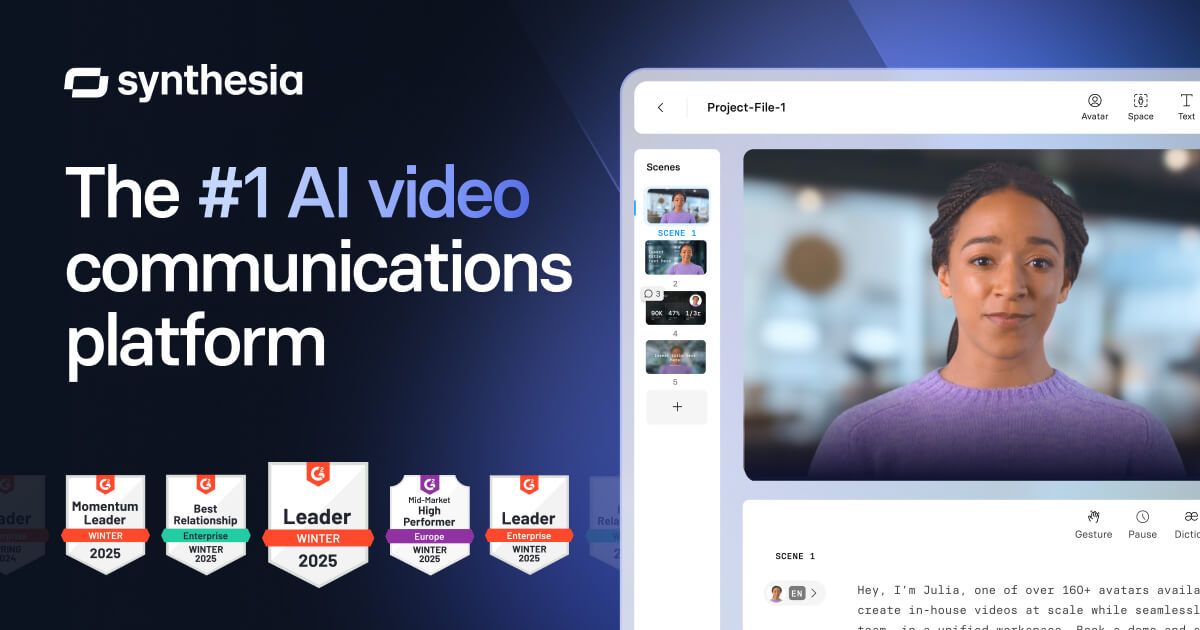
2. Synthesia -- AI Avatar Videos for Talking-Head Demos
Synthesia takes a different approach to demo videos. Instead of capturing your product screens, it generates videos with AI avatars that present content on camera. You write a script, choose an avatar, and Synthesia produces a video of a synthetic person delivering your script with natural gestures and expressions. Synthesia works well for talking-head-style product overviews, training content, and presentations where a human presenter adds credibility.
The strength is the avatar quality. Synthesia's AI presenters look natural enough for external-facing content, and the platform supports over 130 languages. For teams that want a human face introducing a product or explaining a concept, it fills a niche that screen-recording tools do not. The platform also offers screen recording integration, so you can combine avatar segments with screen capture footage.
The limitation for product demos is that Synthesia does not navigate your product. It presents a script. You still need to capture your own screen recordings if you want to show the product interface. Synthesia wraps those recordings with an avatar presenter, but the demo capture step remains manual.
Pricing: Starter at $29/mo (10 min video), Creator at $89/mo (30 min video), Enterprise custom.
Best for: Teams that want avatar-led product overviews and training content. Not a replacement for autonomous screen capture.
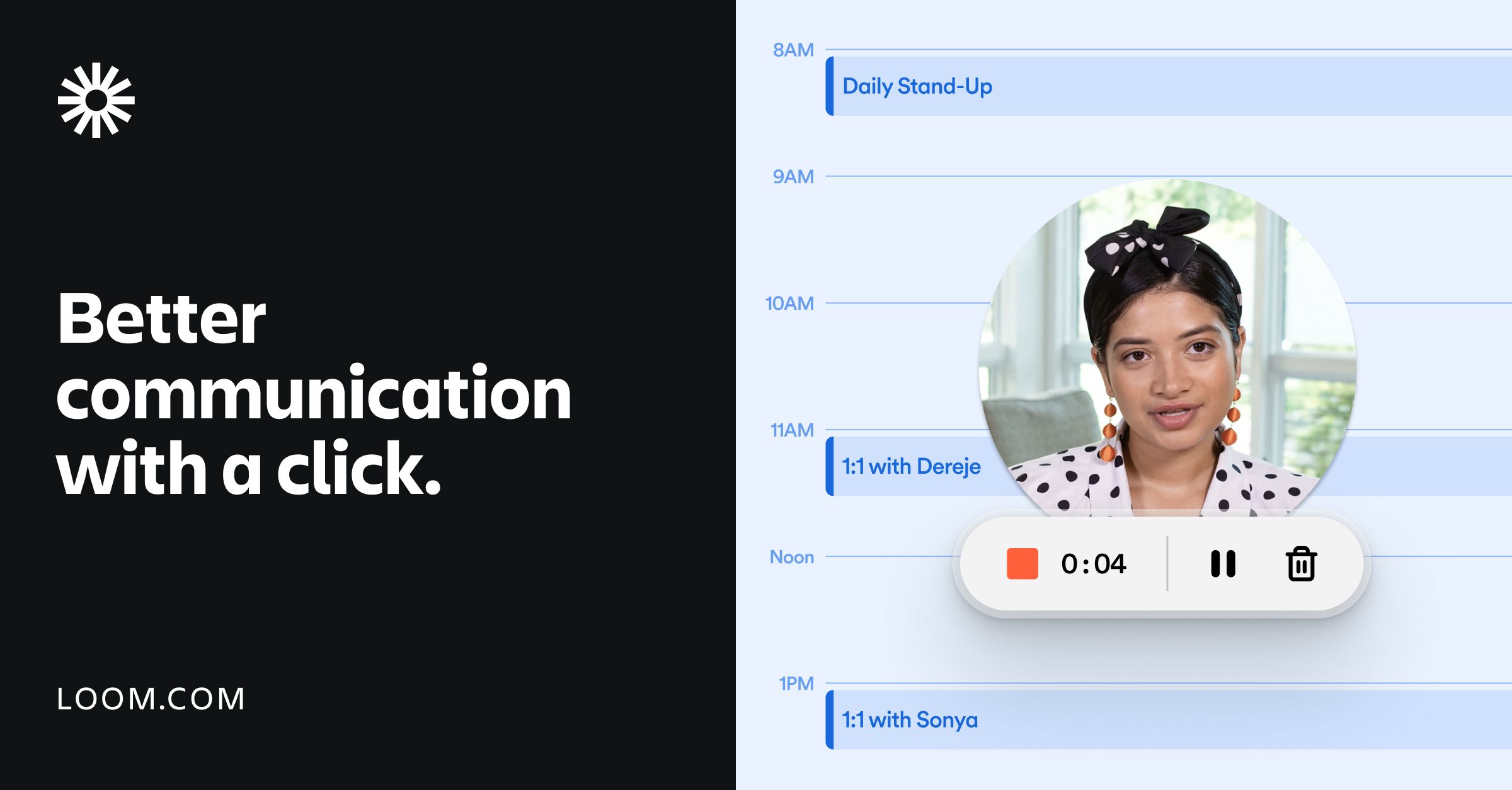
3. Loom -- Screen Recording with a Free Tier
Loom is the most familiar name in screen recording for product teams. You open the Loom extension, record your screen while narrating, and share the link. It is fast, it is simple, and the free tier covers basic needs. For teams evaluating Loom against demo-specific tools, the trade-off is clear: Loom records what you do, but it does not generate anything.
The advantage is the workflow. Record, share, done. No editing timeline, no script generation, no production process. For internal demos, quick bug walkthroughs, and async communication, this speed is hard to beat. Loom also adds auto-captions, thumbnail selection, and basic analytics on higher tiers.
The disadvantage is that every second of footage requires a human to drive the product. You click, you type, you narrate in real time. If you make a mistake, you re-record or trim. If your product changes, you re-record the whole demo. Loom is a recording tool, not a generation tool.
Pricing: Free plan available. Business at $15/user/mo. Enterprise custom.
Best for: Teams that need quick, informal screen recordings. Not suited for producing polished, repeatable demo videos at scale.
4. Arcade -- Interactive Demos with Video Export
Arcade bridges the gap between interactive demos and video output. Like other interactive demo tools, it uses a Chrome extension to capture your product screens and builds guided walkthroughs from those captures. Unlike most competitors, Arcade offers video export as a secondary output format, giving teams distribution flexibility beyond website embeds.
The interactive demo builder works well. You capture screens, add annotations, and create branching paths for different personas or use cases. The video export records the interactive experience as an MP4, which you can share on channels where interactive format does not work. The exported video is a playback of the interactive walkthrough rather than a purpose-built cinematic demo, but it covers basic video needs.
Pricing: Free plan available. Pro at $32/user/mo. Team and Enterprise tiers available.
Best for: Teams that want interactive demos with occasional video export. The video output lacks professional editing and AI voiceover.
ngram vs Alternatives: General Video Tool vs Demo Specialist
The choice between ngram and its alternatives comes down to what you are making. A general video tool and a demo specialist solve different problems, even though the output format looks similar on the surface. The distinction matters because the production process, the quality of the output, and the cost structure diverge significantly depending on which category you choose.
ngram excels at turning written content into video. Paste a blog post, upload a product doc, or link to a support article, and ngram generates a script, assembles visuals, adds narration, and produces a finished video. That workflow serves marketing teams, content teams, and educators well. But product demo videos have specific requirements that this workflow does not address: showing the actual product interface, capturing realistic user flows, and producing footage that looks like someone using the software.
A demo specialist tool handles these requirements as core functionality, not as a stretch use case. It captures real product screens. It fills in realistic data. It adds zoom on clicks and transitions between steps. It narrates what is happening on screen. These capabilities exist because the tool was built for demos, not adapted for them.
The practical question is how often your team makes demo videos versus other types of video content. If demos are one of many video outputs your team produces, ngram's breadth may serve you. If demos are the primary use case, a specialist tool produces better results with less effort. Teams that need each type of content can run both: ngram for marketing and explainer videos, Demosmith for product demos.
ngram vs Alternatives: Side-by-Side Comparison
Here is how ngram stacks up against the best alternatives across the dimensions that matter most for demo videos:
| Feature | ngram | Demosmith | Synthesia | Loom | Arcade |
|---|---|---|---|---|---|
| Primary Output | AI-generated video from docs | MP4 video + shareable link | AI avatar video | Screen recording | Interactive demo + video |
| Autonomous Capture | No, needs assets supplied | Yes, AI agent navigates | No, script-based | No, manual recording | No, Chrome extension |
| Live Product Navigation | No | Yes, from a URL | No | No, manual | No, manual capture |
| AI Voiceover | Yes, built-in | Yes, 29 languages | Yes, 130+ languages | No, live narration only | No |
| Multi-Language | Limited | 29 languages with voiceover | 130+ languages | No | Limited |
| Pricing Model | Credits (10/sec) | Monthly plan | Monthly plan | Monthly plan | Monthly plan |
| Starting Price | $29/mo (Basic) | $40/mo (Starter) | $29/mo (Starter) | Free / $15/user/mo | Free / $32/user/mo |
| Best For | General AI video from docs | Product demo videos | Avatar-led presentations | Quick screen recordings | Interactive demos + video |
Conclusion: The Right Tool Depends on What You Are Making
ngram is a capable AI video platform for teams that need to turn written content into video. The multiple input formats, script preview, and integrated voice and avatar generation make it a strong choice for marketing content, explainers, and training materials. Salesforce, HubSpot, and PayPal did not choose it by accident.
But for product demo videos specifically, ngram leaves the hardest parts undone. The Screen Recording Editor, Smart Zoom, and Cursor Emphasis features that would matter most for demos are all unshipped. The credit system penalises teams producing longer demo walkthroughs. And the fundamental workflow requires you to supply assets rather than generating them from a live product.
Demosmith is built for the demo use case specifically. Its AI agent navigates your product from a URL, captures real footage, auto-edits with zoom and transitions, and adds AI voiceover in 29 languages. The Starter plan costs $40 per month with no credit system. A free trial is available with no credit card required.
Synthesia fills the avatar presenter niche when you want a human face introducing a product. Loom covers quick, informal screen recordings at no cost. Arcade gives interactive demo teams a video export option. Each tool serves a different need. The right choice depends on whether you are making videos about your product or demos of your product. For a direct head-to-head, see our Demosmith vs ngram comparison.
ngram has 59 comparison pages targeting other tools. Zero competitors rank for "ngram alternative." That tells you something about the competitive landscape. The best time to pick a purpose-built demo tool is before you spend months waiting for Coming Soon features to ship.
Key Takeaways
- ngram is a general-purpose AI video tool that turns documents and URLs into video. It is not built for product demo workflows and cannot navigate a live product.
- Key demo features (Screen Recording Editor, Smart Zoom, Cursor Emphasis) are all listed as "Coming Soon" on ngram's feature page. Teams needing these capabilities today should look elsewhere.
- ngram's credit system charges 10 credits per second of generated video. The Plus plan at $59/mo provides roughly 6 minutes of video, which demo teams will outgrow quickly.
- Demosmith is the strongest alternative for product demo videos. Its AI agent autonomously navigates your product from a URL, producing polished video with voiceover in 29 languages, starting at $40 per month with predictable pricing.
- Synthesia suits avatar-led presentations, Loom covers quick screen recordings, and Arcade offers interactive demos with basic video export. Each fills a different niche.
- Teams that need both general video content and demo videos can run ngram alongside Demosmith. For demo-only workflows, a specialist tool produces better output with less effort.