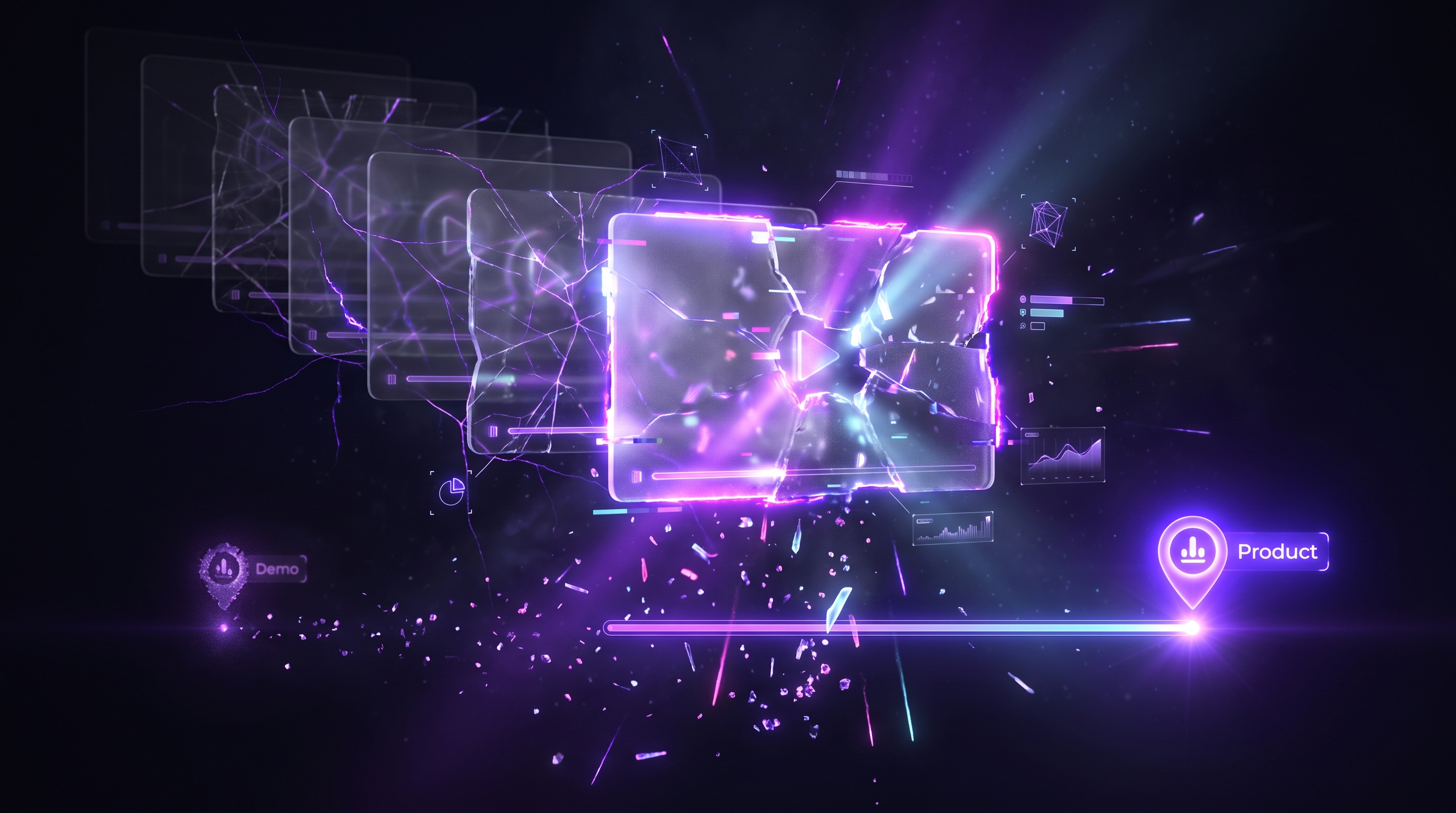
You record a product demo on Monday. By Thursday, the design team has shipped a new colour for the primary button. Two weeks later, the navigation sidebar gets restructured. A month in, your demo shows a feature flow that no longer exists. The video is still live on your website, still embedded in sales emails, and still being watched by prospects who now see a product that does not match what they will encounter when they sign up.
This is the lifecycle of almost every SaaS demo video. It starts accurate and decays steadily until someone notices, panics, and schedules a re-record. The question is not whether your demos will go stale. They will. The question is what system you put in place to deal with it. For product teams shipping on a weekly cadence, Demosmith keeps the demo current with every release so it never drifts from the live UI.
The demo decay problem
SaaS products ship updates weekly or biweekly. Some teams deploy multiple times per day. Each deployment can change things that are visible in a demo: button styles, menu labels, page layouts, feature locations, onboarding flows, and dashboard designs. A demo recorded in January can look noticeably different from the live product by March. Teams that want to skip manual recording entirely can use an AI product walkthrough video tool to regenerate demos without recording. We wrote a deeper exploration of this problem, including detection frameworks and a weekly maintenance workflow, in our guide to keeping demos updated through UI changes.
The changes are often small individually. A button moves from the top right to the top left. A settings page gets reorganised. A feature name changes from "Reports" to "Analytics." But these small changes accumulate. A prospect watching your demo sees one interface. When they sign up for a trial, they see a different one. That gap creates doubt.
Sales teams consistently report that outdated demos hurt credibility in prospect calls. When a buyer asks about a feature they saw in the demo and the rep has to explain that the UI has changed, the conversation shifts from value to uncertainty. The demo was supposed to build confidence. Instead, it raised questions about how current the product really is.
The problem compounds for teams with large demo libraries. If you have 15 product demos covering different features, personas, and use cases, every UI change potentially affects multiple videos. Tracking which demos are still accurate becomes a job in itself, and most teams do not have someone dedicated to it.
What stale demos actually cost you
The costs of outdated demos show up in three places, each one measurable if you know where to look.
- Lost deals. A prospect watches your demo and sees an interface that does not match the trial they just started. They assume the product is behind, or they ask the sales rep about a feature that has been moved or renamed. Either way, the rep spends the call correcting misconceptions rather than advancing the deal. In competitive evaluations, this kind of friction can tip the decision toward a competitor whose demo looks polished and current.
- Support tickets. Users follow a demo or tutorial video that no longer matches the current interface. They click where the video tells them to click, but the button is not there anymore. The customer success team fields avoidable questions that would not exist if the video reflected the actual product. These tickets are low-value for the CS team and frustrating for the user.
- Wasted production time. Teams end up re-recording demos on an ad-hoc basis whenever someone notices an old one is wrong. A sales rep flags a stale demo. A customer complains. A marketing manager spots the issue during a campaign review. Each time, someone drops what they are doing, opens a screen recorder, re-records, edits, and republishes. This reactive approach means constant fire-fighting instead of planned content production. The true cost of demo video production goes well beyond the initial recording session.
The pattern is predictable. Teams invest heavily in producing a demo, get good results from it for a few weeks, then watch it decay as the product evolves around it. The demo becomes a liability instead of an asset, and the cost of that decay is spread across sales, support, and marketing in ways that are easy to miss but hard to ignore once you add them up. Customer success teams feel this pain acutely, as stale videos drive up support tickets and slow feature adoption.
Three strategies for keeping demos current
There are three approaches to maintaining demo videos over time. Each one represents a different trade-off between effort, quality, and scalability. The right choice depends on how many demos you maintain and how frequently your product changes.
Strategy 1: Re-record manually
This is the default approach for most teams. When a demo goes stale, someone opens a screen recorder, prepares the demo environment, clicks through the workflow, records the voiceover, edits the footage, and publishes the updated version. It is the same process as creating the demo the first time.
The advantage is full control. You choose every frame, every word in the script, every edit point. For teams that care deeply about pacing and narrative, manual re-recording gives you the most creative control over the final output.
The disadvantage is time. A full re-record takes 3 to 4 hours when you include environment preparation, multiple takes, editing, and QA. That is the same time investment as the original production. If your product ships UI changes every two weeks and you have 10 demos, the maths does not work. You need 30 to 40 hours per month just to keep your demo library current, and that assumes every re-record goes smoothly on the first attempt.
Most teams that rely on manual re-recording end up with a backlog of stale demos they never get to. The highest-priority demo gets updated. The rest sit there, gradually becoming less accurate, until someone complains.
Manual re-recording works best for teams with 1 to 3 demos total, where the update frequency is low enough that 3 to 4 hours per update is manageable.
Strategy 2: Modular video editing
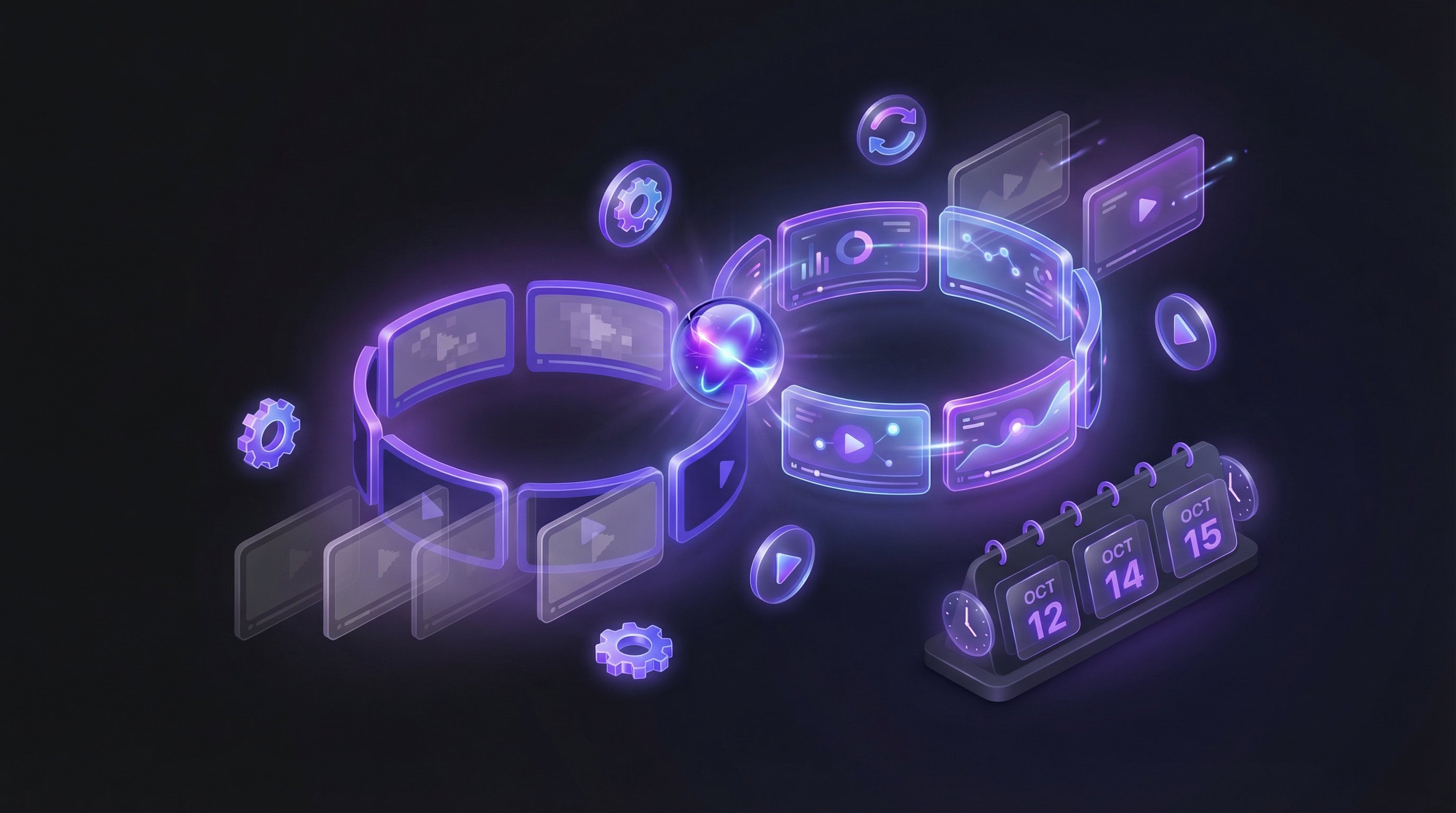
The modular approach treats each demo as a sequence of segments rather than a single continuous recording. You plan segment boundaries upfront: intro, feature walkthrough step 1, step 2, step 3, outro. When one section changes, you re-record only that segment and splice it back into the existing video.
Tools like Descript let you edit video like a text document, making it straightforward to identify and replace specific sections. Camtasia provides timeline-based editing that supports segment replacement. Both reduce the time per update compared to a full re-record, because you only redo the parts that changed.
The challenge is continuity. Splice points between old and new footage are often visible, especially if the lighting, screen resolution, or cursor style differs between recording sessions. Voiceover is particularly tricky. If your original narration was recorded in one session with a consistent tone and pacing, splicing in a new segment recorded weeks later creates an audible shift. The voice sounds slightly different, the rhythm changes, and the result feels stitched together.
Modular editing also requires planning upfront. You need to define segment boundaries before the first recording, maintain consistent recording settings across sessions, and keep your project files organised so that anyone on the team can make updates. Without that discipline, modular editing degrades into full re-recording because nobody can find the right project file or match the original recording conditions.
This approach works best for teams with 5 to 15 demos and a dedicated video producer who can maintain recording standards and project file organisation over time.
Strategy 3: AI regeneration on demand
The third approach eliminates recording and editing entirely. An autonomous AI demo agent regenerates the entire demo from scratch whenever the product changes. You paste the product URL, describe the flow you want to demonstrate, and receive an updated video in under 10 minutes.
Because the agent navigates the live product in a real browser, the output always shows the current UI. There is no footage to go stale, because there is no pre-recorded footage at all. Each generation captures the product as it exists right now, with current button styles, current navigation, and current feature layouts.
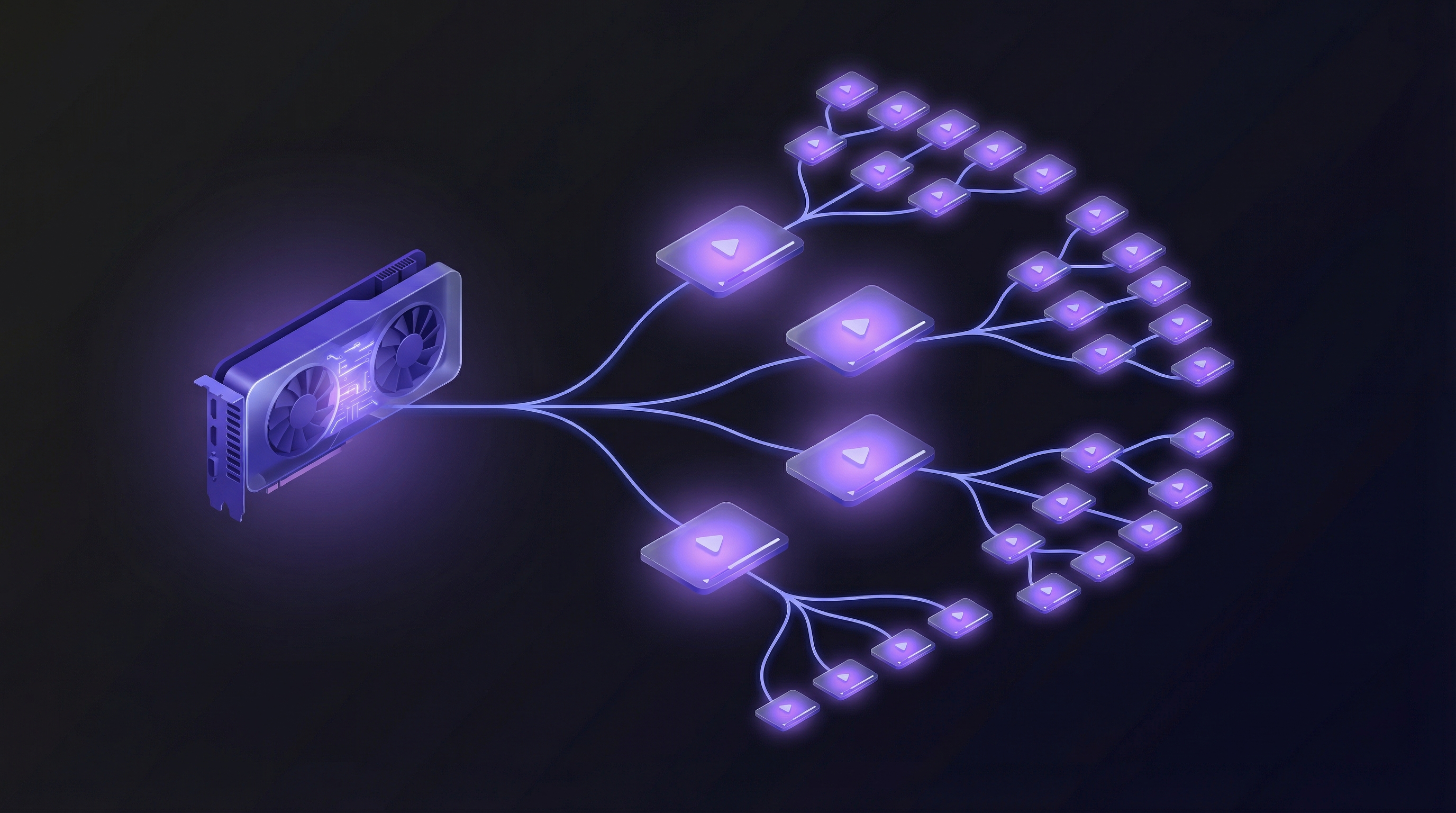
The practical benefit is scale. Regenerating one demo takes the same effort as regenerating twenty. You can run a batch update session after a major release and have your entire demo library refreshed in an afternoon. This is especially valuable for feature announcement videos that need to ship the same week a feature goes live. Voiceover consistency is built in, because the same AI voice engine produces every narration. There are no splice points, no lighting mismatches, no recording environment differences.
The trade-off is control. You have less frame-by-frame precision than manual recording or modular editing. Complex flows that involve third-party authentication, external service integrations, or multi-step approval workflows may need additional guidance or configuration. For most standard product walkthroughs, the output quality is comparable to a professionally edited manual recording. Teams with very specific creative requirements may find the level of control insufficient for certain use cases.
AI regeneration works best for teams with 10 or more demos that ship product updates frequently. If your demo library is large enough that manual maintenance is impractical, and your product changes often enough that demos go stale within weeks, this approach removes the maintenance burden entirely. For a comparison of tools in this category, see our guide to the best AI demo video generators in 2026.
Strategies compared
The following table summarises how the three approaches compare across the factors that matter most for ongoing demo maintenance.
| Factor | Re-record | Modular editing | AI regeneration |
|---|---|---|---|
| Time per update | 3-4 hours | 1-2 hours | Under 10 minutes |
| Skill required | Screen recording, video editing, voiceover | Video editing, project file management | Writing a prompt |
| Scalability (demos/quarter) | 5-10 updates | 15-30 updates | 50+ updates |
| Voiceover consistency | Depends on speaker availability | Often inconsistent across spliced segments | Consistent across all demos |
| Cost per update | High (labour hours) | Medium (partial labour) | Low (subscription-based) |
| Best for | 1-3 demos, infrequent updates | 5-15 demos, dedicated video producer | 10+ demos, frequent product changes |
The trend is clear: as the number of demos and the frequency of updates increase, manual approaches become increasingly impractical. Teams that maintain large demo libraries and ship product changes regularly will find that AI regeneration is the only approach that scales without a proportional increase in headcount. To understand how this works at higher volumes, see our guide on how to scale product demo creation.
Building an evergreen demo system
Choosing a maintenance strategy is step one. Making it operational requires a system. Here are five steps to build one.
1. Audit your current demo library. List every demo your team uses, including sales decks, website embeds, onboarding flows, and help centre videos. For each one, note when it was last updated and whether the UI shown still matches the current product. Most teams discover that over half their demos are out of date when they run this audit for the first time.
2. Set update triggers. Tie demo updates to your product release cycle. Every sprint or release that changes visible UI should trigger a demo review. This does not mean updating every demo after every release. It means checking which demos are affected and adding the updates to the queue. Product and marketing need a shared channel for this, whether that is a Slack notification from the release notes or a standing item in the sprint review.
3. Assign ownership. Demos without an owner do not get updated. Assign one person, or one AI agent, per demo category. The owner is responsible for reviewing their demos after each release trigger and ensuring updates happen within a defined SLA. For teams using AI demo video generators, the owner's job shifts from production to review: regenerate the demo, watch the output, approve or adjust.
4. Batch updates. Do not update one demo at a time. Run a batch update session after each major release. If you are re-recording manually, block a half-day and do all updates in one session to maintain consistent recording conditions. If you are using AI regeneration, queue all affected demos for regeneration and review the outputs together. Batching reduces context-switching and improves consistency across your demo library.
5. Track freshness. Add a "last verified" date to every demo in your library. Flag anything older than 30 days for review. This does not need to be complicated. A spreadsheet with columns for demo name, URL, last verified date, and owner is enough to start. The point is visibility: if you cannot see which demos are stale, you cannot fix them before a prospect or customer finds out for you.
Conclusion
The fastest demo to produce is one you never have to produce manually. The best maintenance strategy is one where maintenance takes less time than the meeting to discuss it.
Demo maintenance is not a content problem. It is an operations problem. The teams that solve it treat demo freshness like uptime: monitored, measured, and automated wherever possible.
Every SaaS team that ships product updates regularly faces the same decay cycle. The difference between teams with an evergreen demo library and teams with a graveyard of stale videos is not budget or headcount. It is whether they built a system for keeping demos current, or left it to chance.
Key takeaways
- SaaS demos start decaying the moment they are published. Weekly or biweekly product releases mean UI changes accumulate faster than most teams can re-record.
- Stale demos cost you in three places: lost deals from eroded prospect trust, avoidable support tickets, and wasted production time on reactive re-recording.
- Manual re-recording works for small demo libraries (1-3 videos) but takes 3 to 4 hours per update and does not scale.
- Modular editing reduces update time by letting you replace individual segments, but splice points and voiceover inconsistency limit the quality.
- AI regeneration eliminates recording and editing entirely. An autonomous agent regenerates demos from the live product in under 10 minutes, making it the only approach that scales to large libraries with frequent updates.
- Build a system: audit your demo library, set update triggers tied to your release cycle, assign ownership, batch updates, and track freshness with "last verified" dates.