The Support Ticket Problem Nobody Talks About
Over 65% of SaaS revenue comes from existing customers. Not new logos. Not expansion deals. Existing customers choosing to stay and pay. Yet most product teams pour resources into acquisition and treat post-sale support as a cost centre to minimise.
The result is a feature adoption crisis. Pendo reports that 80% of SaaS features are rarely or never used, with the average adoption rate sitting at just 6.4%. Userpilot found the median feature adoption rate across 181 companies is 16.5%. That means most of the product your engineering team builds goes unused by the customers who already pay for it.
This is not just a product problem. It is a retention problem. Customers who fail to adopt a key feature within 90 days are 40% more likely to churn. Users who do not engage within their first three days face a 90% churn risk. And 63% of customers say the onboarding experience is a key factor in their decision to subscribe.
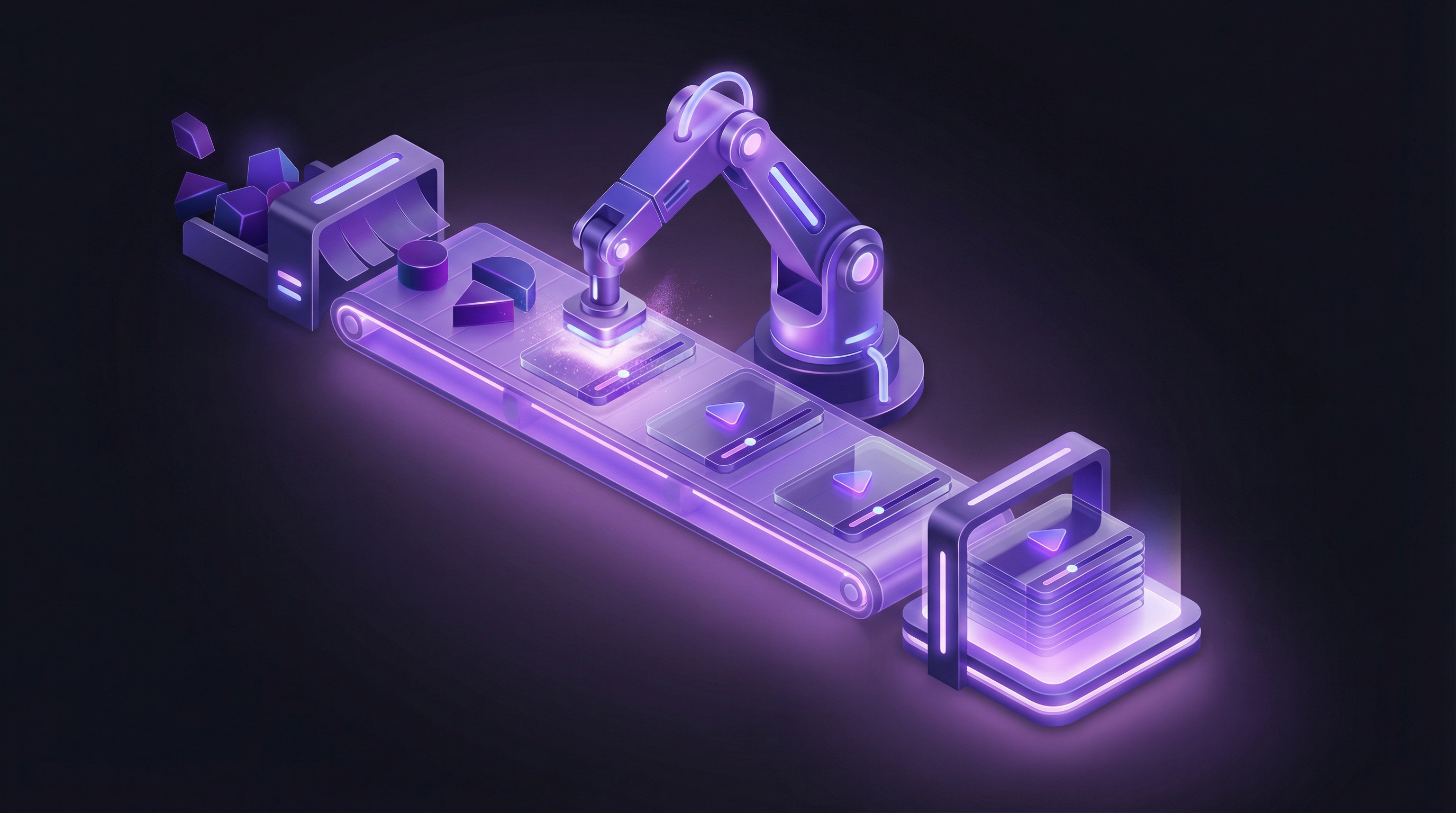
The traditional CS response? More support tickets, more one-on-one calls, more knowledge base articles that nobody reads. There is a better approach: product demo videos that show customers exactly how to get value, without filing a ticket or waiting for a Zoom link. An AI demo agent can generate those videos at a pace CS teams cannot match manually.
Why CS Teams Need Demo Videos (The Data)
Ticket Reduction
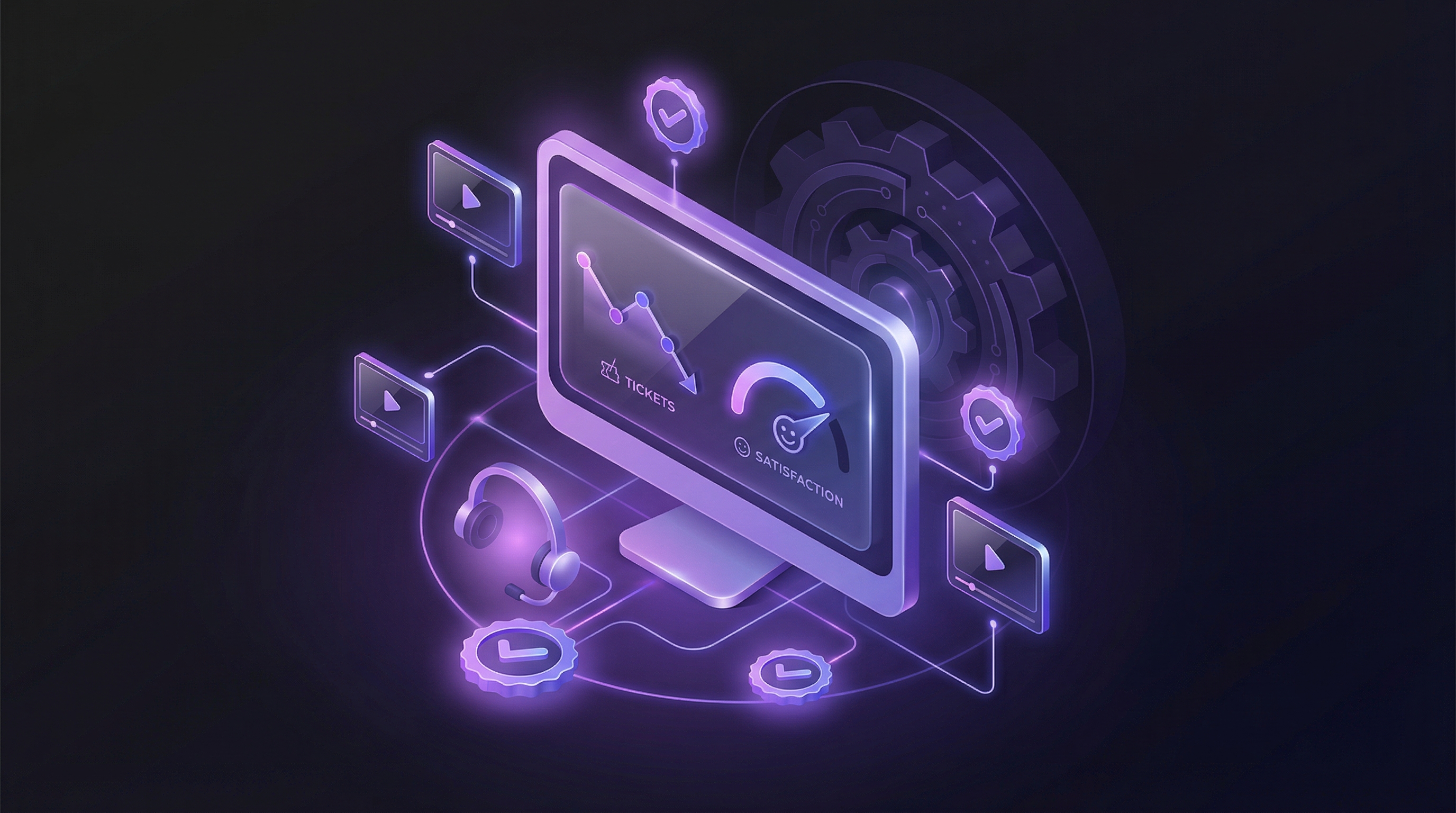
The numbers are clear. 57% of video marketers report that video decreased support queries (Wyzowl 2026). SaaS companies with video onboarding see 35% fewer tickets in their first month. And 68% of users prefer watching an explainer video for troubleshooting over contacting support directly.
Good in-app guidance, including video walkthroughs, reduces support tickets by up to 83% and increases feature adoption by 42% (Perly.ai). That is not an incremental improvement. That is a structural shift in how customers find answers.
Cost Savings
Self-service support costs between $1 and $4 per interaction. Phone support costs $17 to $25 per ticket. That is an 80 to 100x cost difference. Every ticket a demo video deflects saves real money, and the video keeps working 24 hours a day without adding headcount.
Feature Adoption and Retention
93% of video marketers say video helped increase user understanding of their product (Wyzowl 2026). 65% of users say video is their preferred method for understanding a product. Companies with strong onboarding programmes boost retention by 50%.
The revenue impact follows. Forrester and Intellum found that structured customer education drives a 6.2% increase in revenue, 7.4% improvement in retention, and 7.1% lift in customer lifetime value. Reducing churn by just 5% boosts profits by 25%.
The Scale Problem
The average annual SaaS churn rate sits at 10-14%. Digital CS is now the number one priority for CS leaders according to Gainsight. Teams need to serve more customers with fewer resources, and video is the most scalable way to deliver product knowledge without burning out your CS team.
Five Ways CS Teams Use Demo Videos
1. Onboarding
The first 72 hours after signup determine whether a customer sticks around. A short demo video showing the core workflow, from first login to first value, cuts time-to-value dramatically. 63% of customers say onboarding is key to their subscription decision, and 74% will switch to a competitor if the process feels too complicated.
Onboarding videos work because they are asynchronous. Customers watch them at their own pace, rewind confusing sections, and do not need to schedule a call. One self-serve CRM startup saw 35% higher activation rates and 20% fewer tickets after replacing their text-based onboarding with interactive demo videos. If your team is just getting started with video onboarding, our beginner's guide to onboarding demo videos walks through the full process from scratch. For a deeper look at scaling this approach, see our guide on automating product onboarding videos at scale.
2. Feature Adoption
New features launch with a changelog entry and maybe an email. Two weeks later, adoption is in single digits and the PM is frustrated. Demo videos change that dynamic. A 60-second video showing a feature in action, solving a real problem, drives understanding far faster than a bullet-pointed release note.
The average SaaS feature adoption rate is just 24.5% across 181 companies (Userpilot). Pendo puts the number even lower at 6.4%. That gap represents $29.5 billion in wasted R&D spending on features nobody uses. A targeted demo video will not fix bad product decisions, but it ensures that useful features actually reach the people who need them.
3. Ticket Deflection
Most support tickets follow predictable patterns. "How do I export my data?" "Where do I find the integration settings?" "How do I add a team member?" Each of these questions can be answered by a 30 to 90-second demo video embedded in the help centre or triggered in-app at the right moment.
Senja.io cut their ticket volume by 50% after adding video tutorials to their most common support topics. The videos are searchable, always available, and do not require a support agent to be online.
4. QBRs and Renewals
Quarterly business reviews are the highest-stakes CS touchpoint. Walking a customer through their usage data, showing them features they have not explored, and connecting product capabilities to their business goals is what separates renewals from churn. 88% of CX specialists say personalisation is critical to customer loyalty.
A personalised demo video prepared before the QBR, showing the customer's own use case and highlighting relevant features, transforms a routine check-in into a value demonstration. It also saves your CS team from building custom slide decks for every account. This is the heart of using Demosmith for customer success: showing value before renewal, not after churn.
5. Re-engagement
When usage drops, most CS teams send a text-based email asking "Is everything okay?" That email gets ignored. A short demo video showing what the customer is missing is far harder to ignore. Especially one that highlights a new feature solving their specific pain point.
Pipedrive used personalised video outreach to at-risk customers and convinced them to stay. The visual format made it easy for customers to see the value they were leaving behind, something a plain-text email cannot do.
The Re-Recording Problem
Here is the uncomfortable truth about CS video libraries: they go stale fast. As one Head of CS at Mixpanel put it: "Within two months, the UI would change again... The CS team didn't have time to keep re-recording everything."
This is demo debt for customer success teams. Every UI update, every redesigned settings page, every new navigation pattern makes existing videos outdated. Customers watch a tutorial that shows buttons in the wrong place, get confused, and file a support ticket. The video that was supposed to deflect tickets now generates them.
Why Traditional Tools Make It Worse
Tools like Loom and Vidyard were not designed for maintainable video libraries. Loom's free plan caps at 720p and 5-minute recordings. Its analytics are basic, it has no CRM integration, and you cannot partially update a Loom video. If one screen changes, you re-record the entire thing.
Vidyard has a steep learning curve, expensive pricing, poor library UX, and the same fundamental problem: full re-recording for every UI change. For a fast-shipping SaaS team pushing updates weekly, this means your CS video library is permanently behind your product.
The maths is simple. If you have 50 tutorial videos and your product ships meaningful UI changes monthly, you need to re-record 10 to 15 videos per month just to stay current. At 30 to 60 minutes per recording (plus editing), that is 5 to 15 hours of CS time every month on video maintenance alone. Most teams give up after a quarter. For a deeper look at solving this, read our guide on keeping demo videos evergreen.
How to Build a CS Video Library That Scales
Start With a Tiered Approach
Not every customer needs the same level of video support. Structure your library around two tiers:
High-touch (enterprise accounts): Personalised demo videos tailored to specific workflows, use cases, and business goals. These are custom-produced for QBRs, onboarding, and renewal conversations. They reference the customer's industry, data, and objectives.
Tech-touch (self-serve and SMB): Standardised demo videos covering common workflows, feature introductions, and troubleshooting. These live in your help centre, in-app resource centre, and onboarding email sequences. They serve hundreds or thousands of customers simultaneously.
Map Videos to the Customer Journey
Organise your library by lifecycle stage, not by feature:
- Day 1-3 (activation): Core workflow videos showing the fastest path to value
- Week 1-4 (onboarding): Feature-specific tutorials for the tools they use most
- Month 2-3 (adoption): Advanced features, integrations, and power-user workflows
- Ongoing (retention): New feature announcements, best practices, and optimisation tips
- At-risk (re-engagement): Personalised videos showing unused capabilities relevant to their goals
Solve the Maintenance Problem
The library is only useful if the videos match the current product. This is where traditional tools fail and where an AI demo video generator changes the equation.
With Demosmith, you paste your product URL and describe the flow. The AI agent navigates your product autonomously, captures the footage, generates the voiceover, and delivers a finished video in under 10 minutes. When your UI changes, you regenerate the video. Same URL, same flow description, new footage. No re-recording, no editing, no scheduling time with your CS team.
Demosmith also generates voiceovers and captions in 31 languages, which means your CS video library can serve international customers without producing separate recordings for each market. For a $250/month Business plan, you can maintain a complete multilingual video library that stays current with every product release.
Embed Where Customers Already Are
A video library sitting in a Notion doc helps nobody. Distribute your videos where customers actually look for help:
- Help centre: Embed relevant videos at the top of knowledge base articles
- In-app: Trigger contextual videos based on user actions or inactivity
- Onboarding emails: Include video links in your automated sequences
- Chatbot responses: Surface tutorial videos when customers ask common questions
- Community forums: Pin demo videos for frequently asked topics
Measuring the Impact: Metrics That Matter
You cannot justify a CS video programme without data. Track these five metrics before and after launching your video library:
1. Support Ticket Volume
The most direct measure. Track total tickets per month and tickets per customer. Segment by topic to identify which videos have the biggest deflection effect. Aim for a 30-50% reduction in ticket volume for topics covered by video within the first 90 days.
2. First-Response Time
When customers can self-serve through video, the tickets that do come through tend to be more complex and fewer in number. This lets your support team respond faster to the issues that genuinely need human attention. Loom reports 30% faster resolution times when support conversations include video context.
3. Feature Adoption Rate
Measure the percentage of active users engaging with a feature before and after publishing a demo video for it. The baseline is low: Userpilot puts the average at 24.5% (median 16.5%). Even a modest lift from video tutorials represents significant value delivered to customers who would otherwise ignore the feature.
4. NPS and CSAT Scores
Customer satisfaction tends to improve when self-service options are available and useful. Intuit saw an 18% rise in Transactional NPS and a 10% increase in resolution rates after implementing video support. Track your NPS and CSAT scores at the account level and correlate with video engagement data.
5. Net Revenue Retention and Churn
The ultimate measure. Customers who adopt more features, resolve issues independently, and feel supported are less likely to leave. Track churn rate and net revenue retention for cohorts exposed to your video library versus those who are not. Companies with strong onboarding boost retention by 50%. Even a small improvement moves the needle: a 5% reduction in churn can boost profits by 25%.
Case Studies: CS Teams Using Video
Senja.io: 50% Ticket Reduction
Senja.io, a testimonial collection platform, added video tutorials covering their most common support queries. Ticket volume dropped by 50%. The videos covered recurring questions about setup, integrations, and data exports. Customers found answers without waiting for a response, and the support team redirected their time toward higher-value conversations.
Pipedrive: Saving At-Risk Customers
Pipedrive used personalised video outreach to customers showing signs of disengagement. Instead of sending a generic "we miss you" email, their CS team recorded short videos walking through features relevant to each customer's use case. The personalised approach convinced at-risk customers to re-engage and renew. Video worked as a retention tool, not just a support tool.
Intuit TurboTax: 10% Resolution Boost
Intuit deployed video across their TurboTax support experience and measured a 10% increase in resolution rates alongside an 18% rise in Transactional NPS. The videos addressed complex tax scenarios that were difficult to explain through text alone. Visual walkthroughs made it easier for customers to follow multi-step processes correctly the first time.
Perforce: 200 KB Articles in 3 Weeks
Perforce had a backlog of 200 knowledge base articles that needed accompanying video content. Their previous approach took roughly 3 days per video, which meant the backlog would take over a year to clear. By adopting an AI-powered video generation workflow, they cleared the entire backlog in 3 weeks. The speed difference cleared a backlog that had stalled for over a year.
Mixpanel: The Re-Recording Treadmill
Mixpanel's CS team experienced the re-recording problem firsthand. Their Head of CS described the cycle: produce a set of tutorial videos, then watch them become outdated within two months as the UI evolved. The team could not justify the ongoing time investment, and the video programme stalled. AI-generated videos fix this pattern directly. When regenerating a video takes 10 minutes instead of half a day, keeping up with UI changes becomes routine.
Conclusion
The best CS teams do not answer the same question twice. They record the answer once, distribute it everywhere, and regenerate it when the product changes.
Customer success video has become the most cost-effective way to reduce tickets, drive adoption, and protect revenue from existing customers. The data supports this at every level: from 50% ticket reduction to 42% adoption lifts to 25% profit increases from modest churn improvements.
The production burden held CS teams back: recording, editing, re-recording, translating, maintaining. AI demo agents remove that barrier. A tool like Demosmith lets your CS team create a polished demo video in under 10 minutes, regenerate it when the UI changes, and localise it across 31 languages without touching a recording button.
Key Takeaways
- Video deflects tickets at scale. 57% of video marketers report fewer support queries, and companies like Senja.io have cut ticket volume by 50%.
- Self-service saves serious money. At $1-4 per self-service interaction versus $17-25 for phone support, every deflected ticket adds up.
- Feature adoption drives retention. With 80% of features going unused, demo videos are the fastest way to close the adoption gap and reduce churn risk.
- The re-recording problem kills video programmes. Traditional tools require full re-recording for every UI change. AI demo agents regenerate videos in minutes.
- Structure your library by lifecycle stage. Map videos to activation, onboarding, adoption, retention, and re-engagement rather than organising by feature.
- Measure what matters. Track ticket volume, adoption rates, NPS, and churn before and after launching your video library to prove ROI.