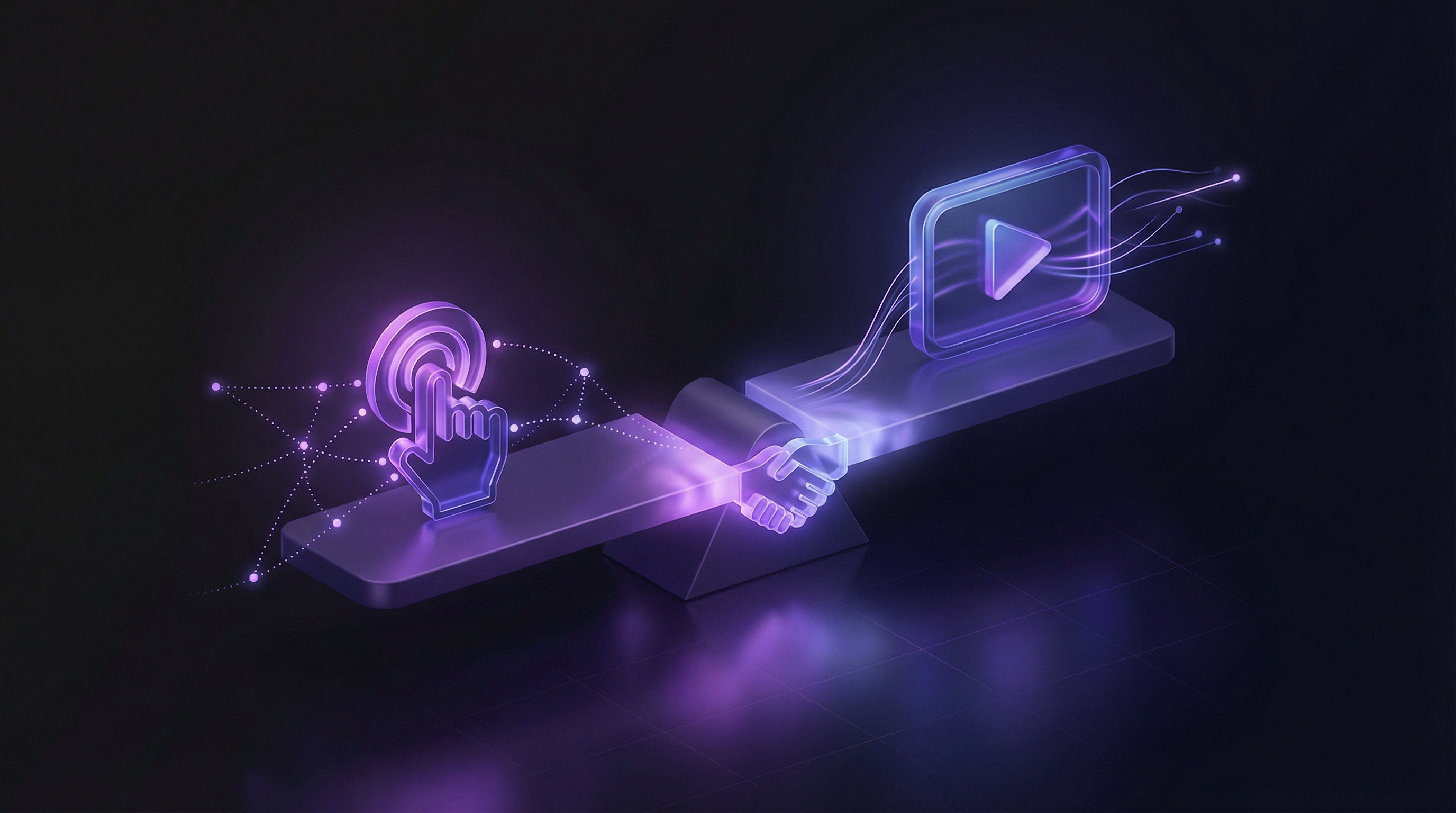
Search "demo automation" and you will find dozens of articles that all describe the same thing: interactive click-through demos built with tools like Storylane or Navattic. That is one form of automation. It is not the only one, and for most use cases it is not the most impactful one.
Demo automation covers any process that reduces the manual effort required to create, maintain, and distribute product demos. That includes interactive demos, yes. But it also includes recording-assisted video tools and fully autonomous AI agents that produce finished demo videos without any human recording or editing. For a full breakdown of every tool category, see our comparison of demo automation tools by category. This guide covers all three levels, with honest comparisons of cost, effort, and output quality.
What demo automation actually means
Demo automation is about removing manual steps from the demo production workflow. The goal is simple: produce more demos, keep them current, and distribute them across more channels, without scaling your team linearly.
The term has been co-opted by interactive demo platforms. When Storylane, Navattic, or Walnut say "demo automation," they mean their specific approach: capturing screenshots of your product and assembling them into guided click-through experiences. That approach has real value. But it is only one layer of what automation can do.
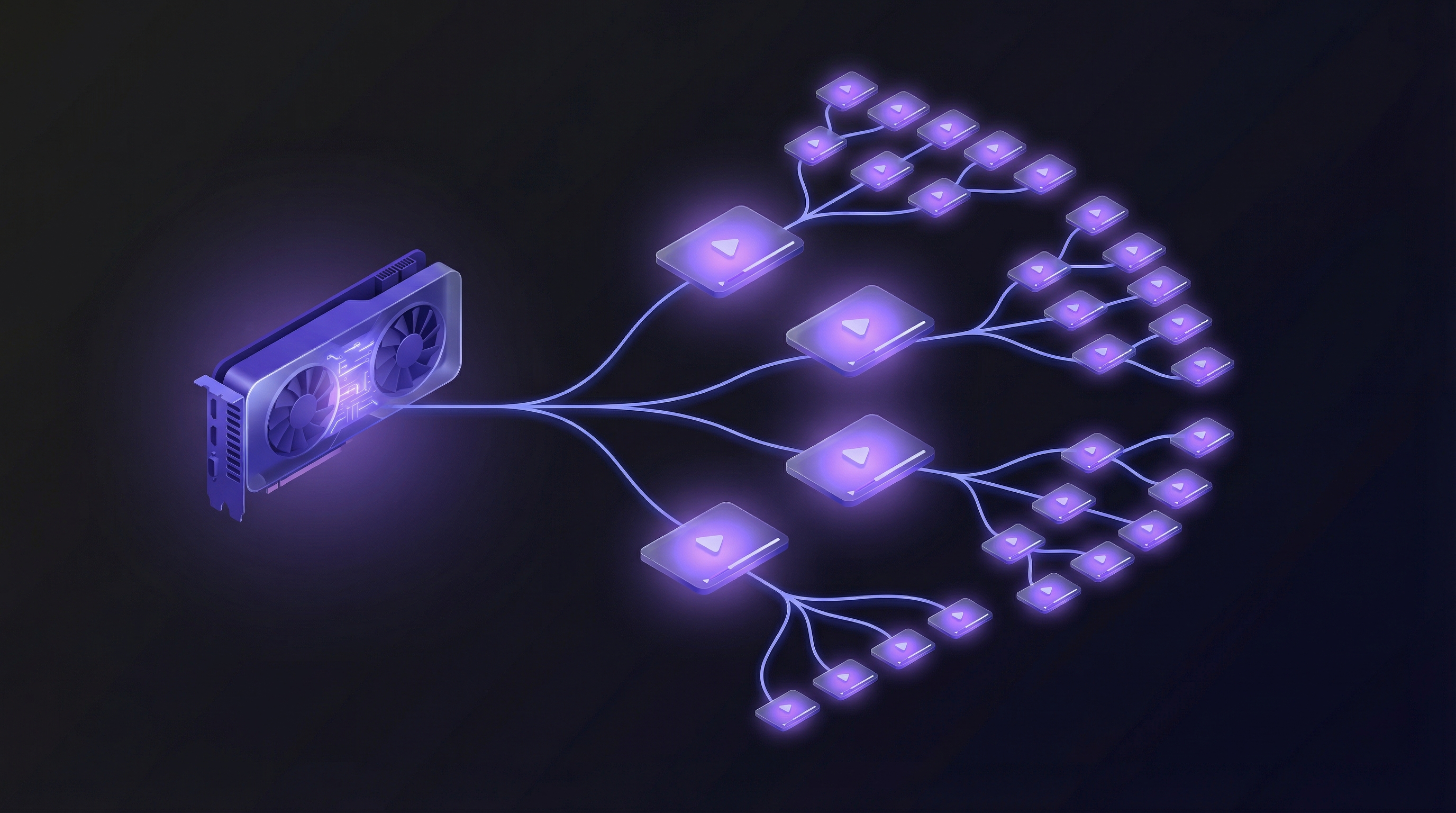
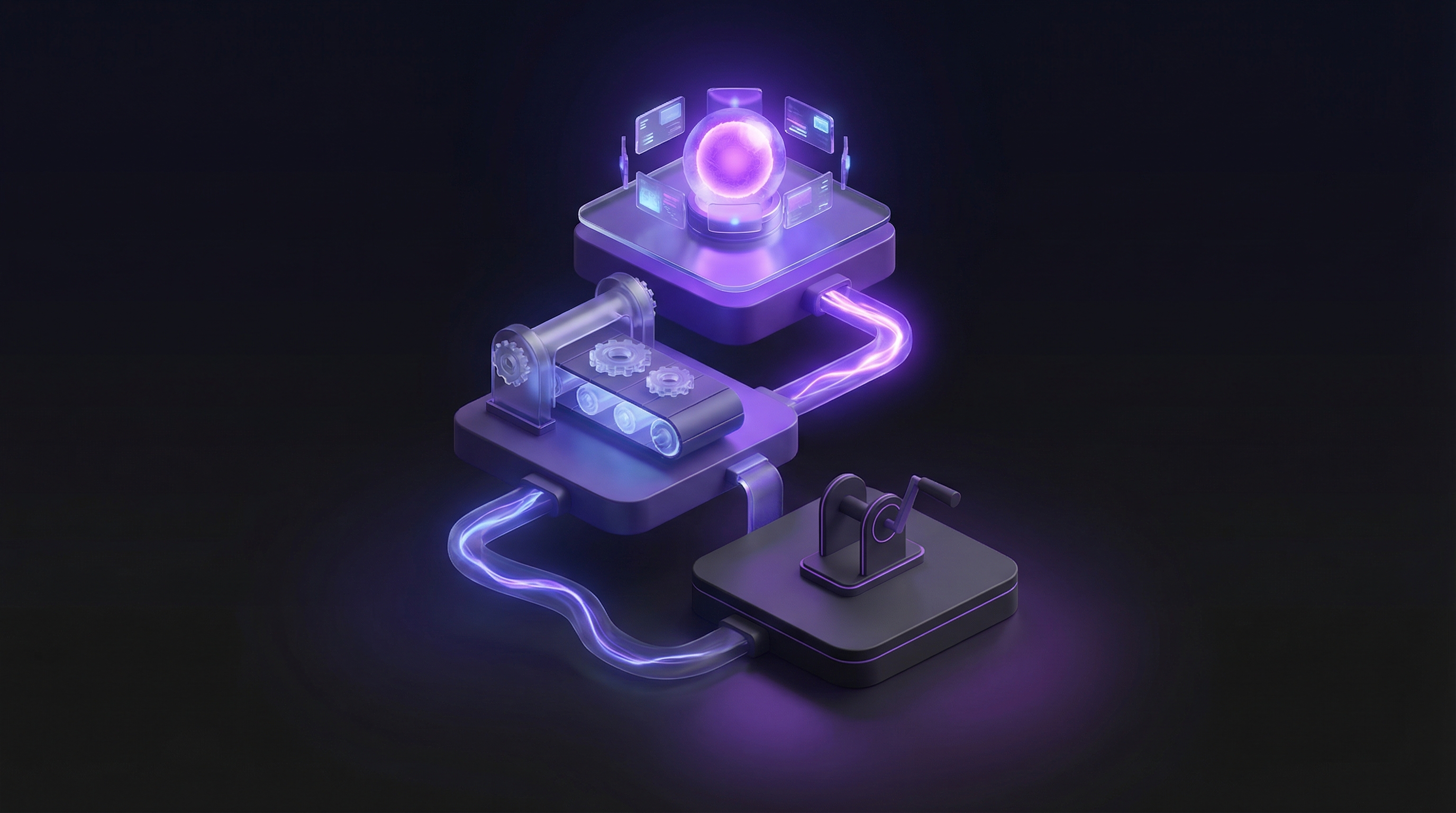
True demo automation spans three distinct levels, each solving a different bottleneck. Most SaaS teams only know about the first level because interactive demo vendors dominate the search results. The other two levels, recording-assisted video and fully autonomous AI generation, address the larger problem: producing video demos at scale. For a deeper look at the newest category, see our explainer on what an AI demo agent is and how it works.
Three levels of demo automation
Each level automates a different portion of the demo production process. The more you automate, the lower your marginal cost per demo and the faster you can respond to product changes.
Level 1: Template-based (interactive demo platforms)
You manually capture screenshots or screen states by clicking through your product. The platform provides templates, guided tour logic, and embed codes that speed up assembly. You still do the capturing and the copywriting. The automation is in the packaging.
Level 2: Recording-assisted (AI-enhanced video tools)
You record your screen once via a Chrome extension or desktop app. AI handles the post-production: adding voiceover, captions, transitions, branding, and zoom effects. This eliminates the editing step but not the recording step. Each product update still requires a new recording session.
Level 3: Fully autonomous (AI demo agents)
No recording. No manual capture. You paste a URL and describe the flow in plain English. An AI agent navigates your live product autonomously and produces a finished video with voiceover, captions, and transitions. The entire process takes under 10 minutes. Updates mean re-running the prompt against the live product.
| Factor | Level 1: Template-based | Level 2: Recording-assisted | Level 3: Fully autonomous |
|---|---|---|---|
| Manual effort per demo | 30 - 60 minutes | 15 - 30 minutes | 2 - 5 minutes |
| Output format | Interactive click-through | MP4 video | MP4 video + shareable link |
| Update speed | 30 - 60 min (recapture screens) | 15 - 30 min (re-record) | Under 10 min (re-run prompt) |
| Languages | 1 (manual translation) | 1 - 5 (varies by tool) | 10 (AI voiceover) |
| Cost per demo at volume | $25 - $50 (labour) | $15 - $30 (labour) | ~$5 (subscription only) |
The jump from Level 1 to Level 2 saves editing time. The jump from Level 2 to Level 3 eliminates the recording step entirely. That second jump is where the economics change fundamentally.
Interactive demo automation: what it covers and where it stops
Interactive demo platforms include Storylane, Navattic, Arcade, Supademo, Walnut, and Reprise. They have carved out a clear category and serve it well.
What gets automated: Assembly from captured screenshots. Guided tour logic with tooltips and hotspots. Embed codes for your website. Basic analytics on completion rates and drop-off points.
What stays manual: Screen capture itself. You click through your product and capture each state one by one. Copywriting for tooltips and annotations. Updating demos when your UI changes, which means recapturing every affected screen. Creating variants for different personas or use cases.
Pricing: Navattic starts around $6,000/yr. Walnut starts around $9,200/yr. Storylane offers a basic plan at $40/mo. Enterprise tiers run significantly higher across all platforms.
The fair assessment: interactive demos are excellent for on-site product evaluation, especially in enterprise sales cycles where prospects want to explore the product before committing to a live call. They work well as website embeds and gated assets for lead capture.
Where they fall short is everywhere outside the website. Interactive demos do not work in email. They do not work on social media. They do not work in support articles or onboarding flows where a simple video is the expected format. They also produce no video output, so you cannot repurpose them for paid ads, YouTube, or sales sequences. For a detailed breakdown of when each format wins, read our comparison of interactive demos vs. video demos. If you are specifically evaluating Navattic alternatives, we also have a dedicated guide on the best Navattic alternatives for demo videos.
Video demo automation: the recording-assisted middle ground
This category includes Guidde, Clueso, and Trupeer on the AI-assisted side, along with traditional tools like Loom and Camtasia that handle recording but leave all editing to you.
The recording-assisted tools follow a common pattern. You install a Chrome extension or desktop app. You record yourself clicking through your product. The AI processes the recording and adds voiceover narration, captions, transitions, branding elements, and sometimes chapter markers automatically.
This cuts editing effort by 60 to 80 percent. Instead of spending 1 to 2 hours in a video editor trimming dead air, adding zoom effects, and syncing a voiceover track, you get a polished output within minutes of finishing your recording. That is a real improvement over the fully manual approach.
The limitation is that the recording step remains. You still need to prepare a demo environment with clean data. You still need to click through the flow without mistakes, or re-record when something goes wrong. And every time your product ships a UI update, you need to record again. The AI cannot help with any of that.
Recording-assisted tools are best suited for documentation, support articles, and how-to content where the volume is manageable and the update frequency is low. For teams producing 5 to 10 videos per quarter, the model works. For teams that need 20 or more, the recording bottleneck becomes the constraint. For a full breakdown of the time and cost involved, see our analysis of the true cost of product demo videos.
AI-powered full automation: no recording, no editing
This is the newest level and currently the least understood. The only tool operating at this level today is Demosmith, which uses an AI demo agent rather than a screen recorder or an interactive demo builder.
Here is how it works. You paste the URL of your product. You describe the flow you want demonstrated in plain English: "Show a user creating a new project, adding team members, and setting up their first workflow." The AI agent opens your live product in a browser, navigates the interface autonomously, and captures the entire flow. It then produces a finished MP4 with AI voiceover in your choice of 29 languages, dynamic captions, transitions, and zoom effects. The output includes both a downloadable MP4 and a shareable link.
The entire process takes under 10 minutes from prompt to finished video. There is no recording session. No editing pass. No review cycle with a freelancer or agency.
Updates follow the same process. When your product changes, you describe the flow again against the live product. Ten minutes later, you have a fresh video that reflects the current UI. Compare that to 4 hours of re-recording with a screen capture tool or 3 weeks of back-and-forth with an agency.
Pricing: Starter at $40/mo, Pro at $99/mo, Business at $250/mo, Enterprise at custom pricing. Free trial with no credit card required.
The real shift in demo automation is not about making existing workflows faster. It is about eliminating the workflows entirely. When the marginal cost of each additional demo approaches zero, you stop asking "which features deserve a demo?" and start covering everything.
This is the only approach where the marginal cost of each additional demo approaches zero. Whether you produce 5 demos or 50 in a month, the subscription cost stays the same. That changes the strategic calculus from "which demos can we afford to make?" to "which demos would move the needle?" For a broader look at the tools in this space, see our guide to AI demo video generators.
Choosing the right level for your team
Most teams do not need to pick just one level. The right answer is usually a combination, with each level serving a different set of use cases.
The decision framework is straightforward. Ask what you need the demo for, and the answer points you to the right tool type.
| Use case | Best automation level | Recommended tool type |
|---|---|---|
| On-site product evaluation | Level 1: Template-based | Interactive demo platform (Storylane, Navattic) |
| Gated lead capture asset | Level 1: Template-based | Interactive demo platform |
| Support documentation | Level 2: Recording-assisted | Guidde, Clueso, Trupeer |
| Internal training videos | Level 2: Recording-assisted | Guidde, Loom |
| Sales enablement videos | Level 3: Fully autonomous | AI demo agent (Demosmith) |
| Social media demo clips | Level 3: Fully autonomous | AI demo agent (Demosmith) |
| Feature launch announcements | Level 3: Fully autonomous | AI demo agent (Demosmith) |
| Onboarding walkthroughs | Level 3: Fully autonomous | AI demo agent (Demosmith) |
| Persona-specific demos at scale | Level 3: Fully autonomous | AI demo agent (Demosmith) |
| Multi-language demos | Level 3: Fully autonomous | AI demo agent (Demosmith) |
The pattern is clear. Interactive demos own the on-site evaluation use case. Recording-assisted tools serve low-volume documentation needs. AI demo agents cover everything that requires video output at scale: sales, social, onboarding, feature launches, and multi-language content. Our use case library walks through how each of those teams applies Demosmith day to day.
For most SaaS teams, the practical recommendation is an interactive demo platform for your website plus an AI demo agent for everything else. That combination covers every channel and use case without requiring you to build an in-house video production capability.
Implementation roadmap: 30 days to full demo automation
Moving from manual demo production to a fully automated workflow does not require a six-month project. Here is a four-week plan that gets you from zero to operational.
Week 1: Audit your current demo inventory
Start by counting. How many product demos do you have today? How many are current? How many show an outdated UI? Where are the gaps?
Build a simple spreadsheet with columns for: demo name, date created, current or stale, channel (website, sales, support, social), and persona or use case. Most teams discover that 40 to 60 percent of their existing demos are out of date and that entire personas or features have no demo coverage at all.
Week 2: Pick your tools
Select an interactive demo platform for on-site use if you do not already have one. Storylane is the most accessible starting point at $40/mo. For enterprise sales cycles, Navattic or Walnut offer deeper analytics and CRM integrations.
Select an AI demo agent for video production. Demosmith Pro at $99/mo covers most team needs. Run a test: generate three demo videos covering different features and evaluate the output quality against your current process.
Week 3: Produce your first batch
Generate 10 to 15 demo videos covering your core features, primary personas, and top use cases. With an AI demo agent, this takes a single day. Each video takes under 10 minutes to produce, so you can generate the entire batch in a morning and spend the afternoon reviewing and fine-tuning prompts.
Simultaneously, build or update 3 to 5 interactive demos for your website covering your most important conversion flows. For strategies on building a scalable demo library, see our guide on how to scale product demo creation.
Week 4: Distribute and measure
Embed demo videos on landing pages. Add them to sales email sequences. Share them on LinkedIn and Twitter. Include them in onboarding emails and support articles. Set up tracking to measure views, completion rates, and downstream conversion.
Establish a maintenance cadence. Every two weeks, check for product changes that affect existing demos. With an AI demo agent, regenerating a stale demo takes 10 minutes, so maintenance becomes a standing 30-minute task rather than a multi-day project. For a detailed maintenance strategy, read our guide on how to keep demo videos evergreen.
Conclusion
Demo automation is broader than interactive demos. The category spans three distinct levels, each addressing a different bottleneck in the demo production process. Interactive platforms automate assembly. Recording-assisted tools automate editing. AI demo agents automate the whole chain: navigation, recording, editing, and voiceover.
The teams that get the most value from demo automation use multiple levels for different use cases. Interactive demos on the website for self-serve evaluation. AI-generated videos everywhere else: sales sequences, social media, onboarding, support, and feature launches.
AI-powered video generation is the newest level, and it changes the economics entirely. When a finished demo video costs $5 instead of $300, and takes 10 minutes instead of 4 hours, the constraint shifts from production capacity to strategic imagination. The question stops being "can we afford to make this demo?" and becomes "what demos would create the most value?"
The best demo strategy is not about choosing one automation level over another. It is about matching each level to the use cases where it delivers the highest return, and using AI to cover the 80% of demos that were never getting made at all.
Key takeaways
- Demo automation has three levels: template-based interactive demos, recording-assisted video tools, and fully autonomous AI demo agents. Most teams only know about the first.
- Interactive demo platforms (Storylane, Navattic, Walnut) automate assembly but still require manual screen capture, copywriting, and maintenance for every UI change.
- Recording-assisted tools (Guidde, Clueso, Trupeer) cut editing time by 60 to 80 percent but still require you to record every flow manually.
- AI demo agents like Demosmith eliminate recording and editing entirely. Paste a URL, describe the flow, get a finished video in under 10 minutes.
- The right approach for most teams is a combination: an interactive demo platform for on-site evaluation and an AI demo agent for video across every other channel.
- Full demo automation is achievable in 30 days. Audit your inventory, pick your tools, produce your first batch, and distribute. For a detailed comparison of the AI video tools available, see our roundup of the best AI demo video generators in 2026.