






 Pixelied
 Kuration AI
 Migma AI
 Premast
 Intlayer
 PixeliedKuration AIMigma AIPremastIntlayer
Turn your product into a finished demo video without a camera, a screen recorder, or a video editor. Demosmith records your live product from a URL and returns a narrated video in under 10 minutes.
Free trial. No credit card required.
PixeliedKuration AIMigma AIPremastIntlayerPixeliedKuration AIMigma AIPremastIntlayerA product demo video generator turns your product into a finished, narrated demo video without filming or editing. Unlike script-and-avatar tools, Demosmith's AI demo agent takes a product URL and a prompt and records your live product itself, then adds voiceover, captions, and branding, and exports a shareable MP4 in minutes.
Filming, screen recording, scripting, and editing a product demo is slow and expensive. A product demo video generator turns the whole job into one step, so demos stop drifting into demo debt.
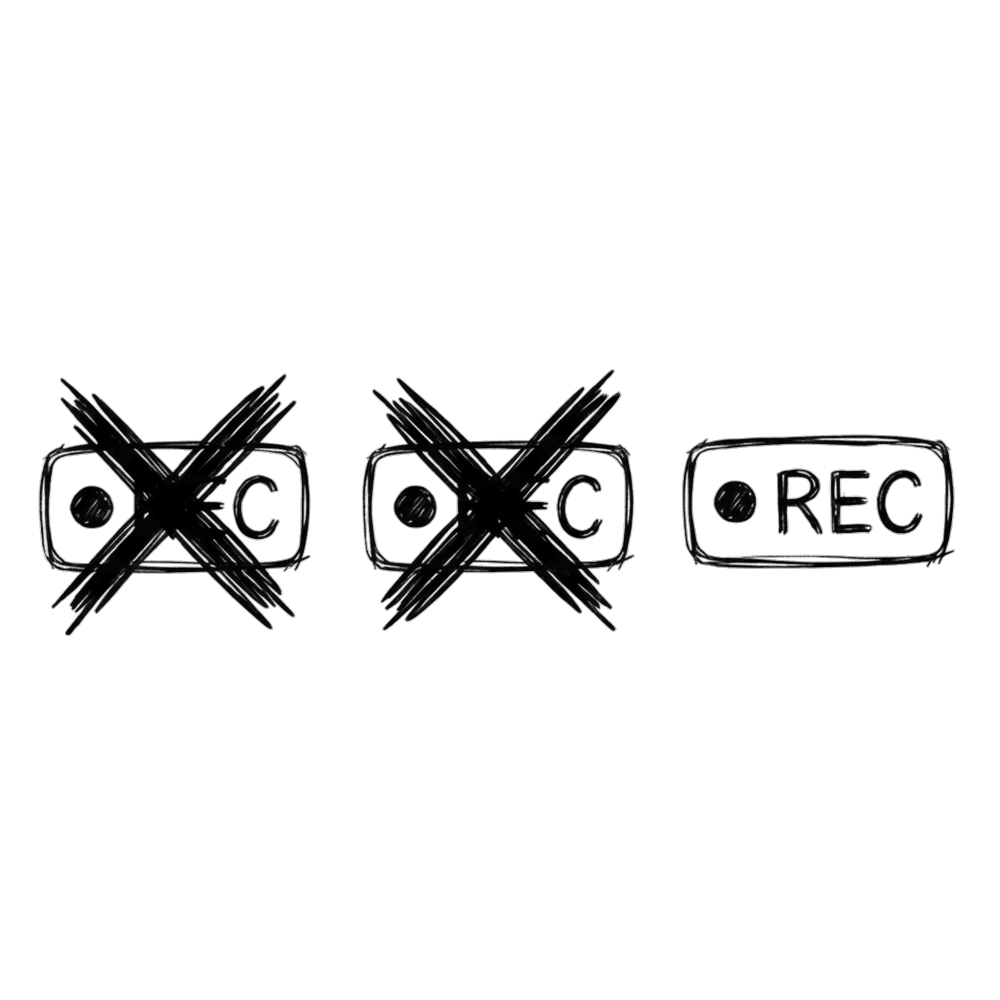
Agencies quote per minute of video. In-house, the cost is your team's week.

Sales, onboarding, launch, help centre and the landing page each want a different cut.
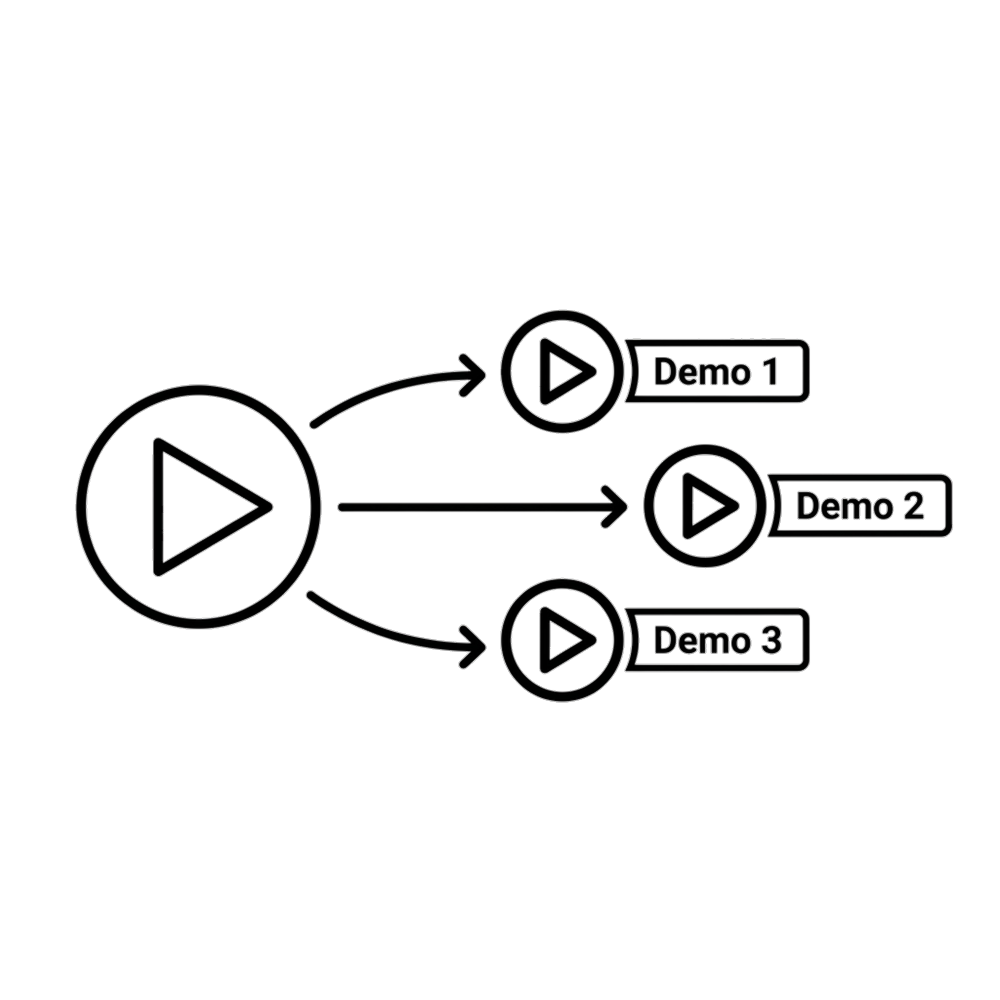
The second version costs as much as the first, so it never happens.
Demosmith makes each variant from its own prompt, with voiceover in 31 languages.
Generate a demoPaste your product URL, describe the flow, and let Demosmith navigate, record, edit, and caption your product, then hand back the video, the interactive demo, and the docs. Entirely on autopilot. If a run ever needs something only you can supply, like a two-factor code or a choice only you can make, the agent pauses to ask, then carries on.
Generate a demoGenerate a demoIf it has a URL and a UI, Demosmith can demo it. Not only SaaS.
Studio-quality demos of your SaaS UI, regenerated in minutes when the product ships.
Show a real workflow across the dashboard and console without filming it.
Turn the first-run experience into a video new users can follow step by step.
A finished demo for the homepage, ads, and outreach, all from one URL.
Explain a feature or a lesson with a clip instead of a wall of text.
Localize one demo into 31 languages without re-recording anything.
Most teams can afford one demo. With Demosmith, each audience can have its own.
Screen recorders and template editors leave the work to you, and text-to-video invents UI that is not your product. Demosmith records your real product on autopilot.
| Capability | Screen recorder | Text-to-video | Interactive tour | Demosmith |
|---|---|---|---|---|
| Shows your real UI | You record it | Invents fake UI | You capture it | Agent records it |
| Manual work | Record and edit | Write a script | Capture and build | None |
| AI voiceover and captions | Add yourself | Yes | Add-on | Built in, 31 languages |
| On-screen presenter | Your webcam | Full-frame avatar | No | Optional, in a corner over your product |
| Regenerate when the UI changes | Re-record | Rebuild the script | Recapture | Re-run prompt, minutes |
| Output | Video you made | Generic video | Clickable tour | Narrated MP4 of your product |
| Best for | Quick messages | Explainers | Website tours | Product demo videos |
From product, growth and sales teams using Demosmith
Oh my goodness! This was awesome! I created the app and wanted to clearly explain it. We immediately purchased a membership after creating the video.

I spent hours in Descript producing another reel that didn't even come close in quality. This is exactly what we need. Amazing!
I just watched the demo for the Chui CRM Product Walkthrough, and it turned out great. Both the output and the narration came through clearly and exceeded expectations.
Sent our deck to an investor last week and attached the demo instead of doing a live walkthrough. Made that demo the same morning. Hadn't touched Loom in about two weeks at that point.
We build AI products so I'm usually first to call something out when it's just a wrapper. This isn't. Gave it our staging URL, described the flow, had something clean in about 10 minutes.
Stopped asking for a discovery call as the first step. Just drop a demo in the first email now. I know it's working because people bring up specific parts when we do eventually talk. That didn't happen before.
Our demo was three product updates behind. Kept putting it off because re-recording in Loom properly takes an hour and then you still have to edit. Did the whole thing in one sitting, captions, music, everything. My colleague thought I'd paid someone.
Pick the plan that fits your demo volume. No hidden fees.
Test Demosmith for 3 days
For founders and solo creators
For teams shipping weekly
For high-volume teams
Need custom limits, invoicing or a security review? Talk to sales
What is a product demo video, and how does a generator work
A product demo video is a short video that shows your product solving a real task, so a viewer understands the value without a live call. A product demo video generator turns your product into that video for you: Demosmith takes a URL and a prompt, records your live product, and adds voiceover, captions, and branding, then exports a shareable MP4 in minutes.
How do I make a product demo video with AI
Paste your product URL into Demosmith, describe the flow in a short prompt, and add test credentials if the product is behind a login. The AI agent navigates the product, records the real UI, and auto-edits with cuts, zooms, captions, and voiceover, so you get a finished video without filming or editing.
How can I make a product demo video for free
Demosmith has a free trial with no credit card required, so you can generate a real demo of your product before choosing a plan. Paid plans start at $40 per month when you need more minutes, branding, and languages.
What is the best product demo video maker
It depends on what you are demoing. Template and avatar tools suit explainers built on slides or a full-screen presenter. Demosmith is built for demos of the real product, because the agent navigates your live UI, records it, narrates it, and regenerates the video in minutes when the product changes. If you want a face on screen, an optional AI presenter narrates from a corner while the product stays in view.
How long should a product demo video be
A general product demo works best at 2 to 3 minutes, a social or ad cut at 30 to 60 seconds, and a sales or onboarding walkthrough at 3 to 5 minutes. Lead with the outcome, show one clear workflow, and cut anything that does not move the story forward.
How much does a product demo video cost
A custom demo from an agency or freelancer usually runs from a few thousand dollars into five figures per video, and it goes stale when the product changes. A generator like Demosmith replaces that with a subscription from $40 per month, so you can produce and refresh demos as often as you ship.
What makes an effective product demo video
An effective product demo shows the real product, opens on the outcome the viewer cares about, follows one clear workflow, and keeps a tight pace with captions for muted viewing. Showing the actual UI in action builds more trust than talking about features over slides.
Can I show my real product UI
Yes. Demosmith records your live interface, so the video shows your real product in action rather than a mockup or a synthetic screen. Point it at a staging environment or a test account if you would rather keep production data out of the video.
Do I need a camera or editing skills
No. There is no camera, no screen recorder, and no editing software to learn. You describe the flow in plain language and the agent handles the recording, cuts, zooms, captions, and voiceover for you.
Can I make product demo videos in other languages
Yes. Demosmith generates voiceover and captions in 31 languages from a single product run, so you can localize one demo for every market without re-recording it.
See real output in the demo catalog, read how long a demo video should be, or what a product demo really costs.
The same AI Demo Agent, framed for how you search.
Turn a product URL and a prompt into a finished product demo video, automatically.
The autonomous way to make a demo video, where the agent records your live product itself.
Studio-quality demos of your SaaS UI, regenerated in minutes when the product ships.
Demo-Driven Development
“A really good demo is something where you show it to the customer, and you are creating desire in that customer for what you’re doing. They have to see it and just want to reach out and grab it.”
Paste your URL. Describe the flow. Get a polished product demo video in minutes.
No credit card required · 3-day trial