The moment a feature ships, Demosmith has the demo ready for release notes, enablement, and stakeholders. Paste the URL, and in about 10 minutes it navigates, records, edits, and captions on autopilot. Regenerate it every release.
Release notes go out as text. Sales keeps pitching the old UI. CS answers tickets about a screen they have not seen. The demo is always one afternoon of PM time away, so it never gets made.
You ship real product changes, and they land as bullet points nobody reads. Users skim the changelog, miss what actually changed, and never see the feature move.
Text changelogs get a fraction of the engagement of video
A feature goes live, then the news drips through Slack threads and specs. Reps keep demoing the old flow. CS cannot answer questions about a screen they have never watched in action.
Enablement often trails the release by two weeks or more
Recording, editing, and captioning a walkthrough is an afternoon of work. With the next sprint already loaded, the demo gets pushed. Every release, the gap between shipped and shown grows.
Most releases ship with no demo attached at allNo recording. No editing. No engineering ticket. You describe what shipped, and Demosmith navigates, records, edits, and captions on autopilot.
The same feature run becomes a launch demo, a video changelog, an enablement clip, and a stakeholder update. All from one prompt, all ready on ship day.
Merge the feature, paste the URL, and Demosmith has the launch demo back before standup ends. No afternoon set aside to record, no editing timeline. The feature and its demo go live together.
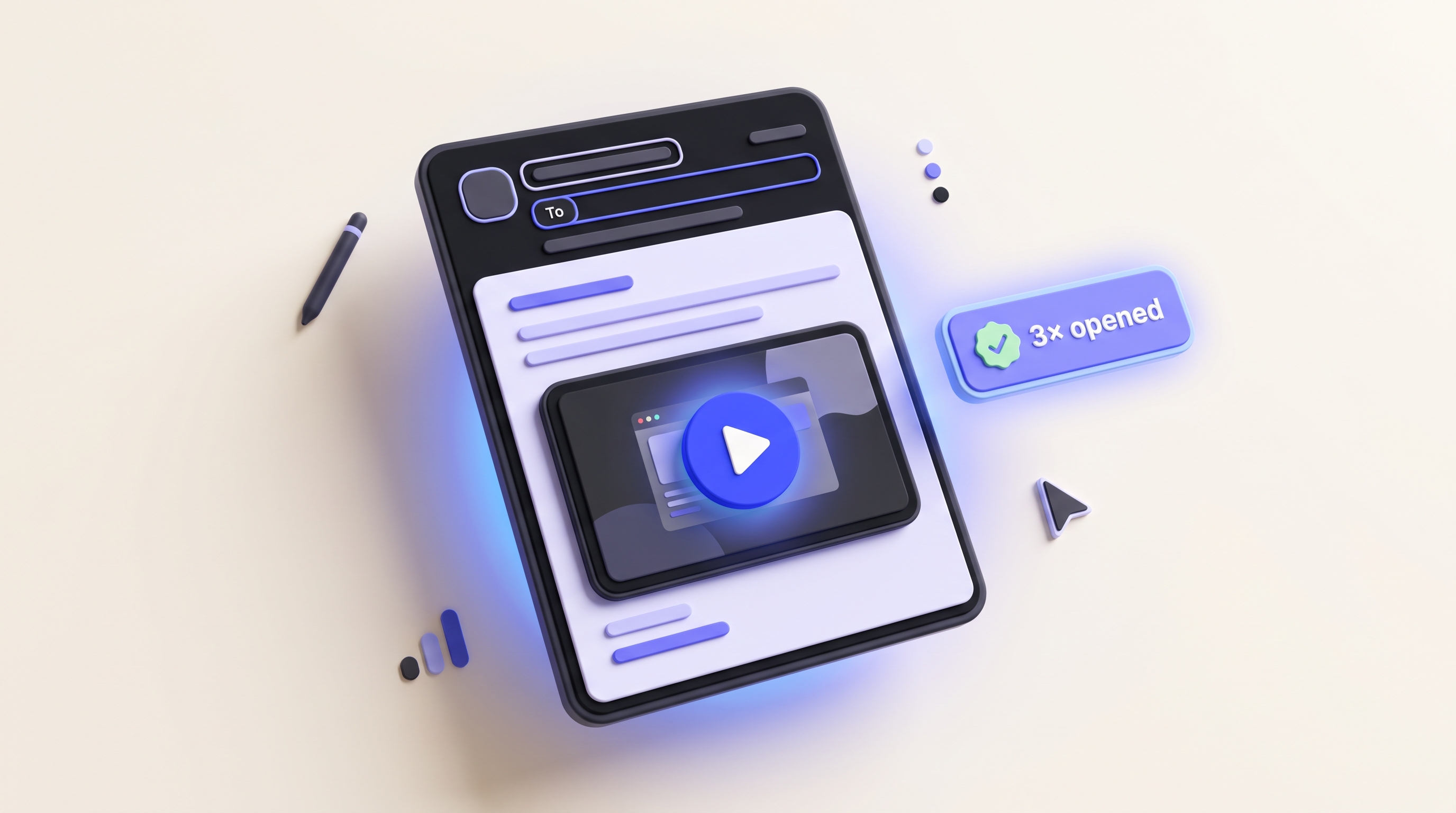
Attach a short demo to every changelog entry. Readers watch the feature move instead of parsing bullet points. Each release adds a new video to the feed, so your changelog becomes something people actually watch.
Post the feature demo in your sales or CS channel and reps see exactly what changed. No live handoff meeting, no spec doc to read. They watch the real flow and reuse it in their own calls.
Attach the demo to the roadmap item and stakeholders see the shipped feature working, not a status label. Leadership and investors watch the product move without booking a live session with you.
Demosmith keeps a demo attached to every release without adding a recording task to the sprint.
Paste the URL when the feature merges and Demosmith has the demo back in about 10 minutes. Release notes, enablement, and updates all go out the same day.
The feature changed this sprint? Re-run the same prompt and the demo shows the current UI in about 10 minutes. Keep the same link, and the changelog stays current.
Every demo ships with a shareable link and an MP4 up to 4K, plus an embed for release notes, your changelog, or an in-app announcement.
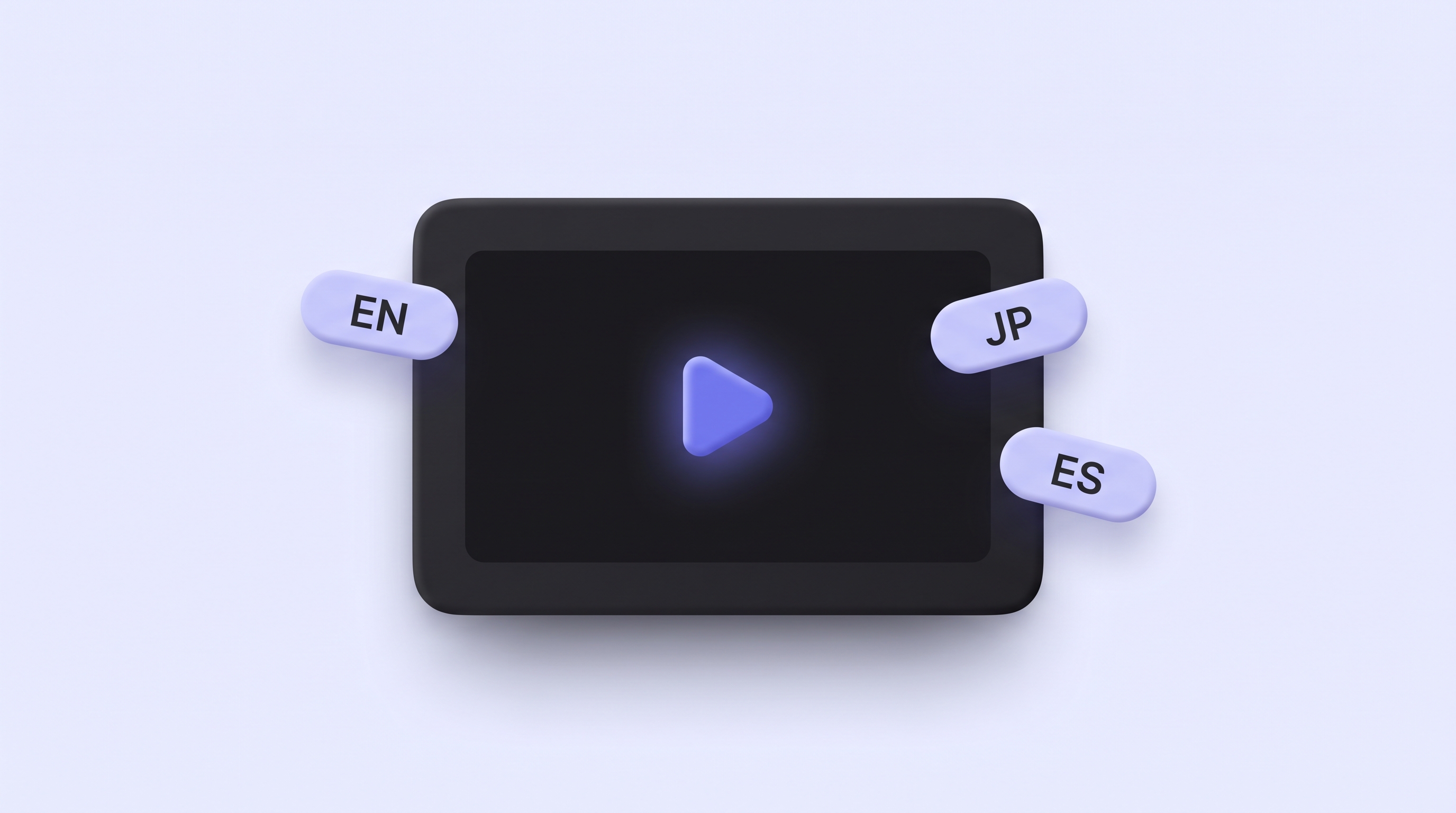
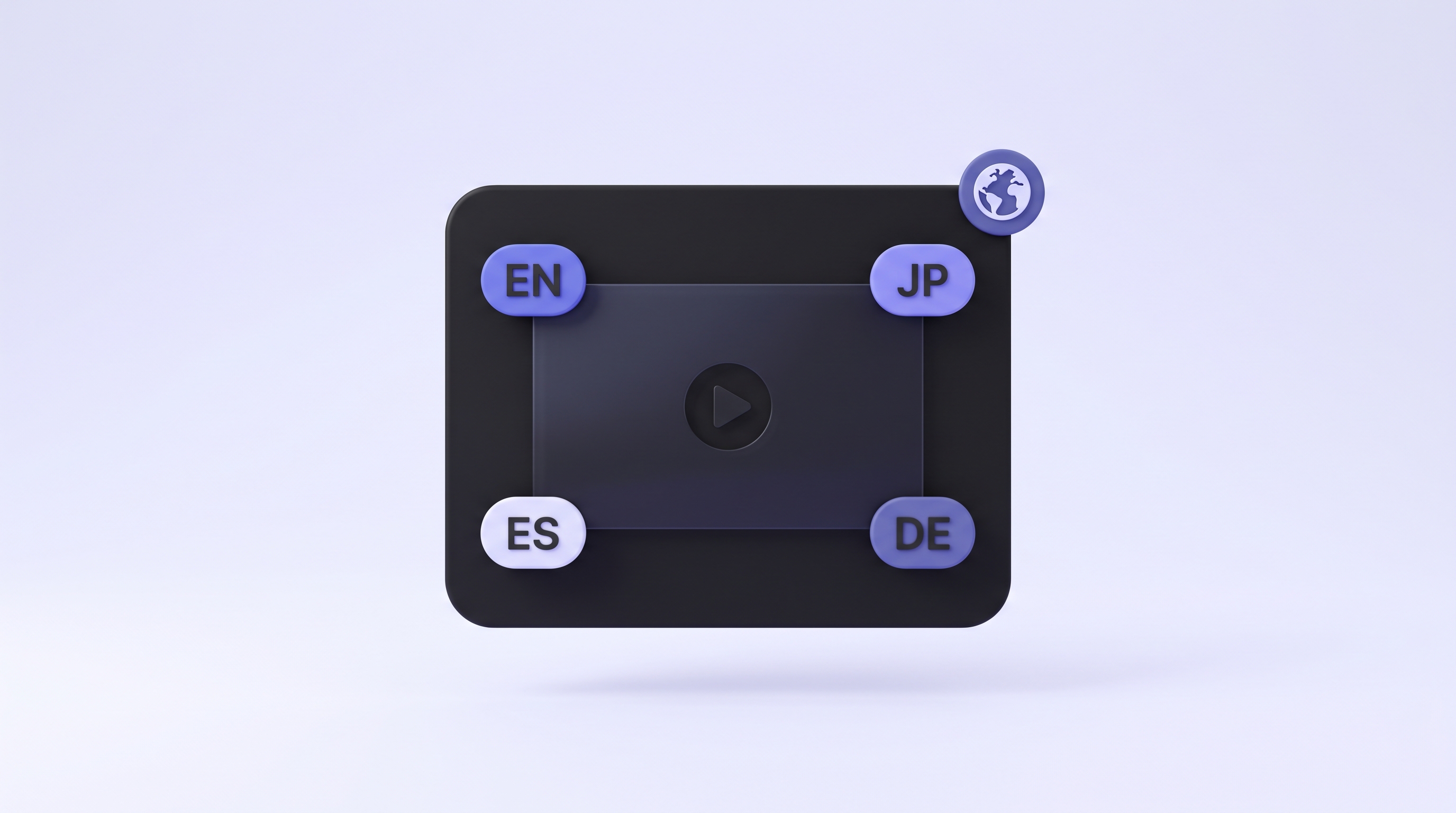
Native voiceover plus localized captions in each language. One prompt, and every global office gets the announcement in its own language the same day.
Set the sales or CS angle in the prompt and post the demo in your channel. Reps and CSMs watch the real flow the day it ships and reuse it in their own calls. No recording session, no editing, no live meeting on your calendar.
We used to ship features with no demo attached, because recording one was always tomorrow's problem. Now the demo goes out with the release. Sales and CS see it in the channel by standup, and leadership stops asking me to walk them through it in a call.
Paste the URL where the feature lives and write a short prompt about what shipped and who it is for. Demosmith navigates it on autopilot, records, auto-edits with cuts and zooms, writes the script, and adds voiceover. You get a hosted link and an MP4 to drop into your announcement, no recording and no editing on your end.
Yes. Run the prompt once per entry and Demosmith gives you a short demo to embed next to it in your release notes. Instead of a paragraph of notes, readers watch the real feature working, and every release ships with a video beside it.
About 10 minutes from URL to finished video. That means the demo is ready the same day the feature ships, so release notes and stakeholder updates go out without waiting on a recording.
Yes, the same demo works. Post the link in your sales or CS channel at launch and reps and CSMs see exactly what changed, no separate request and no live handoff meeting.
No. Demosmith navigates the feature, records, and edits on autopilot. You paste a URL and a short prompt. There is no screen recorder to run and no editing timeline to touch.
Yes. Each release, re-run the same prompt and the new video reflects the current UI. Swap the link and the demo is accurate again in about 10 minutes, so your changelog never shows an old screen.
All three. Every run gives you a hosted link, an MP4 up to 4K, and embed code. Drop the link in release notes or a Slack post, embed it in a changelog or in-app message, and attach the file to a stakeholder update.
Yes. Demosmith supports 29 languages for voiceover and captions, so one feature launch can go out to your global audience without a separate recording per market.
Send a polished product demo before prospects even ask to see it. No recording session, no slide deck, no live setup required.
Demosmith for Sales
Embed a demo video on your landing page, run it as an ad creative, or drop it into your PLG email flow. No designer, no agency, no recording session.
Demosmith for Marketing
Demosmith generates native voiceover and captions in 29 languages from the same product run. One URL, every market covered the same day.
Demosmith for Localization
Drop a Demosmith video into your welcome email, in-app onboarding flow, or help center. Re-run every sprint. New users always see the current product.
Demosmith for Onboarding
Generate a feature video for every QBR, renewal, or upsell moment. CS sends a tailored demo showing exactly what that account should be using.
Demosmith for Customer Success
Generate a how-to video for any support question in 10 minutes. Embed in your help center. Auto-update when the UI changes. No re-recording.
Demosmith for Support
Drop the URL into Demosmith after a feature ships. Get a demo video before standup ends. Share with sales, CS, and leadership without touching the product.
Demosmith for Product
When your product changes, regenerate every affected training video in a day. No agencies, no reshoots. Demosmith re-navigates the UI and rebuilds the video.
Demosmith for Training
Paste the feature URL and Demosmith has the demo ready in about 10 minutes. No recording, no editing.