Features Use Cases Demo Pricing Explore Blog Get Started
Education & Training

Build the training library
in a day. Not six weeks.

Describe each module and Demosmith builds it: navigating, recording, editing, and voicing on autopilot. Every module stays current when the product changes, exports LMS-ready, and ships in 29 languages.

1 day to build a full library, not six weeks
10 min to regenerate any module after a change
29 languages, voiceover and captions
Full library built today
Every module up to date
Onboarding Track
Building
Modules 12 of 12 built
Module 1 · Set up account
3:10 · built
Module 2 · Create a project
4:22 · built
Module 3 · Invite the team
2:48 · built
Module 4 · Run a report
5:05 · built
Done
Upload to LMS Up to date
MP4 up to 4K · captions baked in · shareable link

Building a training library is slow.
Keeping it current is worse.

A new module takes weeks to script, record, and edit. By the time the library is done, the product has moved on. Learners follow walkthroughs of screens that no longer exist, and nobody has the time to redo them.
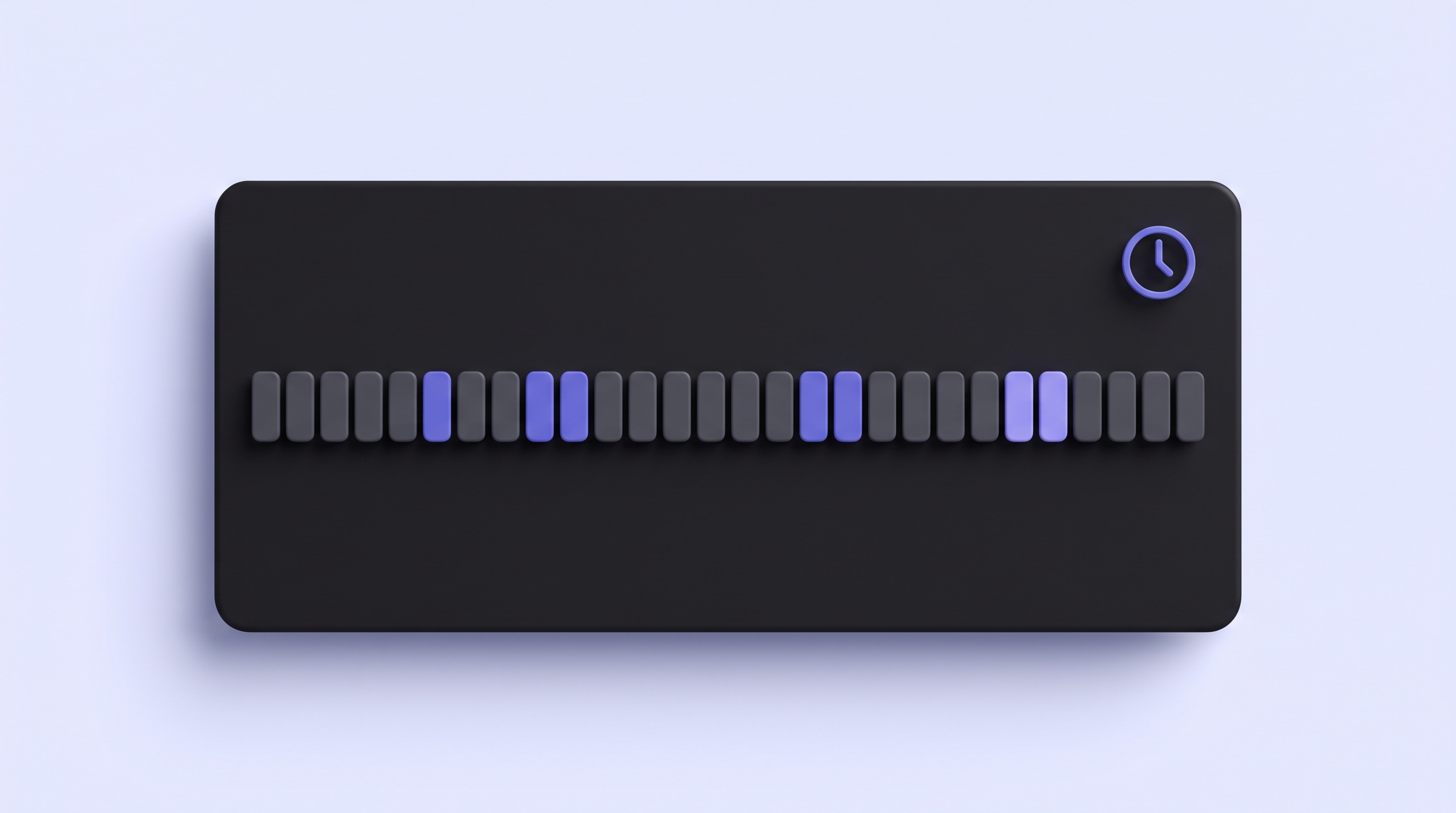
A long timeline of empty course-module blocks showing weeks of build time

A full library takes weeks to produce

Scripting, recording, editing, and re-recording every module by hand adds up fast. A 20 to 30 module library is a six-week project, and that is before a single learner has watched it.

Six weeks for one library
A training module with an outdated interface and a warning badge

Modules go stale the moment the UI moves

A renamed button, a redesigned dashboard, a changed workflow. Any of these breaks a module. Teams rarely re-record after every release, so the library drifts further from the product each sprint.

Modules fall months behind the product
A row of mismatched, uneven video thumbnails showing inconsistent quality

Static docs and screenshots lose learners

Written SOPs get skimmed. Screenshots from an old version confuse more than they help. Video keeps completion rates up, but only when the module shows the interface learners actually see.

Video beats written docs on completion
Write a prompt.
Get an LMS-ready module.

No recording. No editing. No production timeline. You describe each module and Demosmith builds it end to end.

1
List your modules
app.yourproduct.com/dashboard
"Module 3: how a new hire creates a project, invites the team, and runs the first report."
Build module
Write one short prompt per module. Paste the product URL and describe the workflow that module should teach. The more precise the prompt, the tighter the module.
2
Demosmith builds it
Demosmith navigates your live product, records the exact workflow, then edits, scripts, and voices it. You never open a screen recorder or a timeline.
3
Export to your LMS
Rendering
4:22
You get an MP4 up to 4K and a shareable link, both LMS-ready. Upload the module, embed it, or drop it into a welcome sequence. Voiceover in 29 languages with captions baked in.

Every training program.
A library that keeps itself current.

From day-one onboarding to a full customer academy. One prompt per module, and every module stays accurate through every release.

Role-based training that unlocks from day one

Give every new hire a path built for their role. Demosmith generates a module for each tool and workflow they need, and learners move through the sequence one step at a time. Regenerate any step when a tool changes and the path stays accurate.

  • One module per tool, sequenced into a role path
  • New hires see the current interface, not last quarter's
  • Drops into your onboarding LMS or welcome email sequence
day-one-path.track
Set up your workspace
Account, profile, notifications
Module 1 · 3:10
Create your first project
Templates, fields, sharing
Module 2 · 4:22
Invite the team
Roles, permissions, access
Module 3 · 2:48
Run your first report
Filters, exports, sharing
Module 4 · 5:05

A product certification your customers can complete

Build a customer academy the way you build any other library: one module per lesson. Learners work through the track, a progress ring fills as they finish each course, and a certification waits at the end. Keep the pacing and voiceover consistent across the whole academy.

  • One module per lesson or certification track
  • Consistent pacing and voiceover across every course
  • Regenerate a lesson the day the feature it covers changes
academy · certification
Product Certification
5 of 6 courses complete
83%
Getting started
Done
Core workflows
Done
Advanced reporting
In progress
Certification exam
Locked

Consistent process training that is always current

Compliance and process modules have to match the live system exactly. Demosmith records the correct procedure in the production product, so every learner sees the same accurate walkthrough. When a procedure changes, regenerate the affected modules and the whole set stamps back to up to date.

  • Accurate walkthroughs of the current production system
  • Re-run when a procedure or interface changes
  • Every learner sees the same steps, in the same order
compliance-library · v4
After the v4 release Regenerated
Data handling procedure Up to date
Access control setup Up to date
Expense approval flow Up to date
Product changed. Modules refreshed the same afternoon.

The same module, in 29 languages

Distributed teams should learn in their own language. From a single product run, Demosmith adds native voiceover and re-types captions in any of 29 languages. Every office gets the same module, localized, the same day, with no separate production process.

  • Native voiceover and captions in 29 languages
  • One product run, one localized module per language
  • Same content across every region, delivered the same day
onboarding-module · localized
German
French
Spanish
Japanese
So erstellen Sie Ihr erstes Projekt
English German French Spanish Japanese +24 more

Everything a training library
needs, none of the reshoots.

Demosmith is the only tool where you build the whole library without touching a screen recorder.

A grid of video-module tiles forming a full training library

A full library in a day

Write one prompt per module and generate them in parallel. What used to take six weeks of scripting and recording lands in a single afternoon.

Six weeks compressed into one day
A module being regenerated after a product change so it stays current

Always current after changes

Product shipped a new UI? Re-run the prompt. Demosmith re-navigates the live product and rebuilds the module in 10 minutes. No re-recording session.

Refresh the library in an afternoon
One module localized into 29 languages with native voiceover and captions

29-language delivery

Native voiceover plus localized captions in each language. One product run, every regional team covered the same day.

English Spanish French German Japanese +24 more
Consistent pacing and voiceover across every module in a library

Consistent pacing and voiceover

No wandering narration or uneven edits. Every module holds the same pace, the same voice, and the same clean cuts, so the whole library feels like one course.

One voice across the library
A video module exporting into an LMS-style container window

LMS-ready, with realistic data

Every module exports as an MP4 up to 4K plus a shareable link, ready for any LMS that accepts video. Demosmith also fills forms with industry-plausible data, so learners see a real account, not "test@test.com".

user@test.com sarah.chen@acmecorp.com
"

We built our whole onboarding library in a day, then wired it into the release process. Now every time the product ships, we regenerate the modules it touched and the library is current by lunch. It used to be a six-week project I dreaded.

MR
Maya R.
L&D Manager, Enterprise SaaS · Private beta

What L&D teams ask first

How can Demosmith help me create training videos?
+

Paste your product URL, then write a short prompt for the workflow you want to teach. Demosmith navigates the product on autopilot, records the screen, and auto-edits with cuts, zooms, and captions, then writes the script and adds voiceover. You never touch a screen recorder or an editor, and a finished module lands in about 10 minutes.

Can Demosmith build a whole course or academy quickly?
+

Yes. Write one prompt per module and Demosmith produces each in about 10 minutes, so a full library that used to take six weeks comes together in a day. Pacing and voiceover stay consistent from the first lesson to the last, which is hard to pull off when you record every module by hand.

Are Demosmith videos LMS-ready?
+

Every module comes out as an MP4 you can upload to any LMS that accepts video. You also get a hosted link and embed code, so you can drop a module straight into a course page or knowledge base without exporting anything else.

What happens to my training videos when the product changes?
+

Re-run the prompt and Demosmith records the current product, so the module shows the new UI instead of the old one. Regenerate only the modules a release touched and the rest of the library stays as it was, which keeps the whole set current without a full re-shoot.

Can Demosmith make new-hire or employee training videos?
+

Yes. Write a prompt for each internal workflow a new hire needs, such as logging a ticket or updating a record, and Demosmith produces a voiced, captioned walkthrough for each one in about 10 minutes. Voice and pacing stay consistent across the whole onboarding path, and you regenerate any module when the tool behind it changes.

Can I make training videos in other languages?
+

Yes. Name the language in your prompt and Demosmith adds native voiceover and captions in any of 29 languages from the same product run. Most teams build the English module first, then spin up the markets they need the same day so every region trains on the same content.

Can Demosmith create a step-by-step SOP or walkthrough?
+

Describe the procedure step by step in your prompt and Demosmith performs each step in the live product, then narrates and captions the sequence in order. You end up with a video SOP that shows the exact clicks rather than a static doc, and you regenerate it in about 10 minutes when the process shifts.

Do I need to record the training myself?
+

No. Demosmith does the recording for you. You give it a URL and a prompt, and it navigates, records, edits, scripts, and voices the module on its own, so there is no camera, no screen capture, and no timeline to fuss with on your end.

Demosmith works across every team

Sales Enablement

Close deals faster with demo videos that sell for you

Send a polished product demo before prospects even ask to see it. No recording session, no slide deck, no live setup required.

Demosmith for Sales
Sales demo video in cold outreach email
Marketing & Growth

Product-led content that actually shows the product

Embed a demo video on your landing page, run it as an ad creative, or drop it into your PLG email flow. No designer, no agency, no recording session.

Demosmith for Marketing
Marketing demo video on a product landing page
Localization

One demo. 29 languages. No re-recording.

Demosmith generates native voiceover and captions in 29 languages from the same product run. One URL, every market covered the same day.

Demosmith for Localization
Demo video with multilingual voiceover and captions in 29 languages
Product Onboarding

Onboarding videos that never go stale

Drop a Demosmith video into your welcome email, in-app onboarding flow, or help center. Re-run every sprint. New users always see the current product.

Demosmith for Onboarding
Product onboarding walkthrough video embedded in welcome email
Customer Success

Show value before renewal, not after churn

Generate a feature video for every QBR, renewal, or upsell moment. CS sends a tailored demo showing exactly what that account should be using.

Demosmith for Customer Success
Customer success renewal video walkthrough
Customer Support

Video answers that close tickets faster than text ever will

Generate a how-to video for any support question in 10 minutes. Embed in your help center. Auto-update when the UI changes. No re-recording.

Demosmith for Support
Support ticket with embedded video walkthrough
Product Teams

The moment your feature ships, the demo is ready

Drop the URL into Demosmith after a feature ships. Get a demo video before standup ends. Share with sales, CS, and leadership without touching the product.

Demosmith for Product
Product changelog with feature demo video
Education & Training

Build a full training library in a day, keep it current forever

Write one prompt per module and Demosmith builds the whole library on autopilot. When the product changes, regenerate the affected modules in 10 minutes each. LMS-ready, in 29 languages.

Demosmith for Training
Employee training video library with auto-updated walkthroughs
ready when you are

Build your first training
module free.

Write a prompt, get an LMS-ready module in 10 minutes, then build the rest of the library in a day.

Start free
Start free
Start free
Talk to us