Features Use Cases Demo Pricing Explore Blog Get Started
Customer Support

Resolve tickets faster
with video, not walls of text.

A 60-second video closes a ticket that a wall of text never will. Demosmith generates a how-to video for any question in about 10 minutes, then builds a video help center that updates itself when the UI changes. Fewer follow-ups. Fewer repeat tickets.

60 sec video answer beats a wall of text
10 min from question to finished video
0 re-recording when the UI changes
Resolved in 1 reply
Video answer ready in 8m
Ticket #1204 Billing setup
Open Resolved
AM
Hi, how do I add a second payment method and set it as backup? I cannot find the setting.
JK
Here is a quick walkthrough that shows exactly where it lives.
How-to
add-backup-payment.mp4 0:52
Tickets deflected today 0

Text docs fail the moment your
product gets complex.

Screenshots go stale. Written guides get skipped. Agents retype the same answer fifty times a week. The tooling has not kept up with how products actually work.

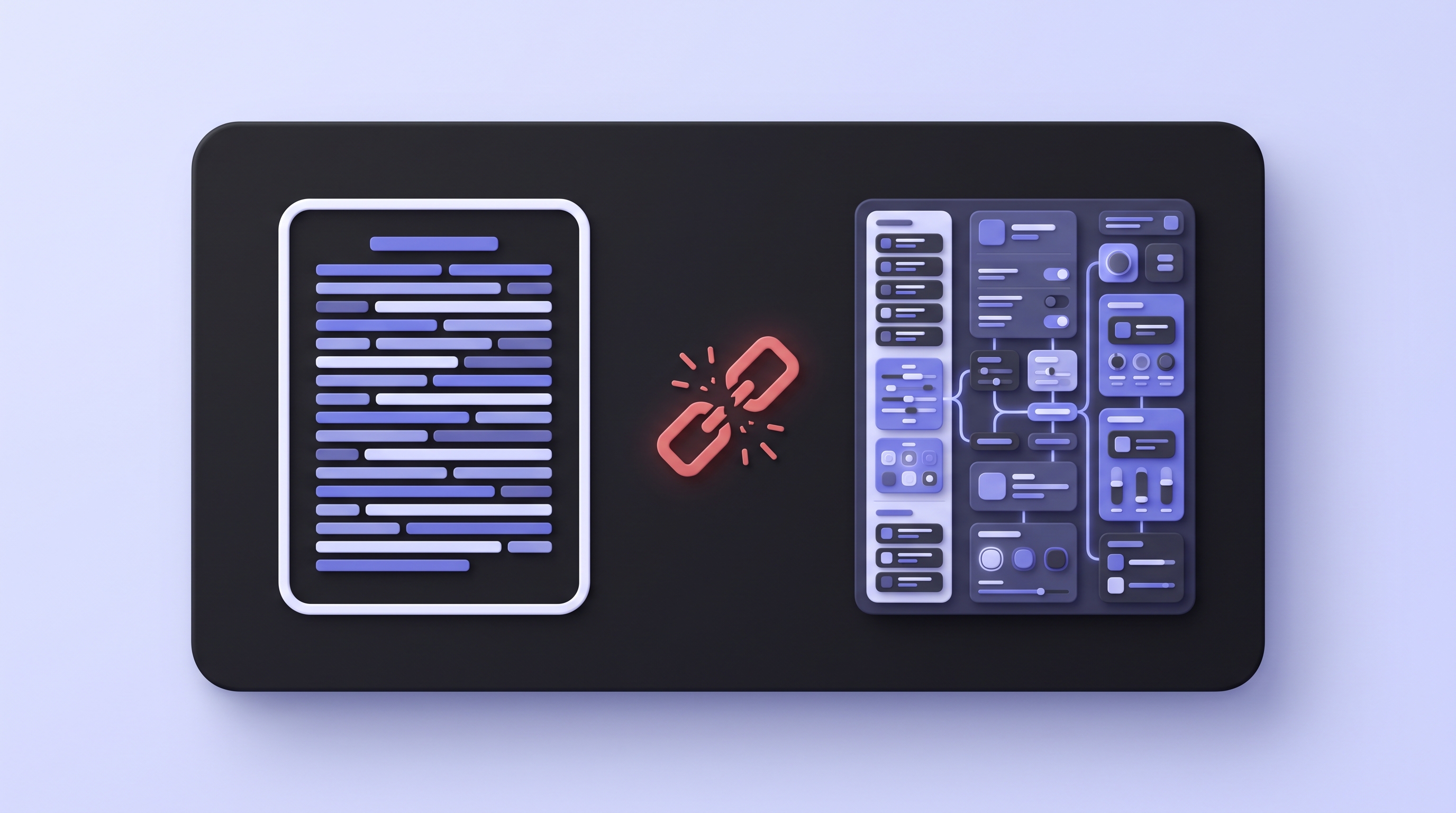
A support ticket queue backlog piling up

Text docs fail on complex flows

A written guide with screenshots works for simple tasks. For anything with multiple steps, conditional paths, or a UI that shifts often, users get lost halfway through and open a ticket anyway.

60% of tickets follow a help article visit
A dense wall of text in a ticket reply confusing a customer

Agents re-explain the same flows daily

The same three questions come in every week. An agent writes the same reply, attaches the same screenshot, then hopes the customer figures it out. A video answer closes the loop in one message.

Top 5 questions drive 40% of ticket volume
A help article showing an outdated product UI screenshot

Help articles go stale every sprint

The UI updates. The screenshots are wrong. The steps no longer match. Nobody has time to rebuild help content after every release, so it sits there broken and sends users in circles.

Average help article is 6 weeks behind
Paste a URL.
Get a support video.

No recording. No editing. No engineering ticket. You describe the question, and Demosmith does the rest.

1
Drop in your URL
app.yourproduct.com/settings
"Show how to add a second payment method and set it as backup. Clear, step by step, for a non-technical customer."
Generate video
Paste your product URL and write the support question as your prompt. Name the flow the customer needs. The more context you give, the sharper the answer.
2
Demosmith takes over
Demosmith launches your product, clicks through the exact flow you described, records the screen, then auto-edits with cuts, zooms, and captions.
3
Share it in 10 minutes
Rendering
0:52
You get a shareable link, an MP4 up to 4K, and an embed code. Paste it in a ticket reply, drop it in a macro, or embed it in Zendesk, Intercom, or your help center. Voiceover and captions in 29 languages.

Every support workflow.
A video answer ready in 10 minutes.

From the active ticket to the self-serve help center, one Demosmith video closes the loop faster than any written doc.

Attach a 60-second video, not a wall of text

Instead of typing out the steps, attach a Demosmith video that shows the exact flow in the real product. The customer follows along and closes the ticket in one reply. No back and forth, no "which screen do you mean."

  • Paste the link straight into any ticket reply
  • One reply resolves the ticket, no follow-ups
  • Captions and voiceover in 29 languages
Reply to Alex M. ticket #1204
add-backup-payment.mp4 0:52
Resolved in 1 replyCustomer marked it solved

A searchable video help center

Turn your top questions into a video knowledge base. Customers search, find the right walkthrough, and watch the current product UI instead of a screenshot from three sprints ago. Embed the whole thing in your existing help center.

  • One video article per common question
  • Embed in Zendesk, Intercom, Notion, or any help center
  • Every article shows the current UI after you regenerate

Reusable video answers in your macros

Save each Demosmith video as a canned reply. When the same question comes in, your agent triggers the macro and the video drops straight into the ticket. The most common answers become one click, and they always point to the current walkthrough.

  • Insert a video answer with a single macro
  • The link stays the same, so the macro never breaks
  • Regenerate the video and every macro updates at once
/billing
Add a payment methodVideo answer, 0:52
Video
/reset
Reset your passwordVideo answer, 0:38
Video
add-payment-method.mp4 inserted 0:52

Answer before they submit the ticket

Surface the relevant Demosmith video right before a customer hits send. Most people who watch the video solve it themselves and never file the ticket. Point deflection at your top recurring questions and watch the volume on those topics drop.

  • Show a "before you submit" video in the ticket form
  • The video answers the specific question in the real product
  • Cuts ticket volume on your most common issues
Before you submit
This 52-second video shows how to add a backup payment method.
Does this answer your question? 0:52
Ticket volume, this topic 41% deflected

Everything a support team needs
to answer with video.

Demosmith is the only tool where you never touch a screen recorder. It records, edits, captions, and voices every answer for you.

A 60-second how-to video answering a support ticket, marked resolved

A 60-second how-to for any flow

Write the question as a prompt and Demosmith records the exact walkthrough in the real product. No recorder, no editing, no re-takes.

Zero manual steps
A help video regenerating to match a changed product UI

Updates itself when the UI changes

Shipped a new UI? Re-run the prompt. Demosmith records the current product and the shareable link stays the same, so every embed updates at once.

No re-recording, ever
A video embedded in a help center article with an embed code badge

Embed in Zendesk, Intercom, or docs

Get an embed code and a shareable link that drop into any help center, ticket reply, or macro. Or hand over the MP4.

Zendesk Intercom Notion Confluence
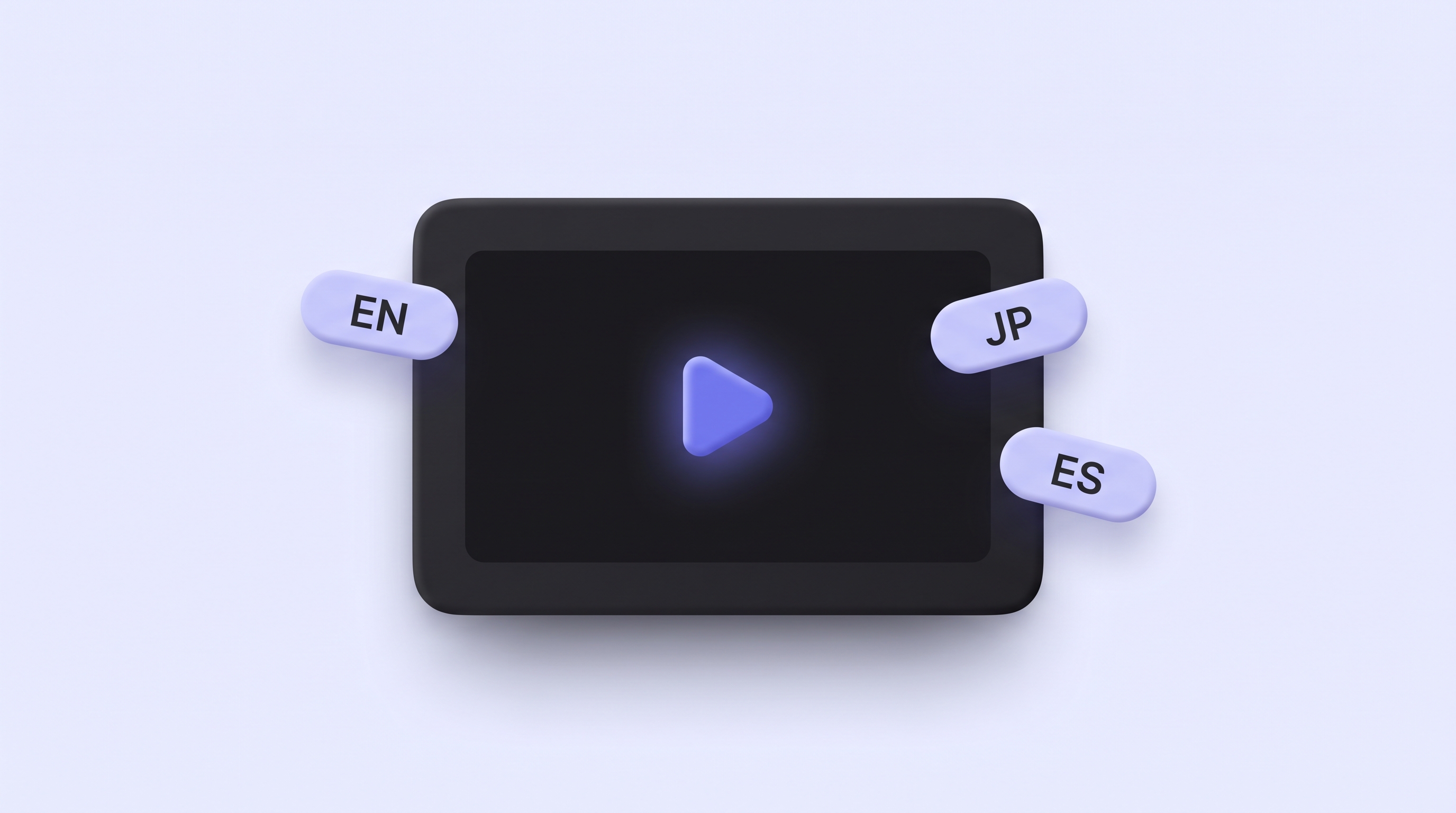
A help video localized into 29 languages with caption bubbles

29-language answers

Native voiceover plus localized captions in each language. One prompt covers every market your customers write in from.

English Spanish French German Japanese +24 more
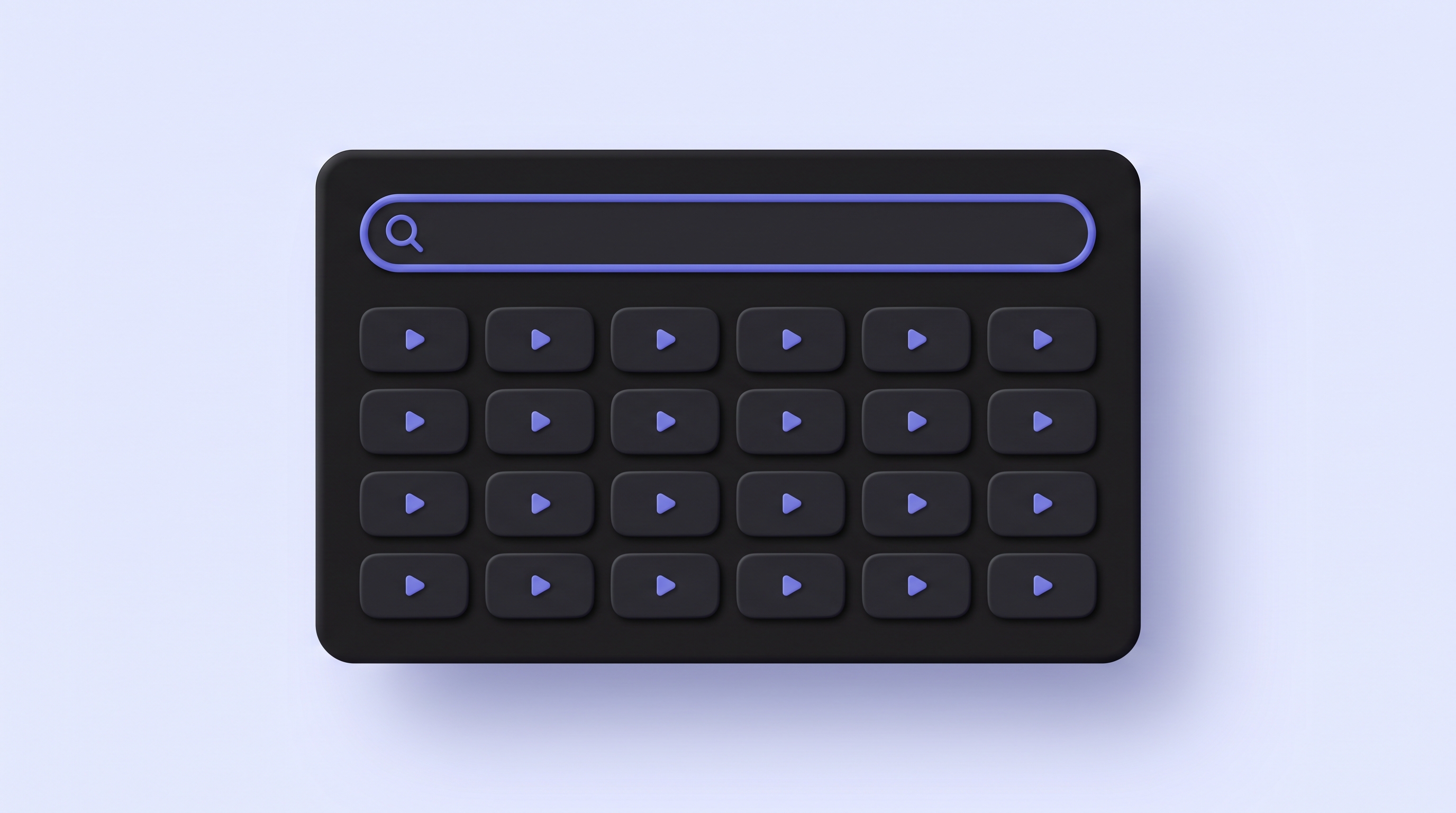
A searchable video knowledge base of support how-to tiles

A shareable link and a searchable library

Every video has a permanent link and an MP4 up to 4K. Group the links into a searchable library so agents find the right answer in seconds and customers self-serve without waiting on a reply.

Find any answer in seconds
"

We turned our top 40 help articles into Demosmith videos. Repeat tickets on those topics dropped hard, and my agents stopped retyping the same reply forty times a week. When the UI changed, we regenerated the lot in an afternoon.

SB
Sam B.
Support Lead, B2B SaaS · Private beta

Things support teams ask first

How can Demosmith help me answer a support ticket with video?
+

Write the customer's question as a prompt, paste your product URL, and name the flow to show. Demosmith navigates the product, records the exact steps, and auto-edits with cuts, zooms, and captions. In about 10 minutes you get a shareable link to drop into the ticket reply or macro. No screen recording and no editing on your side.

Can Demosmith build a video knowledge base?
+

Generate a how-to video for each common question, then organize the shareable links into a searchable video help center. Demosmith produces one video per prompt in about 10 minutes, so you can cover your top recurring questions in a single sitting. Every article shows the current product UI, and each video embeds in Zendesk, Intercom, Notion, or any help center that accepts HTML.

Can Demosmith videos reduce our ticket volume?
+

Yes. Video answers deflect the repeat questions that make up most of your ticket volume. When a customer sees the relevant video in your help center before they submit a ticket, most solve the problem themselves and never file it. Teams see the biggest drop on their top five to ten recurring questions.

Can I embed Demosmith videos in Zendesk, Intercom, or our help center?
+

Paste the embed code Demosmith gives you into the article or macro. It works in Zendesk, Intercom, Notion, Confluence, and any help center platform that accepts HTML. You can also drop the shareable link straight into a ticket reply, or attach the MP4 up to 4K.

Is a short Demosmith video better than written steps for a tricky flow?
+

Video usually resolves how-to and setup tickets faster because the customer watches the exact flow in the real product and follows along, instead of mapping written steps onto a screen that looks different. Text still works well for policy answers and quick facts. Most teams pair a 60-second video with a short written summary so customers can skim or watch.

What happens to my help videos when the product UI changes?
+

Re-run the prompt. Demosmith navigates the live product each time, so the new recording reflects the current UI. The shareable link stays the same, so every embed across your help center updates at once. Most teams regenerate their top help videos after each release in a few hours, not weeks.

Can Demosmith make support videos in other languages?
+

Yes. Demosmith scripts, voices, and captions each video in 29 languages, so you can localize your help center for global customers without re-recording anything. Generate the flow once, then produce a version per language from the same prompt.

Is Demosmith a good Loom alternative for support teams?
+

Yes. Loom still needs someone to sit down and record the screen every time the product changes. Demosmith navigates the product and records for you, so you never touch a recorder, and you regenerate a video in 10 minutes when the UI shifts. The output is a shareable link, an MP4 up to 4K, and captions in 29 languages. See how the two compare at /blog/demosmith-vs-loom.

Demosmith works across every team

Sales Enablement

Close deals faster with demo videos that sell for you

Send a polished product demo before prospects even ask to see it. No recording session, no slide deck, no live setup required.

Demosmith for Sales
Sales demo video in cold outreach email
Marketing & Growth

Product-led content that actually shows the product

Embed a demo video on your landing page, run it as an ad creative, or drop it into your PLG email flow. No designer, no agency, no recording session.

Demosmith for Marketing
Marketing demo video on a product landing page
Localization

One demo. 29 languages. No re-recording.

Demosmith generates native voiceover and captions in 29 languages from the same product run. One URL, every market covered the same day.

Demosmith for Localization
Demo video with multilingual voiceover and captions in 29 languages
Product Onboarding

Onboarding videos that never go stale

Drop a Demosmith video into your welcome email, in-app onboarding flow, or help center. Re-run every sprint. New users always see the current product.

Demosmith for Onboarding
Product onboarding walkthrough video embedded in welcome email
Customer Success

Show value before renewal, not after churn

Generate a feature video for every QBR, renewal, or upsell moment. CS sends a tailored demo showing exactly what that account should be using.

Demosmith for Customer Success
Customer success renewal video walkthrough
Customer Support

Video answers that close tickets faster than text ever will

Generate a how-to video for any support question in 10 minutes. Embed it in your help center. It updates itself when the UI changes. No re-recording.

Demosmith for Support
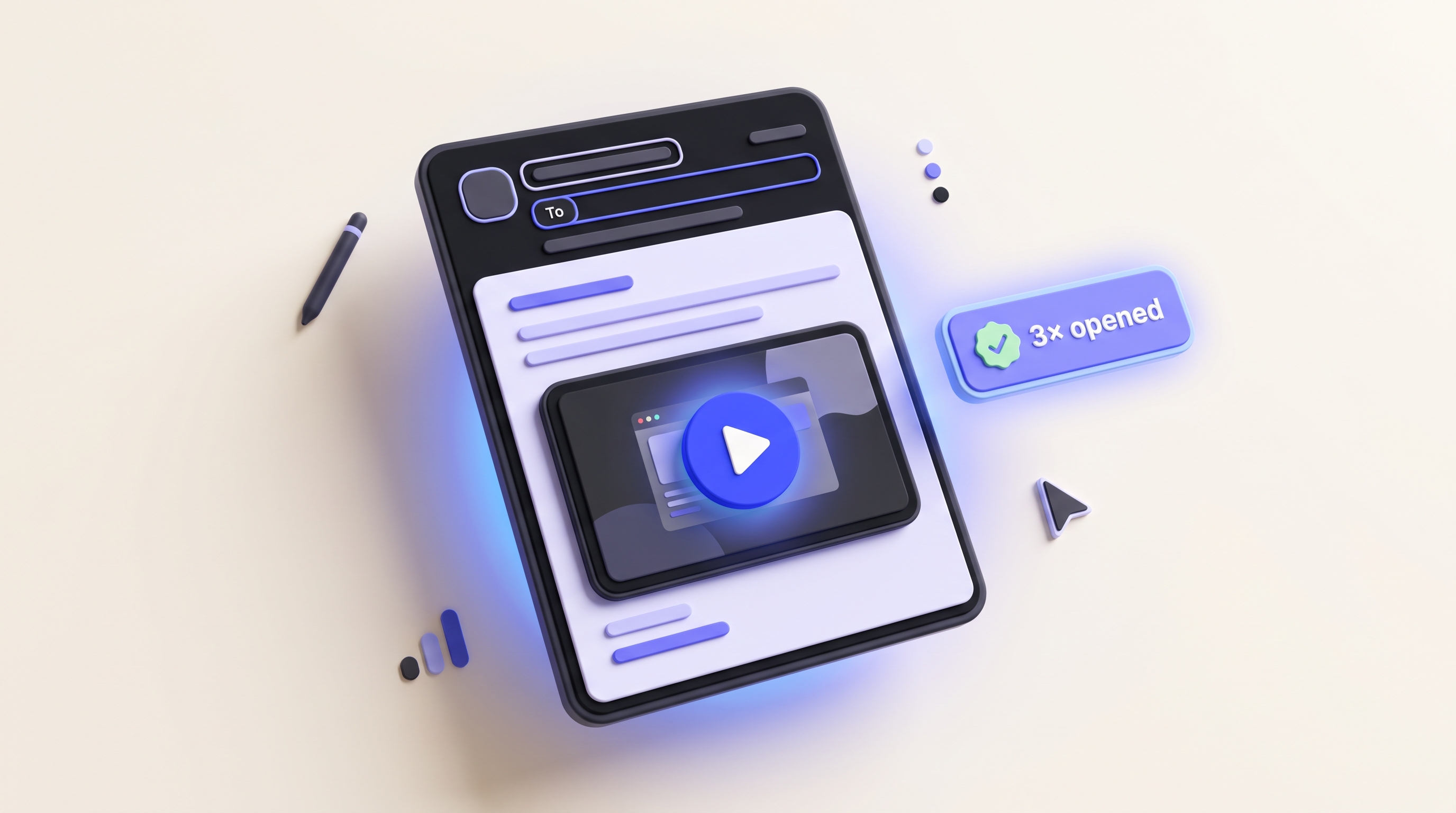
Support ticket with embedded video walkthrough
Product Teams

The moment your feature ships, the demo is ready

Drop the URL into Demosmith after a feature ships. Get a demo video before standup ends. Share with sales, CS, and leadership without touching the product.

Demosmith for Product
Product changelog with feature demo video
Education & Training

Training videos that update themselves every sprint

When your product changes, regenerate every affected training video in a day. No agencies, no reshoots. Demosmith re-navigates the UI and rebuilds the video.

Demosmith for Training
Employee training video library with auto-updated walkthroughs
ready when you are

Turn your next ticket
into a video.

Generate a how-to video in 10 minutes. Embed it. Close the ticket.

Start free
Start free
Start free
Talk to us