Features Use Cases Demo Pricing Explore Blog Get Started
Product Onboarding

Onboarding videos that
activate users. And never go stale.

Embed a walkthrough in-app and in email, in 29 languages. It always matches the live product, and you make it in 10 minutes with no screen recording. New users see what to do first, so more of them activate.

10 min from URL to onboarding video
29 languages, voiceover and captions
0 recording or editing on your part
First action completed
Matches this sprint's UI
Getting started
Live
Welcome, Alex
first-setup-walkthrough.mp4 1:24
Setup checklist 3 of 3
Create your account
Connect your first integration
Create your first project
Activation
Day 1 Activated

New users drop off before they
ever reach the first win.

Most new signups never do the one thing that makes your product click. They log in, feel lost, and leave. Static guides do not help, and any video you record is out of date within weeks.

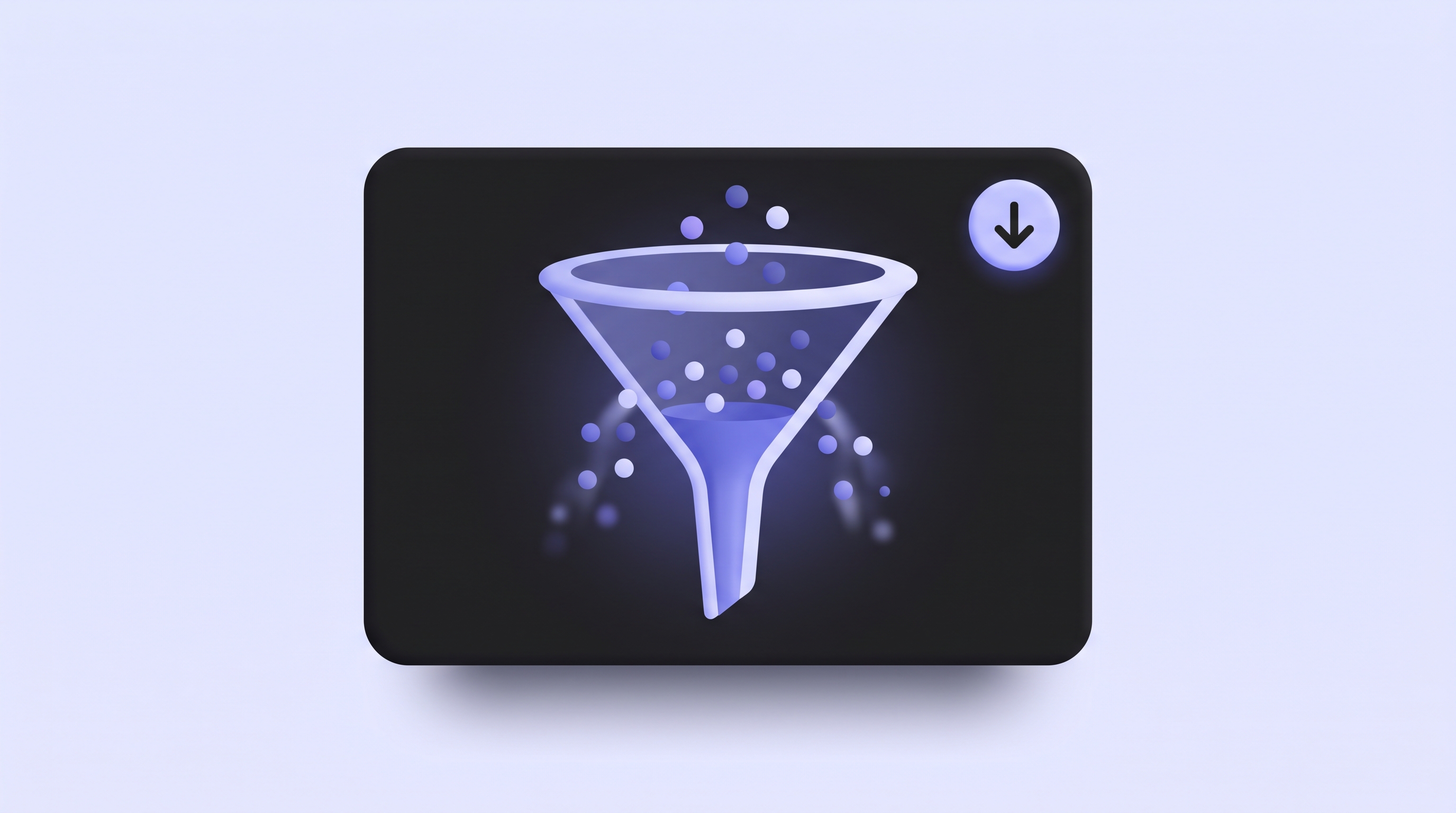
Activation funnel narrowing sharply as most new users drop off before the first win

Most signups never reach activation

A new user pokes around, cannot find the first key action, and never comes back. The gap between sign up and first value is where you lose them.

Most SaaS products activate under half of new signups
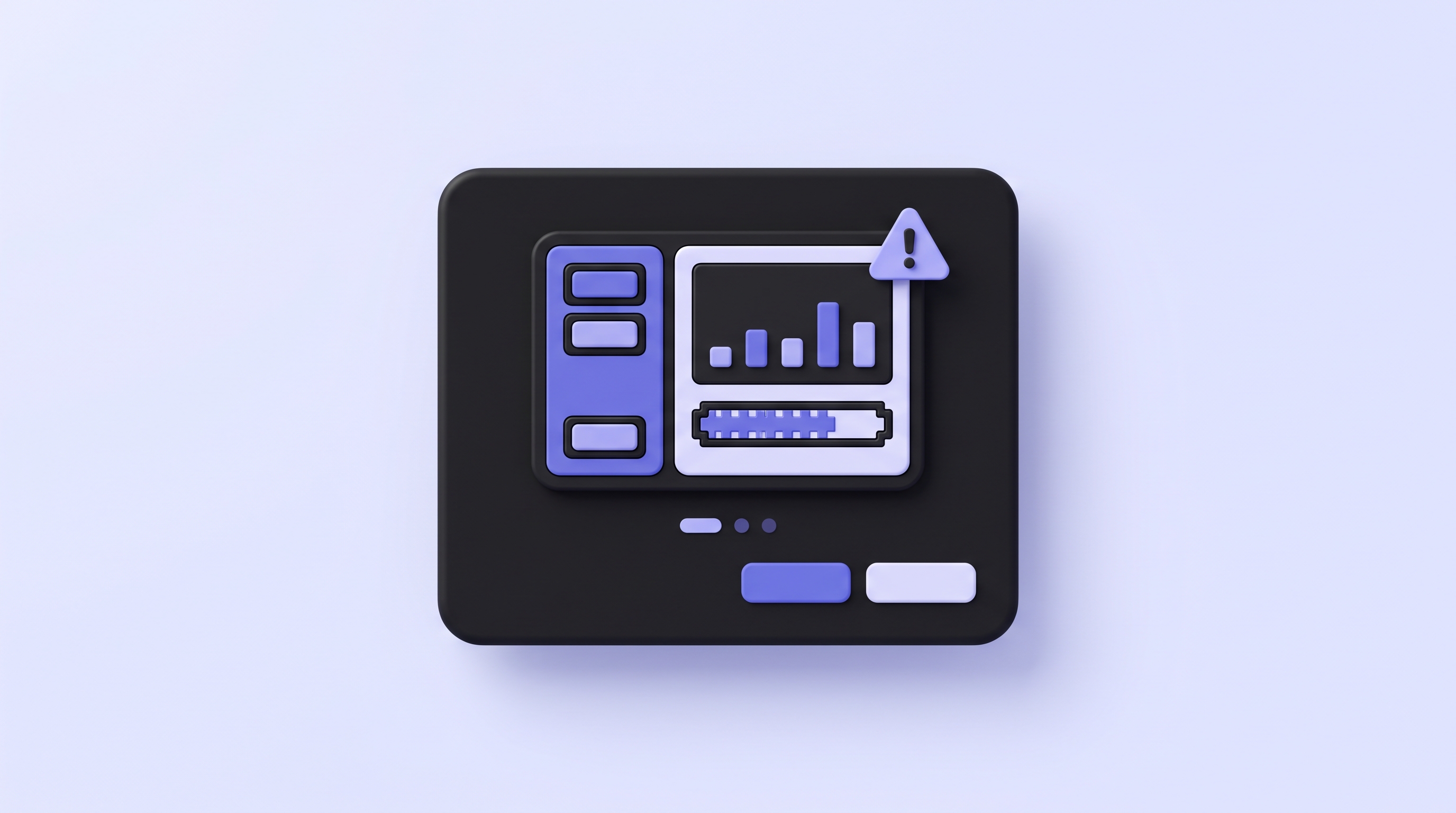
Onboarding welcome modal showing an outdated product UI after a UI change

Recorded videos go stale fast

You ship every sprint. The sidebar moves, a modal changes, a step gets renamed. The onboarding video you recorded now shows a product that no longer exists, and re-recording is nobody's job.

A recorded walkthrough is behind within weeks
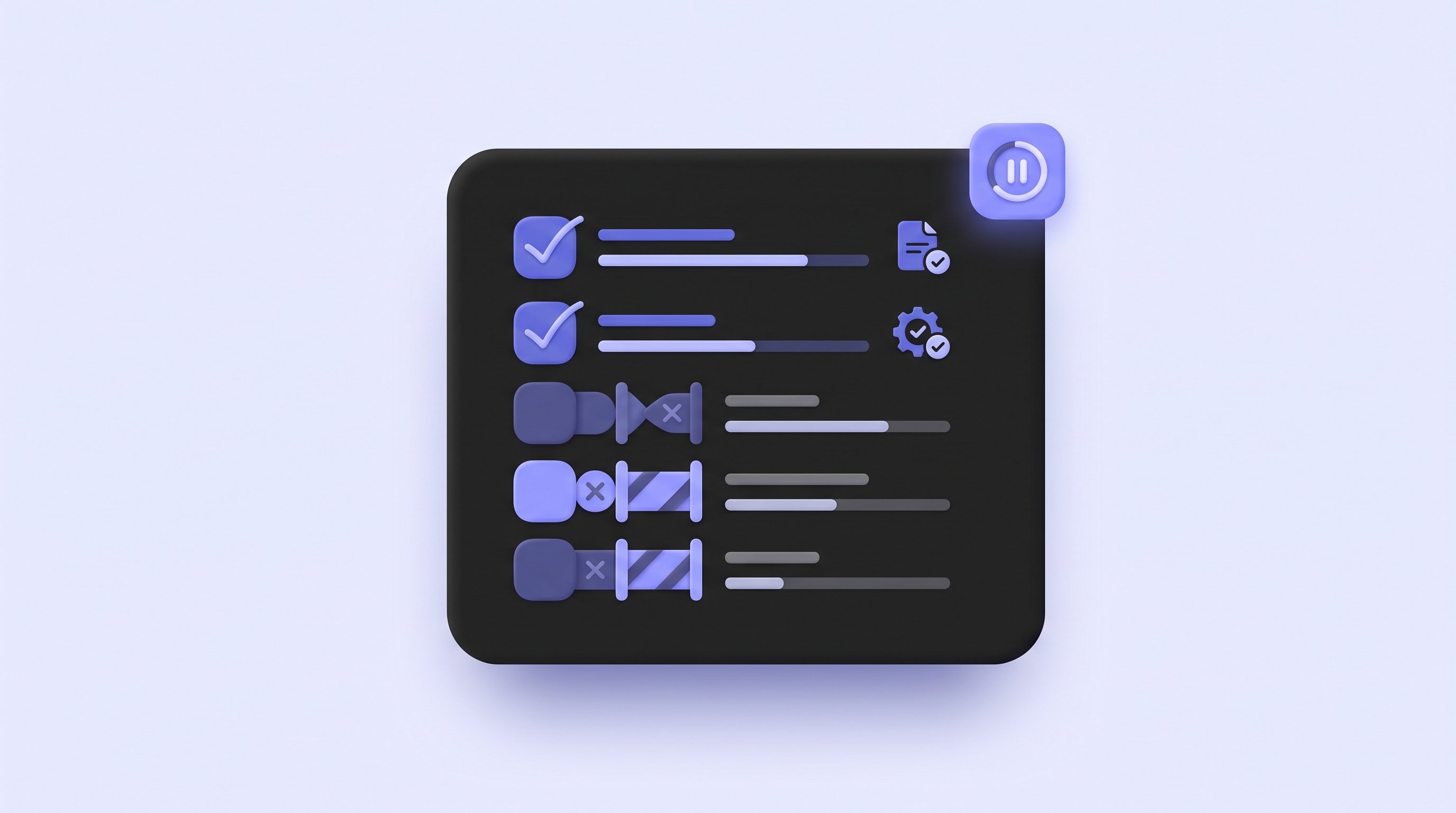
Setup checklist with the first steps done but the rest stalled as new users get stuck

Written setup guides get skipped

Most users will not read a wall of steps and screenshots. Video gets finished far more often, but only when the video matches the product they are looking at right now.

Text guides finish far less often than video
Paste a URL.
Get an activation video.

No recording. No editing. No engineering ticket. You describe the first-run flow and Demosmith builds the video.

1
Describe the first-run flow
app.yourproduct.com/welcome
"Walk a brand new user through first setup: create an account, connect the first integration, and complete the first key action."
Generate video
Paste your product URL and describe the steps a new user should take to reach their first win. Name the plan or persona if the flow differs. The more context you give, the more targeted the video.
2
Demosmith records it
Demosmith opens your live product, clicks through the exact flow you described, records the screen, and auto-edits with cuts, zooms, and captions. It writes the script and adds voiceover.
3
Embed it in 10 minutes
Rendering
1:24
You get a shareable link, an embed code, and an MP4 up to 4K. Drop it into a welcome modal, a getting-started checklist, or an onboarding email. Voiceover in 29 languages with captions baked in.

Every onboarding touchpoint.
Always current.

From the welcome modal to the setup checklist. One Demosmith video stays accurate through every sprint and lives everywhere a new user needs it.

A welcome video the moment they log in

Put a Demosmith video in your welcome modal next to the getting-started checklist. New users watch the exact steps to their first win, in the product they are already looking at.

  • Drop the embed code into any modal or empty state
  • Pairs with the checklist so users act while they watch
  • Regenerate every sprint so it never shows the old UI
Welcome to your workspace ×
Set up your account
Invite a teammate
Create your first project

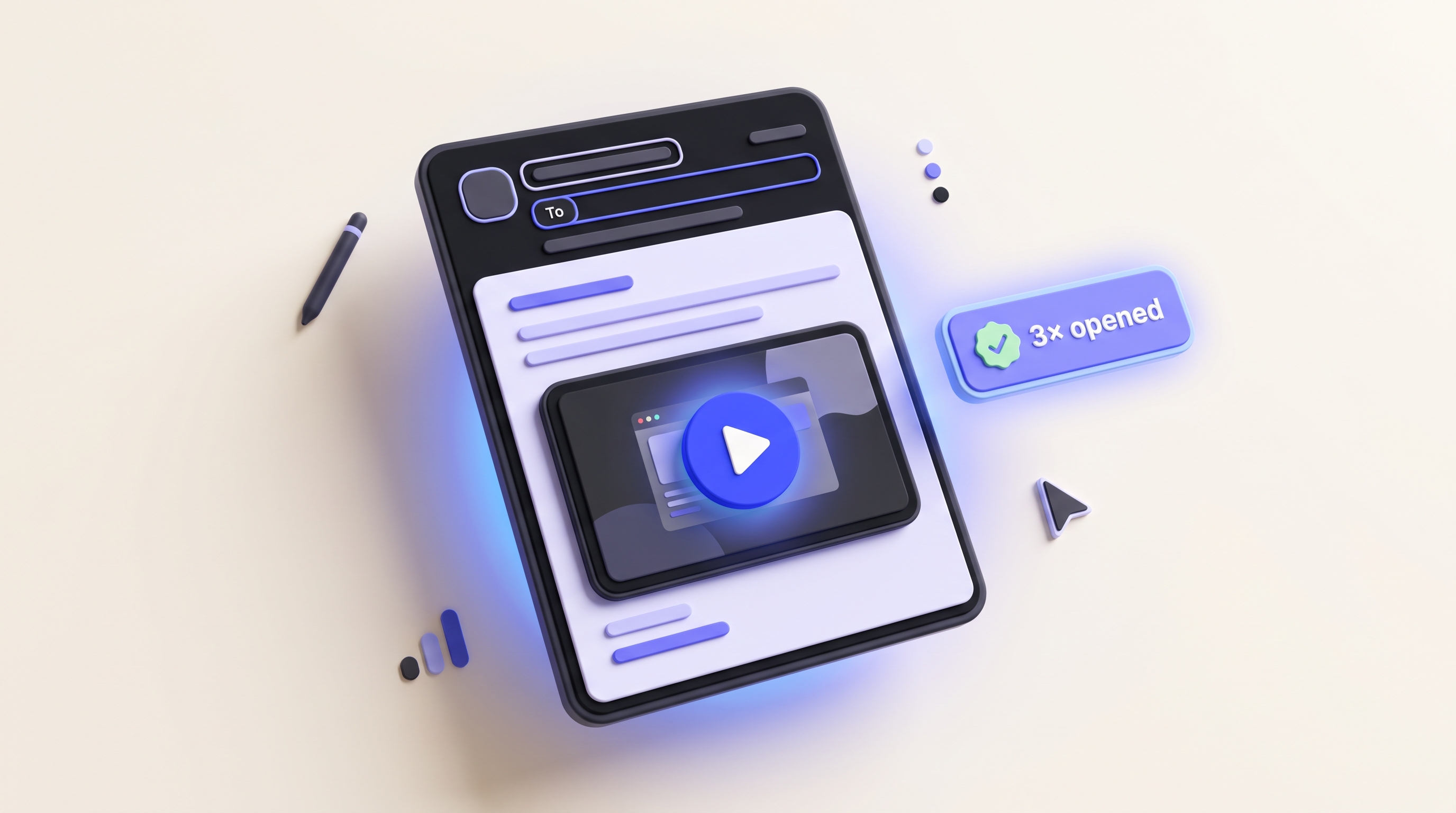
A video in every nurture email

Put a Demosmith video in each step of your onboarding email sequence. New users see the product before they even log back in, so more of them come back and finish setup.

  • Works as a linked thumbnail in any email client
  • One video per step, matched to where the user is stuck
  • Captions built in for people who watch on mobile
Onboarding sequence 3 emails
Get set up in 2 minutes
Day 1
Opened
Connect your first integration
Day 3
Opened
Invite your team
Day 5
Queued
Open rate

Nudge the key first actions

Attach a Demosmith micro-demo to a feature tooltip. When a user hovers the action you want them to take, a short video shows exactly how, so more of them actually do it.

  • Embed a 30-second demo in any tooltip or popover
  • Target the exact action that drives activation
  • Regenerate when the feature changes
Create dashboard
Build your first dashboard
Watch the 30-second walkthrough, then try it.
Feature adoption

Users set themselves up, no CSM required

Give self-serve users a video for each setup step. They complete onboarding on their own time, so your team does not have to run a call for every new account.

  • One video per setup step, from signup to first result
  • Free your team from repeat setup calls
  • Ship the same setup flow in 29 languages
Self-serve setup
Guided by video, step by step
No CSM needed
1
Import your data
2
Configure your workspace
3
Run your first report

Onboarding videos that pull
their weight.

Every other tool still makes you record and re-record by hand. Demosmith is the one where you never touch a screen recorder.

Onboarding video regenerating to match the latest product UI

Always current after product changes

Ship an update and re-run the same prompt. Demosmith navigates the live product, so the video shows the UI as it is today. Onboarding never falls behind.

Regenerate in 10 minutes
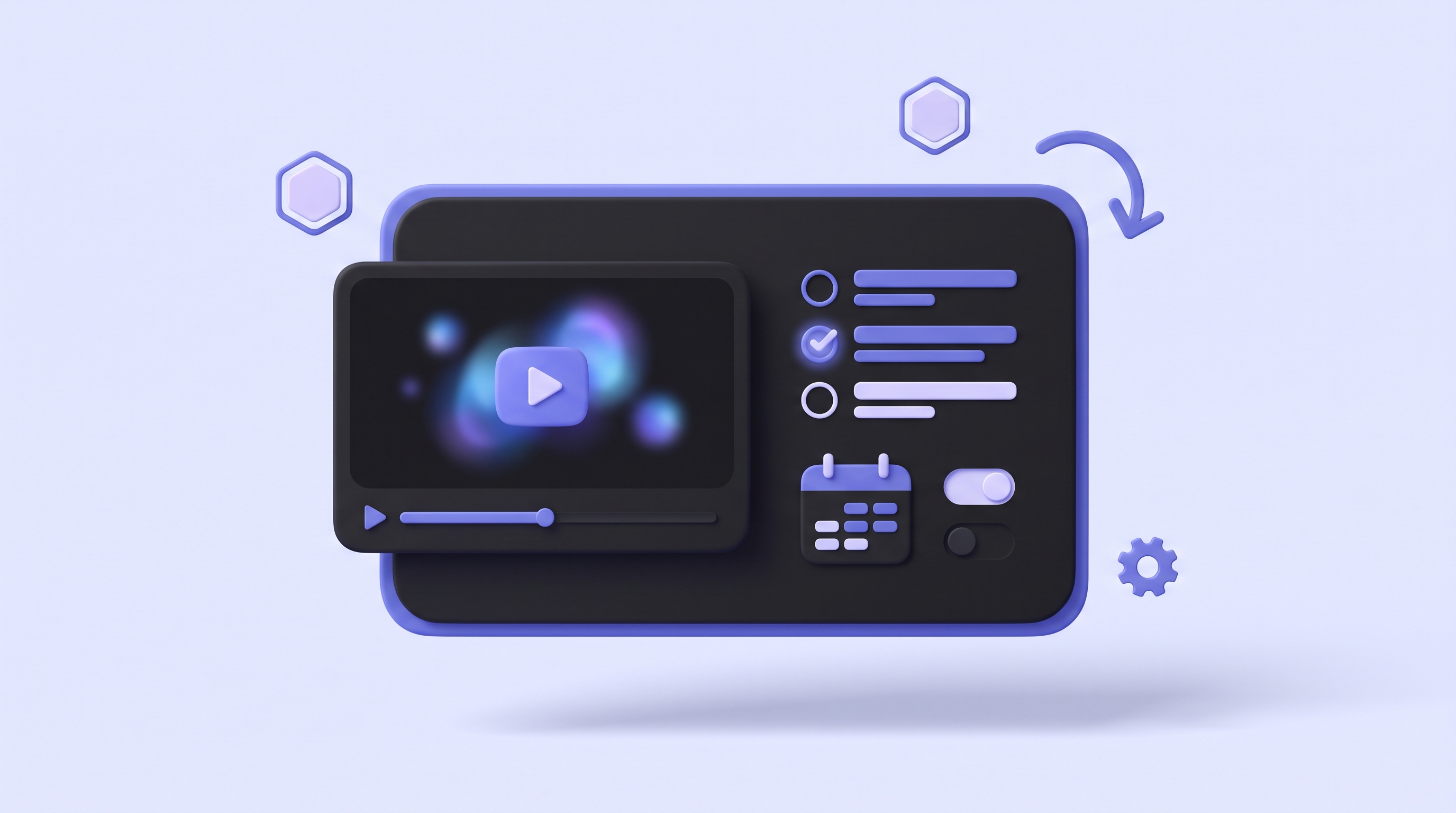
In-app welcome video widget playing beside a getting-started checklist

Embed in-app and in email

Every video comes with a shareable link and an embed code. Drop it into a welcome modal, a checklist, a tooltip, or an onboarding email. It plays inline wherever you place it.

One video, every touchpoint
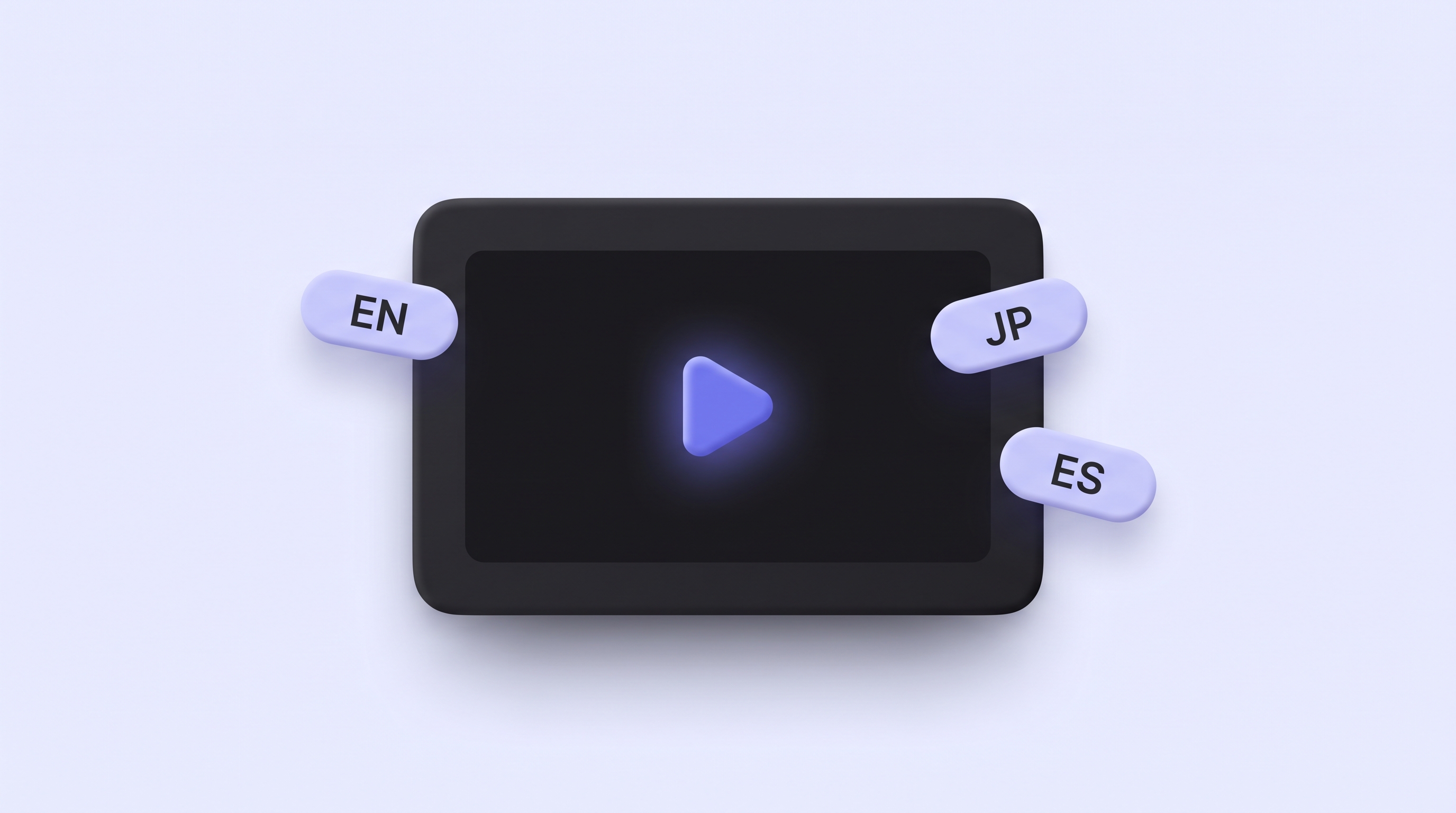
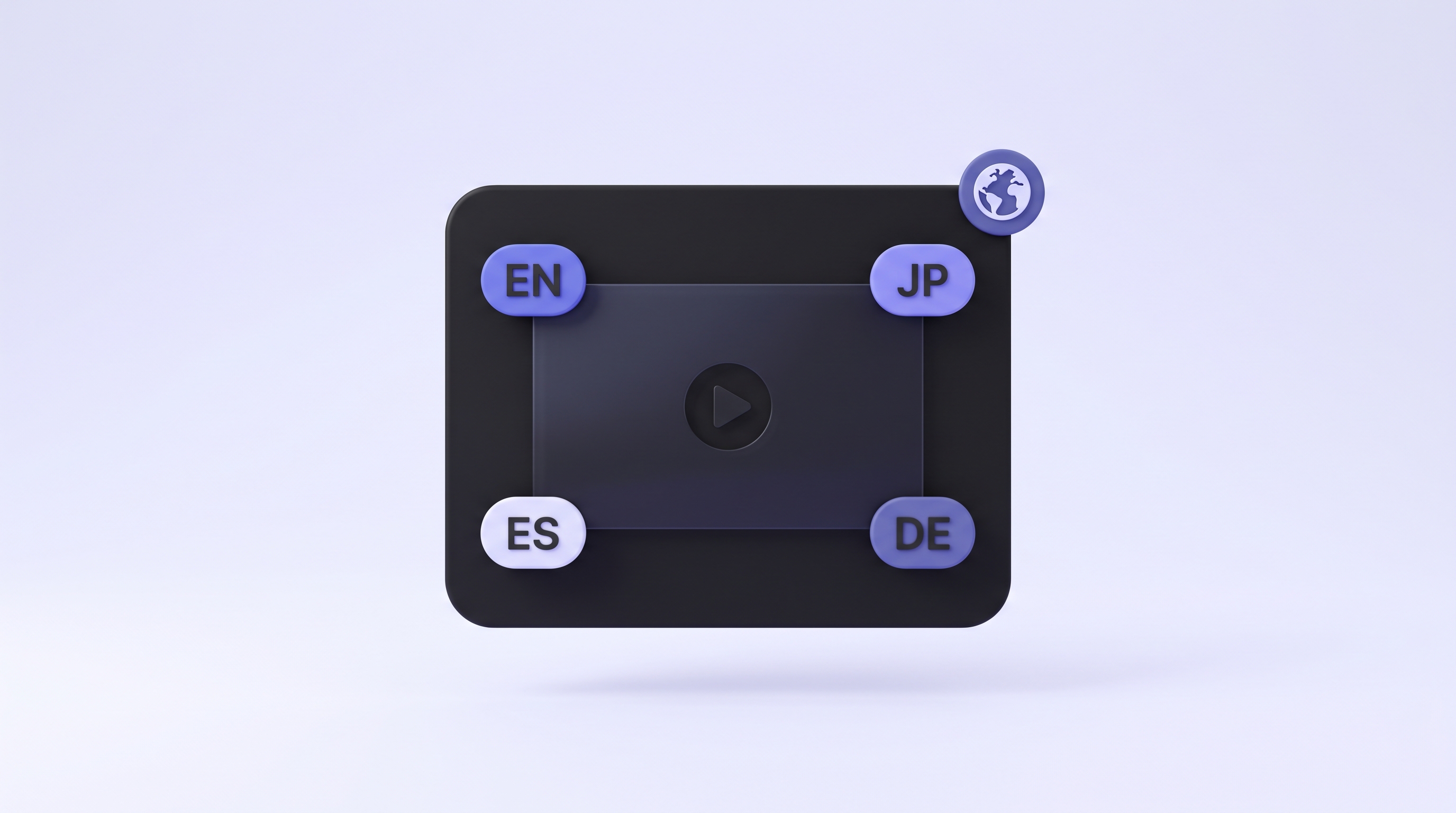
Onboarding video localized into 29 languages with caption bubbles

Onboarding in 29 languages

Native voiceover plus localized captions in each language. One product run covers every market, so new users onboard in the language they think in.

English Spanish German Japanese +25 more
Activation-rate gauge climbing higher next to an onboarding video thumbnail

Built to lift activation

Video shows a new user exactly what to do next, so more of them reach the first key action instead of dropping off in the empty state.

More signups reach first value
AI agent autonomously navigating and recording the product with no screen recorder

No recording. No editing. Just a finished video.

Demosmith navigates, records, edits, scripts, and captions on autopilot. You paste a URL and a short prompt, then get a shareable link and an MP4 up to 4K. Nobody on your team opens a screen recorder or an edit timeline.

10 minutes, start to finish
"

We put a Demosmith video in the welcome modal and the onboarding emails, and more new users are reaching their first project. The best part is the video never goes out of date. We ship every week and I never have to re-record a thing.

PN
Priya N.
Head of Onboarding, B2B SaaS · Private beta

What activation and onboarding teams ask first

How can Demosmith help me onboard new users with video?
+

Paste your product URL and a short prompt describing the setup flow a new user should see. Demosmith navigates your live product on autopilot, records the screen, auto-edits, writes the script, and adds voiceover. You get a finished onboarding video in about 10 minutes with no recording and no editing.

Can I embed a Demosmith welcome video inside my app?
+

Yes. Every video ships with a hosted link and an embed code, so you can drop it into an in-app welcome modal, a tooltip, or a getting-started checklist. It plays inline wherever a new user first lands, up to 4K.

Can Demosmith onboarding videos improve activation?
+

A Demosmith video shows a new user exactly what to do next, so more of them reach the first key action instead of stalling in an empty state. That is the moment activation lives or dies, and a short video walks users straight to it.

Can I add Demosmith videos to my onboarding emails?
+

Yes. Each video has a hosted link you can drop into any welcome or lifecycle email. Lead with the core first action, then send follow-up videos for later steps. You can also embed the MP4 where your email tool supports it.

What happens to my onboarding video when the product changes?
+

Re-run the prompt and the new video shows the current product. Demosmith navigates your live UI each time, so onboarding never falls behind after a redesign or a new step. Regenerating takes the same 10 minutes as the first one, with no re-recording.

How long should an onboarding video be, and how long does Demosmith take?
+

Keep it short. Onboarding videos usually run about 1 to 2 minutes, long enough to show one clear path to the first key action. Demosmith produces each one in about 10 minutes, so a separate short clip per step is easy to make.

Can Demosmith onboard users in other languages?
+

Yes. Name the language in your prompt and Demosmith adds voiceover and captions in 29 languages. Most teams ship English first, then add key markets from the same product run as they expand.

Do I need to record the onboarding flow myself?
+

No. You never touch a screen recorder. Demosmith navigates the setup flow on autopilot from your URL and prompt, then records, edits, scripts, and voices the whole thing for you.

Demosmith works across every team

Sales Enablement

Close deals faster with demo videos that sell for you

Send a polished product demo before prospects even ask to see it. No recording session, no slide deck, no live setup required.

Demosmith for Sales
Sales demo video in cold outreach email
Marketing & Growth

Product-led content that actually shows the product

Embed a demo video on your landing page, run it as an ad creative, or drop it into your PLG email flow. No designer, no agency, no recording session.

Demosmith for Marketing
Marketing demo video on a product landing page
Localization

One demo. 29 languages. No re-recording.

Demosmith generates native voiceover and captions in 29 languages from the same product run. One URL, every market covered the same day.

Demosmith for Localization
Demo video with multilingual voiceover and captions in 29 languages
Product Onboarding

Onboarding videos that activate users and never go stale

Drop a Demosmith video into your welcome modal, onboarding emails, and feature tooltips. Re-run every sprint. New users always see the current product and reach their first win.

Demosmith for Onboarding
Product onboarding walkthrough video embedded in welcome email
Customer Success

Show value before renewal, not after churn

Generate a feature video for every QBR, renewal, or upsell moment. CS sends a tailored demo showing exactly what that account should be using.

Demosmith for Customer Success
Customer success renewal video walkthrough
Customer Support

Video answers that close tickets faster than text ever will

Generate a how-to video for any support question in 10 minutes. Embed in your help center. Regenerate when the UI changes. No re-recording.

Demosmith for Support
Support ticket with embedded video walkthrough
Product Teams

The moment your feature ships, the demo is ready

Drop the URL into Demosmith after a feature ships. Get a demo video before standup ends. Share with sales, CS, and leadership without touching the product.

Demosmith for Product
Product changelog with feature demo video
Education & Training

Training videos that update themselves every sprint

When your product changes, regenerate every affected training video in a day. No agencies, no reshoots. Demosmith re-navigates the UI and rebuilds the video.

Demosmith for Training
Employee training video library with auto-updated walkthroughs
ready when you are

Ship your onboarding
video free.

Generate an activation video in 10 minutes. Embed it in-app and in email. Regenerate every sprint, always current.

Start free
Start free
Start free
Talk to us