Why Teams Are Looking Beyond Storylane
Storylane has earned its reputation as one of the leading interactive demo platforms. If you have spent any time evaluating tools for product-led growth, you have almost certainly come across it. The platform lets product marketing teams, sales engineers, and growth teams build click-through product tours that prospects can experience at their own pace: no live call required, no sandbox to maintain.
But here is the thing: interactive demos and video demos are fundamentally different output formats that serve fundamentally different purposes. An interactive demo is designed for hands-on exploration. A prospect clicks through your product step by step, seeing tooltip annotations and guided highlights. It works beautifully when embedded on a website or shared as a link in an email where the recipient has the time and intention to engage actively.
Video demos are a different animal entirely. They are designed for passive consumption: the kind of content that works on YouTube, in a LinkedIn feed, embedded in a sales deck, attached to an outreach email, or playing on a loop at a conference booth. Video does not ask the viewer to click anything. It shows the product in motion, with voiceover narration, professional transitions, and a narrative arc that tells a story in two to three minutes.
If you are on this page, chances are you have already discovered that Storylane is excellent at what it does, but what it does is not what you need. You need video. You need MP4 files you can upload to YouTube. You need shareable clips for social media. You need polished demo recordings you can drop into a sales deck or a nurture sequence. And you need a tool that produces those assets without requiring you to manually record your screen, edit the footage, and re-record every time your UI changes.
This guide is specifically for teams in that situation. We will give Storylane its due credit, explain exactly where it falls short for video use cases, and then walk through the best AI demo video generators that fill that gap, starting with the tools that have made video output their primary focus.
What Storylane Does Well
Before we talk about alternatives, it is important to be fair about what Storylane brings to the table. This is not a "Storylane is bad" article. Storylane is a strong product in its category, and if interactive demos are what you need, it deserves serious consideration. Here is what it does well.
No-Code Interactive Demo Builder
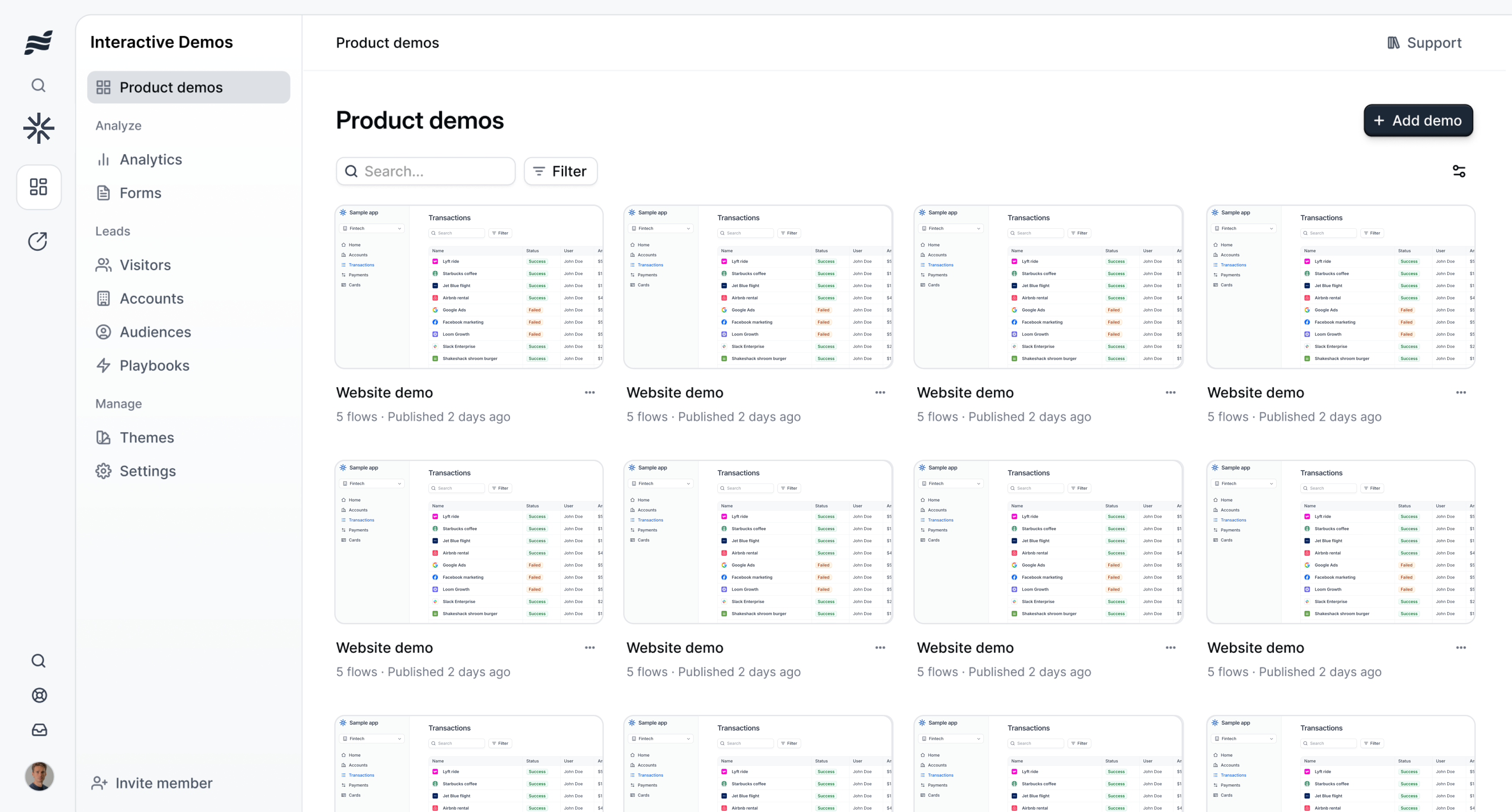
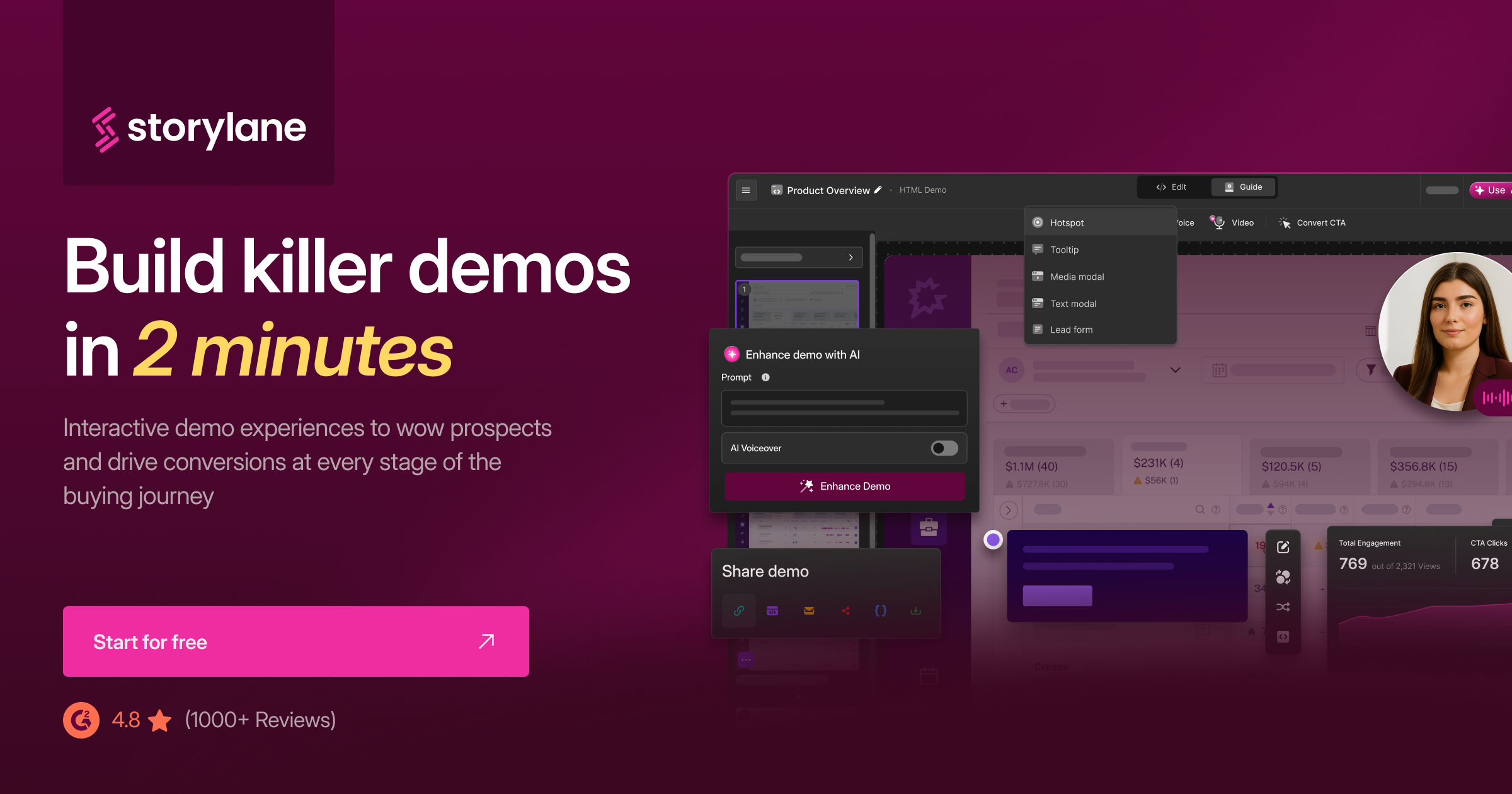
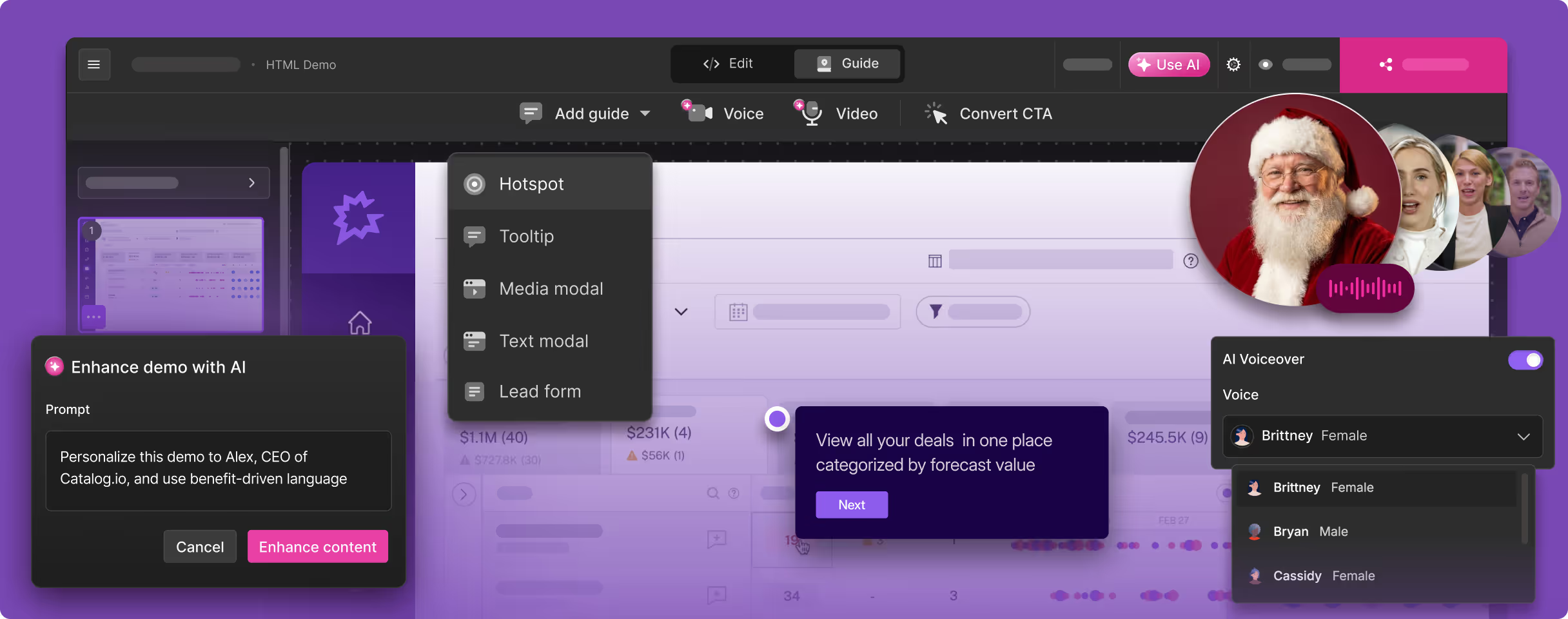
Storylane's core product is a no-code editor that lets you build interactive product tours without writing a single line of code. The workflow starts with their Chrome extension: you navigate through your product, and Storylane captures each screen as a screenshot or, on higher-tier plans, as a full HTML capture that preserves the actual DOM of your application. You then arrange these screens into a guided flow, adding tooltips, annotations, hotspots, and branching logic to create a click-through experience.
The editor is intuitive. Non-technical team members (product marketers, sales enablement managers, customer success leads) can build demos without involving engineering. That accessibility is a big part of why Storylane has gained traction.
Two Capture Methods: Screenshot and HTML
Storylane offers two fundamentally different capture approaches. Screenshot-based demos capture static images of each step, which is fast and simple but means the "demo" is really a guided slideshow. HTML-based demos clone the actual front-end code of your application, creating a near-perfect replica that viewers can interact with almost as if they were using the real product. Text fields are editable, dropdowns work, and the experience feels remarkably authentic.
The HTML capture method is genuinely impressive technology. It is one of the features that differentiates Storylane from simpler screenshot-based tools. However, it is only available on the Growth plan and above, which starts at $500 per month, a significant price jump from the $40/mo Starter plan that only includes screenshot demos.
AI-Powered Annotations
Storylane has invested in AI features that speed up the demo creation process. Their AI can auto-generate tooltip text and annotations based on the content of each screen, which saves time when you are building out a multi-step tour. Instead of writing every tooltip from scratch, you get a starting point that you can refine. It is not perfect; you will still want to edit for tone and accuracy, but it cuts the creation time meaningfully.
Strong Analytics
One of Storylane's genuine strengths is its analytics dashboard. You can see how many people viewed your demo, where they dropped off, which steps got the most engagement, and how long viewers spent on each screen. For product marketing teams that need to optimize their demo funnels, this data is valuable. You can identify which steps are confusing prospects, which features generate the most interest, and where your demo loses attention.
CRM and Marketing Integrations
Storylane integrates with the tools that go-to-market teams already use: Salesforce, HubSpot, Marketo, Slack, Zapier, and others. You can track which leads have viewed your demos, trigger workflows based on demo engagement, and pipe demo analytics data into your CRM for lead scoring. For enterprise sales teams, these integrations are table stakes, and Storylane delivers them.
Free Tier and Accessible Entry Point
Storylane offers a free tier that lets you publish one demo, which is generous enough to evaluate the platform before committing. The Starter plan at $40/mo provides screenshot-based demos with basic features. For teams just getting started with interactive demos, this is a reasonable entry point, though the most powerful features (HTML capture, advanced analytics, premium integrations) require the Growth plan at $500/mo or the Enterprise tier.
Where Storylane Shines: Website Embeds and Product Tours
Storylane is at its best when the demo lives on your website. Embedding an interactive product tour on your pricing page, feature page, or landing page gives prospects a self-serve way to experience your product without signing up for a trial or booking a call. For product-led growth motions, this is a powerful conversion tool. Combined with the analytics to measure engagement and the CRM integrations to route engaged leads to sales, Storylane fits neatly into a modern PLG stack.
Where Storylane Falls Short for Video Demos
Now let us talk about the gap. If your primary need is video output (MP4 files, YouTube-ready content, video assets for sales and marketing), Storylane has significant limitations that no amount of interactive demo excellence can overcome.
The Output Is Interactive, Not Video
This is the fundamental issue. Storylane's primary output is an interactive, embeddable demo. It is not a video. You cannot upload an interactive Storylane demo to YouTube. You cannot embed it as a video in a Google Slides presentation. You cannot attach it to a sales email as a video thumbnail that plays on click. You cannot post it as a native video on LinkedIn or Twitter.
Storylane does offer a limited video export feature, but it is not the platform's core competency. The exported video tends to feel like a screen recording of someone clicking through the interactive demo, because that is essentially what it is. It lacks the professional polish of a purpose-built video: no dynamic transitions, no AI voiceover with natural pacing, no cinematic zoom effects that draw the viewer's eye to the right part of the screen.
For teams whose primary distribution channels require video (and in 2026, that is most teams), this is a dealbreaker.
No AI Voiceover or Professional Narration
Interactive demos do not need voiceover. Viewers read tooltip text and click through at their own pace. But video demos absolutely need narration. A two-minute product demo video without voiceover is just a silent screen recording. Silent screen recordings do not hold attention, do not convey product value, and do not convert.
Storylane does not offer AI voiceover, text-to-speech narration, or any native audio capabilities. If you export a video from Storylane, you get a silent clip that you then need to take into a separate tool to add narration. That defeats the purpose of using an all-in-one demo tool in the first place.
Manual Click-Through Capture
Every Storylane demo starts with you manually clicking through your product while the Chrome extension captures each screen. This means someone on your team needs to know the exact flow, navigate it cleanly, and capture every step. If you make a mistake, you recapture. If your product requires login credentials or test data, you set that up beforehand.
This is not a dealbreaker for teams creating a handful of demos. But for teams that need to produce demos at scale (covering dozens of features, multiple personas, and frequent product updates), the manual capture requirement becomes a bottleneck. Every time your UI changes, every screenshot-based demo that includes the changed screens goes stale. You need to go back, re-capture those steps, and update the demo.
HTML Capture Is Expensive
The feature that makes Storylane most compelling, the HTML capture that clones your actual front-end, is locked behind the Growth plan at $500/mo. For many startups and mid-market companies, that is a steep price for a demo tool, especially when the output is still interactive-only. If you are paying $500/mo for Storylane and still need a separate tool (and separate budget) for video demos, the total cost of your demo stack adds up quickly.
Enterprise pricing goes even higher. Storylane's Enterprise tier reportedly ranges from $25,000 to $125,000 per year depending on the scope of the contract. That is a significant investment for any single tool in your marketing stack.
Mobile Demos Are Limited
Several Storylane users have reported that mobile demos do not work well on the platform. Since Storylane captures desktop browser screens, creating demos that showcase a mobile app experience or a responsive mobile web flow can be challenging. If your product has a significant mobile audience, this is worth evaluating carefully during a trial.
No Autonomous Product Navigation
Storylane requires you to manually drive the demo creation process from start to finish. You click through every screen. You position every tooltip. You write (or edit) every annotation. There is no concept of giving the tool a URL and a description and having it autonomously generate a demo.
For teams who are looking to reduce the human effort involved in demo creation (not just make it easier, but actually eliminate steps from the workflow), Storylane's manual approach can feel like trading one kind of manual work (screen recording and video editing) for another kind (screenshot capture and tooltip placement).
Demo Maintenance Burden
This is the hidden cost of screenshot-based demo tools. Your product ships new features, updates the UI, or changes navigation patterns every sprint. Each of those changes potentially breaks existing demos. A button that moved. A menu that got renamed. A page layout that shifted. Screenshot-based demos do not auto-update; you need to recapture the affected screens and rebuild those portions of the demo.
HTML-based demos are somewhat more resilient since they capture the actual code, but they still need to be refreshed periodically as your front-end evolves. Either way, demo maintenance is an ongoing cost that scales linearly with the number of demos you have published.
What to Look For in a Storylane Alternative for Video Demos
If you have decided that video output is a requirement (not a nice-to-have), here are the criteria that matter most when evaluating alternatives to Storylane.
Video as the Primary Output Format
This is the non-negotiable. The tool should produce video as its core output: MP4 files, shareable video links, embeddable video players. Video should not be an afterthought or an export option bolted onto an interactive demo builder. When video is the primary output, the entire product experience is optimized for video quality: the capture process, the editing workflow, the voiceover integration, the export settings.
AI Voiceover with Multi-Language Support
Professional demo videos need narration. The best tools in 2026 include AI voiceover that sounds natural, supports multiple languages, and syncs with the visual flow of the demo. Look for tools that offer a range of voice options (male, female, different accents) and support at least the major business languages. If your company sells internationally, multi-language voiceover is essential, and it should not require you to hire voiceover artists or record narration manually for each language.
Autonomous or Minimal-Effort Capture
The biggest time sink in demo creation is the capture step. Whether you are screen recording or clicking through a Chrome extension, you are still manually driving the process. The best modern tools minimize or eliminate this step entirely. Some use AI agents that navigate your product autonomously based on a text description. Others use intelligent screen capture that auto-detects steps and transitions. Either way, look for tools that reduce the human effort required to go from "I need a demo" to "I have a finished video."
Professional Editing Built In
A raw screen capture, whether from a recording or an automated agent, is not a finished demo. Professional demo videos include transitions between scenes, zoom effects that highlight important UI elements, dynamic captions for accessibility and silent viewing, and a consistent visual style. The right Storylane alternative should handle this editing automatically or with minimal manual input. You should not need to take the raw output into Premiere Pro or Final Cut to make it presentable.
Brand Kit Integration
Every video your company produces should look like it came from your company. Colors, fonts, logo placement, intro/outro sequences; these should be configurable once and applied automatically to every video. This is especially important for teams producing demos at scale, where manual branding of each video is not practical.
Easy to Embed and Share Across Channels
The whole reason you need video instead of interactive demos is distribution flexibility. The tool should make it easy to share videos across every channel: direct link, embed code, social media upload, email attachment, CMS integration. Bonus points for tools that provide analytics on video views and engagement across these channels.
Best Storylane Alternatives for Product Demo Videos
1. Demosmith -- Best Overall Storylane Alternative for Video Demos
Demosmith is the most direct answer to the question "What if I need video output instead of interactive demos?" It is an AI Demo Agent: a fundamentally different kind of tool than Storylane. Where Storylane captures screenshots and builds interactive click-throughs, Demosmith autonomously navigates your product and produces polished video demos with AI voiceover, professional editing, and brand customization.
The workflow is simple to the point of being startling the first time you use it. You paste your product URL into Demosmith. You describe the flow you want to demonstrate in plain English, for example, "Show how a new user signs up, creates their first project, and invites a team member." Then you let the AI agent work. It opens your product in a browser, navigates through the flow you described, captures the screens, and auto-edits the footage with smooth transitions, dynamic zoom effects, synchronized captions, and AI voiceover narration.
The output is a polished MP4 video plus a shareable link. Average turnaround is under 10 minutes. No screen recording. No Chrome extension. No manual click-through. No video editing.
Where Demosmith beats Storylane for video use cases:
- Video-first output. Every demo Demosmith generates is a purpose-built MP4 with professional production quality, made for every channel where video is required. And since September 2026, any finished demo can also be compiled into an interactive, clickable walkthrough from the same recording.
- AI voiceover in 29 languages. Storylane has no native voiceover capability. Demosmith generates natural-sounding narration in Arabic, Bulgarian, Chinese, Croatian, Czech, Danish, Dutch, English, Filipino, Finnish, French, German, Greek, Hindi, Indonesian, Italian, Japanese, Korean, Malay, Polish, Portuguese, Romanian, Russian, Slovak, Spanish, Swedish, Turkish, Ukrainian, and Vietnamese. Each voiceover is synced to the visual flow of the demo.
- Zero manual capture. No Chrome extension, no clicking through your product, no screenshot management. Demosmith's AI agent handles the entire capture process autonomously.
- Brand kit auto-applied. Configure your colors, logo, fonts, and intro/outro once. Every video Demosmith generates automatically matches your brand identity.
- Multi-channel distribution. The video output works everywhere: YouTube, LinkedIn, Twitter, sales emails, website embeds, Google Slides, conference displays, onboarding sequences. Interactive Storylane demos are limited to contexts where click-through interaction is possible.
- Reduced maintenance burden. When your product UI changes, you regenerate the demo by running the same prompt again. No screenshot-by-screenshot recapture. No tooltip repositioning. Just a new prompt run that produces an updated video in minutes.
Pricing: Free trial available. Starter at $40/mo, Pro at $99/mo, Business at $250/mo, Enterprise custom.
Limitations:
- Updated September 2026: Demosmith also compiles interactive demos from its own recordings of your product, so click-through tours for your website no longer require a separate tool.
- Complex flows that involve third-party authentication or multi-service integrations may need a second generation pass or manual guidance.
- Frame-by-frame editing control is more limited than a traditional video editor like Premiere or Final Cut, though for most demo use cases, the auto-editing is more than sufficient.
Best for: Product marketing teams, growth teams, and sales teams who need to produce demo videos at scale without a dedicated video editor. Particularly strong for teams distributing demos across multiple channels (social, email, YouTube, sales decks) where interactive format does not work.
The AI demo video generator that records your live product category page breaks the workflow down step by step.
Storylane starts with your screenshots. Demosmith starts with your URL. That difference in starting point creates a fundamentally different output: interactive click-throughs versus polished video demos.
2. Arcade -- Interactive Demo Builder with Video Export
Arcade occupies interesting middle ground in this space. Like Storylane, it is primarily an interactive demo builder: you capture your product via browser extension and build guided walkthroughs with callouts, annotations, and hotspots. But unlike Storylane, Arcade has invested more meaningfully in video export as a secondary output format.
The interactive demo experience in Arcade is polished. The editor is clean and intuitive. One standout feature is branching paths, which let you create persona-specific demo experiences. A prospect who identifies as a "developer" sees a different flow than one who identifies as a "product manager." This is powerful for sales enablement on websites where you want to tailor the demo to the viewer.
Arcade also supports video export, which gives it a flexibility advantage over Storylane. You can take an interactive demo you have built and export it as a video file. This is useful for teams who want to create one demo and distribute it in both formats.
Pricing: Free plan available. Pro at $32/mo per user. Team and Enterprise tiers available.
Where Arcade beats Storylane:
- Video export gives you more distribution flexibility.
- Branching paths for persona-specific demos are more mature than Storylane's branching features.
- The free plan is functional enough for evaluation and small-scale use.
Limitations as a video demo tool:
- Video is still a secondary output. The platform is designed around interactive demos, and the video export reflects that: it is a recording of the interactive experience, not a purpose-built video with cinematic editing.
- No AI voiceover. Exported videos are silent or require you to add audio externally.
- Per-user pricing means costs scale quickly for larger teams.
- You still need to manually capture every screen through the browser extension.
Best for: Teams who primarily need interactive demos but occasionally want to repurpose those demos as video. Not ideal if video is your primary output requirement.
3. Navattic -- Enterprise Interactive Demo Platform
Navattic is another interactive demo platform that competes directly with Storylane, particularly in the enterprise segment — and teams evaluating it often explore Navattic alternatives for similar reasons to those covered in this guide. For a side-by-side look at all three, see our Navattic vs Storylane vs Arcade comparison. It positions itself as the interactive demo platform for revenue teams, with strong CRM integrations, advanced analytics, and an AI Copilot that helps create demos faster.
Navattic's approach is similar to Storylane's: you capture your product (screenshot or HTML), build an interactive walkthrough, and embed it on your website or share it via link. The platform has been investing in AI features, including an AI Copilot that can auto-generate demo flows and annotations based on your product, which reduces the manual effort of building each demo from scratch.
From an analytics perspective, Navattic is particularly strong. It offers detailed engagement data, integrates deeply with Salesforce and HubSpot for lead scoring based on demo interaction, and provides intent signals that help sales teams prioritize follow-up.
Pricing: Starter Plus at $40/mo. Base at $500/mo. Growth at $1,200/mo. Enterprise custom.
Where Navattic compares to Storylane:
- Similar core functionality: both are interactive demo builders with screenshot and HTML capture.
- Navattic's AI Copilot is a differentiator for faster demo creation.
- Enterprise analytics and CRM integration are arguably more mature than Storylane's.
- Pricing structure is comparable, with similar jumps between tiers.
Limitations as a video demo tool:
- Same fundamental limitation as Storylane: the output is interactive, not video.
- No native video export, voiceover, or video editing capabilities.
- Does not solve the video distribution problem at all.
- Pricing is steep: the Growth plan at $1,200/mo makes it one of the more expensive interactive demo tools.
Best for: Enterprise revenue teams who need interactive demos with deep CRM integration and advanced analytics. Not a video demo tool.
4. Supademo -- Affordable Interactive Demo Builder
Supademo takes the interactive demo concept and makes it more accessible. It is a screenshot-based demo builder that focuses on speed and simplicity. The Chrome extension captures your product screens, and the platform auto-generates annotations, descriptions, and step-by-step guidance using AI.
Where Supademo stands out is affordability. At $27/mo for the Pro plan, it is one of the least expensive interactive demo tools on the market. For startups and small teams who want interactive product tours without Storylane's price tag, Supademo is an attractive option.
The AI annotation feature is genuinely useful. After capturing your screens, Supademo's AI writes descriptions for each step, suggests tooltip text, and identifies the key UI elements that should be highlighted. You still need to review and edit, but the AI-generated starting point saves meaningful time.
Pricing: Free plan available. Pro at $27/mo. Scale at $38/mo. Enterprise custom.
Where Supademo compares to Storylane:
- Significantly more affordable at every tier.
- Faster to create demos due to AI-generated annotations.
- Simpler interface: less feature-rich but easier to learn.
- Good enough for teams that only need screenshot-based demos (no HTML capture).
Limitations as a video demo tool:
- Same interactive-only output limitation as Storylane and Navattic.
- Screenshot-based only: no HTML capture option.
- No video export, voiceover, or video editing features.
- Less suitable for enterprise use cases due to limited analytics and integrations compared to Storylane or Navattic.
Best for: Startups and small teams who want affordable interactive demos for their website and documentation. Not a video demo solution.
Interactive Demos vs Video Demos: Why You Might Need Both
One of the most common mistakes teams make when evaluating demo tools is treating interactive demos and video demos as interchangeable. They are not. They serve different audiences, different channels, and different stages of the buyer journey. Understanding this distinction is critical to building a demo strategy that actually converts.
When Interactive Demos Win
Interactive demos are at their best when the viewer has intent and attention. When someone lands on your pricing page, clicks "See it in action," and wants to explore your product at their own pace, that is the ideal context for an interactive demo. The viewer is engaged. They are willing to click. They want to go deep on specific features that matter to them.
Interactive demos also excel in documentation and help centers, where users are looking for step-by-step guidance on how to accomplish specific tasks. The click-through format mirrors the actual product experience, making it intuitive for users who are already familiar with web-based software.
For these use cases, Storylane, Navattic, Arcade, and Supademo are all strong options. The interactive format is a better fit than video because the viewer's context demands exploration, not narration.
When Video Demos Win
Video demos are essential for every context where the viewer is passive: where they are watching, not clicking. Think about the channels where you distribute marketing content:
- YouTube and video SEO. You cannot upload an interactive demo to YouTube. You need video.
- Social media (LinkedIn, Twitter, TikTok, Instagram). Native video posts get dramatically higher engagement than links to external interactive demos. Algorithms favor video content that keeps users on the platform.
- Sales emails and outreach. A video thumbnail in an email gets 2-3x more clicks than a text link. And when the prospect clicks, they want to watch, not interact.
- Sales decks and presentations. When an AE presents to a buying committee, they need a polished demo video that plays within Google Slides or PowerPoint. An interactive demo in a sales deck breaks the flow of a presentation.
- Conference booths and events. Screens at trade shows play video on loop. Interactive demos require someone to stand there and click.
- Paid advertising. Video ads on YouTube, LinkedIn, Facebook, and Instagram all require, you guessed it, video.
- Onboarding and training. Video walkthroughs that users can watch at their own pace are a staple of modern SaaS onboarding. They work in emails, in-app modals, and learning management systems.
In all of these contexts, interactive demos either do not work at all (YouTube, social native, video ads) or work poorly compared to video (sales emails, presentations, event displays).
The Ideal Stack: Interactive + Video
The most sophisticated go-to-market teams in 2026 are not choosing between interactive demos and video demos. They are using both, and they are using each format where it performs best.
The pattern looks like this:
- Website: Interactive demos (Storylane, Navattic, or similar) embedded on product pages, pricing pages, and landing pages. Visitors can explore the product at their own pace.
- Everywhere else: Video demos (Demosmith or similar) distributed across YouTube, social media, sales emails, sales decks, onboarding sequences, paid ads, and event displays. Viewers watch a polished, narrated demo that tells a product story in two to three minutes.
This is not an either-or decision. It is a both-and strategy. Storylane handles the interactive side. Demosmith handles the video side. Together, they cover every channel and every stage of the buyer journey.
The cost of this combined approach is also reasonable. Storylane's Starter plan at $40/mo plus Demosmith's Starter plan at $40/mo gives you both interactive and video demos for $80/mo total, less than what many teams pay for a single enterprise demo tool.
Storylane vs Alternatives: Side-by-Side Comparison
Here is how Storylane stacks up against the best alternatives across the dimensions that matter most for video demo creation:
| Feature | Storylane | Demosmith | Arcade | Navattic |
|---|---|---|---|---|
| Primary Output | Interactive click-through | MP4 video + shareable link | Interactive + optional video | Interactive click-through |
| Video Export | Limited — not primary | Yes — primary output | Yes — secondary, basic | No |
| AI Voiceover | No | Yes — 29 languages | No | No |
| Autonomous Capture | No — Chrome extension | Yes — AI agent navigates | No — Chrome extension | No — manual capture |
| Multi-Language | UI text only | 29 languages with voiceover | Limited | UI text only |
| Starting Price | $40/mo (screenshots), $500/mo (HTML) | $40/mo (Starter) | $32/user/mo (Pro) | $40/mo (Starter Plus), $500/mo (Base) |
| Best For | Website-embedded interactive tours | Video demos for all channels | Interactive + occasional video | Enterprise interactive with CRM |
Conclusion: Choosing the Right Tool for the Job
Storylane is a strong product. It has earned its position as a leading interactive demo platform, and if your primary need is website-embedded product tours with click-through interactivity, it deserves a place on your shortlist alongside Navattic, Arcade, and Supademo.
But interactive demos and video demos are different tools for different jobs. Storylane was built for interactivity: it excels at creating guided, click-through product experiences that live on your website. It was not built for video production, and trying to force it into that role leads to frustration, workarounds, and subpar output.
If you need demo videos: real, polished, narrated MP4 videos that work on YouTube, LinkedIn, in sales emails, in pitch decks, at conferences, and everywhere else video lives, you need a tool that was built for video from the ground up.
Demosmith fills that gap. Its AI Demo Agent approach eliminates the two biggest bottlenecks in demo video creation: the recording step (replaced by autonomous AI navigation) and the editing step (handled by automated professional post-production). The result is a finished demo video in under 10 minutes, with AI voiceover in 29 languages and your brand kit applied automatically.
For many teams, the smartest approach is to use both. Keep Storylane (or your interactive demo tool of choice) for website embeds where click-through interaction makes sense. Add Demosmith for every channel where video is the required or preferred format. The two tools are complementary, not competitive; they cover different parts of your go-to-market motion.
The question is not whether Storylane is a good tool. It is. The question is whether interactive demos are the right format for every channel where you need to show your product. They are not — and that is exactly where video demo tools like Demosmith come in.
Key Takeaways
- Storylane excels at interactive, embeddable product tours, but its output is not video. You cannot use Storylane demos on YouTube, social media, or in sales presentations where video is required.
- If you need video demos, look for tools where video is the primary output, not an afterthought. Purpose-built video tools produce dramatically better results than interactive tools with video export tacked on.
- Demosmith is the strongest Storylane alternative for teams whose primary need is video. Its autonomous AI agent eliminates recording and editing, producing polished demos with voiceover in under 10 minutes.
- Arcade offers video export as a secondary feature, which may be sufficient for teams who only occasionally need video.
- Navattic and Supademo are Storylane competitors in the interactive demo space, not video alternatives. They share the same output format limitation.
- The best approach for most teams is to use both interactive and video demo tools, deploying each format where it performs best.