Why Teams Try Using ChatGPT for Product Demo Videos
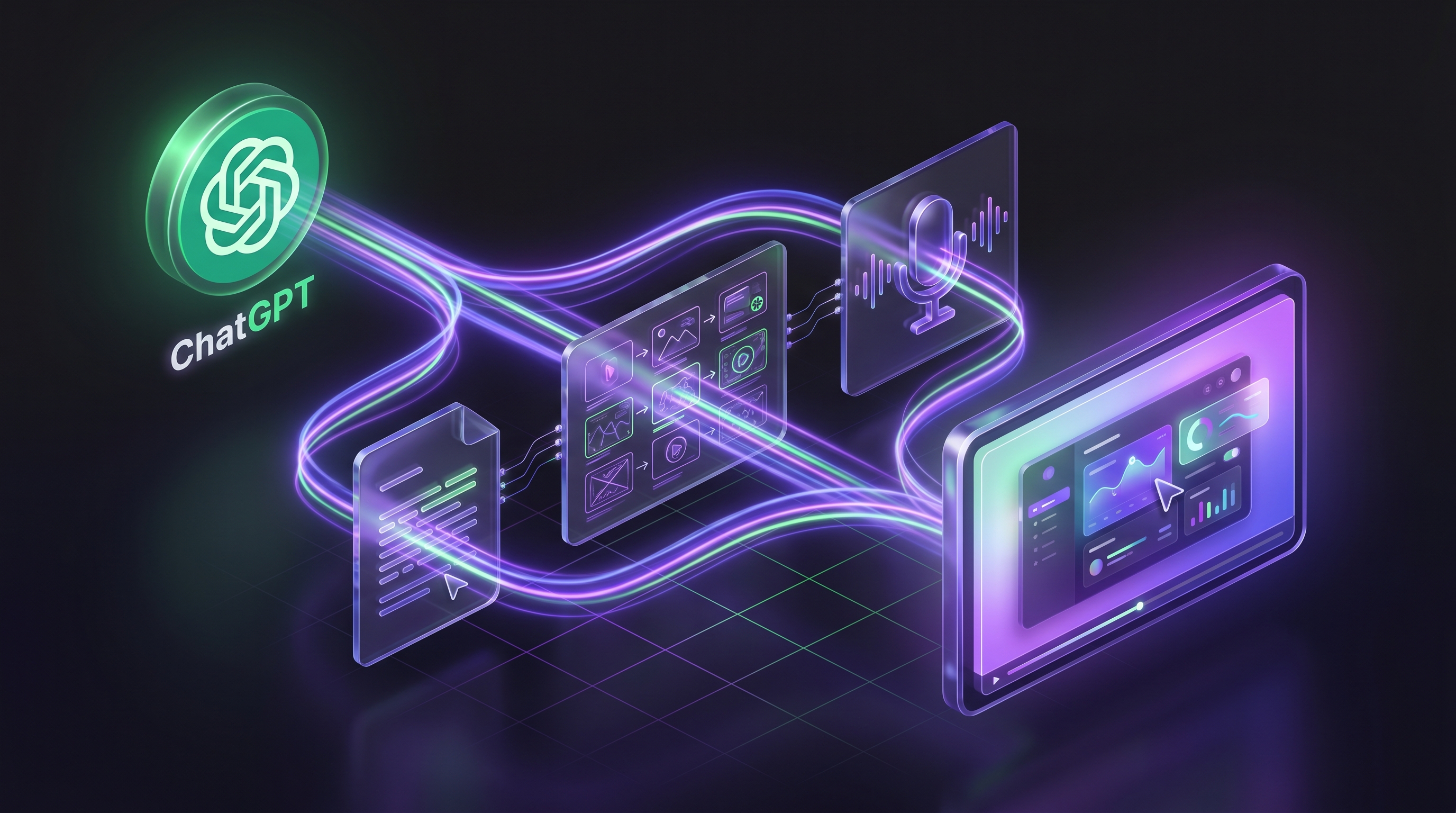
Product teams keep searching for "how to use ChatGPT for product demo video" because the idea makes sense on paper. ChatGPT writes well, plans quickly, and costs a fraction of hiring a scriptwriter. Why not use it to produce your next demo?
The appeal is real. ChatGPT can draft a narration script in seconds, break it into scenes, and generate voiceover copy tailored to any audience. For teams that already spend hours scripting demos by hand, that speed is hard to ignore.
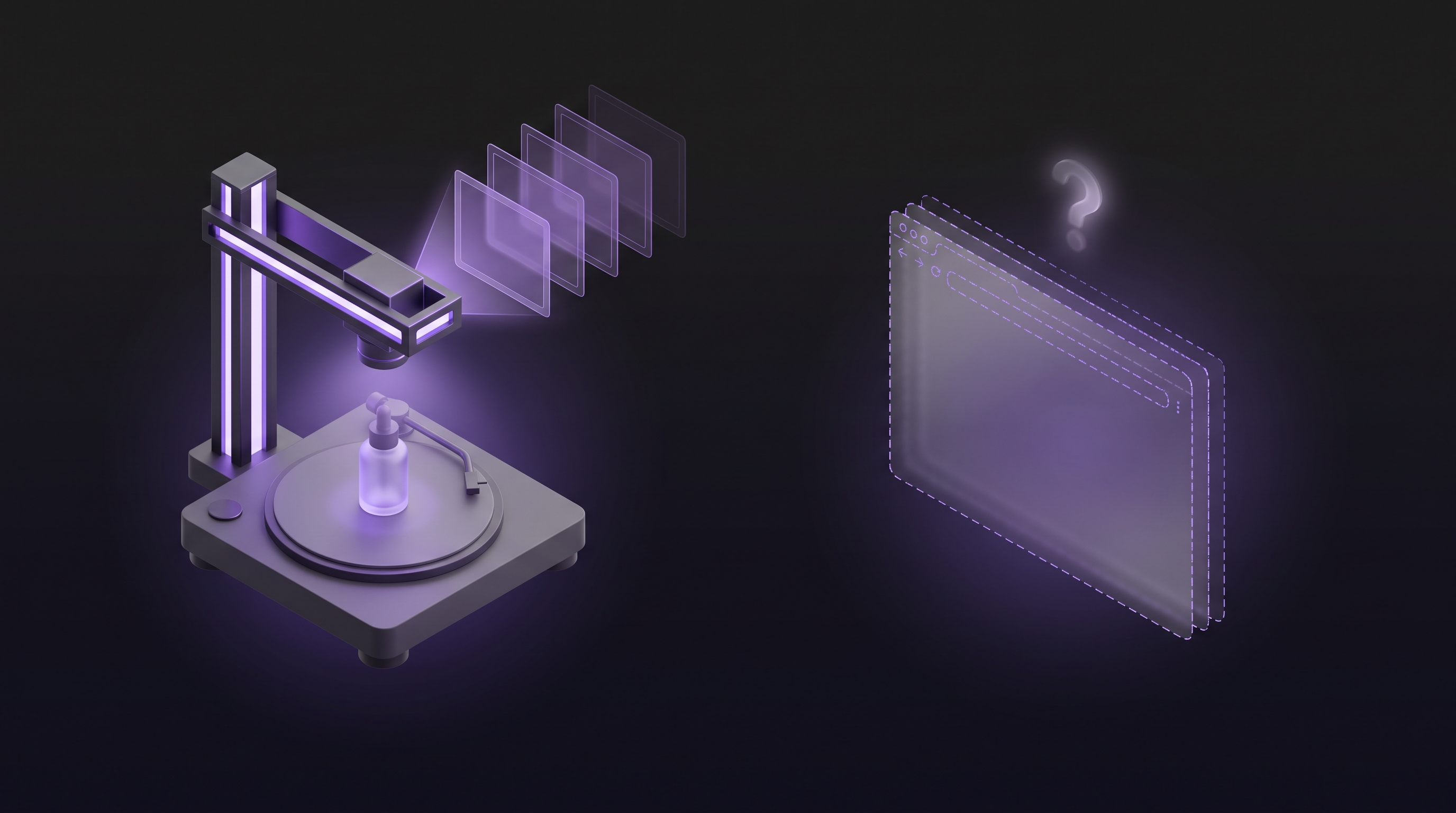
The problem is what happens after the script. ChatGPT cannot open your product, click through a workflow, capture footage, edit clips, add zoom effects, generate voiceover audio, render captions, or export an MP4 file. It produces text. Good text, often useful text, but text alone does not make a video. Claude is another option teams explore for scriptwriting and planning, with the same text-only limitation.
This guide covers the full picture: where ChatGPT fits in a demo video workflow, where it stops, and what to use for the steps it cannot handle. If you are exploring what an AI demo agent is and how it differs from a general-purpose language model, this will clarify things. We also reference our complete guide to making product demo videos for the broader process.
What ChatGPT Can (and Can't) Do for Demo Videos
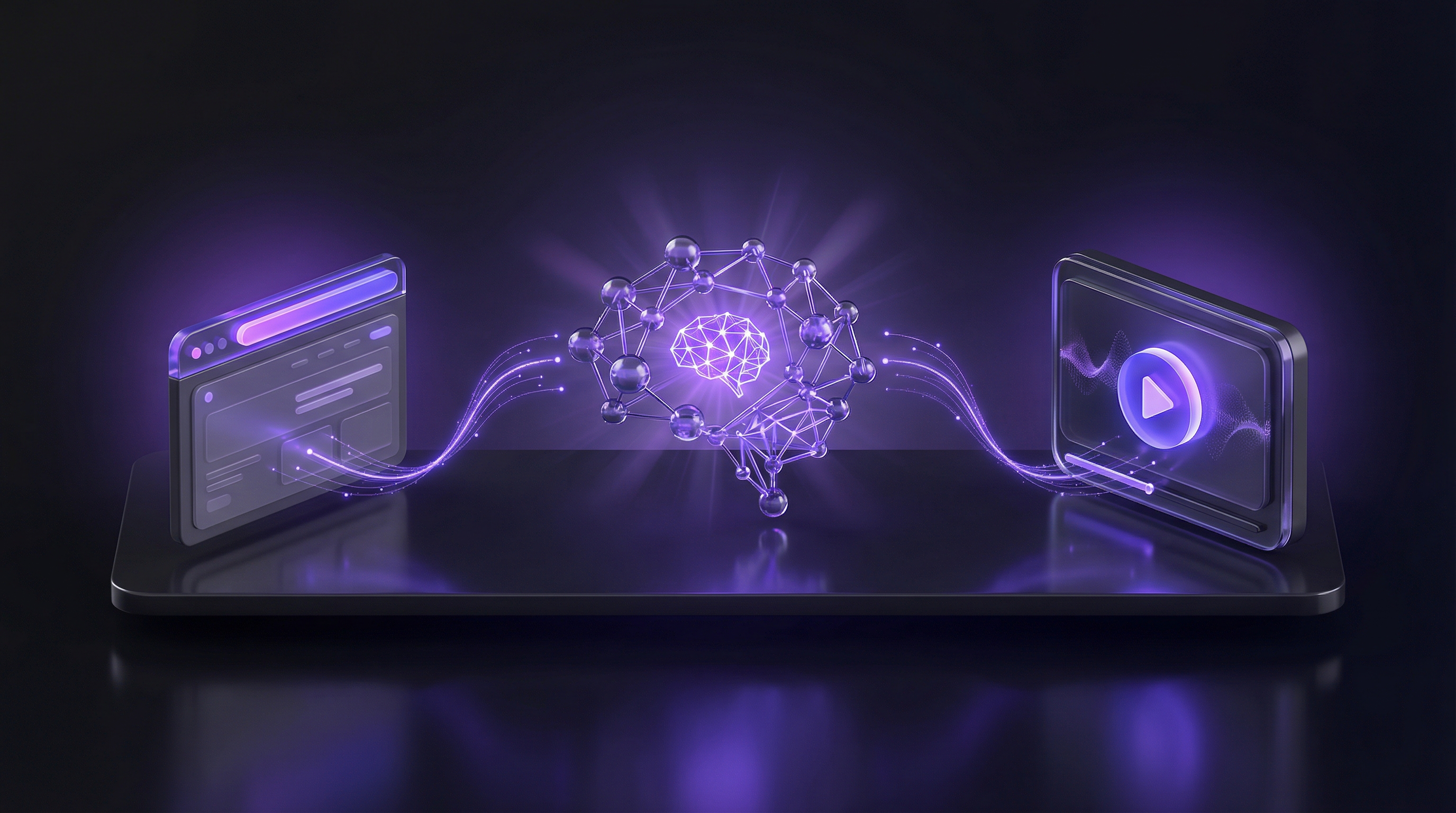
ChatGPT is a text model. It processes and generates language. Anything beyond that, from screen capture to video rendering, falls outside its capabilities. That boundary matters more than most guides admit.
Script Writing
This is where ChatGPT delivers the most value. Give it your product name, the flow you want to demonstrate, and the target audience, and it will produce a structured narration script with scene-by-scene direction. The output quality depends heavily on the prompt, which we cover in Step 1 below.
Storyboarding and Scene Planning
ChatGPT can break a script into discrete scenes, assign durations to each, and describe what should appear on screen during every beat. It will not create a visual storyboard with mockups or wireframes, but it can generate a scene list detailed enough that a designer or video editor could build from it.
Voiceover Copy
Writing narration that sounds natural when read aloud is harder than writing prose. ChatGPT can adapt its tone, shorten sentences for spoken delivery, and write in first or second person depending on your preference. It can also produce copy in multiple languages, which is useful for teams planning multilingual product demos for global SaaS audiences.
What ChatGPT Cannot Do
Here is the full list of steps ChatGPT cannot handle:
- Screen recording: It cannot launch a browser, navigate your product, or capture video of your UI.
- Video editing: No trimming, no transitions, no zoom effects, no caption overlays.
- Audio production: It writes voiceover copy as text. It does not generate spoken audio.
- Rendering: No MP4 export, no shareable link, no embed code.
- Product navigation: It cannot click buttons, fill forms, or interact with any software.
These limitations are not shortcomings. OpenAI did not build ChatGPT for video production. Knowing exactly where the text capabilities end is what lets you plan the rest of your workflow effectively.
Step 1: Write Your Demo Script with ChatGPT
A good demo script does three things: names the problem, shows the solution, and ends with a clear outcome. ChatGPT can produce this structure if your prompt is specific enough. Vague prompts produce generic scripts that sound like marketing brochures. Specific prompts produce scripts that sound like someone who knows the product.
Here is a prompt template you can copy and adapt:
Write a 90-second product demo narration script for [Product Name],
a [one-line description of your product].

Target audience: [e.g., "marketing managers at B2B SaaS companies"].

Flow to demonstrate:
1. [First screen/action, e.g., "User logs in and sees the dashboard"]
2. [Second action, e.g., "Creates a new campaign and selects a template"]
3. [Third action, e.g., "Customises the template and previews the output"]
4. [Final screen, e.g., "Publishes and views the analytics dashboard"]

Tone: [e.g., "confident and direct, second person"]

Structure: Problem, Solution, Outcome. Start by naming the pain point
the viewer faces. Show the product solving it. End with the result.

Format: Break into numbered scenes. For each scene, include:
- What the viewer sees on screen (1 sentence)
- Narration text (1-2 sentences)
- Suggested duration in seconds
The output will look something like this:
Scene 1 — The Problem (12 seconds)
Screen: A cluttered spreadsheet with campaign data scattered across tabs.
Narration: "Most marketing teams spend hours pulling campaign data from
five different tools just to build a single report."

Scene 2 — Dashboard Overview (15 seconds)
Screen: Clean dashboard with live metrics and a prominent "Create
Campaign" button.
Narration: "CampaignHQ pulls your data into one view. Real-time metrics,
no manual imports, no copy-pasting between tools."

Scene 3 — Campaign Creation (20 seconds)
Screen: Template gallery, user selects "Product Launch," customises
copy and visuals.
Narration: "Pick a template, drop in your assets, and preview exactly
what your audience will see. No designer needed."

Scene 4 — Analytics (18 seconds)
Screen: Analytics dashboard showing open rates, click-through rates,
and a comparison chart.
Narration: "Hit publish and watch the results roll in. CampaignHQ tracks
every metric so you can optimise in real time."

Scene 5 — Outcome (10 seconds)
Screen: Summary card with key results and a "Create Next Campaign" CTA.
Narration: "From brief to launch in under ten minutes. Start your free
trial at campaignhq.example.com."
That script took roughly 15 seconds to generate. Editing it to match your exact product takes another 10 to 15 minutes. Compare that to writing from scratch, which typically takes 30 to 60 minutes for a first draft.
Step 2: Plan Your Scenes and Storyboard
Once the script feels right, the next step is turning it into a production plan. ChatGPT can expand each scene into a brief that a video editor or recording setup can follow.
Use this follow-up prompt:
Expand each scene from the script above into a scene brief with:
1. Action: What the user clicks, types, or scrolls (be specific about
   UI elements)
2. Duration: Exact time in seconds
3. Zoom: Whether the camera should zoom in, and on what element
4. Caption: A short text overlay for this scene (under 10 words)
5. Transition: How to move into the next scene (cut, fade, slide)
ChatGPT will produce a structured document that covers the visual direction for each beat of your demo. This is not a visual storyboard with mockups. It is a written brief. For teams without a dedicated designer, this level of detail is usually enough to start recording.
What makes a good scene brief:
- Specific UI elements: "Click the blue 'Create Campaign' button in the top-right corner" beats "Click the create button."
- Realistic durations: Each scene should run 8 to 20 seconds. Anything shorter will feel rushed. Anything longer will lose attention.
- Purposeful zooms: Zoom in on clicks, form fills, and results. Do not zoom on static pages or transitions.
- Clean captions: Each caption should reinforce one idea. If you need more than 10 words, split the scene.
Step 3: Generate Your Voiceover Script
The narration in your demo script works as a starting point, but voiceover copy needs different treatment than written text. Spoken sentences should be shorter. Paragraphs need breathing room. Technical terms need context the first time they appear.
Ask ChatGPT to adapt the script for spoken delivery:
Rewrite the narration from the script above for voiceover recording.
Rules:
- Sentences under 15 words where possible
- No jargon without a brief explanation the first time it appears
- Second person ("you") throughout
- Pauses marked with [pause] where the speaker should take a breath
- Total narration length: under 90 seconds at a normal speaking pace
  (roughly 150 words per minute)
ChatGPT will tighten the phrasing and add pacing markers. From there, you have two options for recording the actual audio. You can record it yourself using a decent microphone and a free tool like Audacity. Or you can use a text-to-speech service like ElevenLabs to generate professional-quality voiceover from the text.
If you need voiceover in multiple languages, ChatGPT can translate the narration script and adapt it for each market. That said, translating a script and producing a finished voiceover in 31 languages are different tasks. ChatGPT handles the text side. The audio production still requires a separate tool or service.
Step 4: Record or Generate the Actual Video
This is the step where most teams hit a wall. You have a polished script, a scene plan, and voiceover copy. Now you need an actual video, and ChatGPT cannot help.
There are two realistic paths from here.
Path A: Manual Recording with ChatGPT's Script
Open your product, start a screen recording tool like OBS or Loom, and follow the scene brief ChatGPT produced. Record each scene separately or in one continuous take. Then pull the footage into a video editor like Camtasia or DaVinci Resolve, trim the clips, add zoom effects, sync the voiceover, add captions, apply your brand colours, and export the final MP4.
This process takes 2 to 3 hours for a single 90-second demo, even with a finished script. The script saves time on planning but does not reduce the recording and editing workload.
Path B: Purpose-Built AI Video Tools
A growing number of tools handle the actual video production step. These range from AI-powered screen recorders that add automatic captions to full demo agents that navigate your product and produce a finished video without any manual recording.
The key distinction: some tools still require you to record the screen yourself and just help with editing. Others take a URL and produce the video autonomously. That difference determines whether the process takes hours or minutes.
The Faster Path: AI Demo Agents That Handle Everything
An AI demo agent replaces the entire ChatGPT-plus-manual-tools workflow with a single step. You paste your product URL, describe the flow in plain English, and the agent does the rest.
Demosmith is one example. The process works like this: you enter your product URL and write a short description of the flow you want to demonstrate. The AI launches a cloud browser, navigates your product autonomously, clicks buttons, fills forms with realistic data, and records the entire session. Then it auto-edits the footage with zoom effects and transitions, writes a narration script, adds AI voiceover and captions, and exports the finished MP4. Total time: under 10 minutes.
Compare that to the ChatGPT workflow. Scripting takes 15 to 30 minutes. Storyboarding adds another 15. Recording and editing take 2 to 3 hours. The total runs roughly 2.5 to 3.5 hours per video. An AI demo agent covers all of those steps in a single pass.
ChatGPT is a capable scriptwriter. It is not a video production tool. If your goal is a finished demo video, not a text document, you need something that records, edits, and renders.
Demosmith also handles tasks ChatGPT cannot touch: voiceover in 31 languages, autonomous product navigation, auto-editing with dynamic zoom and transitions, and instant regeneration when your UI changes. Pricing starts at $40 per month for the Starter plan, with Pro at $99 per month and Business at $250 per month. A free trial is available with no credit card required.
If you are building with Codex or other agent frameworks, Demosmith is releasing an API that lets your coding agent generate demos directly. No need to paste a URL into the web interface each time. Your agent calls the API, passes a product URL, and gets back a finished MP4. The API is coming soon. It runs the same process as the web tool: URL in, video out.
For a broader view of the tools in this space, see our roundup of the best AI demo video generators in 2026. And if you want a detailed walkthrough of the no-recording approach, our guide on how to create a SaaS demo video without recording your screen covers the full process.
No tool is perfect. Demosmith now also compiles interactive click-through demos from the same recordings (added September 2026), so interactive tours no longer need a separate tool. Flows involving third-party authentication may need a second pass or manual guidance. And the editing control is less granular than what you get in Premiere Pro or Final Cut. For most product teams, these trade-offs are worth the time savings.
ChatGPT Workflow vs AI Demo Agent: Side by Side
| Step | ChatGPT + Manual Tools | AI Demo Agent (Demosmith) |
|---|---|---|
| Script Writing | Yes (ChatGPT) | Yes (auto-generated) |
| Storyboarding | Yes (text-based) | Yes (built in) |
| Screen Recording | Manual (OBS, Loom) | Autonomous |
| Video Editing | Manual (Camtasia, DaVinci) | Automatic |
| Voiceover | Text only (separate TTS needed) | Built in |
| Captions | Manual or separate tool | Automatic |
| Multi-language | Script translation only | 31 languages (voice + captions) |
| Time to Finished Video | 2.5 to 3.5 hours | Under 10 minutes |
| Cost | Free (ChatGPT) + your time | From $40/mo |
| Update When Product Changes | Full re-record and re-edit | Regenerate in minutes |
Frequently Asked Questions
Can ChatGPT create a product demo video?
No. ChatGPT cannot record your screen, edit footage, or render video. It can write scripts, plan storyboards, and generate voiceover copy. To produce an actual video, you need to pair it with a screen recording tool or use a purpose-built AI demo agent that handles the entire process.
What is the best prompt for writing a demo script with ChatGPT?
The best prompts include your product name, target audience, the specific flow you want to demonstrate, and the desired length. Tell ChatGPT exactly what screens to cover, what to emphasise, and what action the viewer should take at the end.
How long does it take to make a demo video using ChatGPT plus manual tools?
The ChatGPT scripting phase takes 15 to 30 minutes. Screen recording and editing add another 2 to 3 hours depending on complexity. The total process typically runs 2.5 to 3.5 hours per video.
Is there a faster alternative to using ChatGPT for demo videos?
Yes. AI demo agents like Demosmith handle the entire workflow, from navigation and recording to editing, voiceover, and captions, in under 10 minutes. You paste a URL and describe the flow in plain English, and the agent produces a finished MP4.
Conclusion: ChatGPT Is a Great Scripting Partner, Not a Demo Video Tool
ChatGPT does a genuinely good job at the parts of demo video creation that involve text. It writes clear scripts, plans scenes with useful detail, and adapts narration for spoken delivery. For teams that already have a recording and editing workflow in place, ChatGPT can cut the planning phase from an hour down to 15 minutes.
The gap appears the moment you need an actual video. Screen recording, editing, voiceover production, captioning, and rendering all require tools that go beyond text generation. ChatGPT plus OBS plus Camtasia plus a TTS service plus a captioning tool is a workable combination, but it is a multi-tool patchwork that takes hours per video.
Purpose-built AI demo agents exist to close that gap. They take the same input, a product URL and a description of the flow, and produce the finished output directly: a downloadable MP4 with voiceover, captions, and professional editing. What takes 2 to 3 hours with the ChatGPT patchwork takes under 10 minutes with a demo agent.
Use ChatGPT to think through your script. Use an AI demo agent to produce the video.
Key Takeaways
- ChatGPT excels at text tasks. Script writing, storyboarding, and voiceover copy are its strengths. It cannot record, edit, or render video.
- Specific prompts produce specific scripts. Include your product, audience, flow, and structure. Generic prompts produce generic output.
- The manual gap is real. Going from ChatGPT's script to a finished video takes 2 to 3 hours of recording and editing.
- AI demo agents close the gap. Tools like Demosmith handle scripting, recording, editing, voiceover, and captions in one pass, under 10 minutes.
- Choose based on your bottleneck. If scripting is the hard part, ChatGPT helps. If video production is the hard part, a demo agent solves it.
- Start with one video. Pick your highest-value flow, create the demo, measure the impact, and build from there. Try Demosmith free and have your first video ready in under 10 minutes.