You just shipped something real. Andrej Karpathy coined the term "vibe coding" in early 2025 to describe exactly this: you describe what you want, the AI writes the code, and you stay focused on the outcome rather than the implementation. A weekend with Bolt.new or Lovable. A session with Claude Code, Cursor, Windsurf, or v0. A few hours in Replit or Base44. However you got there, you now have a live URL, something that solves a genuine problem, and someone who wants to see how it works.
Then you open a screen recorder and the vibe evaporates.
Building with AI is fast. You describe what you want, the model writes the code, something appears on screen within minutes. The feedback loop is tight. Vibe coding gets its name from exactly this feeling: you stay focused on what the product should do, not the mechanics of making it happen.
Showing what the product does is still manual. Record, trim, watch it back, cringe at the mis-clicks, record again. And the moment you ship a UI update, the video is already wrong.
We have customers who vibe coded their product in a day and sent a polished walkthrough to investors that same evening. No screen recorder opened. No timeline scrubbed. Here is what that looks like, and how you can do the same. For background on the technology behind it, see our breakdown of what an AI demo agent actually does.
The step vibe coding skipped
The build is automated. The demo is not. That gap is where a lot of vibe-coded products get stuck.
You can generate a full-stack application from a paragraph of text. You can iterate on it with follow-up prompts until it behaves exactly the way you want. What no vibe coding tool does automatically is produce a polished walkthrough of how the product works. That step still belongs to you, and it is the step that determines whether anybody else ever sees the thing you built.
The demos that move people, the ones that get clicks on Product Hunt, that make investors lean forward, that get shared on X, are not always the most impressive products. They are the products that are easiest to understand in 90 seconds or less.
If your app requires a 10-minute guided tour to make sense, the product might be fine. The demo is the problem.
Why screen recording breaks the vibe
Screen recording is the default for a reason. It is free, available on every laptop, and gets the job done in a rough sense. But it introduces exactly the kind of friction that vibe coding is designed to eliminate.
Every take is a new recording session
You record the flow once. You watch it back and notice you clicked the wrong menu halfway through. You record again. The second take is smoother but you ran out of words during the voiceover. Third take. You get all the way to the end and a notification slides in from the top right corner. Fourth take.
A single 90-second demo can take 45 minutes to record, not including editing. For a closer look at why traditional recording breaks down for modern SaaS products, see our guide on creating a SaaS demo video without screen recording.
Your UI changes faster than recordings can keep up
Vibe-coded products iterate quickly. That is the point. When you rework the onboarding flow, change a button label, or add a feature you did not originally plan for, the recorded demo is immediately out of date.
Most screen-recorded demos for early-stage products are slightly stale by the time anyone watches them. For vibe-coded products that ship multiple times a day, the gap between the recording and reality can grow fast.
Editing is the work you handed to AI
Trimming, splicing, adding transitions, recording a clean voiceover, syncing the audio to the video. This is exactly the kind of work you avoided by vibe coding in the first place. Spending a Sunday morning in iMovie is not the same philosophy.
What the demo actually needs
Before choosing a tool, it helps to be clear on what "good enough" looks like for a vibe-coded product demo. The bar is lower than most founders think, and the requirements are specific.
Short. A 90-second demo that gets watched beats a 5-minute product tour that gets abandoned at the 45-second mark. If you cannot show the core value of your product in 90 seconds, the demo is too long, not the viewer's attention span too short.
Focused. One workflow, not a feature tour. Pick the thing your product does that creates the most immediate, obvious value and show only that. Save the edge cases for a second demo.
Polished enough to signal the product is real. The bar is not a cinematic production. It is "professional enough that it does not make the viewer wonder if this is still a prototype." Clean voiceover, smooth transitions, no mis-clicks. That is all.
Reproducible without re-recording. When you push a fix at 11pm, you want to regenerate the demo without opening a screen recorder again. This is the requirement that traditional recording cannot meet for a product that ships constantly.
How to create a demo for your vibe-coded app
Here is what the workflow looks like in practice.
Say you vibe coded a client portal for freelancers over the weekend using Lovable. The product lets clients log in, review deliverables, leave feedback, and approve invoices without a single email chain. It works. You want to show it to potential users and an investor you are meeting on Monday.
The old approach: record your screen showing the login flow, the deliverable review, the approval step. Record it four times because of mis-clicks and notification badges. Spend Sunday morning trimming silences and adding titles. Send a file that is 187MB.
The new approach:
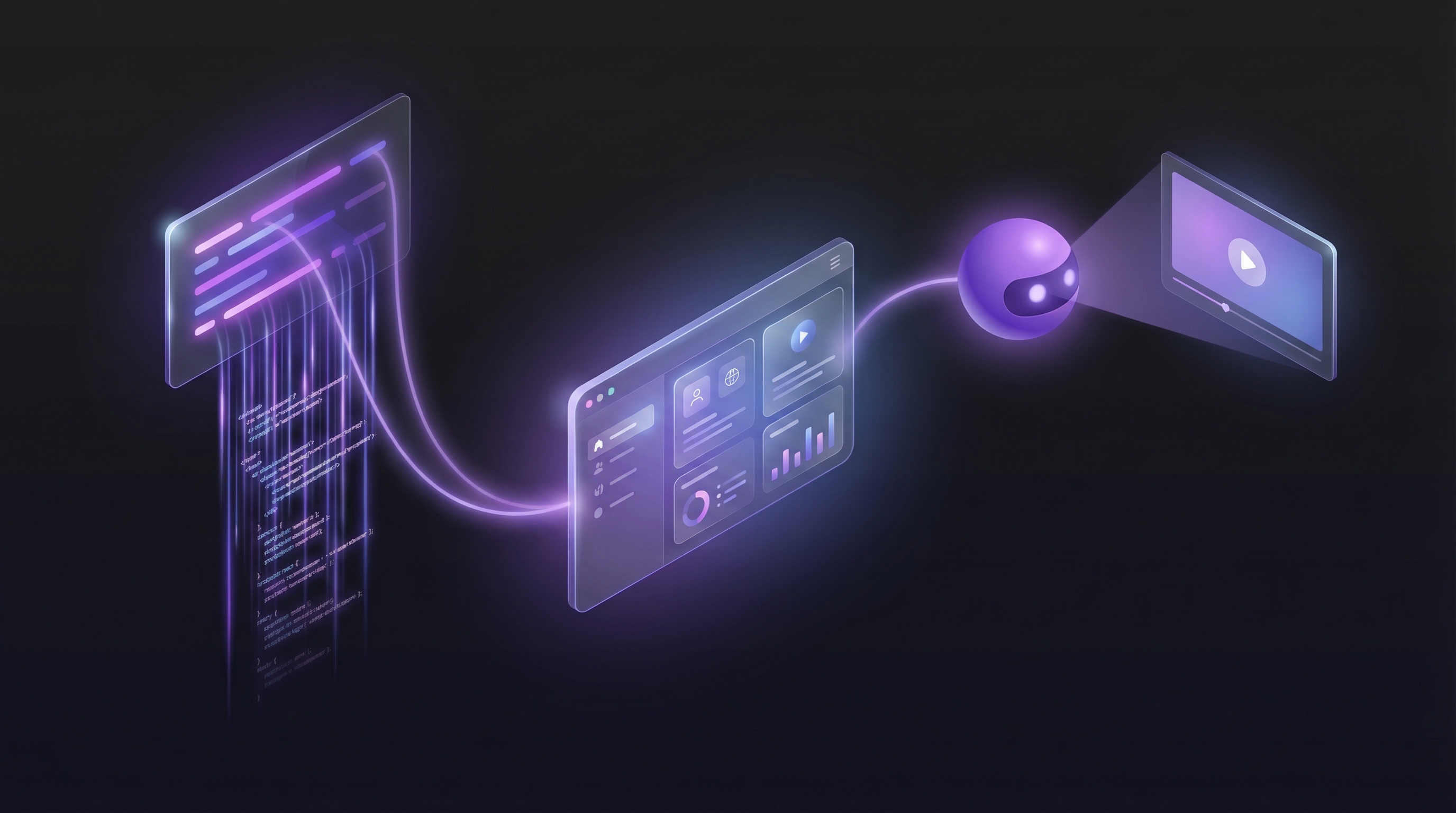
- Paste your product URL into Demosmith.
- Describe the flow in plain English: "Show a client logging in, reviewing a deliverable with a comment, and approving an invoice."
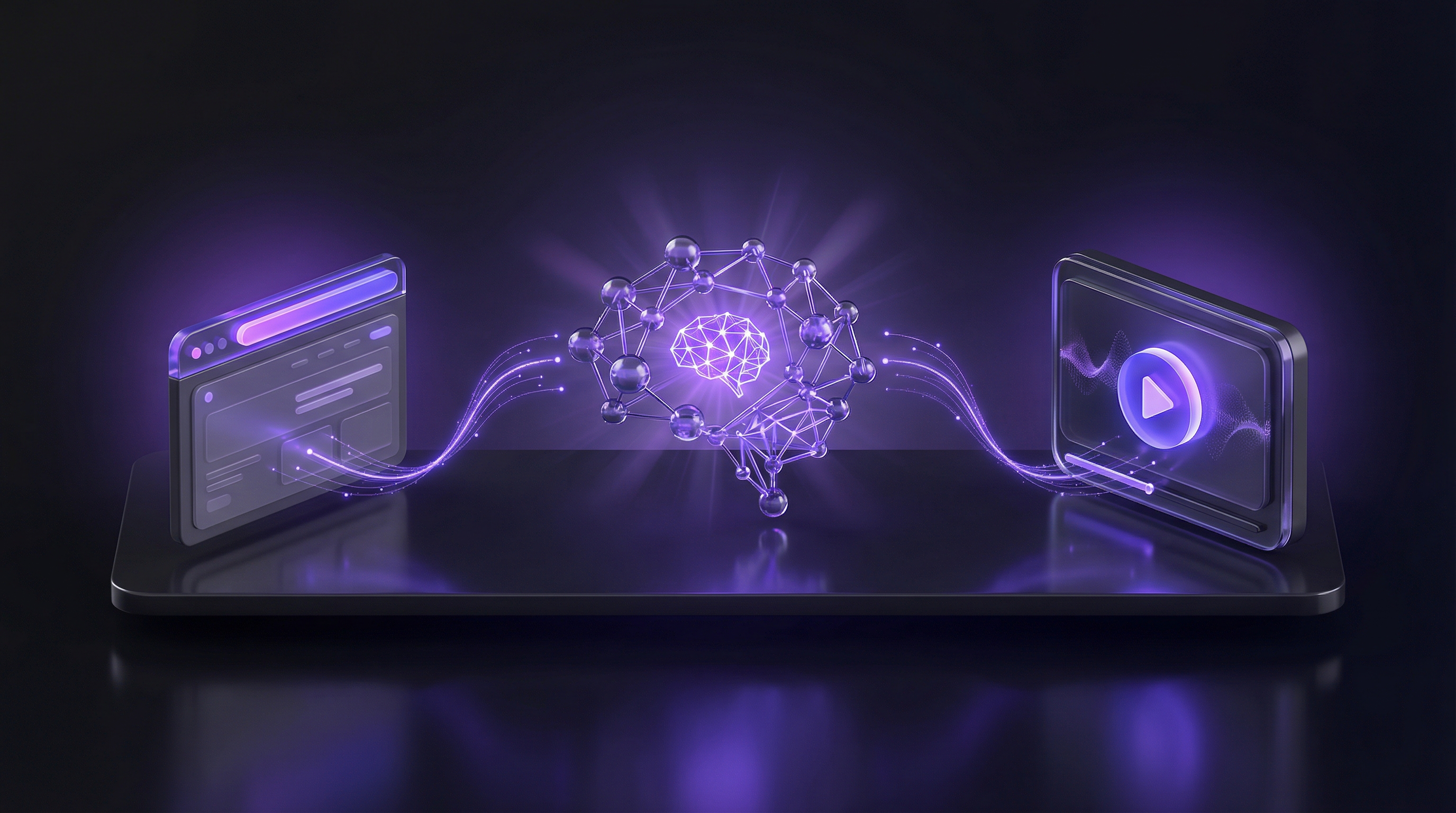
- The AI agent navigates your live product, captures each step, generates a voiceover script, and applies editing automatically, including transitions, dynamic zoom, and captions.
- You receive a finished MP4 and a shareable link in under 10 minutes.
No recording. No editing. No 187MB file attachment.
Here is what the output actually looks like. The video below is Demosmith demoing its own product — generated the same way, with a URL and a plain-English description.
Before writing your first instruction, it helps to see what else is possible. The Demosmith demo catalog shows real walkthroughs generated for products like Notion, Airbnb, and Cal.com. The same process works with your URL. For a full breakdown of how to write a prompt that gets great results, see our guide to writing effective Demosmith prompts.
Two practical notes if you are still in local development. If your app is running on localhost, expose it with a tunnel first — ngrok, Cloudflare Tunnel, or npx localtunnel all work. Paste the public URL into Demosmith rather than the localhost address. If your app is behind a login, include the credentials in your flow description so the agent can authenticate before it starts capturing.
One thing worth naming: Demosmith now compiles interactive demos from the same recordings (September 2026), so if someone wants to click through the flow themselves, you can publish a tour from the same run instead of sharing the live URL. But for showing your product working in 90 seconds to investors, a Product Hunt audience, or a potential user who landed on your page, video is the right format.
Built on a Saturday. Demoed to investors on Sunday. No screen recorder opened.
Where to send it once it's ready
A demo that nobody sees is a demo that does not exist. The vibe coding community lives in specific places, and each one has a different expectation for what a demo looks like.
Product Hunt
Lead with the video. Add it to the first media slot in your listing, before the screenshots. Product Hunt voters scroll fast. A 90-second walkthrough at the top of your listing tells them the product is real and worth a look before they read a word of your description. Listings with a demo video consistently outperform those that lead with static screenshots. For a complete walkthrough of this process, see our guide on creating a Product Hunt launch video.
Investor outreach
Send the demo link before the meeting, not after. An investor who has already watched a 90-second walkthrough of your product arrives at the call with context instead of basic questions about what the product does. The meeting becomes a conversation about the business, not a tutorial on the UI.
This is what our customers who vibe coded and demoed on the same day were doing. The demo arrived before the pitch. The investor was already clear on the product by the time they joined the call.
X and Indie Hackers
A 90-second walkthrough clip on X outperforms a screenshot every time. The vibe coding community shares what they are building constantly. A polished demo video gives people something to react to, repost, and click through. A screenshot of a UI tells an audience almost nothing about what the product actually does.
Indie Hackers posts with embedded demos generate more engagement than text-only posts. Include the demo link in your first paragraph, not buried at the end.
Your landing page
Put it above the fold. Not a screenshot, not an illustration, not a mockup. The demo. Visitors who land on your page from a Product Hunt launch, an HN post, or an X thread want to see the product immediately. A 90-second autoplay-muted video in the hero section gives them that before they decide whether to scroll.
For a full playbook on building and distributing demos at each stage of growth as a solo founder, see our solo founder's guide to product demos.
Vibe code the build. Vibe code the demo.
The argument for vibe coding is that building software should not require you to know everything about how software is built. You describe the outcome, the AI handles the execution, and you stay focused on whether the product solves a real problem.
The demo is no different. Showing what your product does should not require you to know how to edit video, record a clean voiceover, or spend a Sunday morning in a timeline editor. You describe the flow, the AI navigates the product, and you get a finished walkthrough.
Vibe coding collapsed the gap between idea and working product. The gap between working product and a demo that actually gets watched is still there for most founders who ship with AI tools. It does not need to be. Once you have the demo, you can also convert it into a help article for your documentation site without writing it by hand.
The people who built something real last weekend should not be stuck on the showing step. For a full comparison of demo tools available in 2026, see our roundup of the best AI demo video generators.
Key takeaways
- Vibe coding automated the build. The demo step is still manual for most founders who ship with AI tools, and it is the step that determines whether anyone else ever sees what you built.
- Screen recording introduces the same friction vibe coding was designed to eliminate: manual retakes, editing time, and demos that go stale the moment the product ships an update.
- A good demo for a vibe-coded product needs to be short (under 90 seconds), focused on one workflow, and reproducible without re-recording when the product changes.
- The Demosmith workflow: paste your URL, describe the flow in plain English, receive a finished MP4 with voiceover and transitions in under 10 minutes. See real examples in the demo catalog.
- Send the demo before the investor call, not after. Add it to the first slot of your Product Hunt listing. Put it above the fold on your landing page. Post the walkthrough clip, not a screenshot, on X.
- Demosmith also compiles interactive demos from the same recordings (September 2026). For showing what the product does in 90 seconds, video is the right call.