Introduction
Most product content starts from scratch each time. The demo is one project. The help article is another. The sales PDF is a third. Same walkthrough, three times the work.
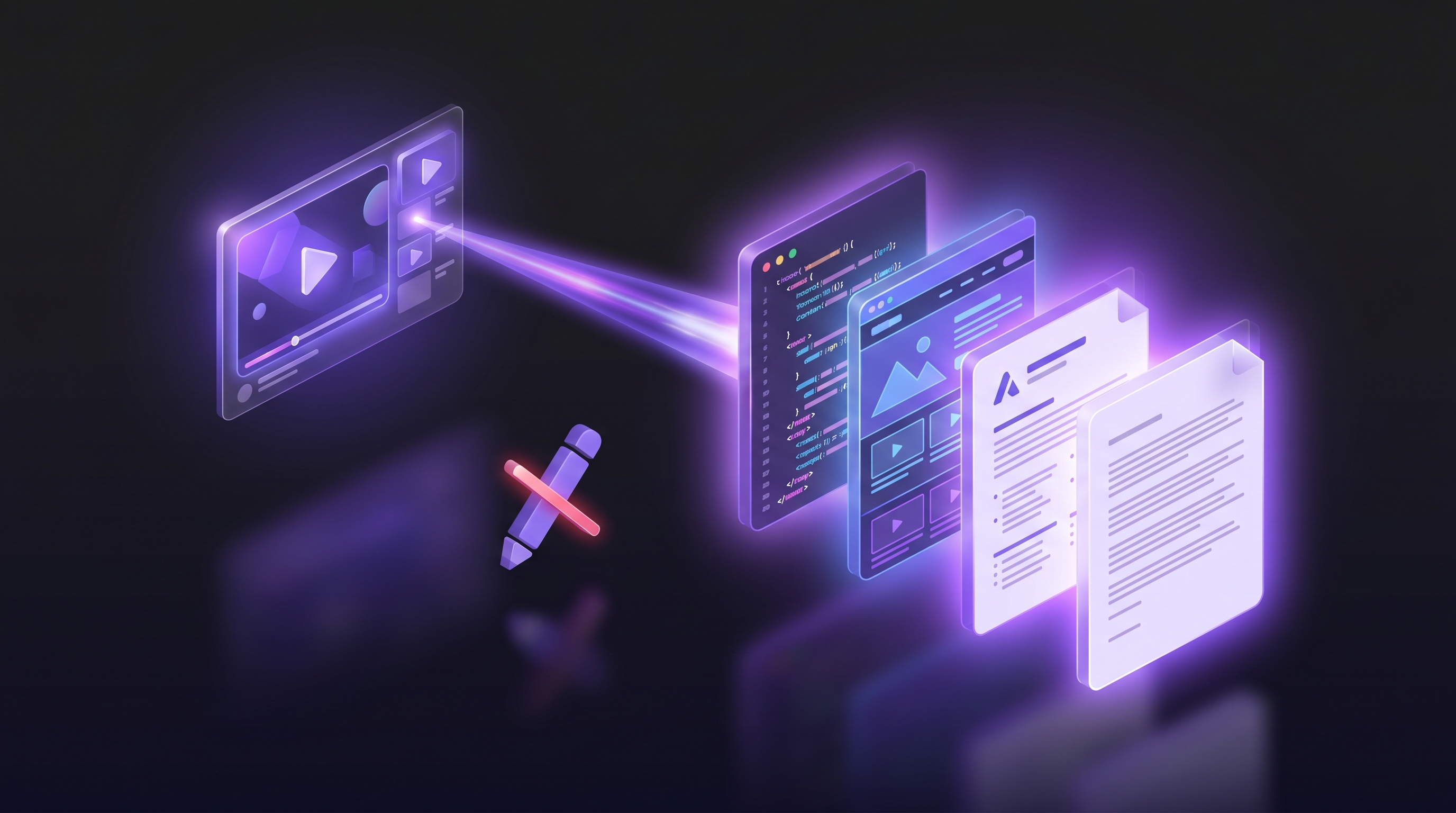
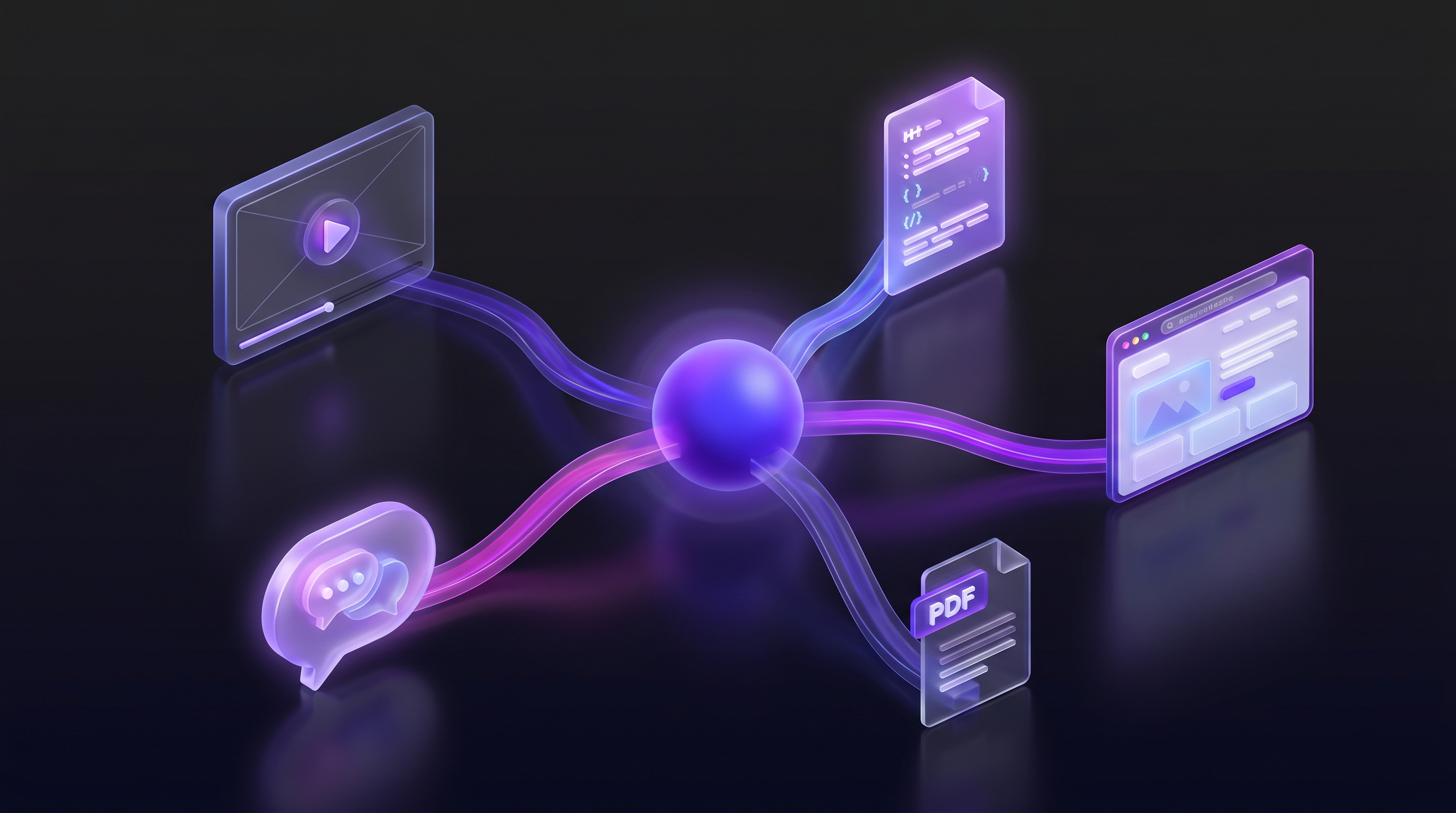
It does not have to work that way. One demo can become a video for your landing page, documentation for your help center, a PDF for your sales team, and HTML for SEO. The content loop changes from "create, recreate, recreate" to "create once, publish everywhere."
An AI demo agent already captures the full product flow in a single run. The recording, the script, the narration, and the step-by-step sequence are all there. With the right export format, that same demo becomes five different content assets instead of one.
This guide walks through how the new content loop works, which format fits each use case, and why regenerating everything from one source matters when your product ships fast.
The old content loop
The typical process looks like this. A product manager records a demo for the landing page. Then someone rewrites the same flow as a help article. Then a sales engineer rewrites it again as a leave-behind PDF. Then a marketing writer adapts it into a blog post.
Each format starts from zero. Each person has to rewatch the video, retrace the steps, and figure out how to describe the same features in a different medium. That takes hours per format. And because each version is written separately, they drift. The landing page video shows an old navigation flow. The help article references a button that moved three releases ago. The sales PDF still lists a feature that got renamed.
This is the same problem as tech debt, but for content. Teams know their docs and sales materials are stale. They cannot justify the time to redo them. So the content sits there, wrong, until a customer complains or a deal stalls.
The shift toward demo-led growth makes this worse, not better. Demos are now the primary asset in the buyer journey. When the demo is wrong, everything downstream of it is wrong too.
The new loop: one demo, many formats
Here is the new process. You create a demo once in Demosmith. The agent navigates your product, records the screen, writes the script, generates the voiceover, and produces a finished video. That video is the source of truth.
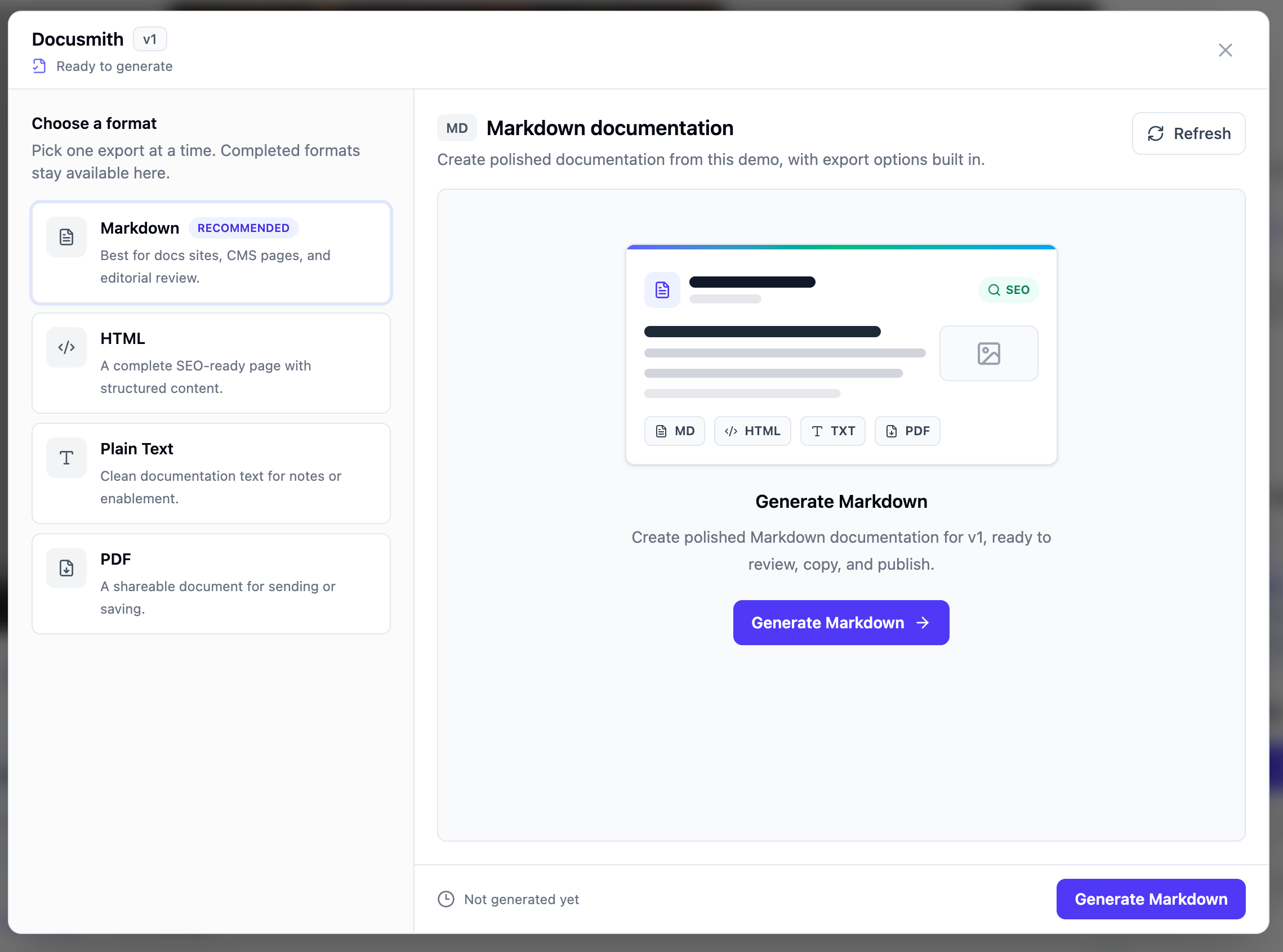
From that single source, Docusmith generates content in five formats:
- Video (MP4) for landing pages, social, emails, and Product Hunt
- Markdown for GitBook, Notion, Confluence, and developer docs
- HTML for standalone tutorial pages and embedded guides
- PDF for sales leave-behinds and printable walkthroughs
- Plain text for support chat, email templates, and internal wikis
Each format keeps the same steps and language as the original demo. The video says "click Create Project." The Markdown doc says "click Create Project." The sales PDF says "click Create Project." One source, consistent everywhere.
The time savings compound. A team that used to spend four days producing content for a single feature launch can now do it in one afternoon. And when the product changes, they update the demo once and regenerate all formats.
Video first
The demo starts as video. That is the primary output and the one with the most reach.
Put it on your landing page. Embed it in onboarding emails. Share it on Product Hunt. Post a short clip on LinkedIn. Add it to investor updates. Video is the format people share and remember.
Demosmith produces the MP4 automatically: real browser footage, AI-generated voiceover, captions in 29 languages, and proper pacing. You do not edit it frame by frame. You write a prompt, the agent runs, and you get a finished video in about ten minutes.
If you want to see what the current tools can do, we compared the top options in our guide to the best AI demo video generators in 2026. And if you have never created a demo without recording your screen, the walkthrough on how to create a SaaS demo video without screen recording covers the full process.
Video is step one. The content loop gets powerful when you take that same demo and turn it into everything else.
Documentation second
After the video is ready, Docusmith turns the same demo into structured written documentation. The export preserves the step-by-step flow and adapts the language for a reading audience instead of a viewing one.
Markdown is the most flexible format. Drop it into GitBook for public docs. Paste it into Notion for internal knowledge bases. Import it into Confluence for team wikis. Markdown works everywhere that technical content lives.
Plain text is for places where formatting gets in the way. Internal wikis, Slack messages, quick email replies to customers asking "how do I do X." You can paste it directly without cleaning up markup.
The full process for converting a demo into a document is covered in our guide on how to turn a Demosmith demo into a document. If you want to understand why this matters in terms of time saved, the post on stopping the cycle of rewriting product walkthroughs by hand breaks down the hours.
For teams that maintain help centers, this is the biggest unlock. Instead of asking a writer to rewatch the demo and type out each step, you run Docusmith and export Markdown directly into your help center platform. The demo to help article workflow handles the formatting, heading structure, and step descriptions automatically.
Sales and enablement
Sales teams need content they can send, leave behind, or attach to follow-up emails. A video is great for the first touch. A written document works better for the second.
PDF export gives you a formatted walkthrough that a sales engineer can attach to a proposal or hand to a prospect after a demo call. It matches the video exactly: same flow, same screenshots, same wording. The prospect can read it on a plane without Wi-Fi.
HTML export works for embedded tutorials in sales pages, partner portals, or gated content areas. You paste the HTML into your CMS and the tutorial is live. No formatting, no layout work.
Plain text is the quick-response format. A prospect asks "how does the reporting export work?" in a chat thread. You grab the relevant section from the plain text export and paste it. Done in five seconds instead of five minutes of typing.
Each of these formats comes from the same demo. The sales team does not need to request a separate doc from the product team. They export the format they need and use it.
SEO and marketing
The HTML output from Docusmith is not just a formatted document. It is a standalone tutorial page that can rank in search results.
Each HTML export targets a specific how-to query. "How to create a project in [product]." "How to set up team permissions." "How to export a report." These are the queries that bring in prospects who are actively evaluating solutions. A page that walks through the exact steps, with real screenshots and clear instructions, has a strong chance of ranking.
The Markdown output can be adapted into blog posts. A demo that shows the full onboarding flow becomes a blog post titled "Getting Started with [Product]: A Complete Walkthrough." A demo that covers the reporting feature becomes "How to Build Your First Dashboard in [Product]."
Each format creates another indexable asset. The video lives on YouTube or your landing page. The HTML tutorial lives on your site. The blog post lives in your blog. Three pages targeting related queries, all built from the same source material.
This is where the content loop starts paying for itself. One demo produces the video that converts visitors, the tutorial that ranks in search, and the blog post that attracts new readers. The same work feeds acquisition, activation, and retention, which is exactly why marketing teams reach for Demosmith to keep launch-ready video flowing across every campaign.
When the product changes
Products ship fast. A button moves. A flow changes. A feature gets renamed. The content that was accurate last week is now wrong.
In the old loop, you had to track down every version and update each one manually. The landing page video. The help article. The sales PDF. The blog post. By the time you finished updating everything, the product had changed again.
In the new loop, you update the demo once. Rerun it in Demosmith with an updated prompt if the flow changed. Then regenerate the Docusmith exports. The video, the Markdown, the HTML, the PDF, and the plain text all update from the same source. Five formats, one change.
This is the core advantage of the single-source approach. Your content stays current because the cost of updating it drops from days to minutes. We cover the full process for keeping demos up to date in our guide on how to keep demos updated when your UI changes.
Teams that ship weekly cannot afford to spend a day updating content after each release. The new loop makes content maintenance proportional to the actual change, not to the number of formats you published.
Key takeaways
- One demo, many formats. Create the demo once in Demosmith. Export as video, Markdown, HTML, PDF, and plain text. Each format serves a different channel without extra work.
- Video is the starting point. The MP4 is the primary asset. Put it on your landing page, in emails, on social. Everything else derives from it.
- Documentation comes from the same source. Docusmith turns the demo into Markdown for GitBook, Notion, and Confluence. No rewriting. No separate project for the help center.
- Sales gets leave-behinds for free. The PDF and HTML exports give sales teams formatted walkthroughs that match the video exactly. No version drift between what the prospect saw and what they read later.
- Each format is an SEO asset. HTML tutorials target how-to queries. Markdown adapts into blog posts. Video lives on YouTube. One demo produces multiple indexable pages.
- Updates happen once. When the product changes, rerun the demo and regenerate the exports. All formats stay current without manual updates to each one.
The old content loop treats each format as a separate project. The new loop treats each format as an export. The difference is not just time saved. It is the confidence that every customer-facing asset, from the landing page video to the sales PDF, describes the same product in the same words.
If you want to try it, start with a single demo. Run it in Demosmith. Then open Docusmith and export it in each format. You will see the same flow and language across five different content types. That is the new content loop.