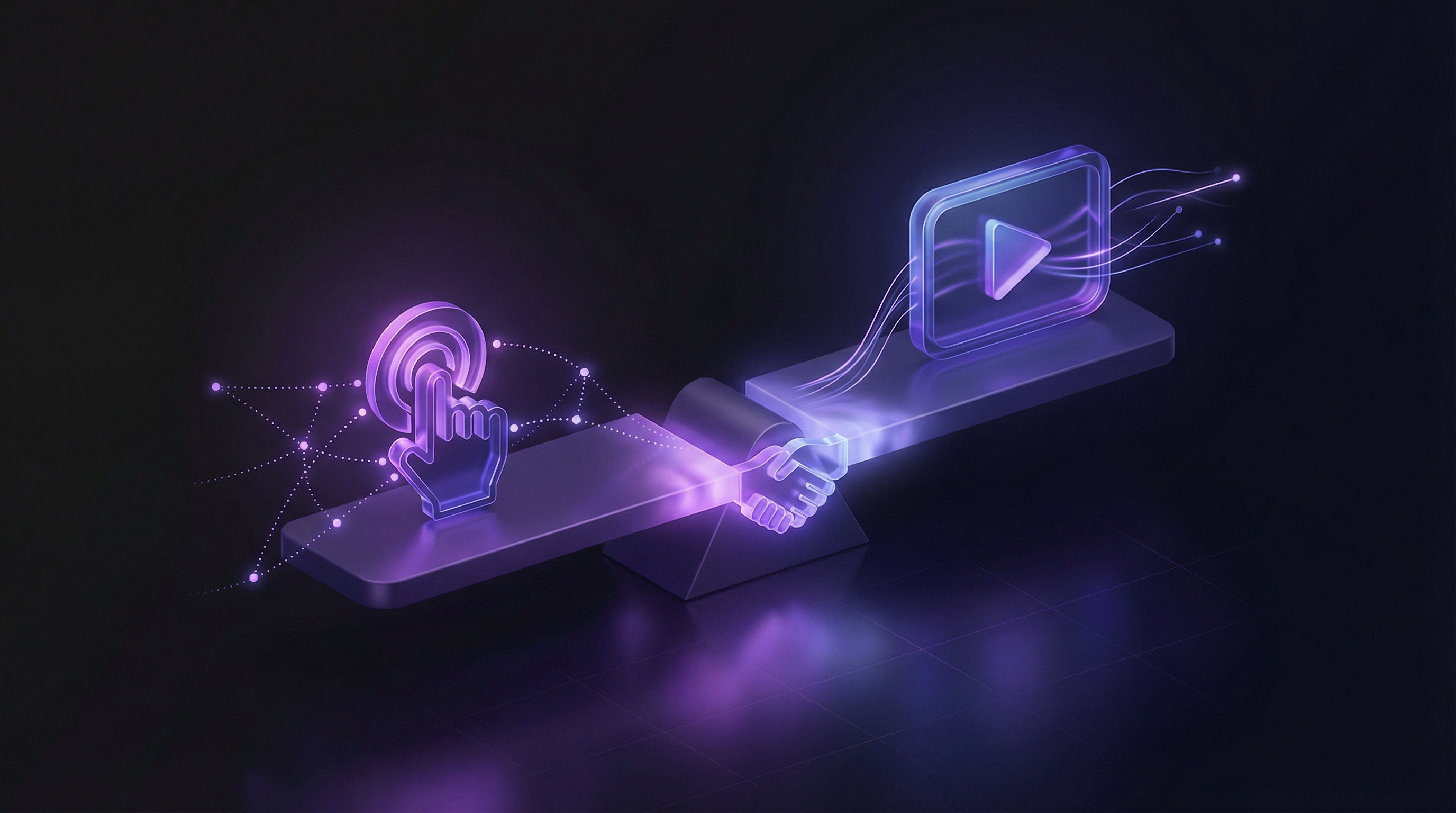
Most B2B sales teams default to sandbox demos for complex products. The reasoning is intuitive: let the buyer touch the product, navigate it themselves, see that it works. But that default carries a cost most teams never calculate. Sandbox demo software runs $5,000 to $50,000 per year before setup, and the environments still break during live calls.
Video demos sit at the other end of the spectrum and are consistently underrated in this comparison. The knock against them is that buyers are passive (they watch rather than explore). That criticism is fair in some contexts and completely misplaced in others. The real question is not which format is better in the abstract. It is which format is better for a specific buyer, at a specific stage, in a specific deal.
This guide covers what separates sandbox demos from video demos, where the two formats genuinely diverge, the hidden costs most teams miss when running sandboxes, and how to build a demo strategy that deploys each format where it creates the most value.
What is a sandbox demo?
A sandbox demo is a live, controlled environment that gives prospects access to a working version of your product during the evaluation process. Unlike a screenshot tour or a recorded walkthrough, the product is real. The buyer clicks buttons, fills in fields, and navigates features as if they were an actual user.
Platforms like TestBox and Demostack provision these environments automatically, pre-loading realistic data so prospects can explore without touching your production system. The environment is isolated, time-limited, and usually pre-configured to highlight specific use cases relevant to the deal.
Sandbox demos sit at the far end of the demo maturity curve. They are the most technically demanding format to set up, the most expensive to maintain, and the most impressive when they work correctly. When they break, the damage is visible, live, and in front of a buying committee.
What is a video demo?
A video demo is a recorded or AI-generated walkthrough of your product, typically accompanied by narration, captions, and branded elements. The buyer watches a curated sequence of your product in action rather than navigating it directly.
Video demos span a wide range in terms of production method. Traditional recordings require screen capture, editing, and voiceover. AI demo agents like Demosmith handle the entire pipeline autonomously: the agent navigates your product URL, captures the flow, applies auto-editing, adds AI voiceover in 31 languages, and renders a finished MP4 in under 10 minutes.
The buyer experience is linear rather than exploratory. A skilled video guides the viewer through the optimal path, explains the "why" behind each step, and builds toward a clear value proposition. Sandbox demos invite exploration. Video demos deliver a story. For a full breakdown of how these formats compare on conversion, production effort, and use case fit, see our guide on interactive demos vs video demos.
Where sandbox demos win
There are scenarios where sandboxes are genuinely the right call. Here is what those scenarios actually look like.
Complex products with technical buyers
When your product has deep configuration options, complex data relationships, or technical integrations that are hard to convey in a linear walkthrough, a sandbox lets the buyer verify the specifics themselves. A data engineer evaluating a pipeline tool wants to run a query, not watch someone else run one. A sandbox answers that need directly.
Late-stage enterprise evaluation
Enterprise buying committees often include a technical evaluator whose job is to stress-test the product before the deal closes. Sandboxes are built for this stage. The buyer has already established intent; now they are running a formal proof of concept. Providing a controlled environment that mirrors their use case shortens the evaluation cycle and reduces the back-and-forth of scripted live demos.
When the product itself is the differentiator
If your core advantage is in the experience of using the product, not just its output, a sandbox lets that advantage land directly. A product with an unusually fast interface, an intuitive workflow design, or a novel interaction pattern is better felt than described. A video can show the product moving. A sandbox lets the buyer feel the speed themselves.
Sandboxes are the right format when the buyer's remaining question is "does this work the way I think it does," not "what does this product do."
Where video demos win
Video demos cover far more of the buyer journey than most sales teams give them credit for.
Cold outreach and async delivery
You cannot send a sandbox link in a cold email and expect engagement. A sandbox requires the prospect to schedule time, log in, and commit to a self-directed exploration session, none of which happens before they have established buying intent. A 60-second video embedded in an outreach sequence shows your product solving the recipient's exact problem without any friction. Video is the only demo format that works in email and LinkedIn messages.
Top-of-funnel discovery
A prospect landing on your website for the first time does not want to navigate a live environment. They want to understand what the product does in under two minutes. Video play rate on SaaS sites consistently sits around 10 to 15%, according to Navattic, which means placement and context matter far more than format at this stage. A well-produced hero video tells the product story quickly and filters for the right audience before they ever talk to sales.
International buyers
Running a live sandbox walkthrough across time zones is a scheduling problem. Sending a video with voiceover in the buyer's language is not. Demosmith generates voiceover in 31 languages, which means a single recorded flow can be adapted for French, German, Japanese, or Portuguese buyers without re-recording anything. Sandbox demos do not scale this way.
Non-technical stakeholders
Most buying decisions involve people who will never open a sandbox. The CFO approving a six-figure contract wants to understand the business case, not navigate a data model. The VP of Sales wants to see what the reps will be doing, not run an integration test. Video demos reach these stakeholders in the format they actually consume. The best product demo tools in 2026 all recognise this and offer video output as a first-class feature.
Post-sale onboarding and customer success
Sandbox demos stop being relevant the moment a contract is signed. Video picks up where sandboxes leave off: onboarding walkthroughs, feature announcements, help center content, and CS check-ins all benefit from a format that can be consumed async, paused, rewatched, and shared internally by the customer team without coordination. This is the heart of how customer success teams use Demosmith to show value ahead of renewal instead of after churn.
The hidden costs of sandbox demos most teams miss
The $5,000 to $50,000 annual licensing number from HowdyGo is the figure that gets cited in budget conversations. It is only part of the real cost.
Setup and data maintenance
Provisioning a sandbox environment that reflects your product's real capabilities requires engineering time. You need realistic demo data that does not look like "test@test.com" and "Company Name Here." You need to configure the right features and hide the ones that are not ready for prospects. Every time your product ships a significant update, the sandbox data and configuration need to be refreshed. This is ongoing, untracked engineering overhead that compounds over time.
The broken demo problem
Live environments fail. Network timeouts, browser compatibility issues, misconfigured data states, and unexpected third-party auth prompts all happen during calls. According to the Consensus 2026 SE Workload Report, 37% of demos are delivered to unqualified prospects, which means a significant share of the time your team spends maintaining and recovering broken sandbox environments goes toward deals that were never going to close.
Video removes this risk entirely. A video cannot crash during a call. It plays the same way every time, on any device, regardless of the buyer's network or browser configuration.
Engineering dependency
Keeping a sandbox in sync with a fast-shipping product requires dedicated technical resources. When your product team pushes new UI, new flows, or new integrations, the sandbox needs to catch up. This creates a recurring dependency on engineering attention for a sales asset, which is rarely how engineering time is prioritised.
The unqualified prospect problem
Sandboxes invite exploration, which sounds positive until you realise that 37% of that exploration is happening with buyers who are not going to buy. Video demos are faster to consume, easier to gate behind qualification, and cheaper to deliver at scale. Deploying a sandbox for every prospect who expresses interest is the expensive version of this problem. A tiered approach, video for early stages and sandbox only after qualification, reduces wasted resources significantly.
Side-by-side comparison
| Factor | Sandbox Demo | Video Demo |
|---|---|---|
| Setup time | Days to weeks | Under 10 minutes (Demosmith) |
| Annual cost | $5k–$50k+ | Fraction of that |
| Risk of breaking | High (live environment) | None |
| Async delivery | Difficult | Easy |
| Works in email / LinkedIn | No | Yes |
| Best funnel stage | Late (technical evaluation) | Top and mid-funnel |
| Best buyer | Technical or enterprise | Any buyer |
| Update after UI change | Hard (engineering required) | 10 min with Demosmith |
| Multi-language support | Manual | 31 languages (Demosmith) |
The hybrid approach
The strongest B2B demo strategies do not choose between sandboxes and video. They deploy each format at the stage where it creates the most value and avoid using sandboxes where they add cost without adding conversion.
Video for everything before qualification
Cold outreach, website pages, social media, discovery follow-up, and executive-level stakeholder communication all run on video. This keeps your demo automation tools producing assets at volume without requiring engineering support for each delivery. A qualified prospect has already seen the product work before your first live conversation.
One refinement for on-site visitors who want hands-on exploration before talking to anyone: Demosmith compiles interactive demos from the same recordings that produce its videos (added September 2026), so your product page can offer a click-through tour next to the video without a second tool. It is still not a sandbox. The tour follows the recorded flow, which is exactly what you want at this stage.
Sandbox for the technical evaluation stage
Once a deal has cleared qualification, the champion is engaged, and a technical evaluator has been identified, a sandbox becomes the right tool. At this point the buyer is not asking "what does this do." They are asking "will this work for our specific setup." A sandbox answers that question in a way video cannot.
Video again post-sale
After the contract is signed, sandboxes retire. Customer onboarding, feature walkthroughs, and CS enablement material all move back to video. This is where best AI demo video generators in 2026 pay for themselves many times over: generating onboarding content for each new customer cohort takes minutes, not production cycles.
The logic here mirrors how the most effective AI demo agent workflows are structured: automate the high-volume, repeatable demo work with video, and preserve the high-cost, high-touch formats for the moments where they genuinely convert.
Using a sandbox before a prospect is qualified is the equivalent of bringing a solution engineer to a cold call. The format should match the stage, not default to the most impressive option available.
Key Takeaways
- Sandbox demos cost $5,000 to $50,000 per year in licensing, plus ongoing engineering time for data maintenance and environment upkeep
- Video demos outperform sandboxes at every stage before technical evaluation: cold outreach, website pages, discovery follow-up, and stakeholder communication
- The 7.2x higher conversion rate cited for interactive content versus video applies to on-site interactive tours, not sandboxes in enterprise deals (context matters)
- 37% of demos reach unqualified prospects; deploying a sandbox at that rate means significant wasted infrastructure cost
- Video removes the broken demo problem completely: a video cannot crash during a call
- The hybrid approach works: video for everything before qualification, sandbox for late-stage technical evaluation, video again post-sale
- AI-generated video demos close the production gap, making it feasible to create persona-specific, multi-language videos in under 10 minutes per asset, and the same recordings now compile into interactive demos for on-site exploration