Why Teams Are Looking Beyond TestBox for Demo Videos
TestBox has built impressive technology for enterprise sales teams. Its AI-generated synthetic data hydrates live product instances so sellers can demo real software with realistic data during live calls. Intuit, Gong, and Zendesk trust it. The company raised a $12M Series A. The product works for what it does.
The problem is what it does not do. TestBox produces live sandbox environments, not video. There is no MP4 export, no voiceover, no captions, and no localisation. You cannot send a TestBox environment in a cold email. You cannot post one on LinkedIn. You cannot embed one in a sales deck or play one on a conference booth screen. TestBox serves a specific moment in the sales cycle: the live demo call. Every other moment where demo content matters requires a different tool entirely.
Then there is the price. TestBox Starter costs $44,750 per year for 15 users. Growth is $59,500 per year. Additional users cost $1,200 each per year. There is no free tier, no trial, and no month-to-month option. You sign an enterprise contract before you have confirmed the platform fits your workflow.
If you need demo videos rather than live sandbox environments, TestBox is the wrong category of tool. This guide covers what TestBox does well, where it falls short for video use cases, and the best AI demo video generators that produce polished MP4 output at a fraction of the cost.
What TestBox Does Well
TestBox solves a real problem for enterprise sales teams. Live product demos with realistic data are hard to set up and maintain. TestBox automates that process with AI-generated synthetic data. Here is what it brings to the table.
Live Demo Environments with Real Data
TestBox creates live, data-hydrated demo environments inside your actual product instance. The AI generates synthetic data that looks and behaves like real customer data: populated dashboards, filled-in forms, realistic records, and contextual information that matches what a prospect expects to see. When a sales rep opens a TestBox environment for a live demo call, the prospect sees a product that looks like it belongs to a real customer, not an empty sandbox with "test@test.com" plastered across every field.
This matters for enterprise sales. A demo with no data feels hollow. A demo with fake data feels dishonest. TestBox threads the needle by generating data that is realistic enough to sell against without using actual customer information.
Demo Playbooks
TestBox Demo Playbooks let sales teams define guided paths through the demo environment. A rep can create a playbook for each persona or use case: one path for the CFO focused on ROI reporting, another for the VP of Engineering focused on integration architecture. The playbook walks the rep through the right screens in the right order with the right talking points.
This standardisation is valuable for large sales organisations. New reps ramp faster when they follow proven demo playbooks rather than improvising each call. Consistent demo quality across a team of 50 sellers is hard to achieve without this kind of scaffolding.
Surface Editor
The Surface Editor lets teams customise what prospects see in the demo environment. You can modify text, images, and data points across the environment without changing the underlying product. A sales engineer preparing for a healthcare prospect can swap in industry-specific terminology and data, then reset the environment for the next prospect in a different vertical.
This flexibility means one product instance can serve dozens of use cases without requiring separate demo builds for each one. The time savings compound across a large sales team.
Buyer Sandboxes
Buyer Sandboxes give prospects their own self-serve access to the demo environment after a sales call. The prospect can explore the product at their own pace, test specific workflows, and build internal consensus without scheduling another call with the sales team.
For enterprise deals with 8 to 12 stakeholders, this matters. Not every decision-maker can attend every demo call. Buyer Sandboxes let the champion bring colleagues into the product on their own schedule.
Sandbox Copilot AI
TestBox's Sandbox Copilot AI acts as an in-environment assistant that guides prospects through the sandbox. When a buyer is exploring independently, the Copilot answers questions, suggests relevant workflows, and points out features based on the prospect's stated interests. It reduces the friction of self-guided product exploration.
Data Generator and Demo Gap Analyzer
The Data Generator creates the synthetic data that populates demo environments. The Demo Gap Analyzer identifies gaps in your demo coverage: which features lack demo environments, which personas lack tailored playbooks, and which use cases remain underserved. For large sales operations, these tools provide visibility into demo readiness across the organisation.
Where TestBox Falls Short for Demo Videos
TestBox's capabilities are genuine. Its limitations for video use cases are equally genuine. For teams that need demo content they can distribute beyond live sales calls, these gaps are fundamental.
Enterprise-Only Pricing That Excludes Most Teams
$44,750 per year is the entry point. That buys 15 user seats. Additional users cost $1,200 per year each. A team of 30 sellers pays $62,750 per year on the Starter plan before any add-ons. There is no free tier, no free trial, and no month-to-month billing. You commit to an enterprise contract or you do not use TestBox.
This pricing structure targets companies with large sales teams and dedicated budgets for demo infrastructure. For startups, mid-market companies, or teams that need demo content for marketing rather than live sales, the cost is prohibitive. Most companies spend less than $45K per year on their entire demo production budget, let alone a single tool.
No Video Output
TestBox produces live sandbox environments. It does not export video. There is no MP4 output, no screen recording, and no way to package a demo environment as a video file. If you need content for YouTube, LinkedIn, email sequences, sales decks, paid ads, conference booths, or any channel that requires video format, TestBox provides nothing.
This is not a missing feature. It is a category difference. TestBox builds live environments. Video is a different product category entirely. The challenge for buyers is recognising that distinction before signing a $45K contract for a tool that covers only one part of their demo needs.
Weeks of Implementation and Onboarding
TestBox is not a plug-and-play tool. It requires weeks of implementation to connect to your product instance, configure synthetic data models, build demo playbooks, and train the sales team. Enterprise customers report 4 to 8 weeks from contract signature to first demo-ready environment. For teams that need demo content fast, that timeline is a non-starter.
The onboarding investment makes sense for large organisations that will use TestBox daily across a team of sellers. For smaller teams or teams that need content now, the setup cost in time and resources outweighs the value.
No Voiceover, Captions, or Localisation
Live demo environments do not need voiceover. The sales rep narrates in real time. But for every context where you need video, voiceover and captions are essential. A silent product video does not hold attention. An English-only video does not serve international prospects. TestBox has no voiceover capabilities, no text-to-speech, no caption generation, and no localisation features. None of these make sense for a live environment tool. They are critical for a video tool.
Not Autonomous
TestBox environments require human configuration. Sales engineers and demo operations teams build the environments, define the playbooks, configure the data, and maintain the sandbox. When the product UI changes, humans update the affected environments. TestBox automates data generation, but the overall demo creation and maintenance process still depends on people. For teams that want to produce demo content without dedicating headcount to demo operations, TestBox increases operational burden rather than reducing it.
What to Look For in a TestBox Alternative for Demo Videos
If you have determined that TestBox's pricing, live-only format, or setup requirements do not fit your needs, here are the criteria that matter when evaluating alternatives for demo video production.
Video as the Primary Output
The alternative should produce downloadable video files as its core output. MP4 format, shareable links, and embeddable players. Not a secondary export tucked behind an interactive demo builder. When video is the primary output, every part of the product experience, from capture to editing to voiceover to distribution, is optimised for video quality.
Autonomous or Minimal-Effort Capture
TestBox requires weeks of manual configuration. The best video alternatives reverse that equation. Look for tools that capture your product autonomously from a URL and a text prompt, without Chrome extensions, without manual screen recording, and without engineering support. The capture step is where most of the time goes. AI agents that eliminate this step change the economics of demo production.
AI Voiceover with Multi-Language Support
Professional demo videos need narration. The best tools generate natural-sounding AI voiceover that synchronises with the visual flow, support multiple languages out of the box, and include captions as standard. If your company sells internationally, multi-language voiceover should be built in, not a separate project for each language.
Accessible Pricing Without Enterprise Contracts
At $44,750 per year with no trial, TestBox is priced for large enterprise budgets. Look for alternatives that offer free trials, monthly billing, and entry points under $100 per month. The ability to evaluate a tool before committing is basic in 2026. Any vendor confident in its product will let you try it first.
Built-In Editing and Brand Customisation
Raw footage is not a finished demo. Professional demo videos include transitions, zoom effects, captions, and consistent branding. The right alternative handles this editing automatically. Configure your brand colours, logo, and fonts once, and every video matches your identity. You should not need to open a separate video editor to make the output presentable.
Best TestBox Alternatives for Product Demo Videos
1. Demosmith -- Best Overall TestBox Alternative for Demo Videos
Demosmith is the strongest alternative for teams that need video output rather than live sandbox environments. It is an AI Demo Agent: a different category of tool from TestBox. Where TestBox hydrates live product instances with synthetic data for live sales calls, Demosmith autonomously navigates your product and produces polished demo videos with AI voiceover, professional editing, and brand customisation.
The workflow replaces manual configuration with autonomous capture. You paste your product URL into Demosmith. You describe the flow you want demonstrated in plain English. Something like: "Show how a sales team imports contacts, creates a deal pipeline, and sets up automated follow-up sequences." The AI agent opens your product in a cloud browser, navigates the flow on its own, captures the screens, and auto-edits the footage with transitions, zoom effects, synchronised captions, and AI voiceover narration. The output is a polished MP4 video plus a shareable link. Turnaround is under 10 minutes.
Compare that to TestBox. TestBox takes weeks to implement. Demosmith takes minutes. TestBox requires sales engineers to configure environments. Demosmith requires a URL and a sentence. TestBox costs $44,750 per year minimum. Demosmith costs $40 per month. TestBox produces live environments for live calls. Demosmith produces video for every channel.
The two tools serve different core use cases, and for teams evaluating TestBox, that distinction is the whole point. If your primary need is live demo environments for enterprise sales calls, TestBox is the right category. If your primary need is demo video content for marketing, sales outreach, social media, and content distribution, TestBox is the wrong category and Demosmith is the right one.
Where Demosmith beats TestBox for video use cases:
- Video output. Every demo Demosmith produces is an MP4 video with professional production quality. Works on YouTube, LinkedIn, in sales decks, email sequences, conference displays, and every other channel where video is the required format.
- AI voiceover in 29 languages. TestBox has no audio capabilities. Demosmith generates natural-sounding narration in 29 languages, synchronised to the demo flow. One prompt produces one video. Regenerating in another language takes minutes.
- Autonomous capture. No manual configuration, no sales engineers, no weeks of onboarding. Paste a URL, describe the flow, get a video. The AI agent handles the entire process.
- Pricing that fits real budgets. Demosmith Starter is $40 per month. TestBox Starter is $44,750 per year. That is a 93x difference at the entry tier. Demosmith offers a free trial with no credit card required. TestBox offers neither a trial nor a free plan.
- No implementation timeline. Demosmith generates your first demo in under 10 minutes. TestBox takes 4 to 8 weeks to reach first demo-ready environment.
- Brand kit auto-applied. Set your colours, logo, fonts, and intro/outro once. Every video matches your brand identity without manual formatting.
- Lower maintenance. When your UI changes, regenerate the demo by running the same prompt. No environment reconfiguration, no playbook updates, no data model adjustments.
Pricing: Free trial available. Starter at $40/mo, Pro at $99/mo, Business at $250/mo, Enterprise custom.
Limitations:
- Updated September 2026: Demosmith also compiles interactive demos from its own recordings of your product. They are guided walkthroughs, not live sandbox environments: if your sales team needs live demo environments for calls, you need TestBox or a similar tool alongside Demosmith.
- Complex flows involving third-party authentication or multi-service integrations may need a second generation pass or manual guidance.
- Frame-by-frame editing control is more limited than a traditional video editor, though the auto-editing is sufficient for most demo use cases.
Best for: Teams that need demo video content for marketing, sales outreach, social media, and content distribution. Particularly strong for international teams that need multilingual demos, and for teams that cannot justify a $45K annual contract for demo tooling.
The SaaS demo video generator page explains the video route that needs no sandbox.
TestBox charges $44,750 per year for live sandbox environments that take weeks to implement. Demosmith charges $40 per month for autonomous demo videos that ship in 10 minutes. Different categories, different buyers, different value equations.
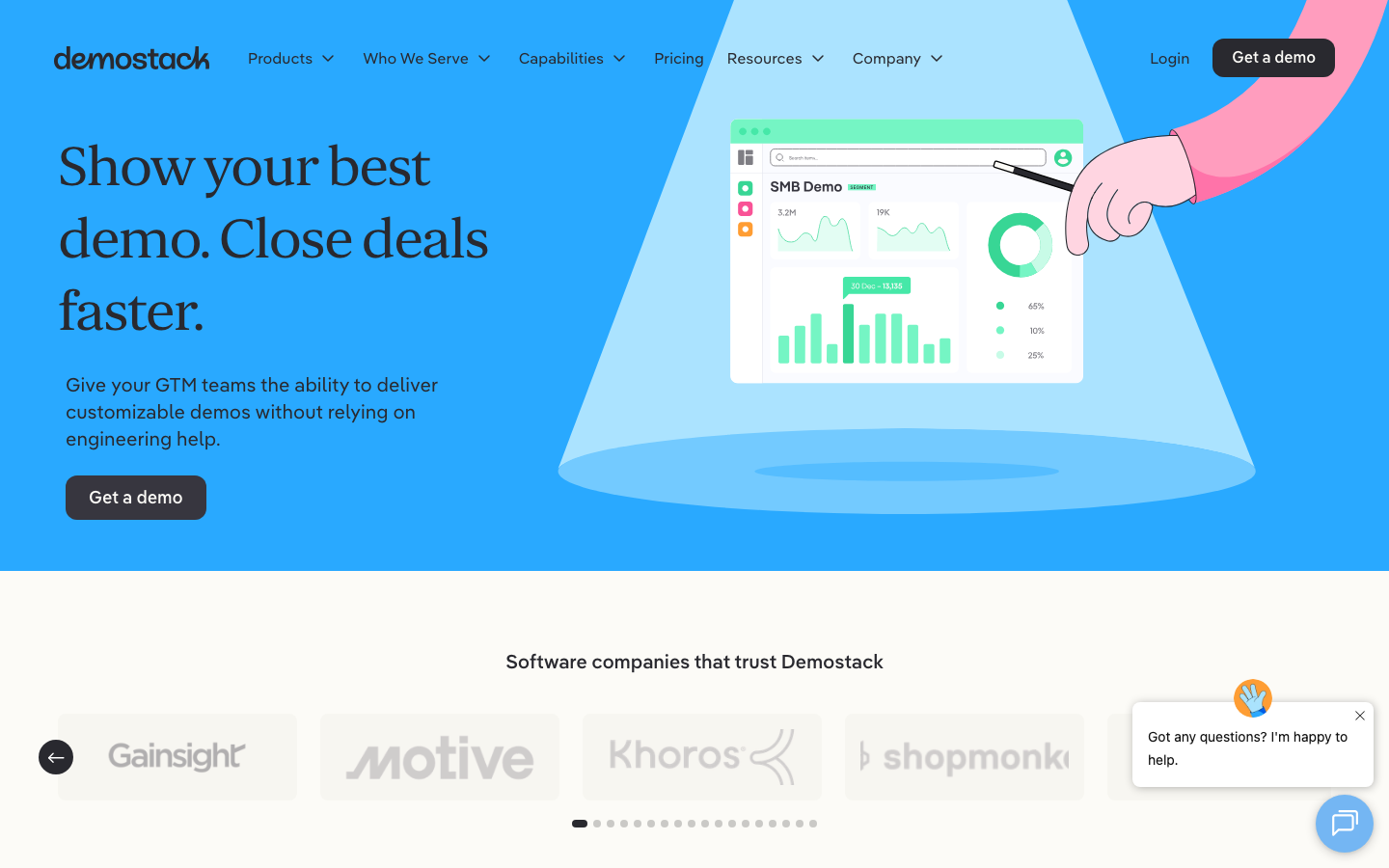
2. Demostack -- Enterprise Demo Cloning for Live Presentations
Demostack takes a different approach to the live demo problem. Instead of hydrating your real product instance with synthetic data like TestBox, Demostack clones your product's front-end into standalone interactive demo environments. The clone looks and feels like your real product, but runs independently. No connection to your production instance, no risk of demo failures caused by product updates.
For enterprise sales teams, Demostack solves the "demo day" problem: the morning of a big call when your product decides to deploy an update that breaks the demo flow. Because Demostack clones are decoupled from your live product, they remain stable regardless of what ships to production. Sales engineers can also customise the clone with prospect-specific data, vertical-specific terminology, and branded themes.
Demostack's pricing falls in a similar range to TestBox: $25,000 to $55,000 per year depending on the plan. It is enterprise pricing for enterprise buyers. The platform produces interactive HTML demos, not video. There is no MP4 export, no voiceover, and no autonomous capture. Like TestBox, it serves the live sales call moment and does not produce content for marketing distribution channels.
Pricing: Reported $25,000 to $55,000 per year. Enterprise custom pricing available.
Where Demostack fits:
- Live interactive demo clones that run independently of your production instance.
- Customisable with prospect-specific data and branding.
- Stable across product updates since the clone is decoupled.
Limitations:
- Interactive HTML only. No video export, no voiceover, no MP4.
- Enterprise pricing ($25K to $55K/yr) excludes most teams.
- Manual setup required for each demo environment.
Best for: Enterprise sales teams that need stable, customisable interactive demos for live presentations. Not a video tool.
3. Saleo -- Live Demo Data Overlay
Saleo is TestBox's closest direct competitor in the live demo data space. Rather than creating separate sandbox environments, Saleo overlays realistic data onto your live product instance in real time. The product loads normally, and Saleo's data layer populates it with contextual, realistic information for each demo scenario.
Saleo positions itself as faster to implement than building demo environments from scratch. The overlay approach means you do not need to maintain separate demo instances or worry about sandbox data drifting out of sync with your product. When your product updates, Saleo's data layer adapts because it runs on top of the live instance rather than cloning it.
Pricing is enterprise-level, comparable to TestBox, though specific figures are not publicly listed. Saleo produces live demo experiences, not video. There is no voiceover, no captions, and no video export. It serves the live sales call use case exclusively.
Pricing: Enterprise pricing, not publicly listed. Reportedly comparable to TestBox.
Where Saleo fits:
- Real-time data overlay onto live product instances.
- Faster to implement than separate sandbox environments.
- Adapts automatically when your product UI changes.
Limitations:
- Live demos only. No video output of any kind.
- Enterprise pricing excludes small and mid-market teams.
- Serves the live sales call only, not marketing or content distribution.
Best for: Enterprise sales teams evaluating TestBox alternatives for live demo data. Not a video tool.
4. Consensus -- Demo Automation Platform
Consensus created the demo automation category. It lets sales teams build interactive demo experiences that prospects navigate on their own, choosing the features and use cases most relevant to them. The platform tracks engagement data and sends it back to the sales team, identifying which stakeholders watched which parts and for how long.
Consensus is more accessible than TestBox on price, starting around $600 per month. It produces interactive demo content rather than live sandbox environments or video. The platform integrates with major CRMs and marketing automation tools, making it a reasonable option for teams that want interactive demo content with engagement tracking at a price point below TestBox's $45K entry.
That said, Consensus does not produce video either. There is no MP4 export, no AI voiceover, and no autonomous capture. It is an interactive demo platform at a mid-market price point, not a video tool.
Pricing: Reported starting around $600/mo.
Where Consensus fits:
- Interactive demo automation with engagement tracking.
- Significantly lower entry point than TestBox.
- CRM integrations and buying signal analytics.
Limitations:
- Interactive output only. No video, no voiceover, no MP4.
- Manual capture and authoring required.
- Still requires a meaningful budget commitment at $600/mo.
Best for: Mid-market sales teams that need interactive demo automation with analytics below TestBox's price point. Not a video tool.
TestBox vs Alternatives: Live Demo Environments vs Demo Videos
The TestBox alternative you choose depends on what format your distribution channels require. Live demo environments and demo videos are not interchangeable. They serve different buyers, different channels, and different moments in the sales cycle.
When Live Demo Environments Win
Live environments perform best when a sales rep is actively presenting to a prospect. The rep navigates the product in real time, answers questions on the spot, and tailors the demo to the prospect's specific concerns. TestBox, Demostack, and Saleo each serve this moment with different technical approaches: synthetic data hydration, front-end cloning, and real-time data overlay.
This is the enterprise sales motion. Big deals, multiple stakeholders, live presentations, and a sales engineer running the demo. If this describes your primary use case, TestBox or one of its direct competitors is the right category of tool.
When Demo Videos Win
Demo videos are essential for every context where the viewer is watching rather than clicking:
- Top-of-funnel marketing. YouTube, social media, blog embeds, and paid ads all require video format.
- Sales outreach. A demo video thumbnail in a cold email gets more clicks than a link to a live sandbox.
- Sales decks and presentations. A polished demo video plays within Google Slides or PowerPoint. A live sandbox breaks the flow.
- Conference booths and events. Screens at trade shows play video on loop.
- International distribution. AI voiceover in 29 languages serves prospects who speak different languages without requiring localised live demo environments for each one.
In all of these contexts, live demo environments either do not work at all or work poorly compared to video. If these channels matter to your go-to-market motion, you need a video tool. For a deeper exploration of when each format is the right call, see our guide on interactive demos vs video demos.
The Practical Approach
Large enterprise teams often need the two formats. Live environments for the sales call. Video for everything else. TestBox or Demostack for live demos. Demosmith for video content. The combined cost of Demosmith Starter ($40/mo) alongside a live demo tool covers the full spectrum of demo needs. For teams that cannot justify TestBox's $45K price tag, video alone covers most distribution channels at $40 per month.
TestBox vs Alternatives: Side-by-Side Comparison
Here is how TestBox stacks up against the best alternatives across the dimensions that matter most:
| Feature | TestBox | Demosmith | Demostack | Saleo | Consensus |
|---|---|---|---|---|---|
| Primary Output | Live sandbox environments | MP4 video + shareable link | Interactive HTML clones | Live data overlay | Interactive demos |
| Video Export | No | Yes, primary output | No | No | No |
| AI Voiceover | No | Yes, 29 languages | No | No | No |
| Autonomous Capture | No, manual configuration | Yes, AI agent navigates | No, manual cloning | No, manual setup | No, manual authoring |
| Setup Time | 4 to 8 weeks | Under 10 minutes | Weeks | Weeks | Days to weeks |
| Starting Price | $44,750/yr (15 users) | $40/mo | $25K to $55K/yr | Enterprise pricing | ~$600/mo |
| Free Plan or Trial | No | Free trial, no credit card | No | No | No |
| Best For | Enterprise live demo calls | Video demos for all channels | Enterprise interactive demos | Live demo data overlay | Mid-market demo automation |
Conclusion: Live Environments and Video Demos Serve Different Needs
TestBox has built strong technology for a specific problem: making live product demos look realistic with AI-generated synthetic data. For enterprise sales teams running dozens of live demos per week, that technology has clear value. The demo environments are polished. The playbooks standardise seller performance. The Buyer Sandboxes extend the demo experience beyond the call.
But $44,750 per year with no trial and no video output is a narrow value proposition. It covers one moment in the sales cycle, the live demo call, and leaves every other moment unserved. Marketing cannot use TestBox for YouTube content. Sales development reps cannot send TestBox environments in cold emails. Customer success cannot embed TestBox sandboxes in help centre articles. Conference teams cannot play TestBox on booth screens.
For teams that need video, the right tool is a video tool. Demosmith produces polished demo videos from a URL and a text prompt in under 10 minutes, with voiceover in 29 languages, professional editing, and brand customisation. The Starter plan costs $40 per month. There is a free trial with no credit card required. No annual contract. No implementation timeline.
The question is not whether TestBox's live environments are useful for enterprise sales calls. They are. The question is whether a $45K tool that produces no video, takes weeks to implement, and serves only live sales moments is the right investment when a $40/month tool covers every other demo need in 10 minutes.
Key Takeaways
- TestBox starts at $44,750 per year with no free tier, no trial, and no month-to-month billing. It is priced for large enterprise sales teams with dedicated demo operations budgets.
- TestBox produces live sandbox environments, not video. There is no MP4 export, no voiceover, no captions, and no localisation. For teams that need demo videos, it is the wrong category of tool.
- Implementation takes 4 to 8 weeks. TestBox is not a self-serve tool. It requires dedicated setup, configuration, and training before the first demo-ready environment ships.
- Demosmith is the strongest alternative for video output. Its AI Demo Agent produces polished demo videos autonomously from a URL, with voiceover in 29 languages, starting at $40 per month. Free trial, no credit card, no annual contract.
- Demostack and Saleo are direct TestBox competitors in the live demo space, not video alternatives. Consensus offers interactive demo automation at a lower price point than TestBox but still produces no video.
- For teams that need the two formats, pairing a live demo tool with Demosmith for video covers the full spectrum of demo needs. For teams that cannot justify TestBox's pricing, video alone covers most distribution channels at $40 per month.