What's New
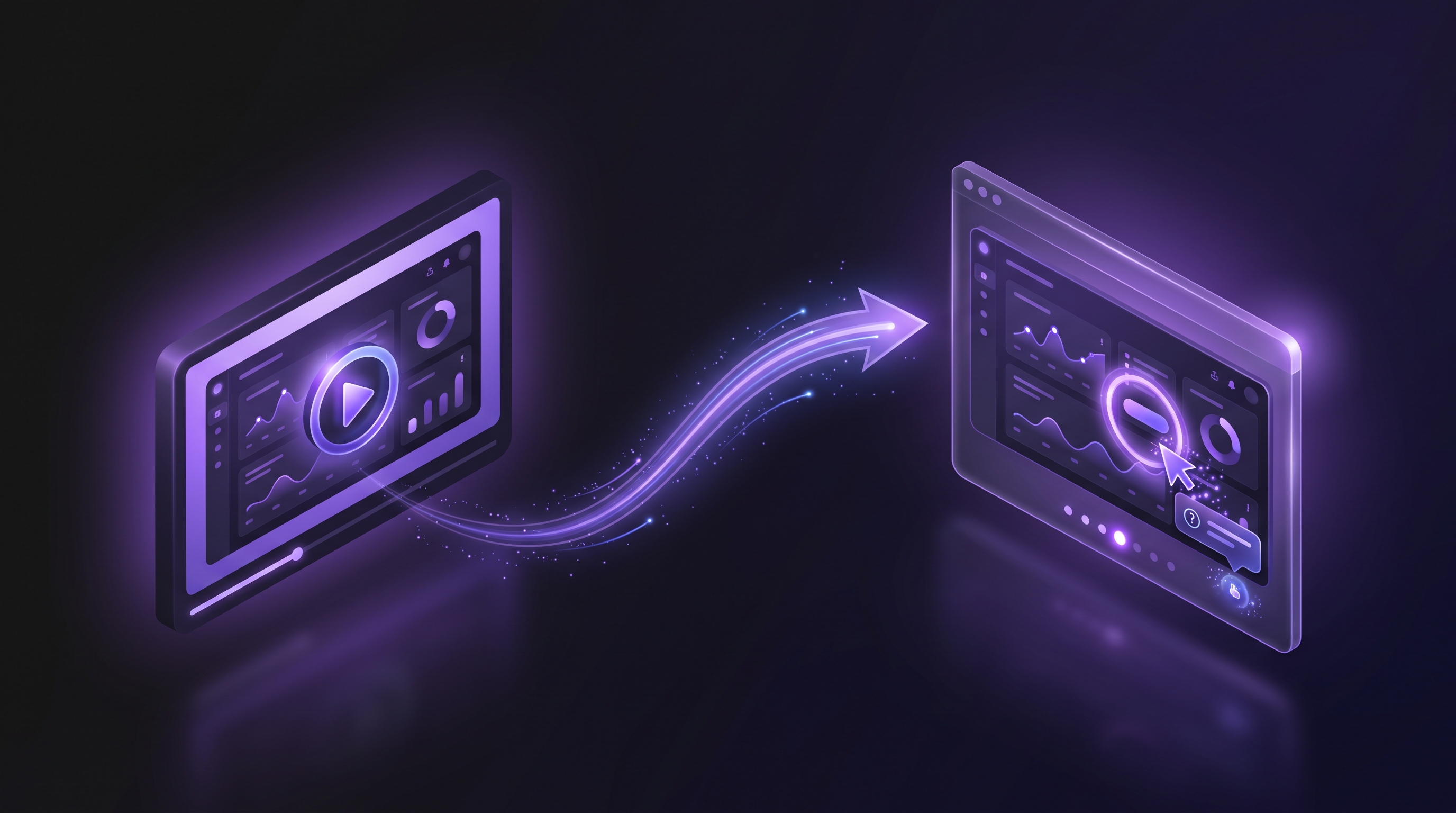
Interactive demos are live. Generate a demo with Demosmith and you can also publish it as a clickable walkthrough: a hosted tour where prospects click through your real product screens themselves, with narration, music, tooltips, and a call-to-action at the end.
You know the format. Navattic, Storylane, Arcade, and Supademo built the interactive demo category, and it works: buyers who click through a product themselves remember it. The catch has always been the work. Someone installs a capture extension, clicks through every screen, writes the tooltips, and rebuilds the tour every time your UI changes. Demosmith skips that part. The demo the AI agent already recorded becomes the tour.
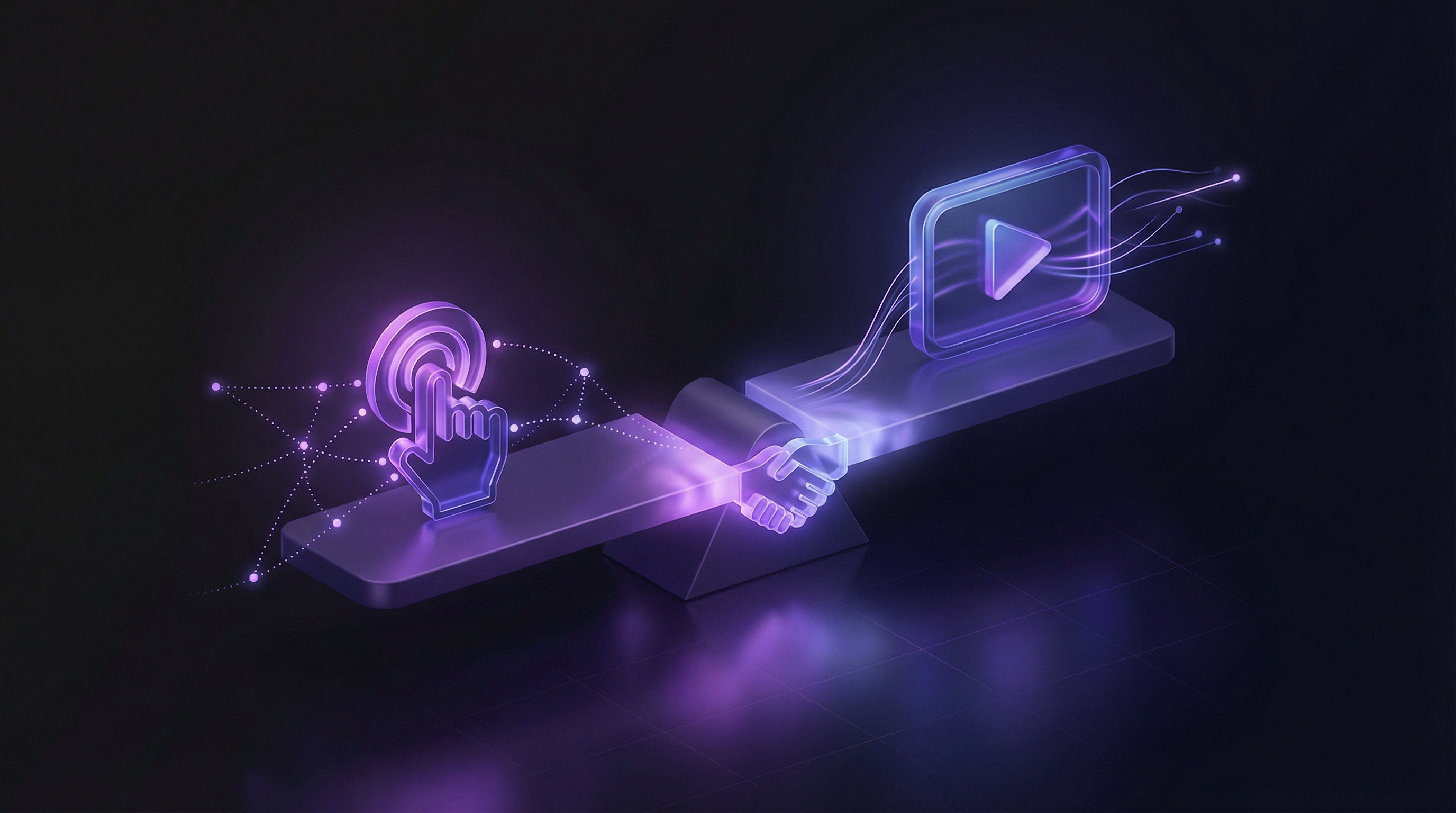
Worth saying plainly: an interactive demo is not a video, and it is not a live connection to your product. It is a guided tour of real captured screens. Some buyers want to watch. Some want to drive. One recording now serves each of them.
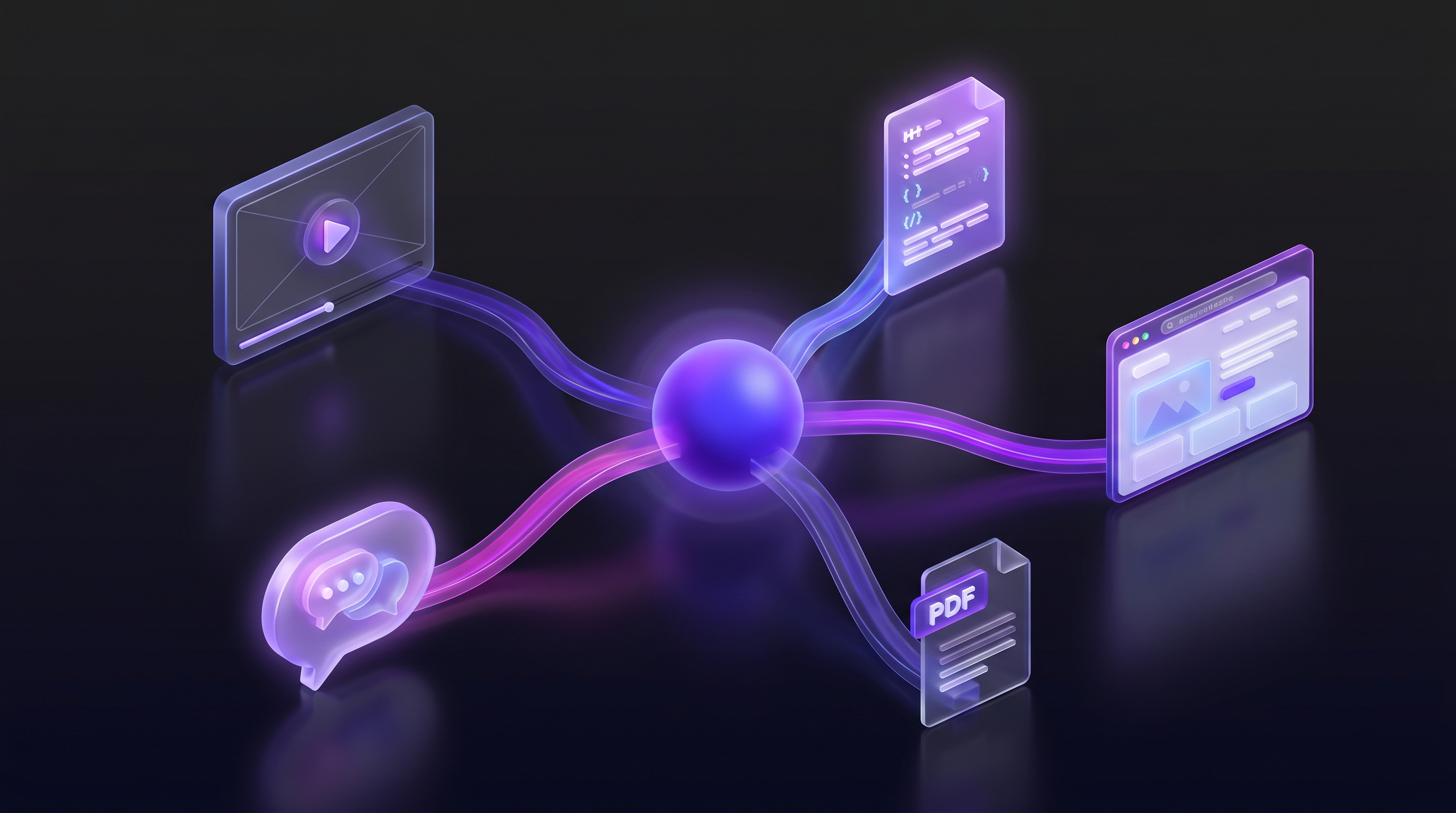
Put simply: one prompt now returns three formats. Demosmith records your product once, and from that single recording you get the video, the interactive demo, and the documentation via Docusmith. Nothing is captured by you at any point.
How a Demo Becomes an Interactive Demo
You do not capture anything new. When Demosmith's agent records your product, it keeps everything the tour needs. When you want the interactive version, you click generate, and Demosmith assembles the walkthrough: it picks the steps worth showing, cleans up every screen, checks the result, and hosts it.
- Generate your demo. Paste your product URL and describe the flow. The agent records your product and produces the video.
- Generate the interactive version. Open the demo in your dashboard and generate the tour. Demosmith picks the steps, cleans the screens, and checks everything before it goes live.
- Share it. Send the link or embed the tour on your site. The stats start with the first visitor.
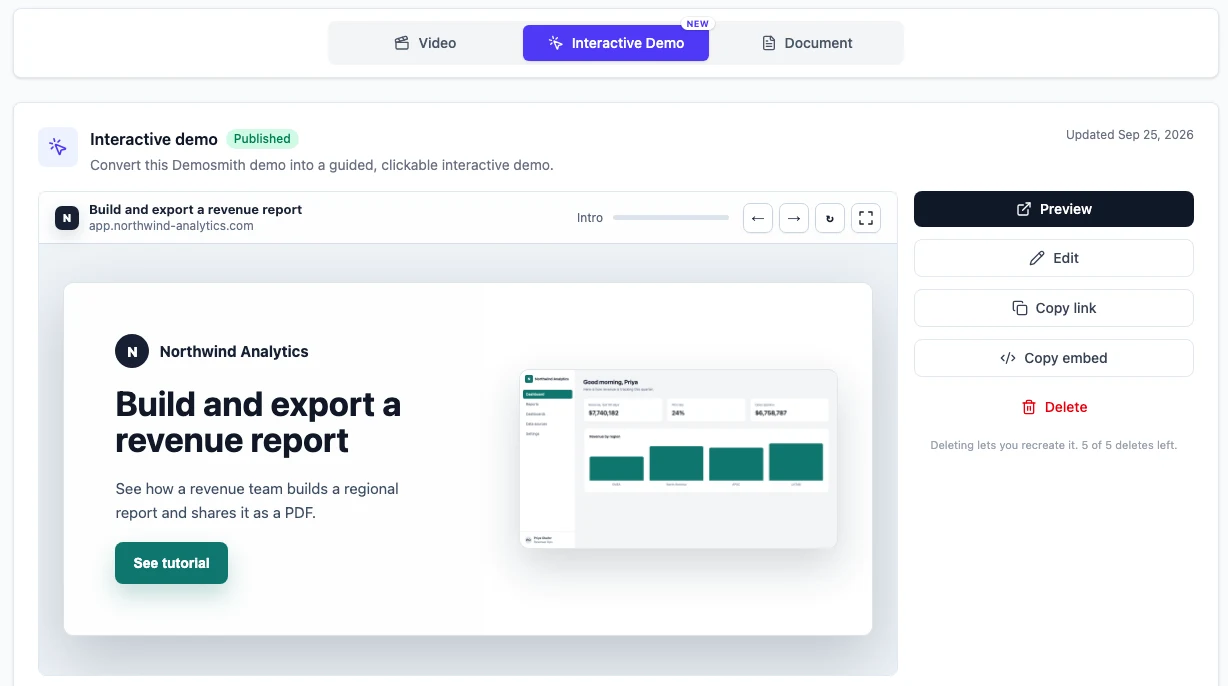
No browser extension. No clicking through your product a second time. No access to your app. For more on the agent that does the recording, see our guide to AI demo agents.
What Your Viewer Gets
The tour feels like your product with a guide sitting next to the viewer.
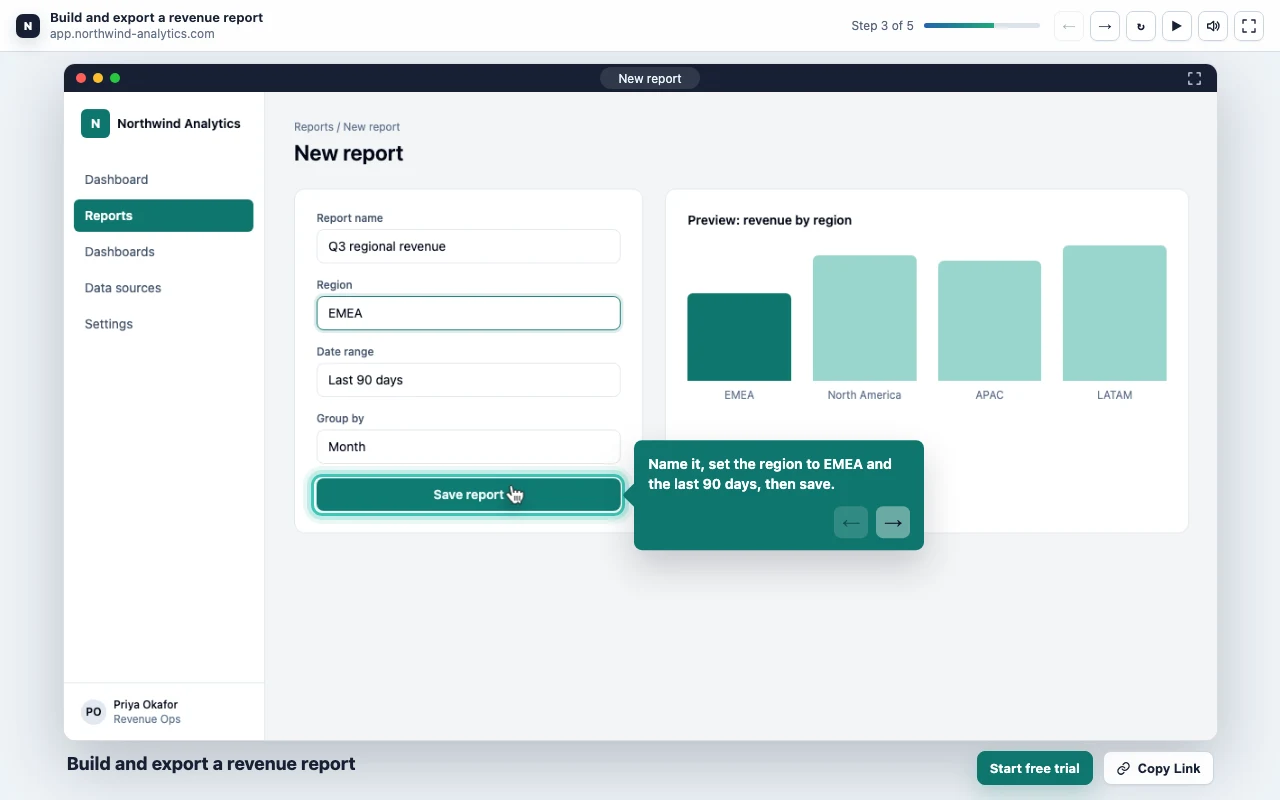
- A voice narrator guiding each step. The same AI voiceover that narrates Demosmith videos walks the viewer through the flow, with background music underneath.
- Highlighted click targets. The viewer clicks the marked spot to advance, in the order you recorded. Tooltips explain what each screen does.
- Focus zoom and an animated cursor that draw the eye to the right element, the way a good product video would.
- An intro and an outro you control, plus a call-to-action at the end. On the last step, the result stays on screen behind an explicit Continue button, so the payoff does not vanish before they have read it.
It is your product, narrated and clickable, without a live environment to maintain.
The Stats You Watch
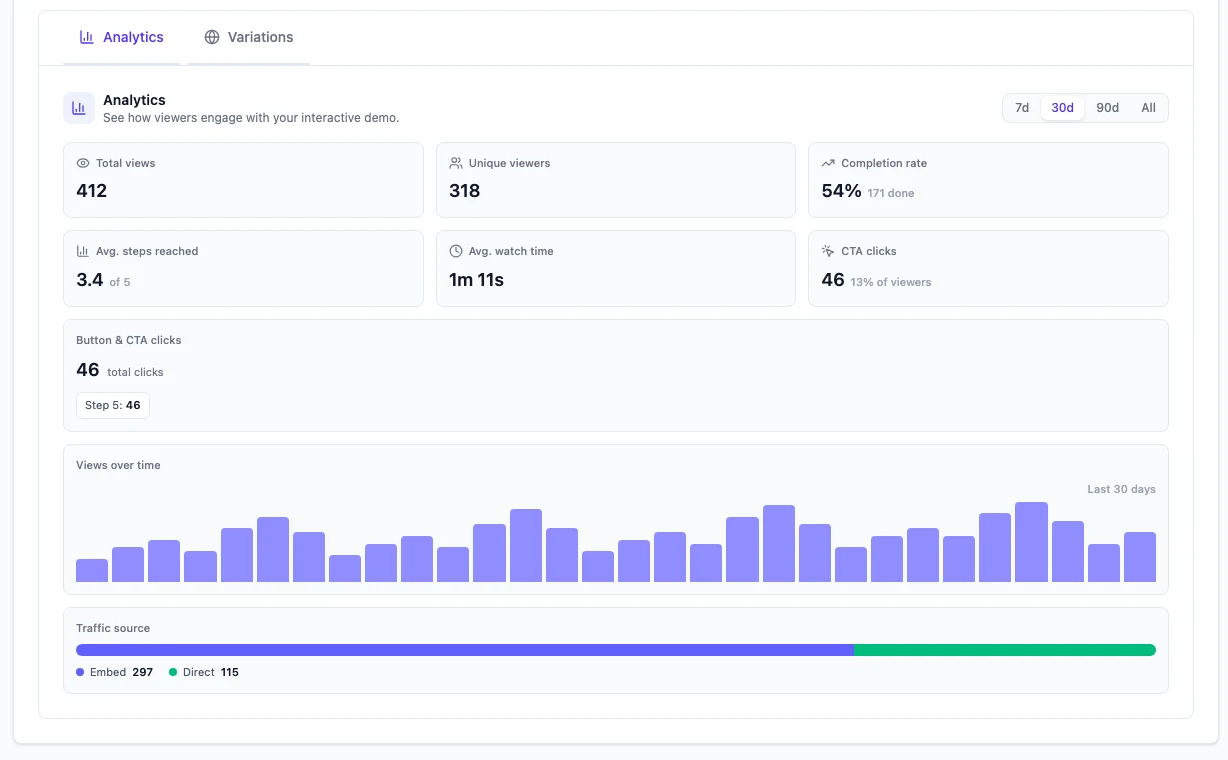
Every time someone uses the tour, you see it. Views and unique viewers, deduped so the same person reopening never counts twice. Completion rate. How far people get, on average, out of the total steps. Average watch time. CTA clicks and click rate, with button clicks broken down by step. Views over time. Embed versus direct traffic, so you know whether your site or your outreach is doing the work.
The pair to watch is completion rate next to average steps reached. If most viewers get deep into the tour but few finish, you are losing them near the end. If the average stays low, the tour loses them early. That is product page feedback, sales collateral feedback, and onboarding feedback on one screen. Marketing teams that run demos as a growth channel get the most out of it.
How This Compares to Navattic, Storylane, and Arcade
The dedicated interactive demo tools are good at what they do. Navattic pairs tours with CRM analytics and account-level tracking. Storylane turned interactive demos into an SEO engine. Arcade makes the best-looking tours in the category. We compare the three in detail in our Navattic vs Storylane vs Arcade breakdown.
The difference is where the tour comes from. Those tools capture your product through a Chrome extension while someone clicks through it by hand. Demosmith generates the tour from a demo that already exists. When your UI changes, they re-capture; you re-run the demo and generate again. Their editors are still deeper: if you need branching paths, lead gates, or per-viewer personalization, a dedicated platform does that better. Our head-to-heads cover the specifics for Navattic, Storylane, and Arcade.
Price is part of the story too. Navattic starts around $500 per month. Demosmith starts at $40, and the same plan covers your demo videos. For a wider view of the category, see our roundup of the best product demo tools in 2026 and our comparison of interactive demos vs video demos.
For the full ten-tool field organised by capture type, see our roundup of the best interactive demo software in 2026.
To build your first one, our five-step guide to creating an interactive product demo covers the process for any tool.
Viewers See Pixels, Not Your Code
Most interactive demo tools replay a copy of your site's code in the browser. That copy can, in principle, be picked apart back into a map of your app.
Demosmith does not ship your code. The tour shows captured pixels of your screens, plus the small pieces needed to draw a highlight and move a step forward. Your page structure and element details never reach the viewer's browser. The recording cursor is stripped. Sensitive inputs are masked. A published tour cannot be scraped back into your app's markup.
If you have held off on interactive demos for security reasons, this is the part worth reading twice.
What This Is Not
An interactive demo from Demosmith is not a live sandbox. The viewer follows the recorded flow in the recorded order. They cannot type their own data into your product, and the tour cannot answer questions during a call.
If your sales motion depends on a live environment with prospect-specific data pulled from your CRM, the demo automation platforms still own that job, and we will keep saying so. For everything else, the website embeds and self-serve tours people used to buy a second tool for, one recording now covers it. Our comparison of Navattic vs Storylane vs Arcade covers where dedicated interactive tools still make sense, and our breakdown of interactive demos vs video demos covers when each format wins.
Frequently Asked Questions
Does Demosmith do interactive demos?
Yes. Demosmith now publishes its demos as interactive walkthroughs too: a hosted, clickable tour where the viewer moves through your real product screens. It is not a video, and it is not a live connection to your app.
How do I turn a demo into an interactive demo?
Open the demo in your Demosmith dashboard and generate the interactive version. Demosmith assembles the tour from its own recording of your product, so there is nothing to capture and no extension to install. When it is ready, share the link or embed it on your site.
Do Demosmith interactive demos have voiceover and music?
Yes. An AI narrator guides the viewer through each step, with background music underneath. The tour also includes tooltips, focus zoom, an animated cursor, and a call-to-action at the end.
What analytics do Demosmith interactive demos track?
Views, unique viewers (deduped, so reopening never counts twice), completion rate, average steps reached, average watch time, CTA clicks and click rate, button clicks by step, views over time, and embed-versus-direct traffic.
How much do interactive demos cost?
They are sold as monthly slots: 5 per month on Starter, 25 on Pro, and unlimited on Business. A slot is used when a demo publishes, not when it generates, so a generation that fails or is cancelled is never billed.
Demosmith vs Navattic vs Storylane for interactive demos?
Navattic, Storylane, and Arcade build tours by capturing your product through a Chrome extension, and their editors go deeper for branching and personalization. Demosmith generates the tour from a demo that already exists, so there is nothing to re-capture when your UI changes, and the same plan covers your demo videos. Dedicated tools start near $500 per month. Demosmith starts at $40.
Is a Demosmith interactive demo a live sandbox?
No. The tour follows the recorded flow in the recorded order. Viewers cannot enter their own data, and the demo cannot respond to questions during a call. Teams that need live environments with personalised data still need a demo automation platform.
Conclusion
A video shows the product. An interactive demo lets them drive it. One recording now does both.
Demosmith started as a way to turn a URL into a demo video without recording anything. Interactive demos extend the same idea: the work was already done when the agent ran, so the second format should not require a second project, a second tool, or a second capture session. It does not. One prompt in, three formats out: the video, the interactive demo, and the docs.
Key Takeaways
- Interactive demos are built into Demosmith. Generate a demo, click once, publish the clickable version. No extension, no re-capture, no access to your app.
- Viewers get the full guided experience: AI narration, background music, tooltips, focus zoom, and a call-to-action at the end.
- You get the numbers that matter: views, completion rate, average steps reached, and CTA clicks.
- Viewers see pixels, not your code. Your markup never ships, the cursor is stripped, and sensitive inputs are masked.
- It is not a live sandbox. The tour follows the recorded flow. Live environments with prospect data remain the job of demo automation platforms.
You can see the full details on the interactive demos page. Or generate a demo in your dashboard and click once more. New to Demosmith? Create your first demo free.