Can ChatGPT Make Videos?
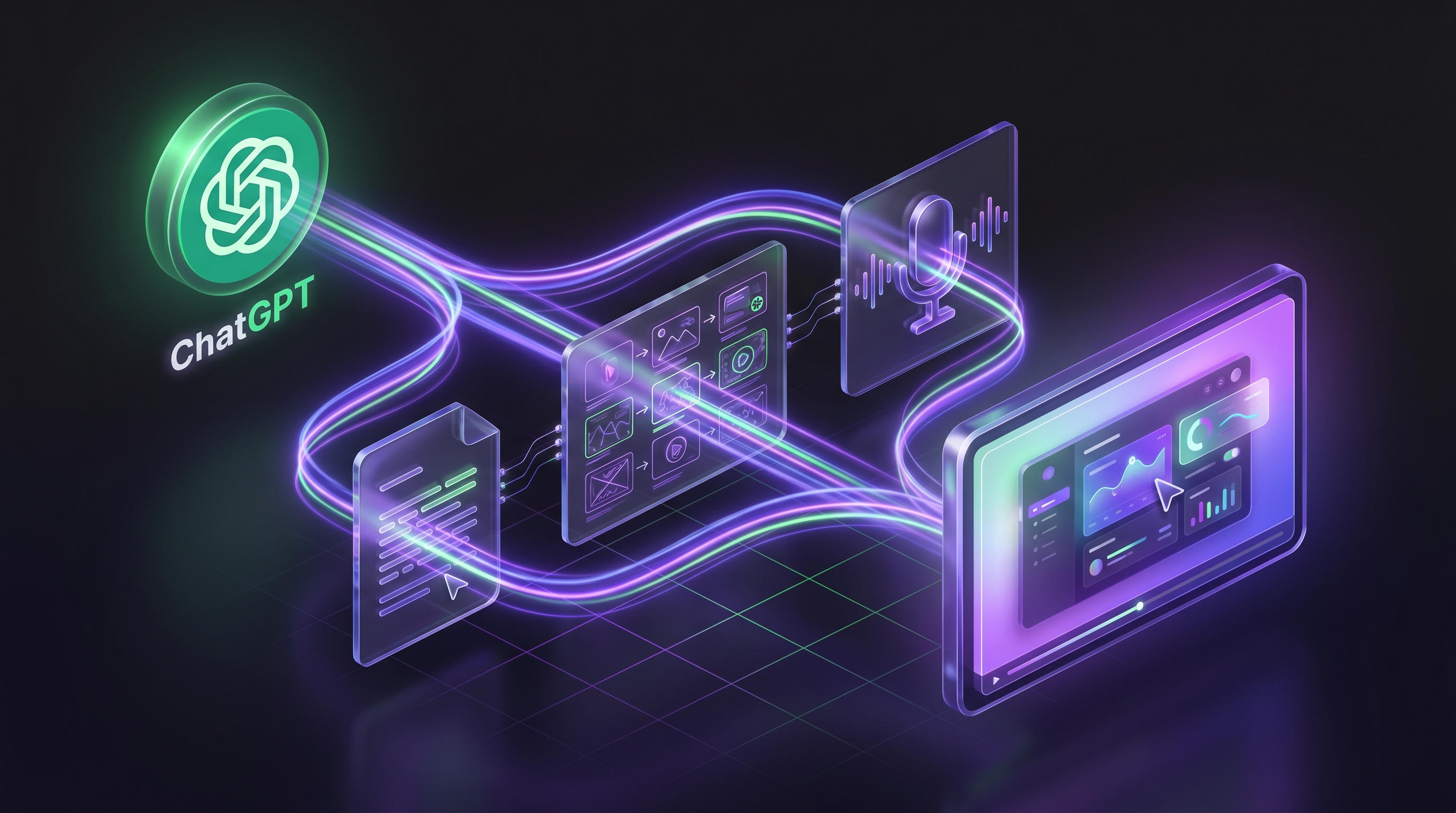
Not on its own, in 2026. ChatGPT makes images and writes scripts, but it has no video generation of its own: OpenAI closed its Sora video app in April 2026. You can still get a finished video from a ChatGPT conversation, though. Apps that plug into ChatGPT, such as invideo, Synthesia and Demosmith, make the video and send it back to the chat.
Which app to use depends on the video you need. A social clip, a presenter talking to camera and a walkthrough of your own software are three different jobs, and each app is built for one of them.
What Happened to Sora?
Sora was OpenAI’s text-to-video model, and for a while it was the answer to this question. OpenAI announced in March 2026 that it was shutting Sora down. The Sora app and website closed on April 26, 2026, and the Sora API followed on September 24, 2026.
So if an older guide tells you "ChatGPT Plus can make videos with Sora", it’s out of date. No ChatGPT plan includes video generation today, Plus and Pro included.
What ChatGPT Can Still Do for a Video
ChatGPT is still useful before anything is filmed or generated:
- Scripts. Give it the topic, audience and length, and it writes narration scene by scene.
- Storyboards. It breaks a script into scenes and describes what should be on screen in each one.
- Voiceover copy. It rewrites narration so it sounds natural read aloud, in many languages.
- Images. It can make thumbnails, title cards and still frames you can drop into an editor.
What it can’t do alone is produce the video file: no recording, no editing, no spoken voiceover, no MP4.
Apps That Make Videos Inside ChatGPT
Each of these apps connects to ChatGPT, takes your request in the chat and sends a video back.
For social and marketing videos: Video AI by invideo
invideo’s ChatGPT app turns a brief into a multi-scene draft with a script, stock or generated visuals, an AI voiceover, captions and music. You refine it by chatting, then open the project in invideo’s editor to finish and export. It suits Shorts, Reels, explainers and ads. invideo has a free plan with weekly credits, and paid plans start at $20 a month.
For presenter videos: Synthesia
Synthesia makes videos where an AI presenter speaks your script. You install its plugin in ChatGPT, tag @Synthesia and describe the video, or attach a deck or document to turn into one. It fits training, onboarding and internal announcements. New Synthesia accounts get free credits for a first video.
For demos of your own product: Demosmith
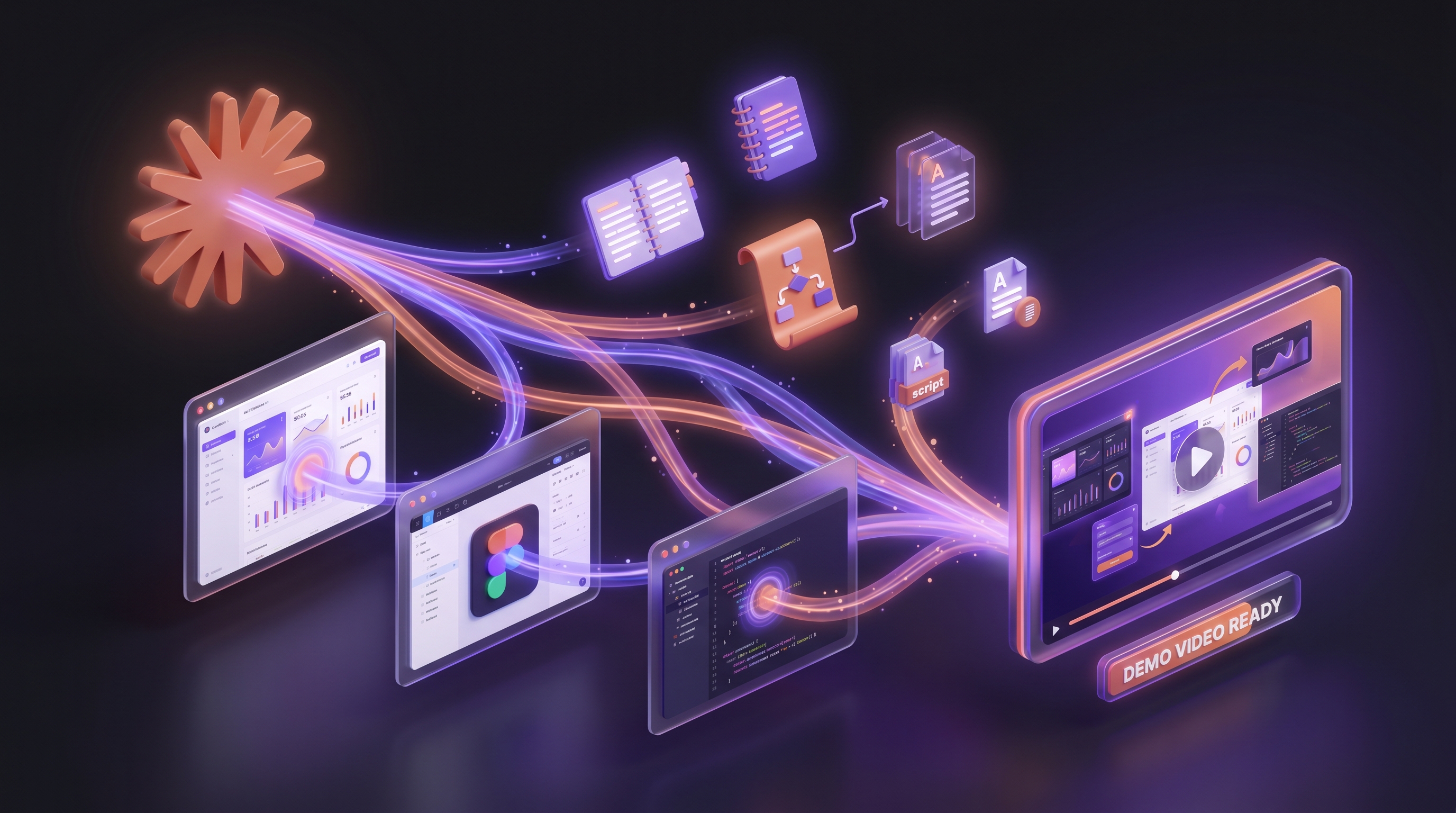
The two apps above make videos from stock footage, generated visuals or avatars. Neither one shows your actual software. Demosmith does: it opens your product in a real browser, clicks through the flow you ask for and returns a finished demo with a voiceover and captions. You add Demosmith to ChatGPT as a custom MCP server and ask for the demo in the chat. This works on ChatGPT Business and Enterprise, where an admin adds it for the workspace. Our guide to making a product demo video with ChatGPT has the steps, and the same connector works in Claude, Claude Code, Codex and Cursor.
| App in ChatGPT | What you get | Shows your real product | Try it free |
|---|---|---|---|
| Video AI by invideo | Social and marketing videos from stock or generated visuals | No | Free plan with weekly credits |
| Synthesia | Videos with an AI presenter reading your script | No | Free credits for a first video |
| Demosmith | Narrated demo videos recorded in your real product | Yes | 3-day trial in the app; the ChatGPT connection needs a paid plan |
Which One Should You Use?
- You need a quick social clip or explainer and stock footage is fine: invideo.
- You want a person on screen explaining a policy, a course or a welcome message: Synthesia.
- You need to show how your product works, for a launch, a sales follow-up or onboarding: Demosmith, because the video has to be your real interface.
Generated footage can show an idea. It can’t show your product. For a product demo, the video has to be recorded in the product itself.
How to Make a Product Demo Video With ChatGPT
On ChatGPT Business or Enterprise, connect Demosmith once, then ask:
@Demosmith make a demo of app.yourproduct.com showing a new user creating their first project.Demosmith checks the request, records the flow in your product, edits it and adds the voiceover, and ChatGPT gives you the finished video. On ChatGPT Plus or Pro, custom connections are read-only, so use Claude, where the same connector works on every plan, or paste the request into the Demosmith app.
Frequently Asked Questions
Can ChatGPT make videos?
Not on its own. ChatGPT makes images and writes scripts, but it has no video generation since OpenAI closed Sora in 2026. Apps that connect to ChatGPT, such as invideo, Synthesia and Demosmith, can make a video from your request and return it to the chat.
Does ChatGPT Plus include video generation?
No. Sora was the video feature, and OpenAI closed the Sora app on April 26, 2026 and the Sora API on September 24, 2026. To make a video from ChatGPT now, you use a connected app.
Can ChatGPT make videos for free?
ChatGPT itself can’t make videos at any price. Some connected apps let you try for free: invideo has a free plan with weekly credits, and new Synthesia accounts get free credits for a first video.
Can ChatGPT make a video of my app or website?
Yes, with Demosmith connected. Demosmith opens your product in a real browser, records the flow you ask for and returns a narrated demo video. In ChatGPT this works on Business and Enterprise plans; on Plus and Pro, use Claude or the Demosmith app.
Can Claude make videos?
Not on its own either. Claude can connect to apps the same way. Demosmith works in Claude on every plan, including the free plan, which allows one custom connector.
Key Takeaways
- ChatGPT has no video generation of its own in 2026. OpenAI closed the Sora app in April and the Sora API in September.
- ChatGPT still helps with the words. Scripts, storyboards, voiceover copy and still images are all in reach.
- Apps inside ChatGPT make the video. invideo for social clips, Synthesia for presenter videos, Demosmith for demos of your own product.
- For product demos, the footage has to be real. Demosmith records your actual interface; generated footage can’t.