Why Teams Are Turning to Grok for Demo Creation
"Can Grok make videos" is one of the fastest-rising questions in AI search this year, and the answer changed three times while it climbed. Grok Imagine, xAI's image and video generator, now produces clips with native sound from a prompt or a reference photo, at up to 1080p, fast enough that a six-second clip renders in about 25 seconds. There is a free tier, and the paid tier costs less per month than most video tools charge per export.
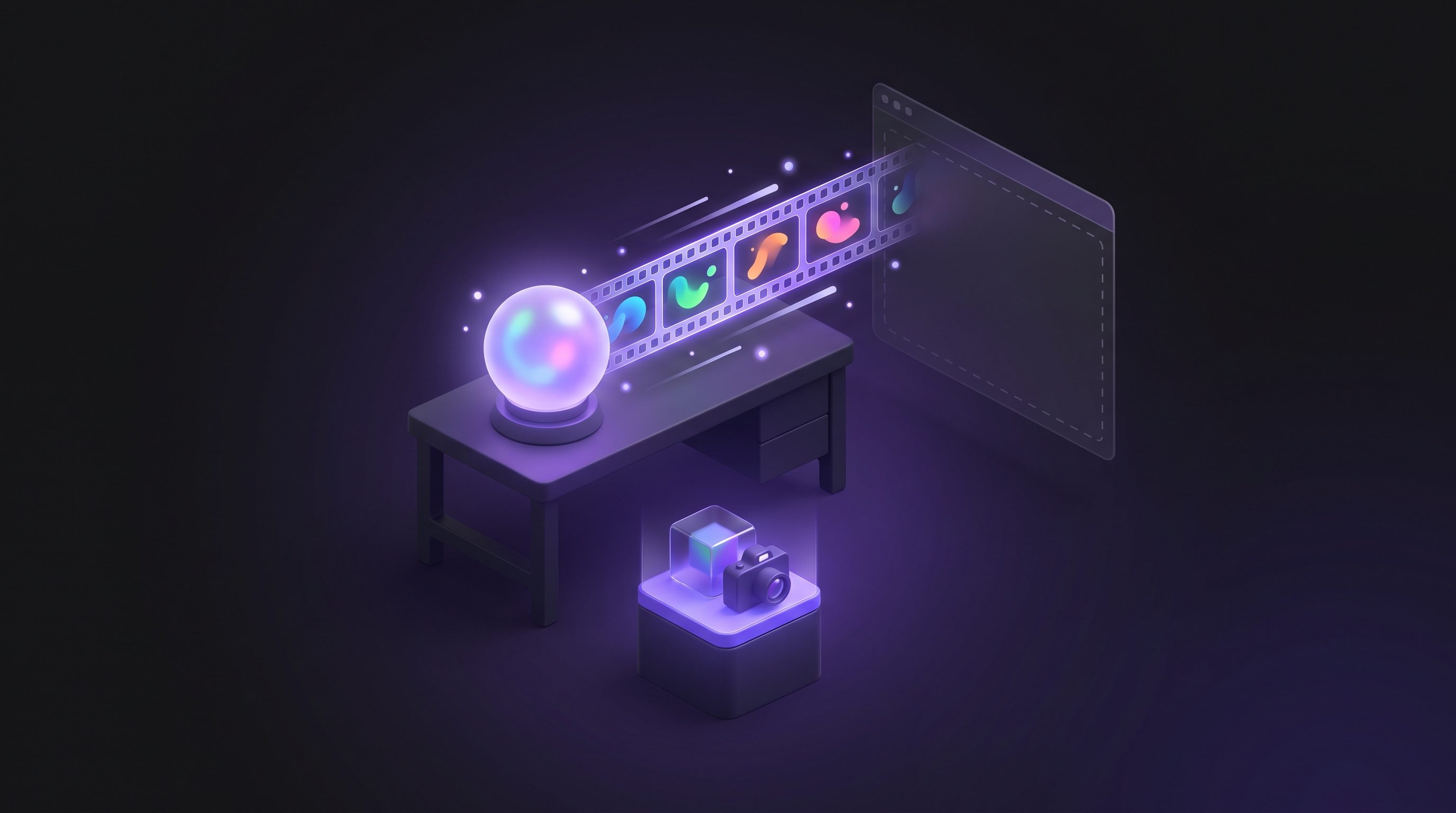
The honest split is the same one that runs through this whole category. Grok Imagine generates footage. It can show your product as a stylised hero shot, a concept scene, a social hook. It cannot open your application, log in, click through a workflow, and record what actually happened. When a prompt asks for a dashboard, Grok invents one, and like every model in this class, the text inside the invented interface is the first thing that gives it away.
This guide covers what Grok Imagine does well, where it stops, and the workflow that pairs its strengths with a real capture of your product. For the same breakdown on other tools, see our guides on using Veo 3 for product demo videos, using Claude, and using ChatGPT.
What Grok Can (and Can't) Do for Demo Videos
Video generation with native audio
Grok Imagine generates text-to-video and image-to-video with sound baked in: effects, ambience, and dialogue synced to the action. Clips run 6 to 15 seconds, and clips can be stitched into extended scenes that keep their audio and context. Output is portrait or landscape, with native 1080p arriving in July 2026 on the Video 1.5 update.
References: seven images and a voice
This is Grok's most useful feature for marketers. Feed up to seven reference images and the model keeps faces, products, and locations consistent across generations. A voice reference keeps the same narrator across scenes. For a physical product or a brand persona, that consistency is what turns scattered clips into something that looks like a campaign.
Speed and price
Fast mode renders a six-second 720p clip in roughly 25 seconds, which makes iteration cheap in time as well as money. On the xAI API, Imagine Video 1.5 costs $0.08 per second, the lowest per-second price among the major video APIs. Consumer plans start with a free tier to try, then SuperGrok at $30 per month, with SuperGrok Heavy at $300 per month for the newest features first.
What Grok cannot do
The same wall as every prompt-to-video model, stated plainly. Grok Imagine's inputs are text, images, and voice references. There is no browser control, no login, no screen recording, and no URL input anywhere in xAI's documentation. It can fabricate an interface, never record one. Clips are short, so a demo-length video means stitching. And interface text in generated footage remains a weak spot, which matters when your product is mostly interface.
Worth knowing before you build on it: this tool has shipped major updates nearly every month through 2026, from the Imagine API in January to 1080p references in July. The pace is a feature and a risk. Whatever you build around it, keep the demo footage itself somewhere that does not depend on any one generator's roadmap.
Step 1: Split the Demo into Generated and Recorded Footage
Script the demo, then mark each scene G or R. Generated footage earns its place on attention: the opening hook, the stylised transition, the vertical social teaser. Recorded footage carries the substance: every scene where the viewer needs to see your real interface doing real work.
A practical split for a 60-second SaaS demo: a 6 to 15 second Grok-generated hook, 40 seconds of recorded workflow, and a short generated outro. If you want help drafting the outline itself, that is a job for a reasoning model rather than a video model, and our Claude and ChatGPT guides cover it.
Step 2: Generate the Stylised Parts in Grok Imagine
Open grok.com/imagine or the Grok app. Upload your reference images first, up to seven, so your product and persona stay consistent. Generate the hook at 1080p in the aspect ratio you need, and iterate: at these render speeds, three attempts cost minutes, not evenings.
Keep the generated material in its lane. A stylised shot of your product sitting in a cinematic scene works. A generated screenshot of your dashboard does not, because the viewer will read it as your dashboard, and it is not.
Step 3: Capture the Real Product Workflow
The manual path: a screen recorder and a clean test account, an afternoon per video. The automated path: an AI demo agent that takes your product URL and a plain-English description of the flow, navigates the live product, and returns finished footage with voiceover, zooms, and captions in minutes. Demosmith does the latter, and the same run yields an interactive demo and documentation.
This is the footage the demo lives or dies on. Budget your quality here, not on the hook.
Step 4: Assemble the Final Video
Put the generated hook, the recorded workflow, and the outro together in an editor. One narrator throughout, captions on, brand kit applied. Export the landscape cut for your site and email, and a vertical cut for social using the same generated assets.
The honesty rule from our other guides applies unchanged: the moment the video claims to show how the product works, the screen must be real.
When to Use Grok vs a Purpose-Built Demo Tool
Use Grok Imagine when the deliverable is attention: hooks, teasers, concept films, social clips with sound. Use a purpose-built demo tool when the deliverable is proof: walkthroughs, sales follow-ups, onboarding, help content. Our roundup of the best AI demo video generators maps that second category tool by tool.
Grok's price and speed make it easy to overuse. The test is the same as for Veo: would a prospect judge this scene on whether the screen is real? If yes, it is a recording job.
The Combined Workflow: Grok for Hooks, Demosmith for the Product
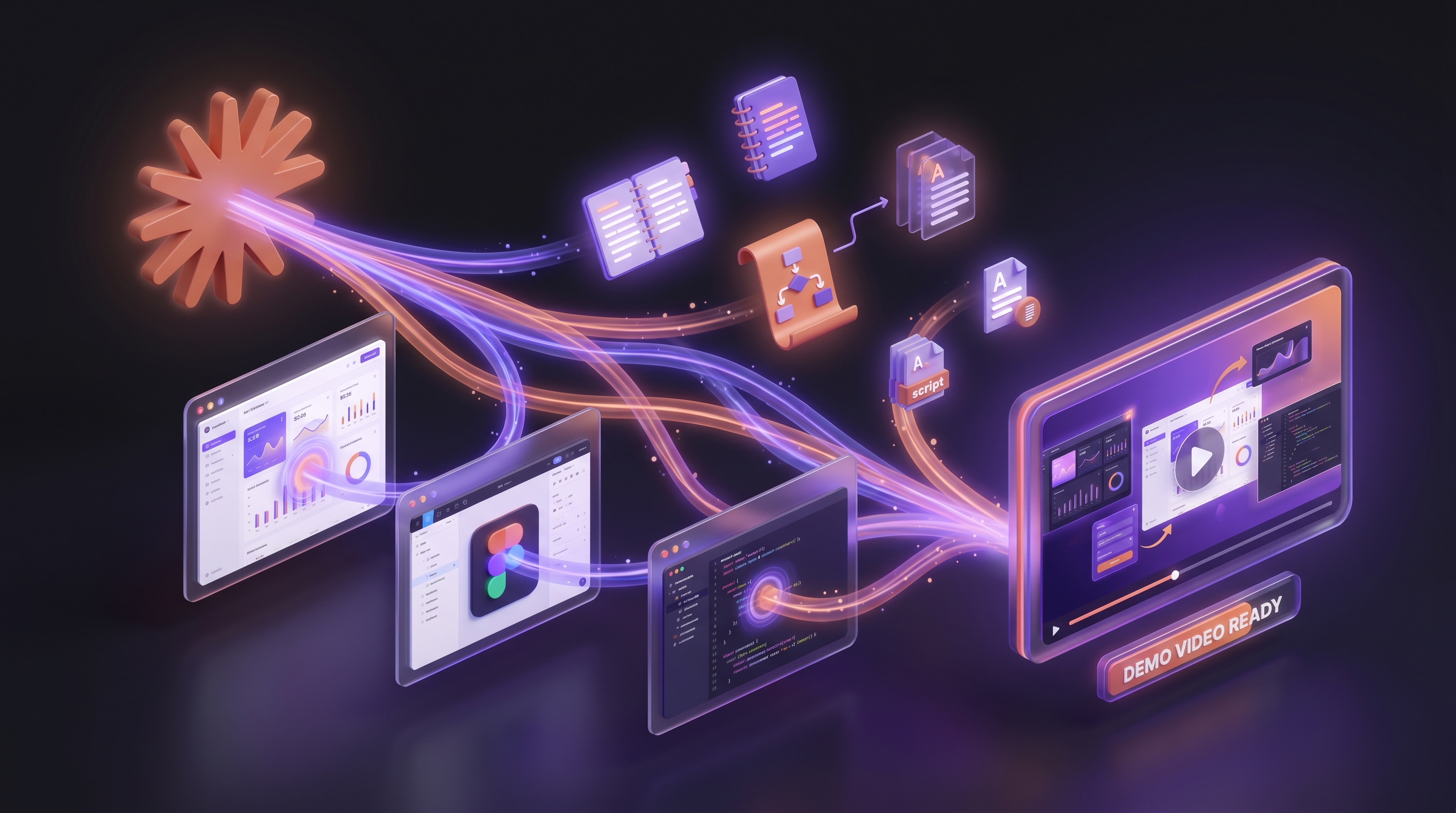
The clean division of labour: Demosmith captures the product, Grok sells the click. Demosmith navigates your live product from a URL and returns the narrated, edited demo, plus the interactive demo and docs from the same run. Grok Imagine produces the hook that stops the scroll and the vertical teaser that carries it into feeds.
When your interface changes, you re-run the flow description and refresh the demo in minutes. The generated hooks keep working untouched, because they never depended on your screens being current. You can see what agent-recorded demos look like on the demo catalog.
Grok Imagine Workflow vs AI Demo Agent: Side by Side
| Capability | Grok Imagine + Manual | AI Demo Agent (Demosmith) |
|---|---|---|
| Footage source | Generated from prompts and references | Your live product, recorded by an agent |
| Shows your real interface | No, invented approximation | Yes, the actual screens |
| Audio | Native effects and dialogue | AI voiceover in 31 languages |
| Clip structure | 6 to 15 second units, stitchable | Full demo length in one run |
| Editing | Manual assembly per video | Automatic transitions, zoom, captions |
| Also produces | Nothing beyond the video | Interactive demo and docs from the same run |
| Cost model | $0.08 per second API, or $30/mo plan | From $40 per month |
| Best for | Hooks, teasers, stylised social clips | Software demo videos at volume |
Conclusion: Grok Is a Strong Concept Studio, Not a Demonstrator
Grok Imagine earns real credit. Native audio, seven-image references with voice consistency, 1080p output, renders in seconds, and a per-second API price that undercuts the field. For hooks and stylised footage, it is the cheapest fast option on the market right now.
What it cannot do is operate your product. Its interfaces are invented, its clips are short, and its roadmap has reshaped every few months through 2026. Use it for the layer where invention is the point, and record the demo itself with something that opens your software.
Grok can imagine your product. It cannot operate it. Build the demo on the second fact.
Key Takeaways
- Grok Imagine generates text-to-video and image-to-video with native audio, up to 1080p, in 6 to 15 second clips that stitch into longer scenes.
- Up to seven reference images plus a voice reference keep products and personas consistent across clips, which is its most useful feature for marketing.
- It cannot open your app, log in, or record a real workflow. Like every prompt-to-video model, it fabricates interfaces instead of capturing them.
- The cost is low, $0.08 per second on the API or $30 per month on SuperGrok, which makes generated hooks cheap to iterate.
- The durable stack: Grok Imagine for the hook, an AI demo agent for the demo, so interface changes never touch the expensive layer.
- For software demos at volume, an agent records the real product from a URL and returns video, interactive demos, and docs from one run.