Why Teams Are Looking Beyond Guideflow for Demo Videos
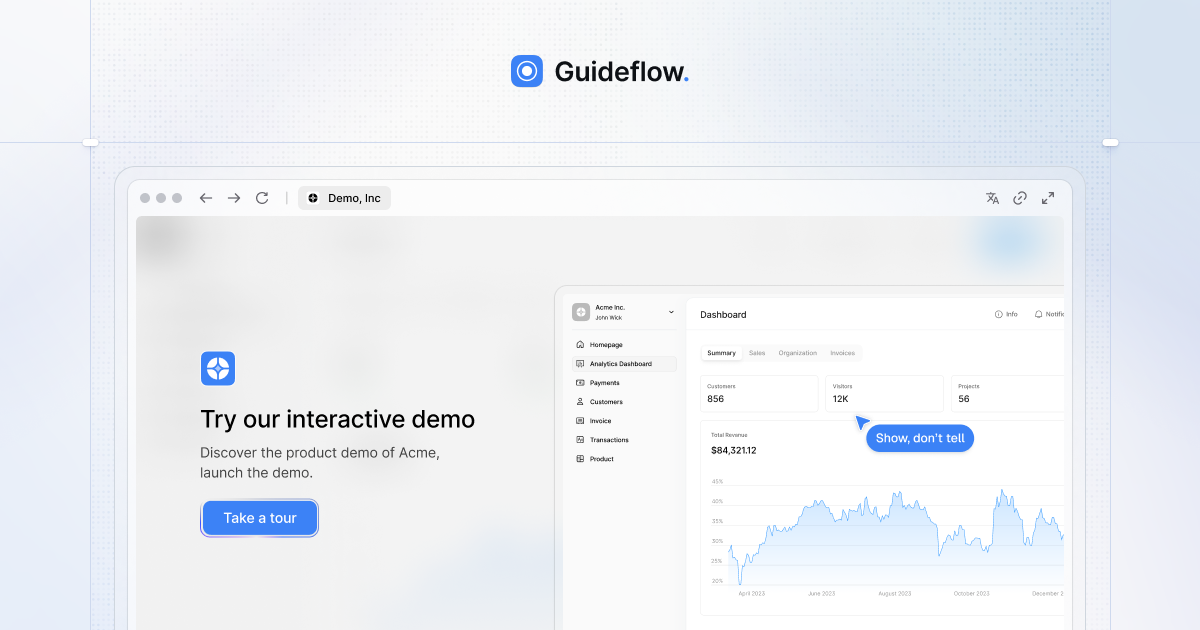
Guideflow has built a solid position in the interactive demo space. Based in Paris and San Francisco, the platform lets product and marketing teams create click-through product walkthroughs using a Chrome extension, desktop app, or Figma plugin. Customers like Amplitude, Gorgias, and PandaDoc use it to produce interactive demos that prospects can explore at their own pace. The G2 scores are strong: 4.8 out of 5 across roughly 150 reviews.
The problem is what Guideflow does not produce. Every demo it creates is an interactive HTML experience. There is no video output. No MP4 files. No voiceover narration. No multi-language localisation. If you need content for YouTube, social media, sales decks, email outreach, or conference booths, Guideflow cannot help. You still need a separate tool and a separate workflow for video demos.
Then there is the pricing structure. Guideflow's Solo plan costs $35 per month. The next tier up, Growth, costs $499 per month. That is a 14x jump between adjacent plans. Teams that outgrow Solo face a steep cliff: either stay limited or multiply their spend by fourteen times overnight.
This guide covers what Guideflow does well, where it falls short, and the best alternatives for teams that need AI-powered demo video generators rather than interactive click-through tours. We will give Guideflow credit where it is earned, then walk through tools that produce video demos at a competitive price.
What Guideflow Does Well
Guideflow is a capable interactive demo builder with a few genuinely strong points. Here is what it gets right.
Multiple Capture Methods
Most interactive demo tools offer a single capture method, usually a Chrome extension. Guideflow gives you three. You can capture screens using the Chrome extension, the desktop app for Windows and macOS, or the Figma plugin. The Figma integration is particularly useful for teams that want to demo a product before the engineering team has built the feature. Designers can capture directly from mockups and turn them into guided walkthroughs without waiting for a working prototype.
PEASY Workflow
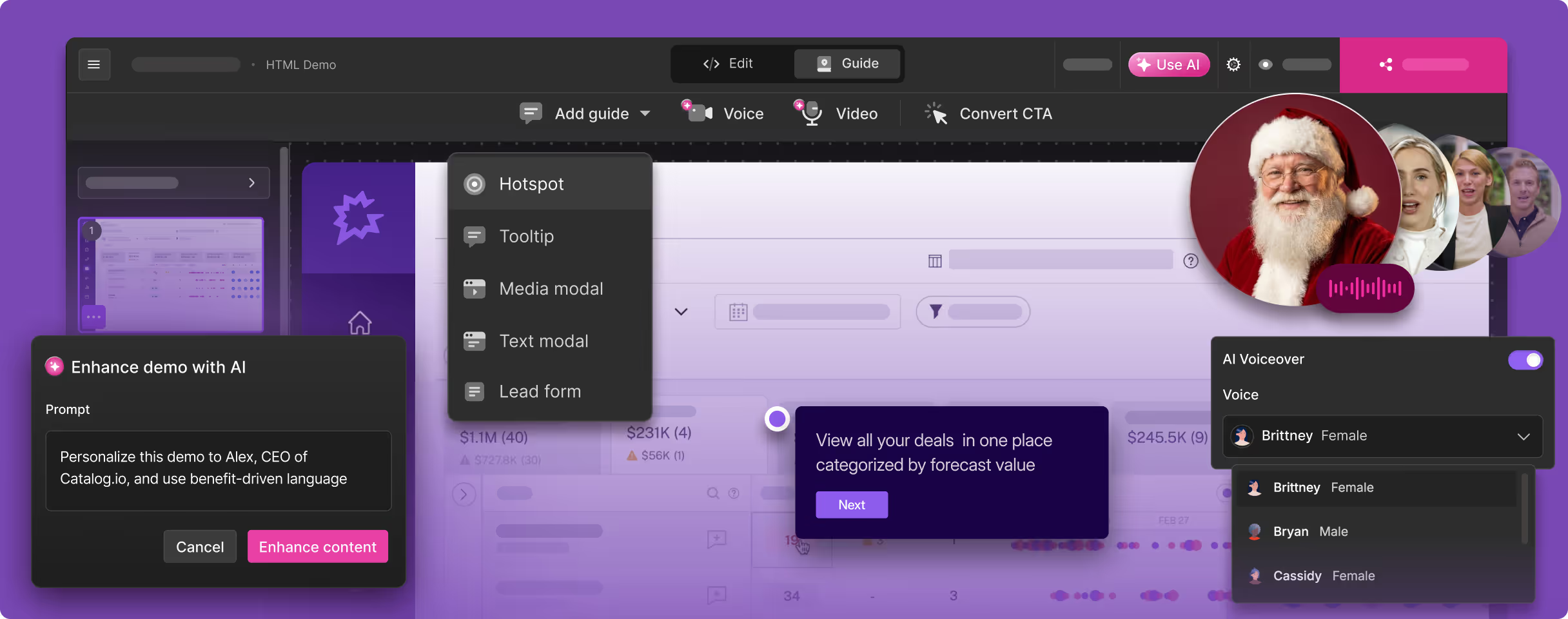
Guideflow organises the demo creation process into five steps it calls PEASY: Personalise, Edit, Analyse, Share, and "Your AI." The framework covers the full lifecycle of a demo, from initial capture through editing and analytics to distribution. Each step has dedicated tooling within the platform. The "Your AI" step refers to Guideflow's AI-assisted content generation, which helps produce annotations, descriptions, and guided paths based on captured screens.
Demo Center for Organised Content
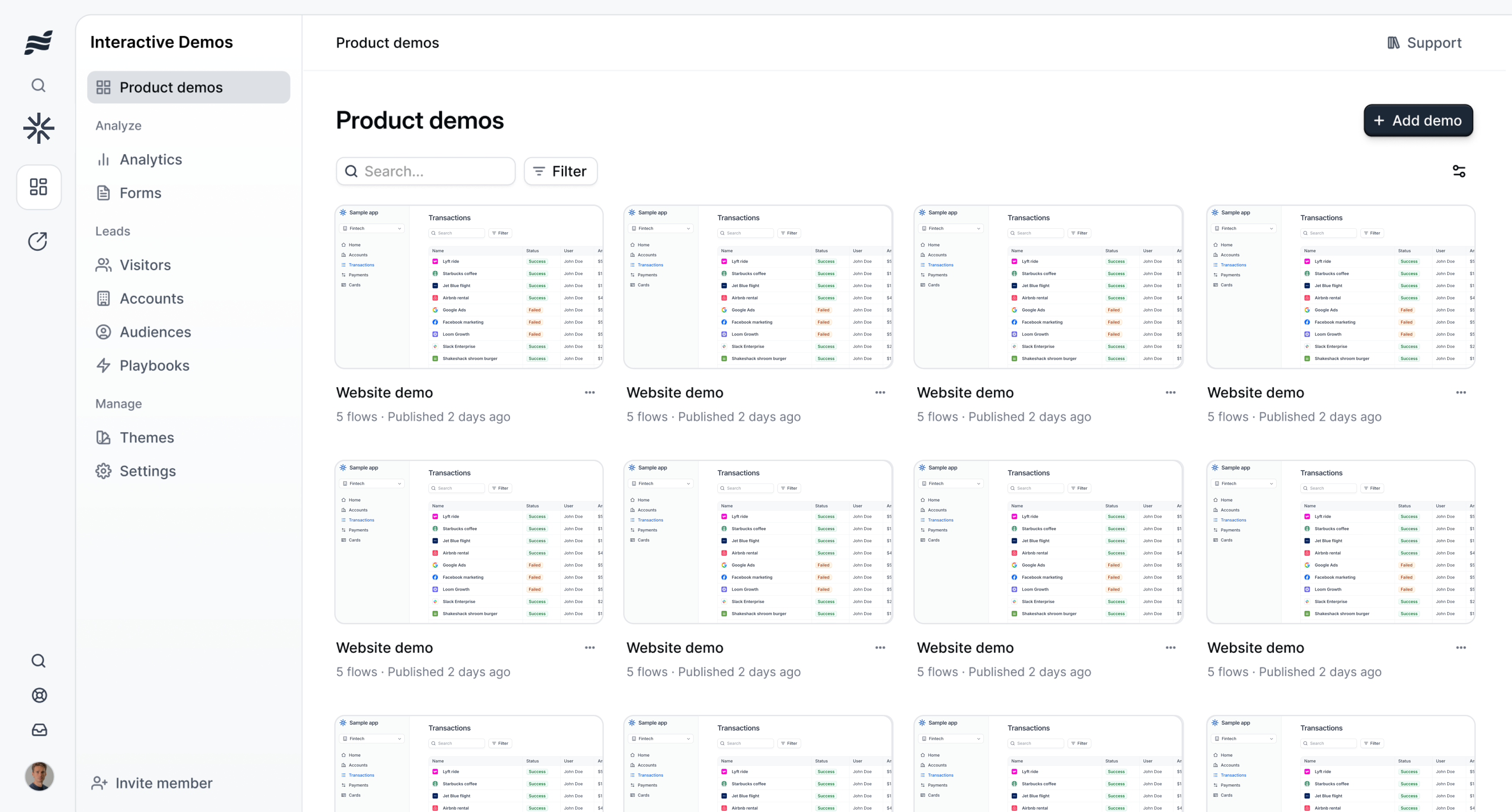
Guideflow's Demo Center (also called Demo Pages in some of its product tiers) lets you organise multiple interactive demos into a browsable library. Prospects can select demos by use case, persona, or feature area, then explore the ones most relevant to them. For marketing teams running content-rich websites, this gives product demos the same organisational structure as a blog or resource centre. Visitors self-serve instead of requesting a sales call.
Integration Depth
Guideflow claims more than 3,000 integrations, connecting demo engagement data to CRM platforms, marketing automation tools, and analytics systems. Demo views, click-through rates, and engagement signals flow into tools like HubSpot, Salesforce, and Marketo. For go-to-market teams that want demo interactions to influence lead scoring and sales outreach prioritisation, the integration coverage is a real asset.
Strong Customer Base
Amplitude, Gorgias, ChartMogul, PandaDoc, Docusign, and Scaleway use Guideflow. That customer list includes public companies and well-funded scale-ups. The breadth of the base suggests the product delivers genuine value for teams that fit the interactive demo use case. A G2 rating of 4.8 out of 5 across roughly 150 reviews backs up the customer satisfaction story.
Five Product Modules in One Platform
Guideflow is not a single-product tool. It offers five distinct modules: Interactive Demo, Sandbox, Live Demo, Mobile Demo, and Demo Pages. The breadth means a team can handle website demos, live sales demo environments, mobile product walkthroughs, and demo landing pages from a single vendor. For organisations that want to consolidate their demo tooling, that range has genuine appeal.
Where Guideflow Falls Short for Video Demos
Guideflow's strengths are real, but so are its limitations. For teams that need video output or that find the pricing jump between Solo and Growth unsustainable, these gaps matter.
No Video Output Whatsoever
Guideflow produces interactive HTML demos. You click through screens in a browser. There is no MP4 export, no video file download, no shareable video link. If you want to put a product demo on YouTube, embed one in a LinkedIn post, include one in a sales deck, or play one on a conference booth screen, Guideflow cannot produce the format those channels require.
This is the fundamental trade-off with every interactive demo tool. The output works in one context (a browser window where someone clicks through at their own pace) and fails in every other context (video platforms, social feeds, email thumbnails, presentation slides, event displays).
No Voiceover or Audio
Interactive demos rely on tooltips and on-screen text. They do not need narration because the viewer controls the pace. But video demos without voiceover do not hold attention. A silent screen recording gets scrolled past. A narrated demo video communicates value in the first ten seconds. Guideflow has no voiceover capabilities, no text-to-speech, and no audio features at all. If you want narrated demos, you need to produce them somewhere else.
No Localisation in 29 Languages
Guideflow supports UI text translation for its interactive demos, but it does not offer voiceover localisation. Teams selling into international markets need demo content in multiple languages, not just translated tooltips but narrated walkthroughs in the local language. Without voiceover, localisation is limited to text overlays that most prospects will not read. Demosmith produces voiceover in 29 languages from a single prompt, each one regenerated in minutes rather than weeks, which is why localization is a core Demosmith use case for teams selling across markets.
Manual Capture Remains a Bottleneck
Guideflow offers three capture methods, but each one is manual. Someone on your team opens the Chrome extension, desktop app, or Figma plugin and clicks through the product screen by screen. When the UI changes, you re-capture the affected screens and update the demos that use them. For a small library of demos, the process is manageable. As your demo library grows across features, personas, and campaigns, the maintenance burden scales linearly. Every product update potentially triggers a cascade of recaptures.
The Solo-to-Growth Pricing Trap
Guideflow's Solo plan is $35 per month. Its Growth plan is $499 per month. That 14x jump is one of the steepest tier transitions in the demo tool category. Teams that start on Solo and find it useful will eventually need features locked behind Growth: more demos, additional team seats, advanced analytics, or sandbox environments. When that moment comes, the monthly bill goes from $35 to $499 with no middle ground. For a startup or mid-market team, that pricing structure forces a hard choice between staying limited or absorbing a sudden cost increase.
The Free tier exists but is constrained enough that most teams outgrow it fast. Advanced at $1,499 per month and Enterprise at $2,999 per month create the same problem at larger scale: big jumps between tiers with nothing in between.
What to Look For in a Guideflow Alternative for Video Demos
If you have decided that Guideflow's lack of video output or its pricing structure does not work for your team, here are the criteria that matter most when evaluating alternatives.
Video as the Primary Output
The alternative should produce downloadable MP4 video as its core format, not as a secondary export bolted onto an interactive demo builder. When video is the primary output, the entire product workflow is optimised for video quality: capture, editing, voiceover, captions, and rendering. Tools that add video export as an afterthought produce inferior video compared to tools built for video from the start.
AI Voiceover with Multi-Language Support
Professional demo videos need narration. The best alternatives generate AI voiceover that sounds natural, synchronises with the visual flow, and supports multiple languages out of the box. If your company sells internationally, the ability to produce a demo in English and regenerate it in German, Japanese, or Brazilian Portuguese without hiring voiceover artists is a significant operational advantage.
Autonomous or Minimal-Effort Capture
The largest time investment in demo creation is the capture step. Whether you record your screen, click through a Chrome extension, or use a desktop app, you are driving the process manually. Modern AI tools reduce or eliminate this step by navigating your product from a URL and a text description. The time savings compound every time your product changes and you need to regenerate demos.
Reasonable Pricing Without Steep Tier Cliffs
Guideflow's 14x jump from Solo to Growth is an extreme example of a common problem. Look for alternatives with gradual tier progression, free trials, and monthly billing. The ability to evaluate a tool before committing budget is standard in 2026. The ability to scale usage without multiplying your monthly spend by fourteen is equally important.
Professional Editing Built In
Raw screen captures are not finished demos. Polished demo videos include transitions, zoom effects, captions, and consistent branding. The right alternative handles these automatically. You should not need to take the output into a separate video editor to make it look professional.
Best Guideflow Alternatives for Product Demo Videos
1. Demosmith -- Best Overall Guideflow Alternative for Video Demos
Demosmith is the most direct alternative for teams leaving Guideflow because of the lack of video output or the pricing gap. It is an AI Demo Agent: a different category of tool from Guideflow. Where Guideflow captures screens via Chrome extension or desktop app and builds interactive click-through tours, Demosmith autonomously navigates your product and produces polished video demos with AI voiceover, professional editing, and brand customisation.
The workflow replaces the capture step and the editing step in one pass. You paste your product URL into Demosmith. You describe the flow you want demonstrated in plain English: "Show how a sales rep creates a new deal, adds a contact, and schedules a follow-up call." The AI agent opens your product in a cloud browser, navigates the flow autonomously, records the screens, and auto-edits the footage with transitions, zoom effects, synchronised captions, and AI voiceover narration.
The output is a polished MP4 video plus a shareable link. Turnaround is roughly 10 minutes. No Chrome extension. No manual clicking. No annual contract.
Where Demosmith beats Guideflow:
- Video output. Every demo Demosmith generates is a purpose-built MP4: professional production quality that works on YouTube, LinkedIn, in sales decks, email sequences, and every other channel where video is the required format. Since September 2026, the same recording can also be compiled into an interactive, clickable walkthrough.
- AI voiceover in 29 languages. Guideflow has no audio capabilities at all. Demosmith generates natural-sounding narration in 29 languages, synchronised to the demo flow. For international teams, one prompt produces one video. Regenerating in another language takes minutes.
- Autonomous capture. No Chrome extension, no desktop app, no manual clicking. Demosmith's AI agent handles the entire capture process from a URL and a text prompt.
- Transparent pricing with no 14x cliffs. Demosmith Starter is $40 per month. Pro is $99 per month. The tier progression is gradual and predictable. Guideflow's jump from $35 to $499 has no equivalent at Demosmith.
- Free trial, no credit card. You can test Demosmith before spending anything. Guideflow's Free tier is limited enough that most teams cannot evaluate whether the product works for their use case without upgrading to Solo or Growth.
- Brand kit auto-applied. Configure your colours, logo, fonts, and intro/outro once. Every video matches your brand identity automatically.
- Lower maintenance burden. When your UI changes, regenerate the demo by running the same prompt. No screen-by-screen recapture. No tooltip repositioning. No manual rebuild.
Pricing: Free trial available. Starter at $40/mo, Pro at $99/mo, Business at $250/mo, Enterprise custom.
Limitations:
- Updated September 2026: Demosmith also compiles interactive demos from its own recordings of your product, so website click-through tours no longer require a separate tool.
- Complex flows involving third-party authentication or multi-service integrations may need a second generation pass or manual guidance.
- Frame-by-frame editing control is more limited than a traditional video editor, though auto-editing is sufficient for most demo use cases.
Best for: Teams leaving Guideflow because they need video output for marketing and sales channels. Especially strong for international teams that need multilingual demos and for teams that want to avoid the 14x pricing cliff between Solo and Growth.
The AI demo video generator category page explains how the agent drives the browser on its own.
Guideflow charges $35 per month for interactive click-throughs and then asks you to jump to $499 per month when you need more. Demosmith charges $40 per month for autonomous video demos built from a URL, with voiceover in 29 languages included. The output format is different, and so is the value equation.
2. Navattic -- Interactive Demos with Stronger Analytics
If your priority is interactive demos rather than video, Navattic competes directly with Guideflow in the interactive demo space and brings stronger analytics to the table. Navattic uses HTML capture that clones your application's front-end code, creating near-perfect replicas where form fields are editable, dropdowns work, and the experience feels close to using the real product.
Navattic's analytics are among the best in the interactive demo category. The platform tracks granular engagement data: which screens prospects view, where they drop off, how long they spend on each step, and which paths they follow through branching demos. For sales teams that want to use demo engagement as a buying signal, Navattic provides more depth than Guideflow's analytics module.
Pricing: Starter at $40/mo. Growth at $200/mo. Enterprise custom.
Where Navattic beats Guideflow:
- HTML capture produces more authentic interactive experiences than screenshot-based tours.
- Analytics are deeper and more granular, with stronger buying signal capabilities.
- Pricing progression is more gradual: $40 to $200 rather than $35 to $499.
- Stronger market position and more mature platform in the interactive demo category.
Limitations:
- Still interactive-only output. No video, no voiceover, no MP4 export.
- Manual Chrome extension capture required for every demo.
- Starting price matches Guideflow's Solo, though the tier jump is far less steep.
Best for: Teams that specifically need interactive demos with deeper analytics than Guideflow offers. Not a video demo tool.
3. Storylane -- Lower-Priced Interactive Demos
Storylane competes directly with Guideflow on interactive demos at a lower price point. It offers Chrome extension capture, guided product tours, AI-generated annotations, and CRM integrations. Storylane's HTML capture on the Growth plan clones your application's front-end, creating interactive experiences where form fields and dropdowns work as they do in the real product.
The platform supports branching logic, letting you create persona-specific demo paths where a prospect who selects "marketing" sees a different flow than one who selects "engineering." The AI annotation feature speeds up tour creation by generating step descriptions based on the captured screens.
Pricing: Free tier available. Starter at $40/mo. Growth at $500/mo. Enterprise custom.
Where Storylane beats Guideflow:
- Free tier for evaluation, which Guideflow's constrained Free plan does not match.
- HTML capture on the Growth plan creates more authentic interactive experiences.
- Larger user base and more mature platform in the interactive demo category.
- Monthly billing available on lower tiers.
Limitations:
- Still interactive-only output. No video, no voiceover, no MP4 export.
- Manual Chrome extension capture required for every demo.
- HTML capture locked behind the $500/mo Growth plan.
Best for: Teams that need interactive demos at a competitive price, with a genuine free tier for evaluation. Not a video demo tool.
4. Arcade -- Interactive Demos with Video Export
Arcade occupies useful middle ground between interactive and video output. Like Guideflow, it is primarily an interactive demo builder with Chrome extension capture and guided walkthroughs. Unlike Guideflow, Arcade has invested in video export as a secondary output format and offers a functional free plan.
The video export gives Arcade a flexibility that Guideflow lacks entirely. You build an interactive demo and can export it as a video file for channels where the interactive format does not work. The exported video is a recording of the interactive experience rather than a purpose-built video, so it lacks professional editing and narration. But it covers basic video needs that Guideflow cannot address at all.
Arcade also offers branching paths, where prospects select their role and see a tailored demo experience. For teams building persona-specific product tours, this is a practical feature that Guideflow's five-module approach handles differently but does not replicate as cleanly.
Pricing: Free plan available. Pro at $32/mo per user. Team and Enterprise tiers available.
Where Arcade beats Guideflow:
- Free plan and $32/user/mo entry point vs Guideflow's constrained Free tier and $35 Solo plan.
- Video export provides distribution flexibility that Guideflow does not offer at all.
- Branching paths for persona-specific demos are more flexible than Guideflow's linear walkthroughs.
- Per-user pricing means costs scale with actual team usage rather than jumping 14x between tiers.
Limitations:
- Video export is secondary. The output is a recording of the interactive experience, not a purpose-built video with cinematic editing.
- No AI voiceover. Exported videos are silent unless you add audio externally.
- Per-user pricing means costs scale with team size.
- Manual Chrome extension capture required.
Best for: Teams that need interactive demos with occasional video export, at a fraction of Guideflow's Growth pricing.
Guideflow vs Alternatives: When Interactive Click-Throughs Are Not Enough
The Guideflow alternative you choose depends on what format your distribution channels actually require. Interactive demos and video demos are not interchangeable. They serve different audiences, different channels, and different moments in the buyer journey. For a deeper analysis of when to use interactive demos versus video demos, we cover the decision framework separately.
When Interactive Demos Win
Interactive demos perform best when the viewer has intent and attention. A prospect on your website clicks "See the product" and wants to explore at their own pace. A buyer in a nurture sequence clicks through a guided tour that covers the specific feature they asked about. A customer success team embeds step-by-step walkthroughs in a help centre.
In these contexts, the click-through format is a strength. The viewer controls the pace. They skip sections that do not apply. They go deep on the parts that matter. Guideflow, Navattic, Storylane, and Arcade all serve this use case well.
When Video Demos Win
Video demos are essential for every context where the viewer is passive, where they are watching rather than clicking:
- YouTube and video SEO. You cannot upload an interactive tour to YouTube.
- Social media. Native video posts on LinkedIn and Twitter get dramatically higher engagement than links to external interactive demos.
- Sales emails and outreach. A video thumbnail in an email gets significantly more clicks than a text link to a tour.
- Sales decks and presentations. A polished demo video plays within Google Slides or PowerPoint. An interactive tour breaks the presentation flow.
- Conference booths and events. Screens at trade shows play video on loop.
- Paid advertising. Video ads on LinkedIn, YouTube, and Meta all require video.
In all of these contexts, interactive demos either do not work at all or work poorly compared to video. If these channels matter to your go-to-market motion, you need a video tool.
The Practical Approach: Use Both
The most effective teams use interactive demos for on-site exploration and video demos for every other channel. Navattic or Storylane for website embeds. Demosmith for YouTube, social, email, sales decks, and events. The combined cost of Storylane Starter ($40/mo) plus Demosmith Starter ($40/mo) is $80 per month, which is less than Guideflow's Growth plan alone, and it covers interactive and video output.
Guideflow vs Alternatives: Side-by-Side Comparison
Here is how Guideflow stacks up against the best alternatives across the dimensions that matter most:
| Feature | Guideflow | Demosmith | Navattic | Storylane | Arcade |
|---|---|---|---|---|---|
| Primary Output | Interactive HTML demos | MP4 video + shareable link | Interactive HTML tours | Interactive click-through | Interactive + optional video |
| Video Export | No | Yes, primary output | No | No | Yes, secondary |
| AI Voiceover | No | Yes, 29 languages | No | No | No |
| Autonomous Capture | No, manual capture | Yes, AI agent navigates | No, Chrome extension | No, Chrome extension | No, Chrome extension |
| Free Plan or Trial | Limited Free tier | Free trial, no credit card | Free tier available | Free tier available | Free plan available |
| Starting Price | $35/mo (Solo) | $40/mo (Starter) | $40/mo (Starter) | $40/mo (Starter) | $32/user/mo (Pro) |
| Largest Tier Jump | 14x (Solo to Growth) | Gradual progression | 5x (Starter to Growth) | 12.5x (Starter to Growth) | Per-user scaling |
| Multi-Language | UI text only | 29 languages with voiceover | UI text only | UI text only | Limited |
| Best For | Interactive demos with five modules | Video demos for all channels | Interactive demos with deep analytics | Website-embedded interactive tours | Interactive + occasional video |
Conclusion: Choosing the Right Guideflow Alternative
Guideflow has built a capable interactive demo platform. The five-product module approach covers a wide range of demo use cases. The Chrome extension, desktop app, and Figma plugin give teams flexibility in how they capture screens. The Demo Center provides a sensible way to organise demos for self-serve prospects. And the customer base, including Amplitude, Gorgias, and PandaDoc, speaks to the product's genuine value in the interactive demo category.
But the lack of video output is a hard ceiling. Guideflow cannot produce content for YouTube, social media, sales decks, email outreach, or conference displays. It has no voiceover capabilities. It offers no multi-language narration. And the 14x pricing jump from Solo to Growth forces teams into a corner when they outgrow the entry tier.
Demosmith fills the video gap. Its AI Demo Agent produces polished demo videos from a URL and a text prompt, with voiceover in 29 languages, professional editing, and brand customisation. The Starter plan costs $40 per month. There is a free trial with no credit card required. No annual contract. No 14x pricing cliffs.
For teams that need interactive demos alongside video, the most cost-effective approach is to pair an affordable interactive tool (Navattic at $40/mo or Storylane at $40/mo) with Demosmith for video ($40/mo). That gives you interactive demos for your website and video demos for every other channel, at a combined cost of $80 per month, less than one-sixth of Guideflow's Growth plan.
The question is not whether Guideflow's interactive demos are well built. They are. The question is whether a tool that produces only interactive HTML demos, with no video, no voiceover, and a 14x pricing cliff between tiers, is the right platform bet when alternatives cover the video side of demo creation for $40 per month.
Key Takeaways
- Guideflow produces interactive HTML demos only. There is no video output, no voiceover, no MP4 export, and no multi-language narration. For teams that need video demos for marketing and sales channels, it is the wrong category of tool.
- The 14x pricing jump from Solo ($35/mo) to Growth ($499/mo) is one of the steepest tier transitions in the demo tool market. Teams that outgrow Solo face a hard choice between staying limited and absorbing a sudden cost increase.
- Demosmith is the strongest alternative for video output. Its AI Demo Agent produces polished demo videos autonomously from a URL, with voiceover in 29 languages, starting at $40 per month. Free trial, no credit card, no annual commitment.
- Navattic offers stronger analytics than Guideflow in the interactive demo space, with more gradual pricing progression and HTML capture for more authentic product experiences.
- Arcade provides video export that Guideflow lacks entirely, plus branching paths for persona-specific demos, at a competitive per-user price.
- The most cost-effective setup for most teams is an interactive tool plus a video tool. Storylane Starter ($40/mo) plus Demosmith Starter ($40/mo) covers the two formats for $80 per month total, less than one-sixth of Guideflow Growth.